In this thread, we have compiled various tips about plugins, found across our vibrant community forums.
Index of tips
.
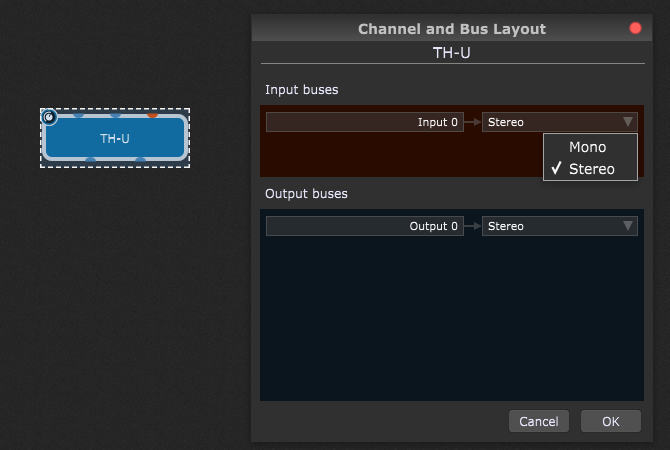
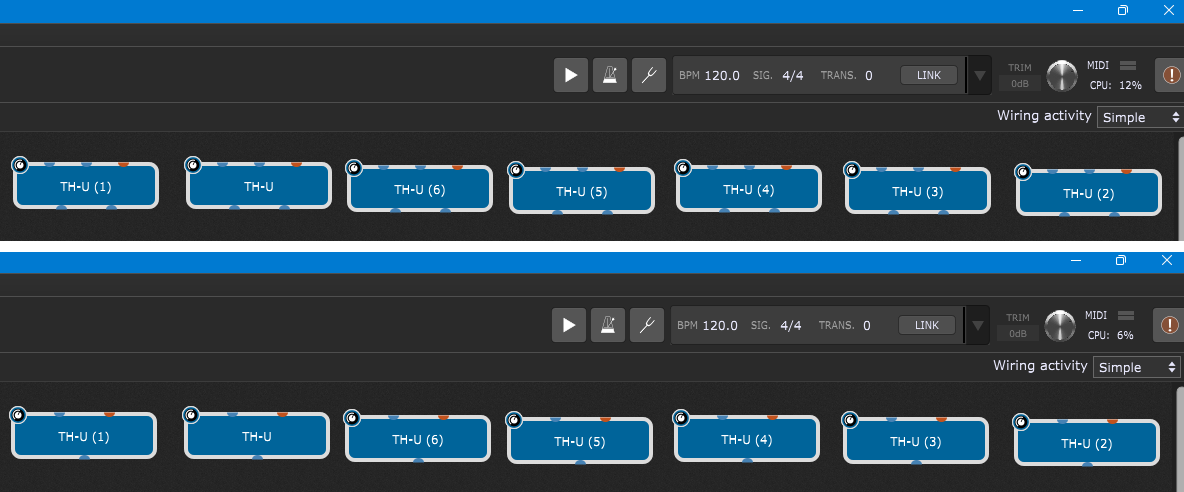
[1] MIDI Guitar and AU version → LINK [2] Use host automation instead of sending MIDI directly and how to activate it → LINK [3] Disable usage data, data tracking, reporting and telemetry → LINK [4] Concerned about the latency of your plugins? → Zero-latency plugins list [5] How to overcome the low end range restriction of MIDI Guitar → Easy! [6] Don’t mix plugin formats from the same company → Click here to learn why [7] Bus Layout Matters: Mono vs Stereo CPU performance → LINK [8] How to save a ton of memory in Kontakt → LINK [9] Amplitube and widget scaling → LINK
An important piece of information regarding the usage of MIDI Guitar and Gig Performer on macOS.
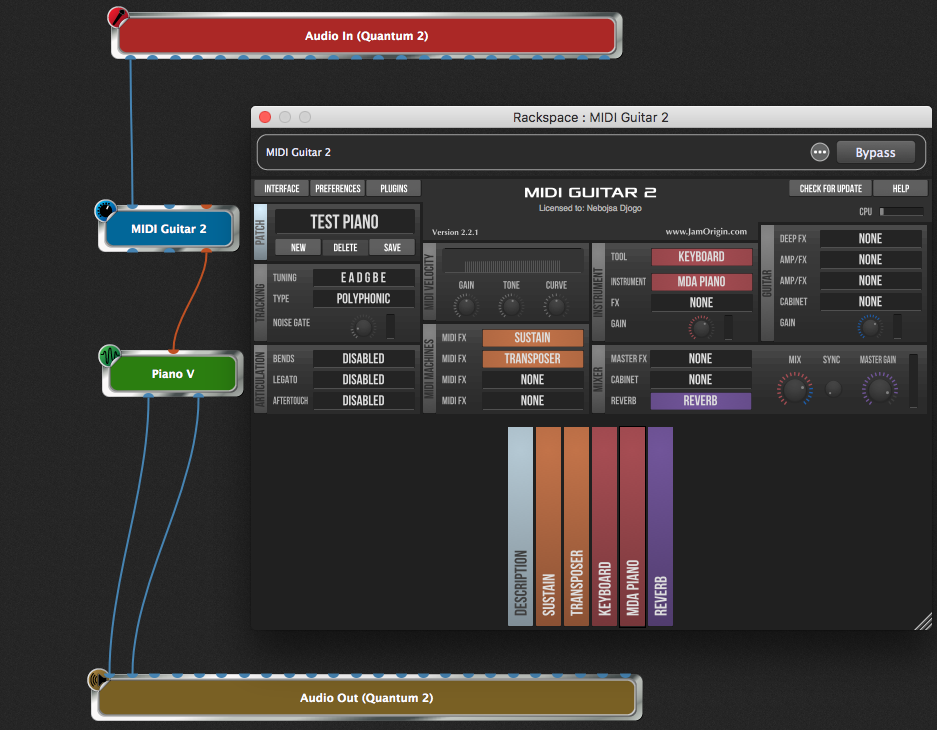
The VST version works as expected. You insert it into your rackspace, connect your guitar to its audio input channel and your MIDI data comes out of its MIDI port. You can of course do this in as many rackspaces as you want.
However, the AU version does not produce MIDI on the MIDI out channel. Instead, it creates a new virtual MIDI Output port and you will then need to create a corresponding MIDI In Block to receive MIDI from the MIDI Guitar plugin. Doable but rather extra unnecessary work.
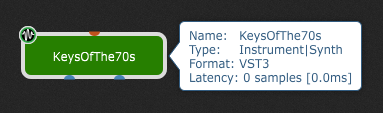
In short, prefer the VST version over the AU version.
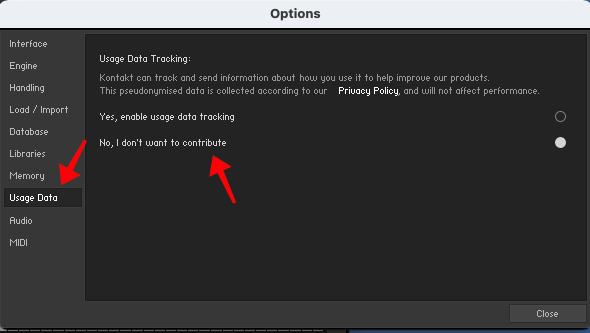
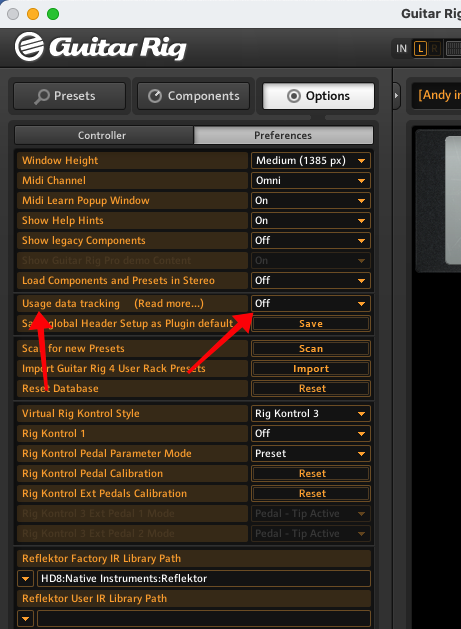
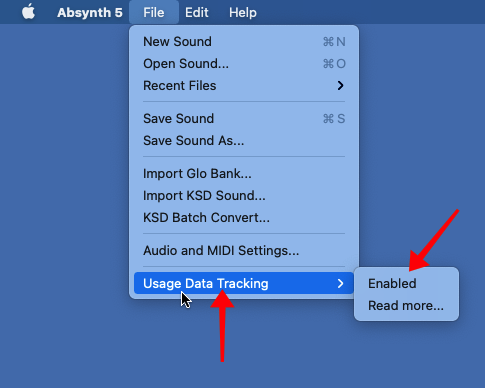
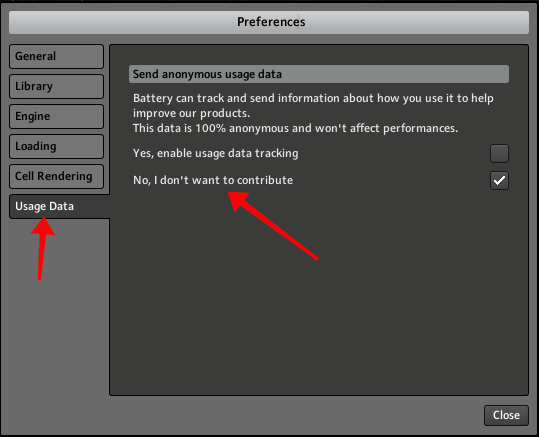
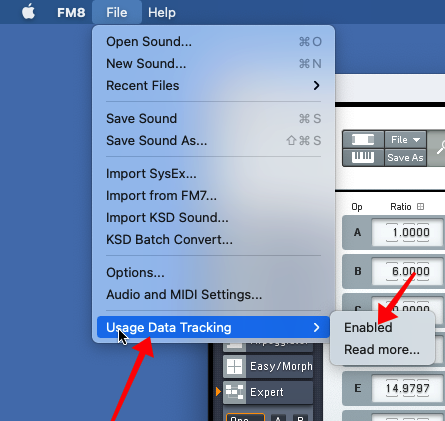
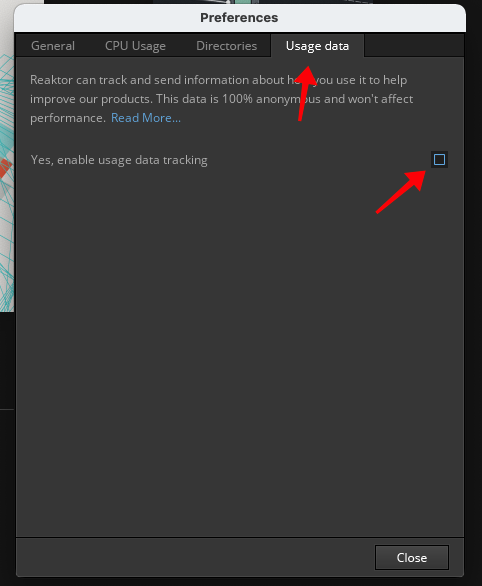
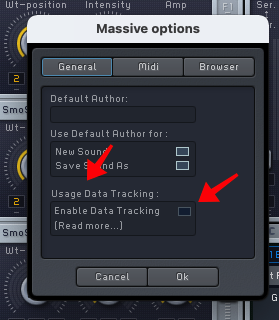
Disable usage data, data tracking, reporting and telemetry
.
Various usage tracking options can significantly increase the CPU usage of your computer.
A few Gig Performer users have reported a problem where, after loading a gig file, the cooling fans turn on, their computer gets hot and the Activity Monitor/Task Manager indicate that Gig Performer is using a huge amount of CPU cycles.
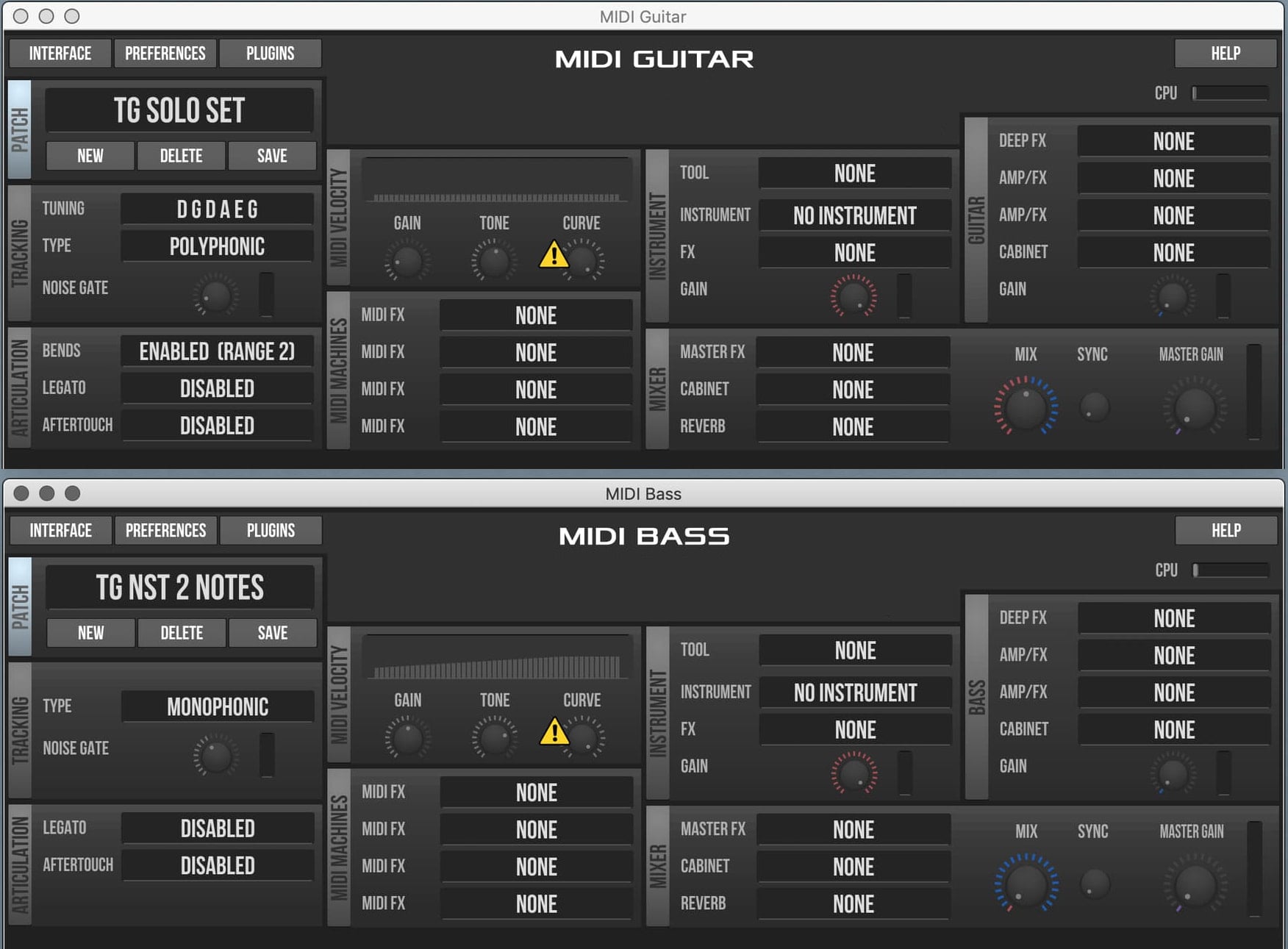
I use a guitar tuning that puts the low string at C1 (MIDI note 36). MIDI Guitar only reacts to notes down to D1, so I am losing the 2 lowest notes of my range.
For a long time, I just put up with it.
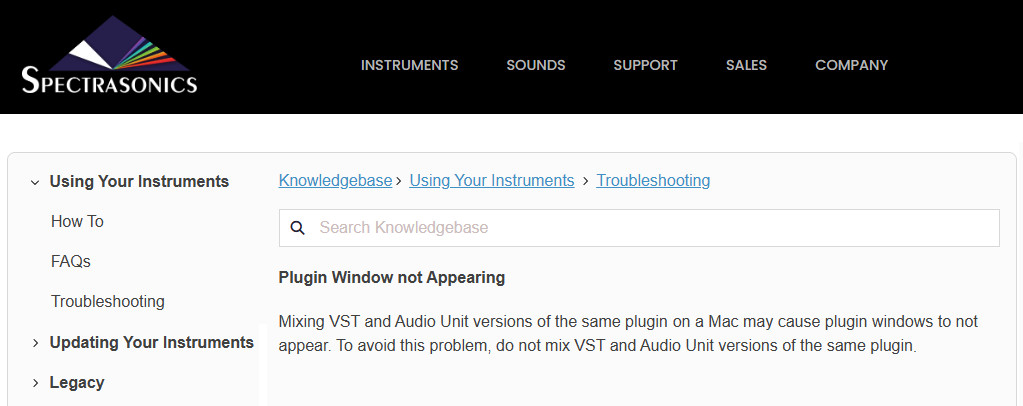
Mixing plugin formats commonly leads to frozen user interfaces, missing plugin windows or wrong layouts, or crashes.
This is what Gig Performer developers have observed as well. Read this article on our blog to get insights on how the path of troubleshooting issues goes! Kudos to our developers!!!
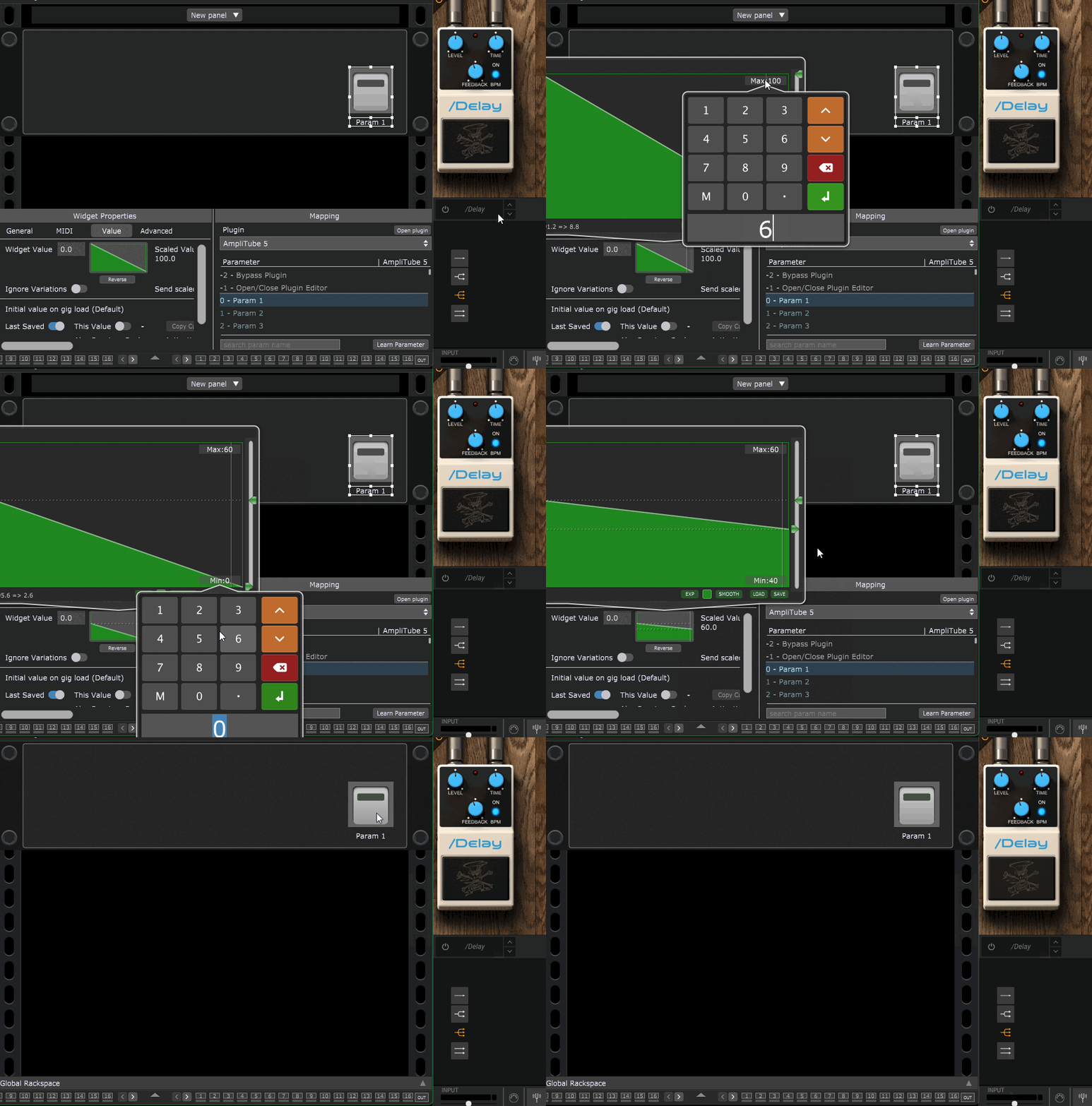
If you’ve ever tried to assign either automation or MIDI to things like the Bypass of individual components (pedals, amps, cabs etc.) inside Amplitube and then mapped those to “On/Off” widgets (LED button, switch etc.), you’ve noticed how they don’t seem to work quite right.
This is because the On/Off values for those widgets (127 and 0) are outside the range of what Amplitube considers on and off values ---- for whatever reason. Very odd, I know.
The solution: scale the values of those widgets to a Max of 60 and Min of 40.
These values will trigger the controls inside Amplitube properly.