OK - I read briefly through this LONG conversation and I think there is some serious confusion as to how one controls SampleTank
-
Forget about trying to use MIDI directly — you should be using host automation and widgets - be aware however that SampleTank is a bit buggy (sigh)
-
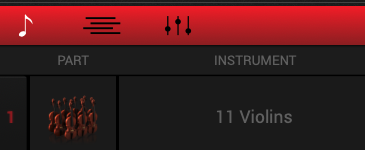
Insert an instrument into SampleTank - I just randomly inserted Violins
-
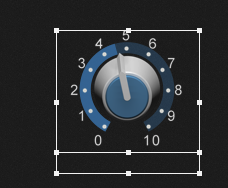
Drop a widget into a panel
-
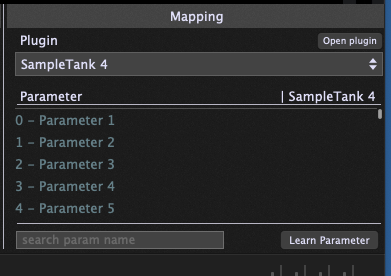
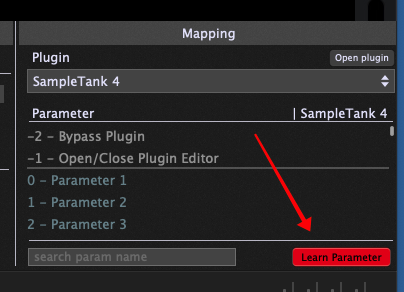
With the widget selected, select the SampleTank 4 plugin from the Mapping window. You’ll see a list of words - on my system they’re just Parameter 1, Parameter 2, … etc.
-
In SampleTank, switch to the parameter view by clicking on the little waveform graph at the bottom left

-
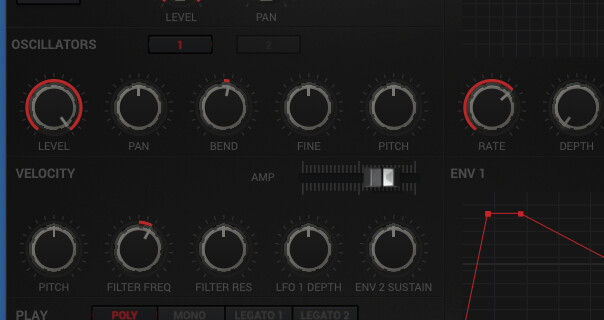
Now you should see all the parameters - here’s just a partial screenshot
-
Back in Gig Performer, click on the Learn Parameter at the bottom right of the Mapping view so that it turns red
-
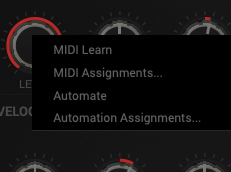
Right-click on one of the parameters (I just picked the LEVEL) and a popup menu will appear (I hate this dark mode, you can barely see anything)
-
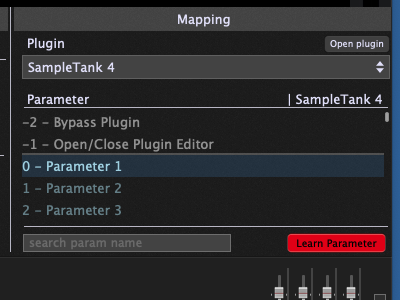
Click on the Automate menu item and immediately you will see that the first parameter in the mapping list has been highlighted and selected
-
Click the Learn Parameter button to turn it off (it should no longer be red
-
Get out of edit mode in Gig Performer (the widget should no longer be selected
-
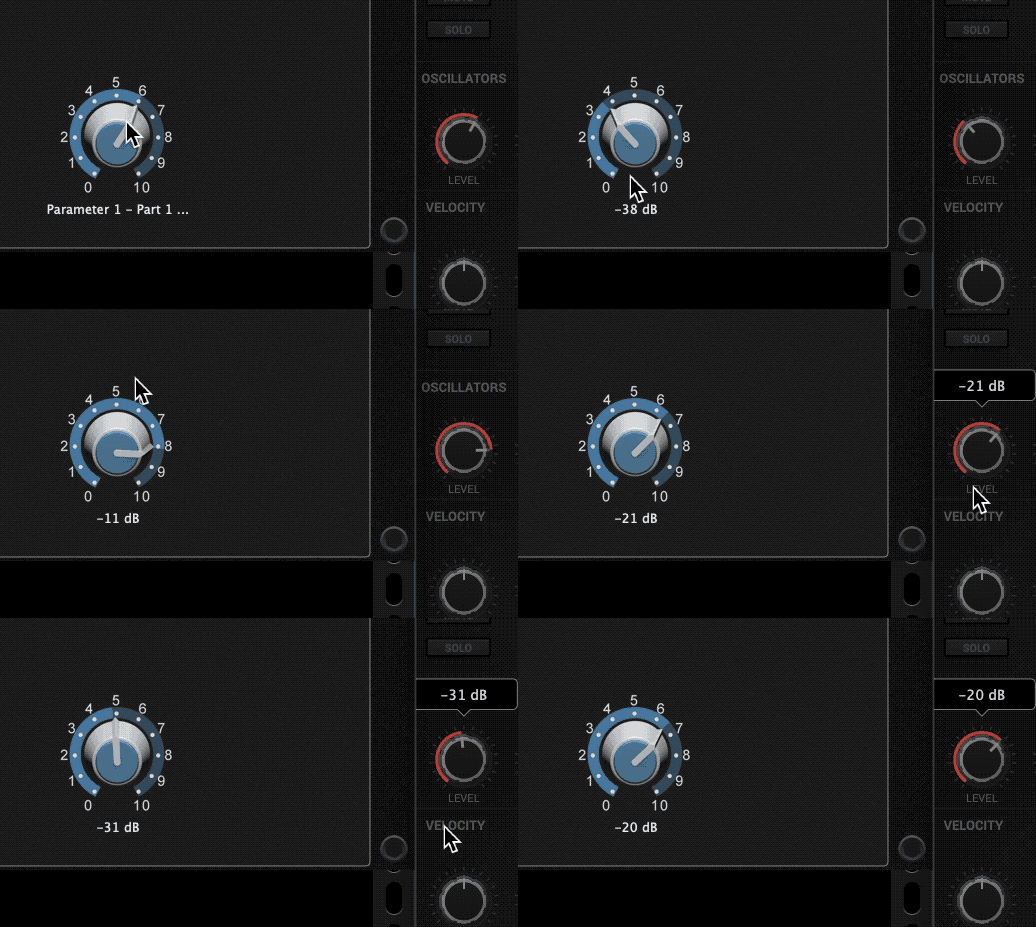
Now, if you move the widget, you will see the parameter in SampleTank move as well (and vice versa)
-
Finally, you can go into edit mode again, select the widget and go to the MIDI tab. There you can click on Learn and and assign a CC message from your controller. Then when you send CC messages in, the widget will turn and consequently the parameter will change