Painful Sequoia 15.2 update on an older Intel Mac → LINK
At some point, the law of diminishing returns becomes a factor and although newer plugins may improve previous ones, unless there is a really dramatic difference, I couldn’t be bothered. → LINK, LINK2
Some Windows updates can be rolled back the first 10 days after the update. You need to do this from the Settings app → LINK
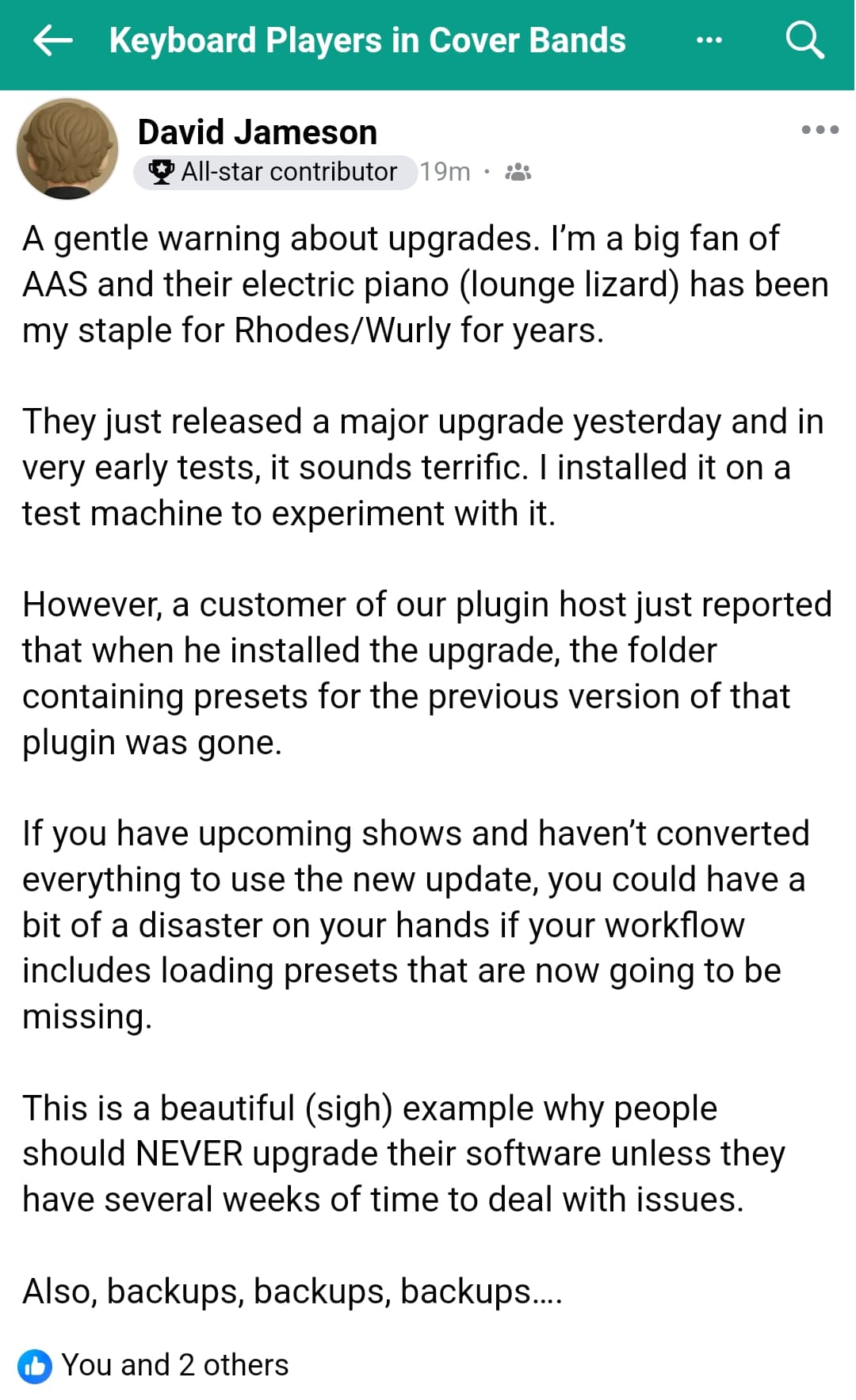
After macOS 15.2 update, plugin presets are missing → LINK
Lost all of my MIDI mappings after Windows 11 update → LINK
My iPad updated a few days ago and the update turned off the Bome Network “run in the background” option. Took me an hour or two to discover it → LINK
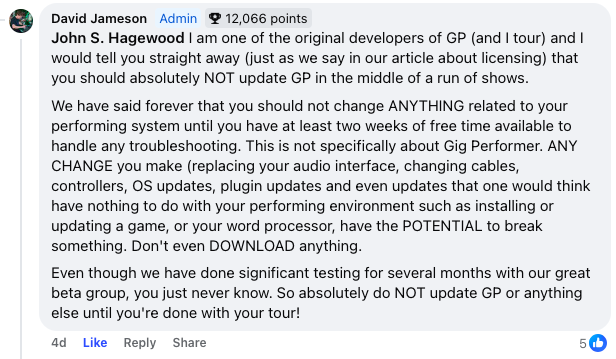
Unless it’s broken, don’t upgrade! Seriously. I’m still running my live performance host on a 10.14 machine from 2019 and I have not updated any of the plugins I’m using on it in years. → LINK
→ the ON/OFF parameter control no longer works properly with these plugins.
If you assign the FX1 enable parameter to a button, for example, you can switch the effect on or off once. After that it no longer works.
With the previous versions it still worked correctly.
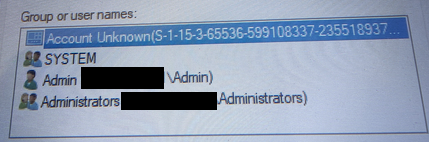
This guy just reverted to the previous Windows build. It caused permissions issues and therefore Gig Performer acted strange on reading/saving settings.
I should have noted that I got several meaningless error messages that I had to click through, relating to the folders on my C: drive (the one with bogus user account) being in use. Since the bogus account was only attached to the C: drive main folder, no harm, no foul. It was removed following the advice in the linked post.
Thanks. Yes, I got burned recently when an Arturia update made Solina V complete SUCK ALL CPU available on my version of Sonoma, and it torpedoed a Pink Floyd tribute rehearsal until I could figure out which plug in was doing it! Bleeding edges do make one bleed, I suppose
If you upgrade to Tracktion Collective 2 and you still have v1 installed a weird situation will happen!
Namely, the developers named the v2 plugin internally as the same name as v1.
→ So, when you try to add the plugin in the Wiring view, it simply doesn’t instantiate or appear.
(Presumably due to the naming clash.)
Solution: Disable v1 in the Plugin Manager. After you disable v1, then v2 will be able to load.
Microsoft has acknowledged in a support article that major Windows 11 core features including the Start Menu, Taskbar, File Explorer and System Settings break after applying monthly cumulative updates released on or after July 2025.
The problems stem from XAML component issues that affect updates beginning with July’s Patch Tuesday release (KB5062553).
The failures occur during first-time user logins after cumulative updates are applied and on non-persistent OS installations like virtual desktop infrastructure setups. Microsoft lists Explorer.exe crashes, shellhost.exe crashes, StartMenuExperienceHost failures and System Settings that silently refuse to launch among the symptoms.
The company provided PowerShell commands and batch scripts as temporary workarounds that re-register the affected packages. Both Windows 11 versions 24H2 and 25H2 share the same codebase and are affected.
Microsoft said it is working on a fix but did not provide a timeline.
Thanks for the information.
At least on my Office-PC I’m on Linux since last weekend.
My music laptop will still stay on Windows… but who knows, maybe one day, when I can’t stand that MS-behavior anymore, I will sell my soul to Apple.
I absolutely hate where that Windows journey is going to…