Tip:
Keep both your license key and e-mail used for activating Gig Performer in a password manager or a textual file on your desktop to avoid last minute emergencies.
–
Background:
Some people:
- use different e-mail addresses for different purposes
- or their band manager bought them a license
- or license is bought through a company with a business e-mail
- or their wife bought them a license (!!!)
… so we (not frequently) receive tickets stating “the license doesn’t work”, “their license expired”, etc. and they did a computer update just before a show so “urgent”, “urgent”.
They know their e-mail address, but can’t remember the license key, or they know the license key but the e-mail is wrong.
–
Solution:
As always, don’t update at least two weeks before your show (it can cause you many troubles in general) and keep your license info very accessible.
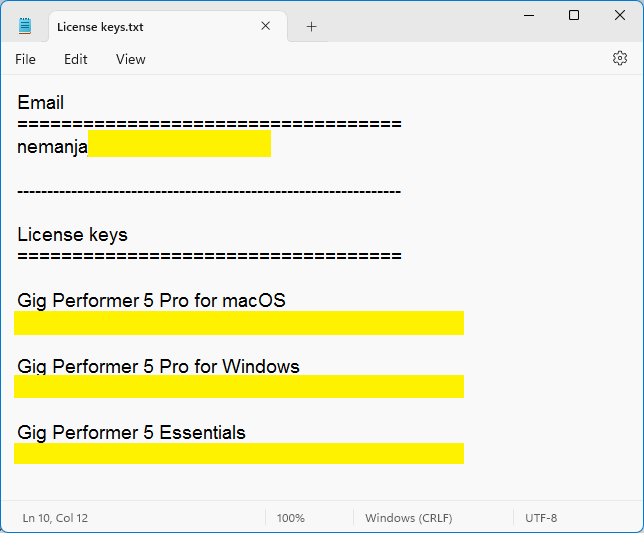
Even a small textual file on your desktop will do the trick.

