I have seen some videos to use next/previous rackspace command to do this stuff.
But my use case is different:
I have 3 rackspaces setup with different sounds. (the rackspace can be more than 3)
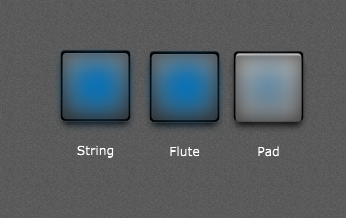
Then I am setting up 3 button widgets on the global rackspace to jump to each of the rackspace with the help of System Actions internal plugin on the global wiring.
When i click on String widget it should jump to the String Rackspace.
When i click on Pad widget it should jump to the Pad Rackspace.
When i click on Flute widget it should jump to the Flute Rackspace.
(It can randomly go in many order in the live session)
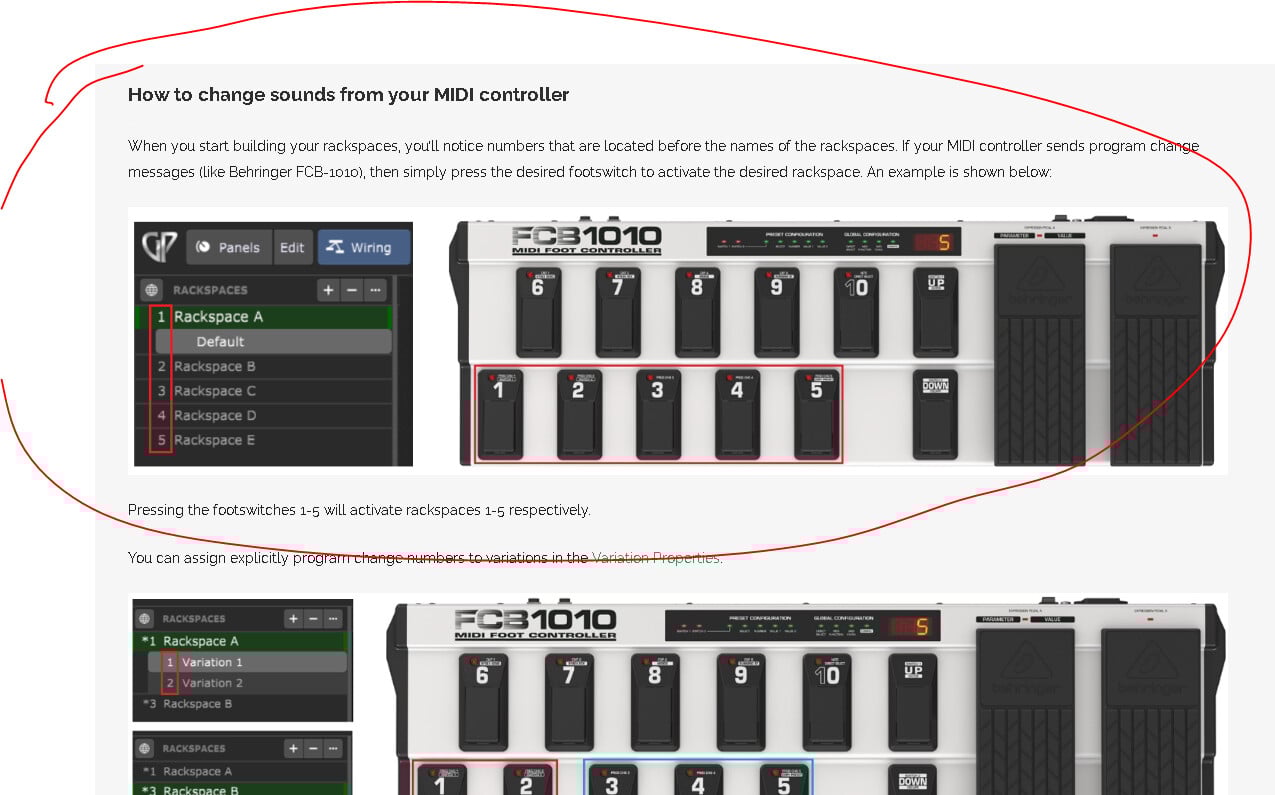
I have seen this article.
This too have mentions about next/previous option to change rackspace.
Another option they specified is via an external controller, which I don’t have.
Great am looking into this one now, but looks my project is crashing after putting the Streaming Audio File Player. This is the 2nd time while trying to set the scaled value, its freezing…
1st time i killed the process and reopened it
I have seen that kind of screen before 3 or 4 times, and i have sent the crash report.
This time its not exiting the GP window and showing that dialog. Instead its in a freezed state, the loading cursor is going on for almost 2 minutes now.
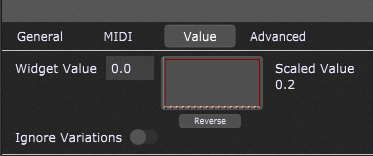
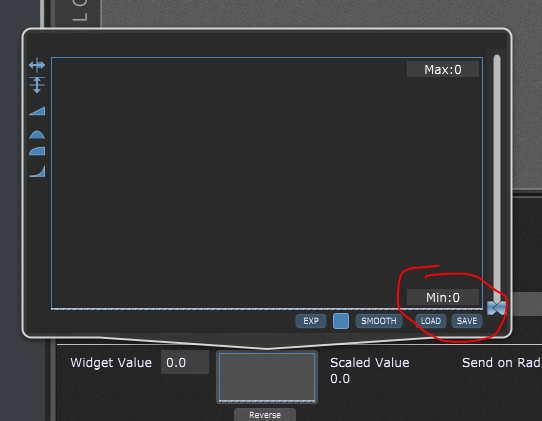
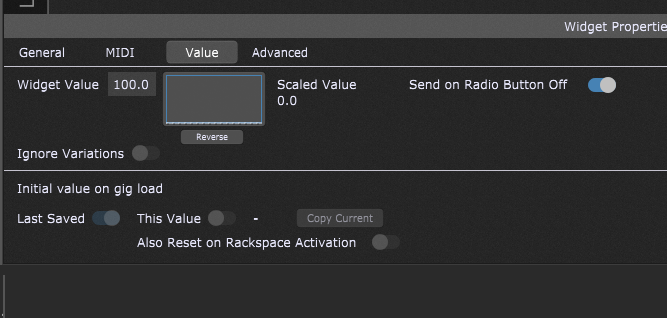
Its happening when am setting the Scaled Value as per your instruction.
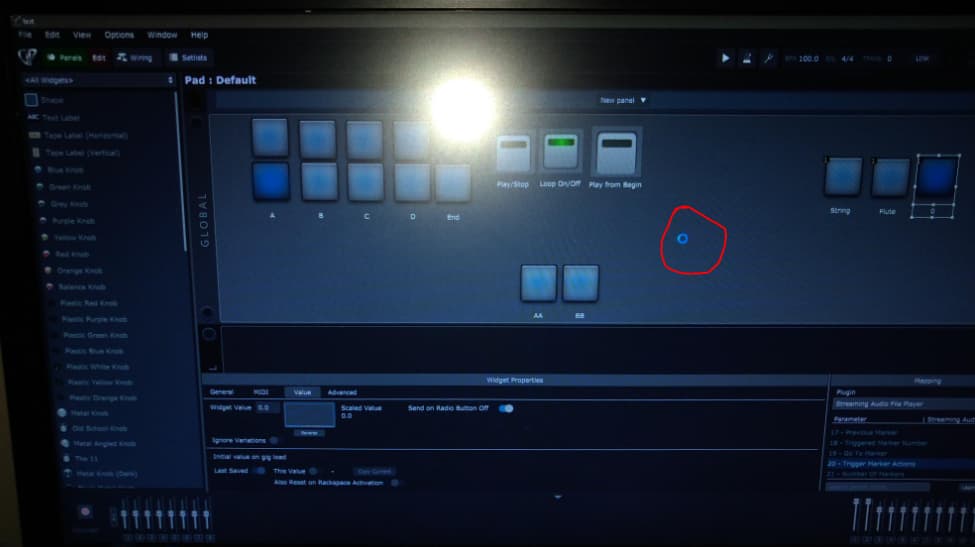
The cursor is not getting captured on the screen shot.
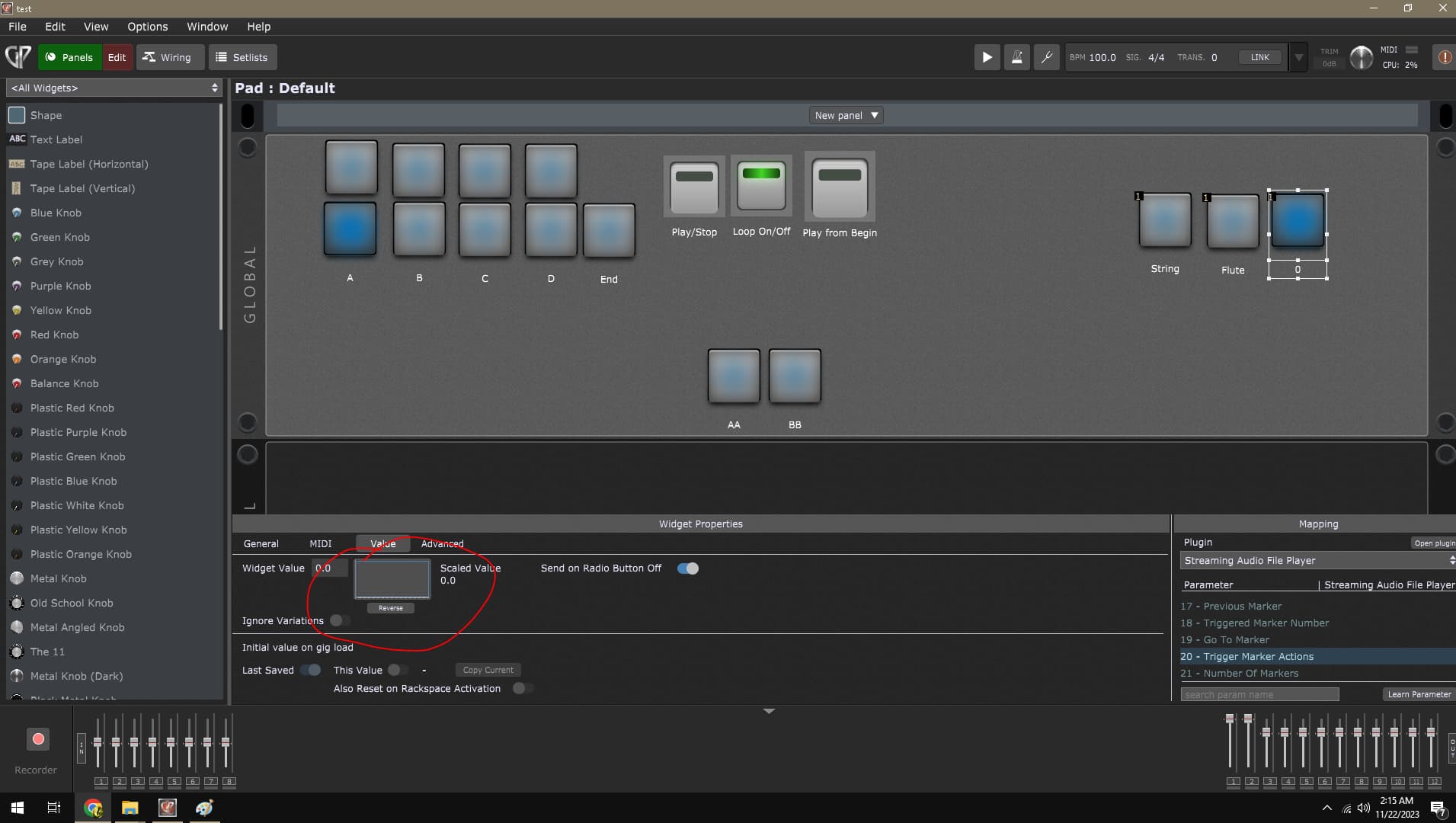
The area in the red marking is the one i was trying to update.
Its still having the loading icon going on…
I set String and Flute, but Pad is not setting to 0.2, am not sure why.
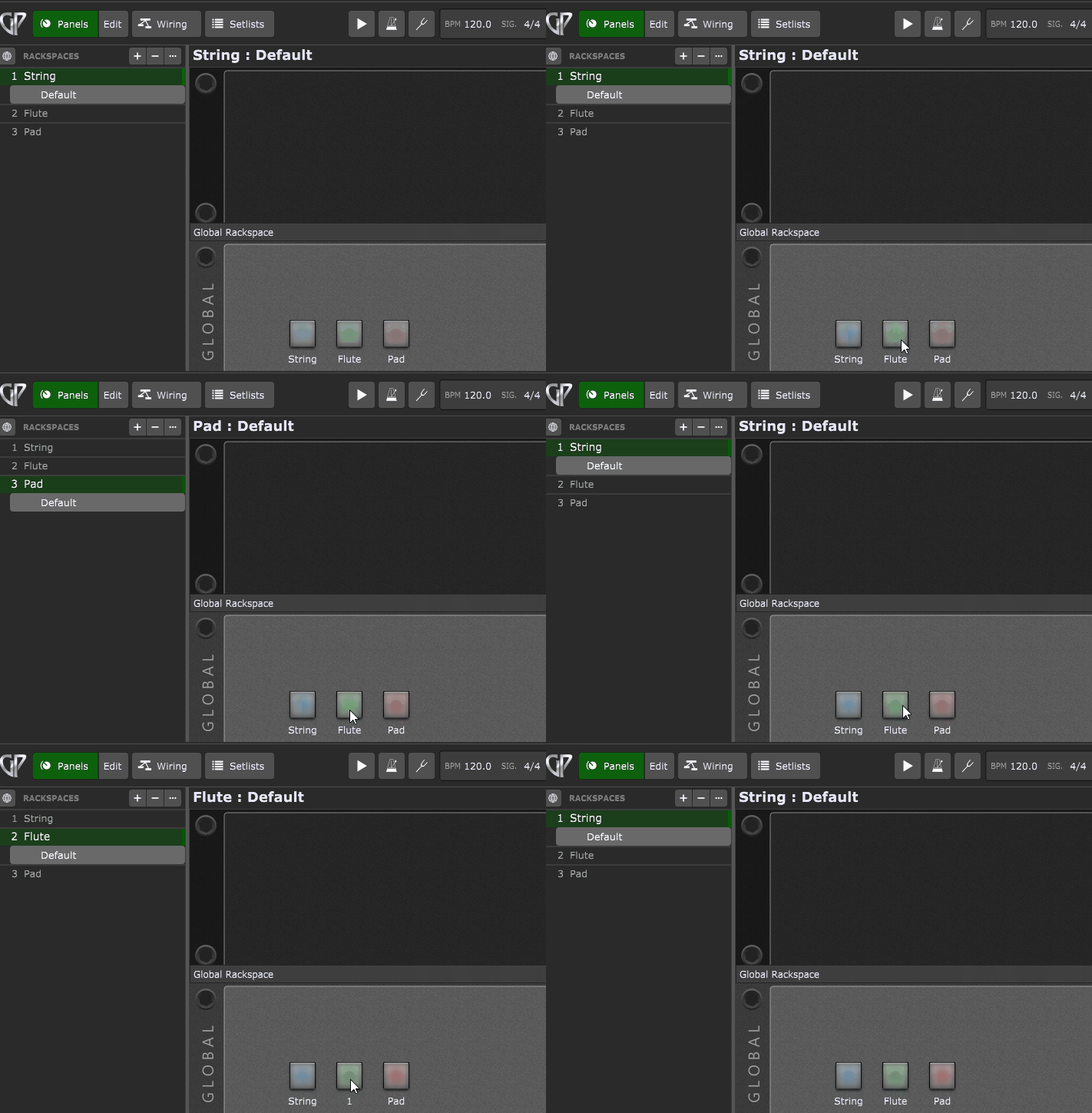
Also thought to just test String and Flute by exiting the edit view.
When i pressed the String its freezing again…
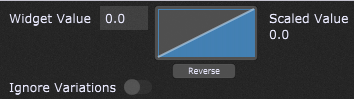
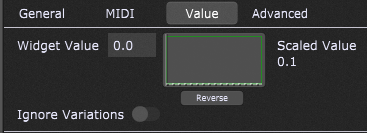
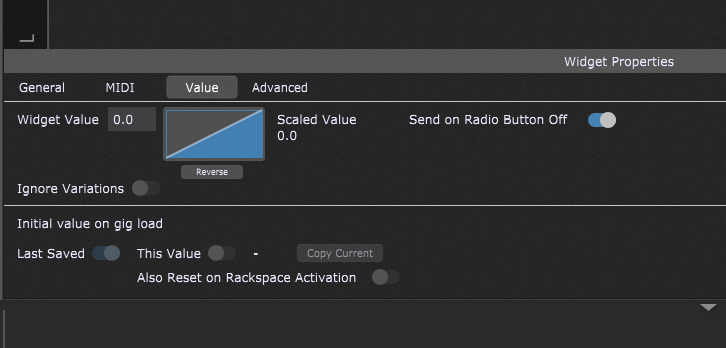
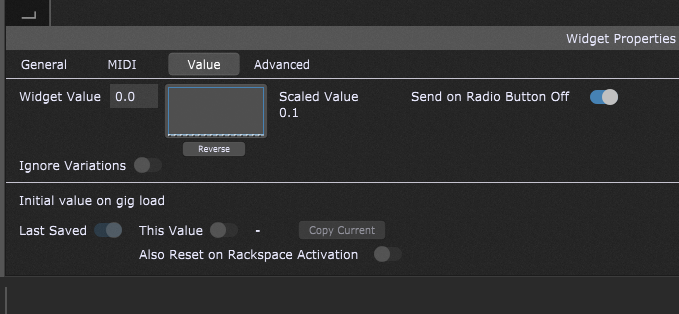
This is the String settings in there (I had to exit and reopen to get this screen shot)
I created a new project and just did the Streaming Audio Player Stuff and this time it didn’t cause the project to crash. But the while setting the scaling value i occasionally faced the viewer getting closed and going to other place.
The old project had some of my testings am doing from yesterday onwards and may be something in it was causing it to interfere with Streaming Audio player.
Can you explain me little bit about the scaling stuff?
What is the difference between widget value and scaled value?
What is exactly doing the switching of racks, widget value or scaling value?
I think setting the 3 widgets to Radio Group 1 is causing the freezing issue.
In the new project i forgot to put the widgets in the Radio Group 1 and i didn’t see any issue. Once i put that to the radio group 1, i started to see it freezing.
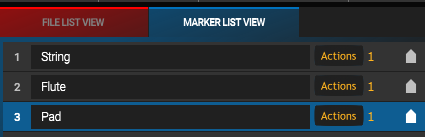
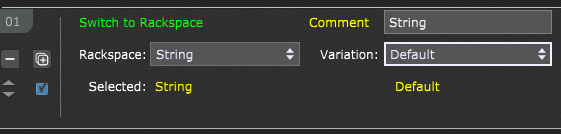
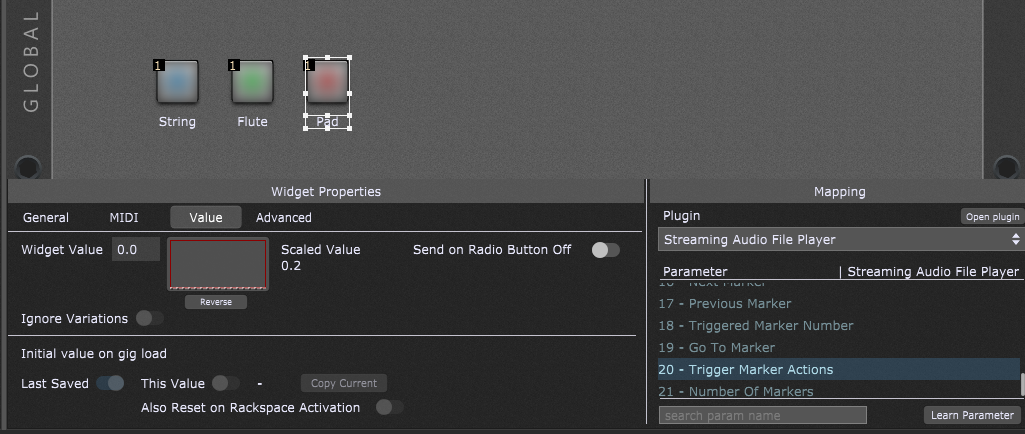
 )
)