Hi,
i worked with Numa Player for a while and changed now to GigPerfomer5
When i use the numa player an try to lern the volume, numa opens but nothing happens.
Seems that alle controls couldn’t be regocnized.
Any other plugin woks well for this.
Is there any secret to use panel widgets for numa player?
thanks for any idea
torsten
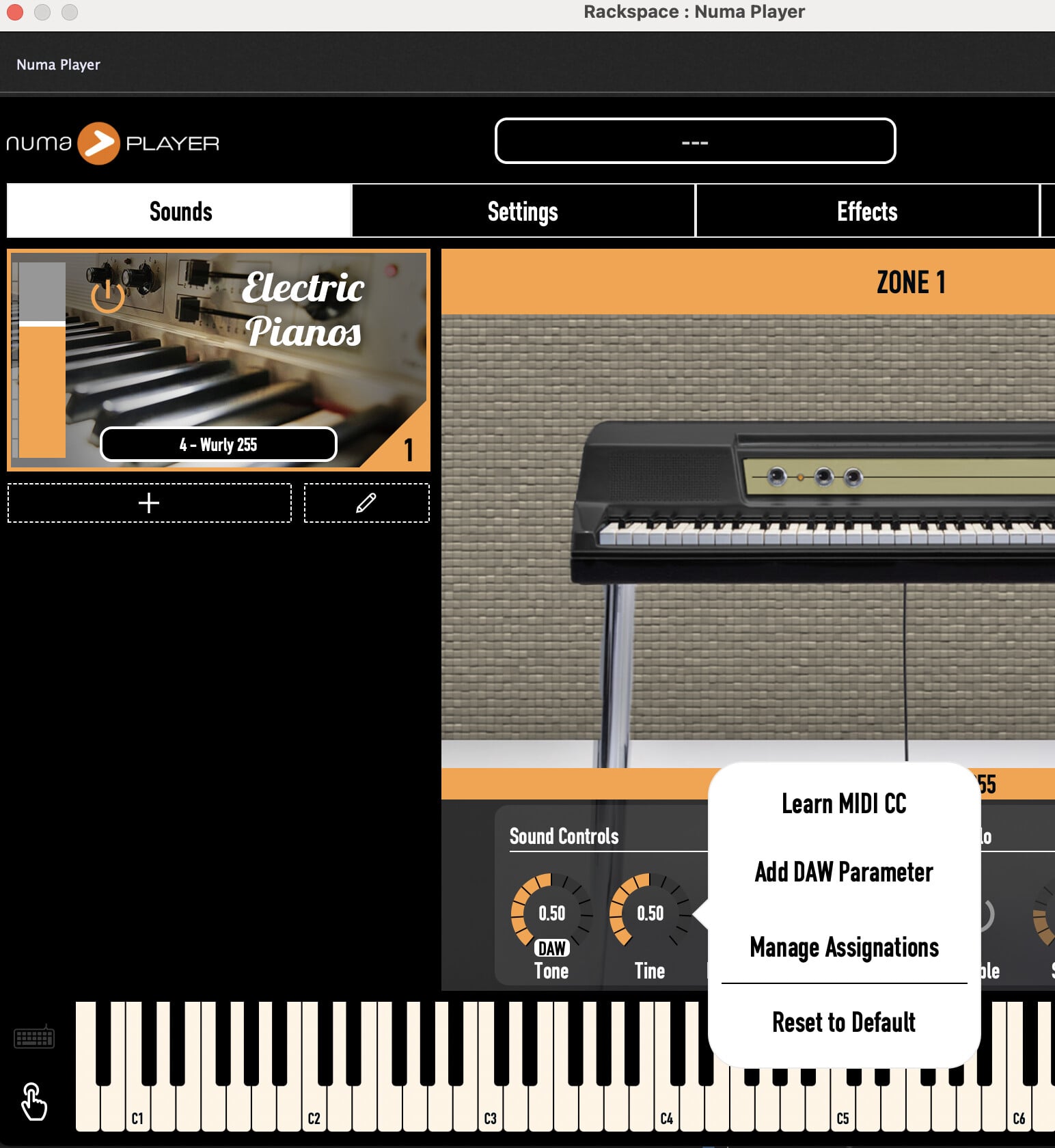
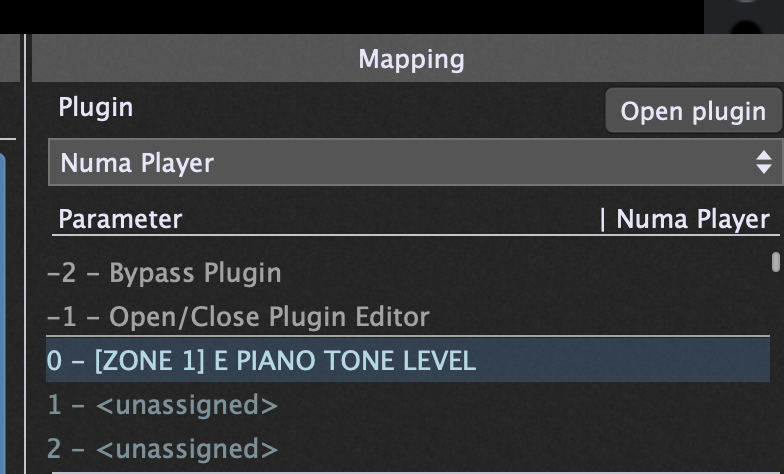
Thanks so much! This works wel!!
It is interesting, that Numa Plugin finds all my songs from the installed numa player.
Hope, this is also stored in the gig-File
Thanks a lot Paul!
Can you please check the learning of the on/off for a zone?
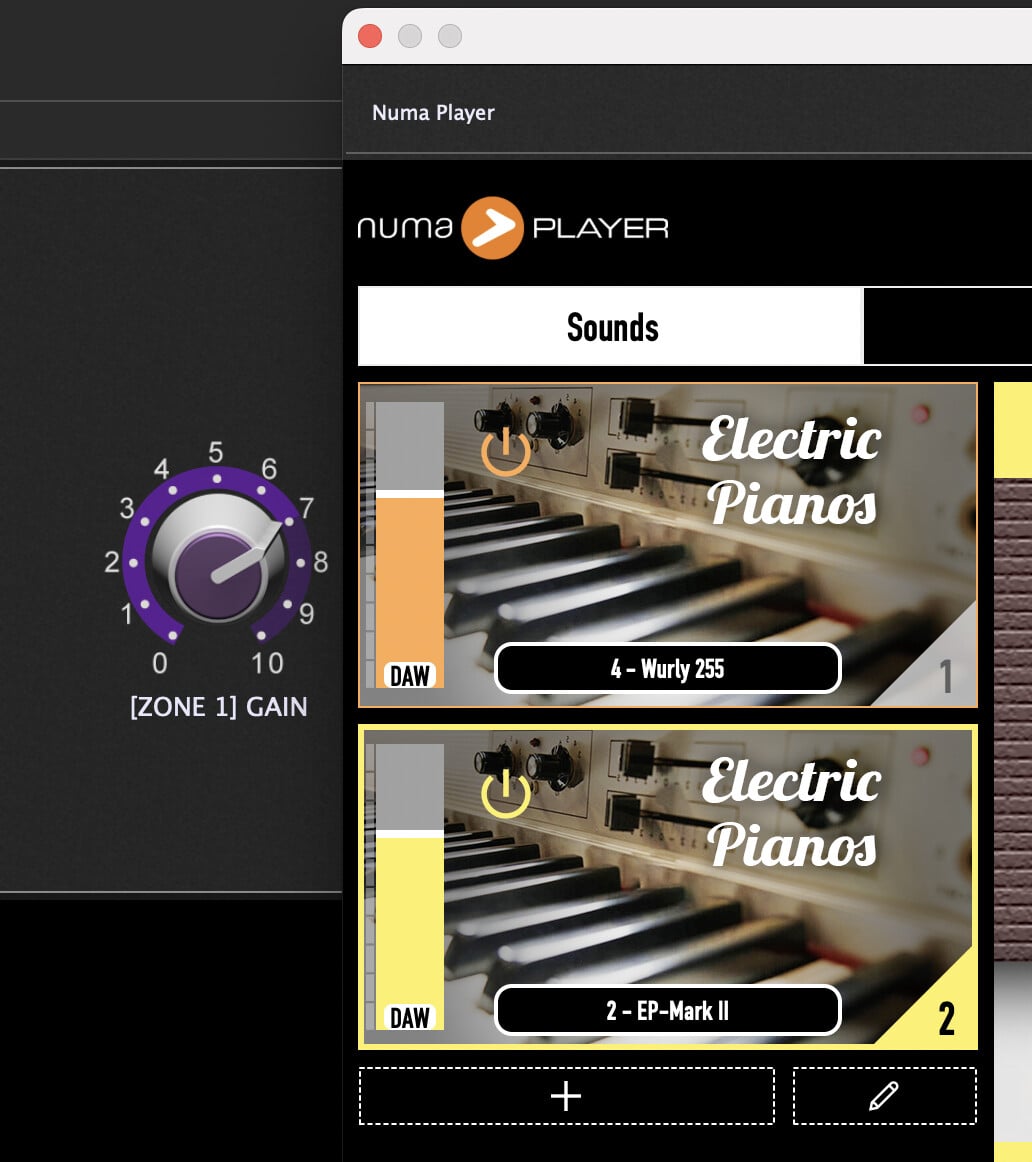
Adding DAW always tries to Open/Close Plugin Editor.
Is this a bug?
I am no a specialist for Numa Player
Right Click on on ON/OFF Icon in Numa Player and Add DAW Parameter, that’s all.
Hi Paul,
I am sorry. i worked wtih NUma for more than a year and decided to change to GiG.
The work with DAW seems not to be so good at all. If i select 4 zones with Volume an On/Off Gig isn’t able to work with that.
So four Switches and four sliders with the right paramter shown in the edit mode
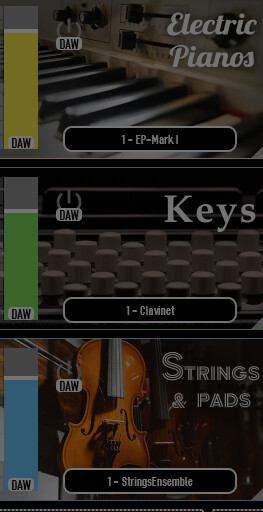
Everything seems to be fine but sometimes one or two are working or nothing.
but never all of them
After testing for hours it seems, that you have to save directly after editing and then restart GIG.
this is total frustating, as you get no hint when you edit and nothing happens.
I tested also other plugins where the parameter are directly shown without learning.
they work very well without these issues…
sorry, for wasting your time but as a developer for many years this drives me crazy 
is there a possibility to get contact to a gig member directly per mail/support?
What is a gig member?
The entire development and support team monitor these forums all the time. If they have anything to add, they will respond but they’re not going to comment just for the sake of it.
That said, your description of the problem is quite unclear. What exactly are you trying to accomplish?
I added numa player and set program to 002-Koeln Concert
program consists of 4 zones
i added 4 buttons and 4 sliders to the panel in order to enable/disable zone and control the volume
i added 8 DAW points to learn them from panel
all 8 paramter are shown and routed to the panel elements
nothing happens, all saved and restart gig
sometimes this works after restart, sometimes not
DAW is shown in numa but no reaction of using slider or switch
Then the routing is lost and you have to route the elements new
If i switch the program in numa player and come back all DAW Points are lost
May be there is a strict workflow how to do this, but i can’t see how to work with this without losing DAW or Routing..
hope this helps..
Do you really need to be using “DAW Parameter”? I just use “Learn MIDI CC”. Maybe I’m missing something??
Normally using host automation is the way to go.
Switching a program and losing the host automation seems normal.
Better use different rackspaces instead of switching sounds in numa player.
For the other issue you should contact the numa player developers.
Try this gig, I cannot reproduce the issue
Numa.gig (118.5 KB)
May be it is a result as i have installed numa player as stand alone software.
I worked with numa player a while before coming to gig.
I try to test this on a pc without installed numa player
Did you test with my gig file?
I don’t know anything about the Numa player but Gig Performer is a plugin host and is designed to manage plugins, not standalone applications. Is there a plugin version of this Numa player?
I got Numa Player from
As i mentioned if i use the numa in gig it found all my programs from the standalone version.
i will test this next week on a fresh pc and give answer..
What does that mean? Is there a plugin version?
Yed, I did test with the plugin version and do not face an issue.