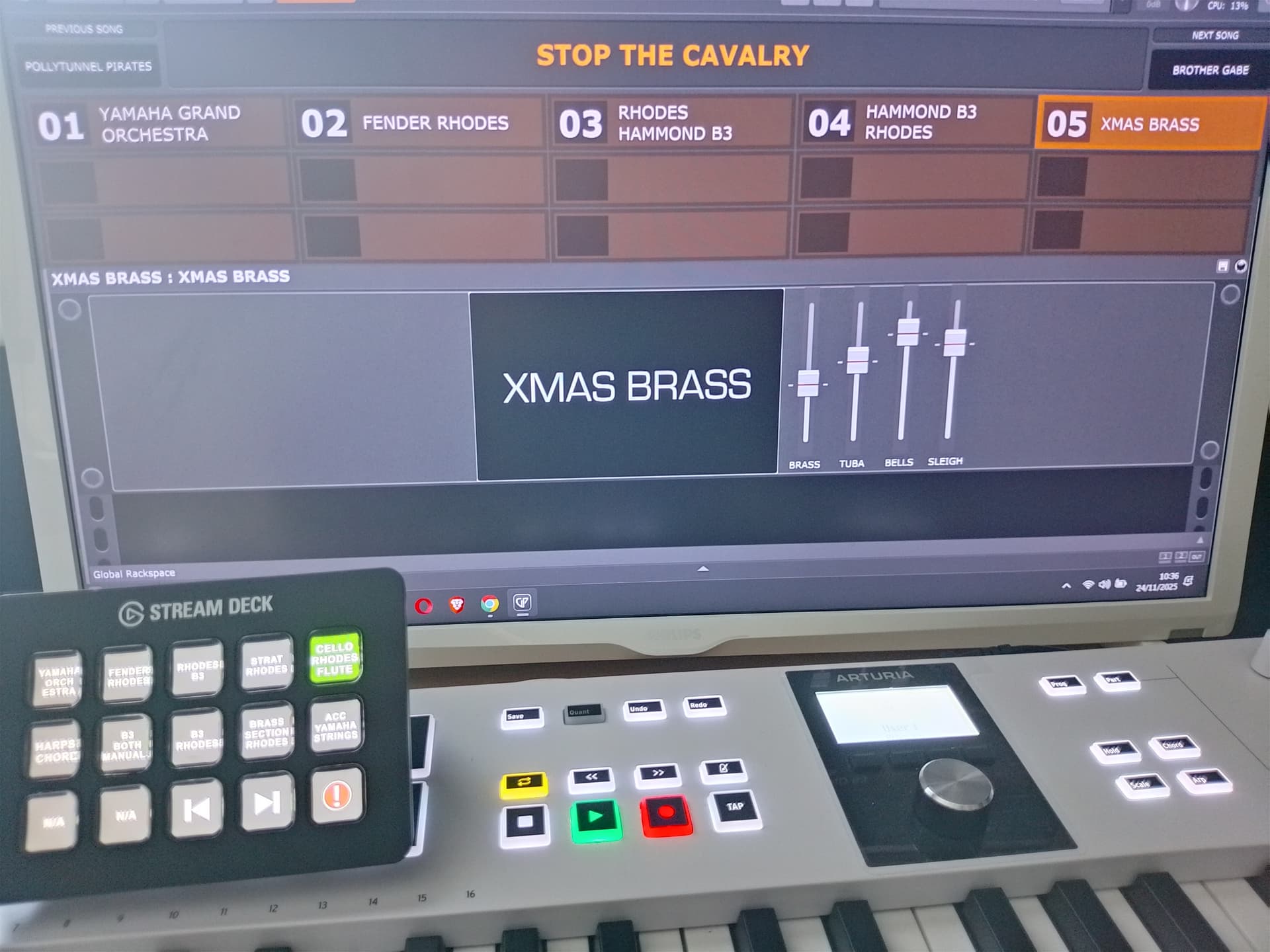
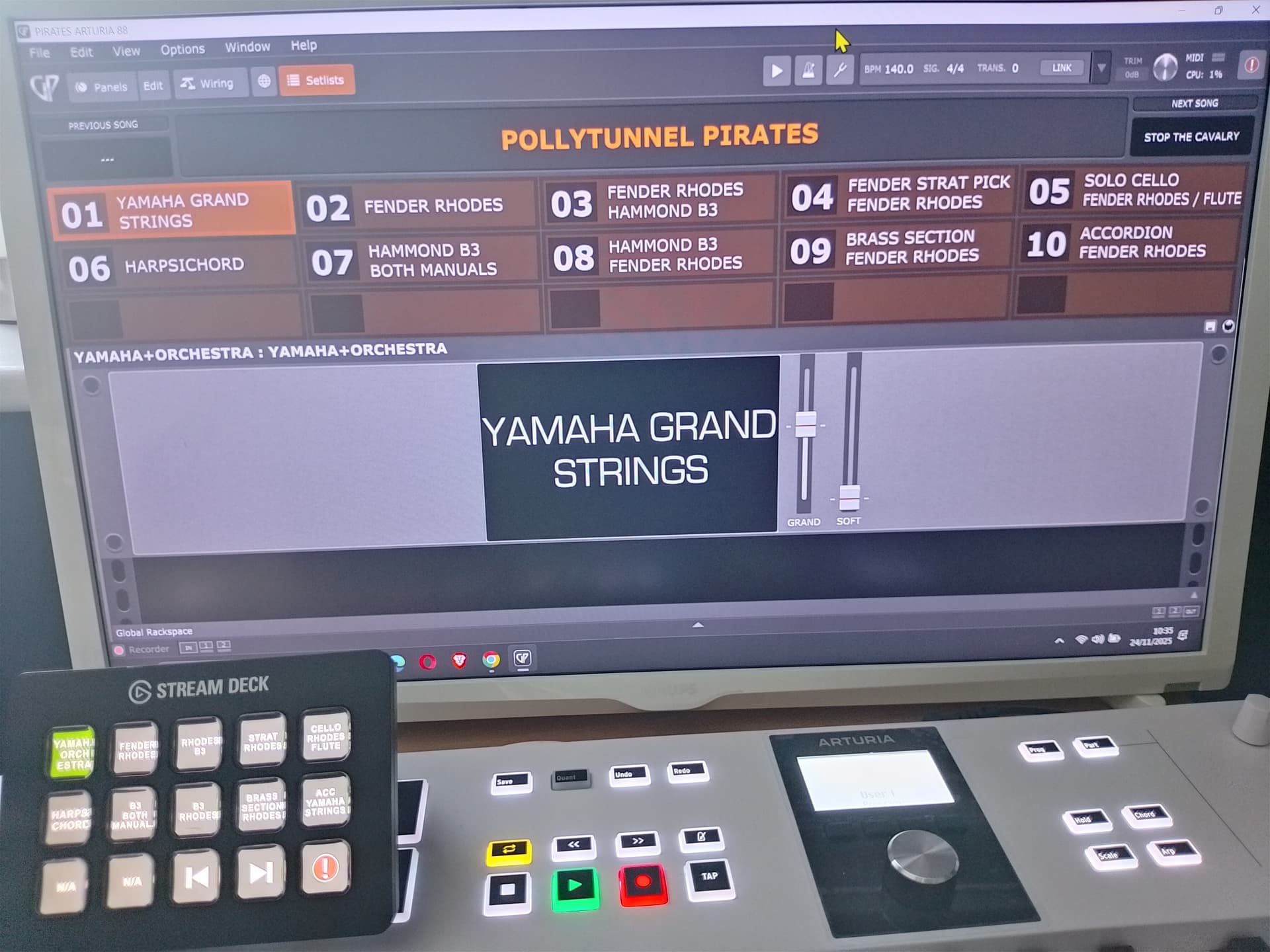
I’ve been working on an update to the Stream Deck extension for Gig Performer, and I have a first test version to share with you. This update should solve the most common annoyances that people have with the previous version, like being limited to one GP instance, and not being able to place songs freely on the grid.
What’s new:
Support for multiple instances of Gig Performer: If you run multiple instances, you can pick which instance a Stream Deck action talks to from the Stream Deck inspector.
Updates to Songs/Songparts/Rackspaces/Variations widgets:
Can now optionally be set to display a single fixed item, instead of automatically getting an item assigned based on left-to-right order. This means you can now place songs anywhere you like, without being limited by page size. You can also create multiple buttons assigned to the same item if you wish.
Songs/Songparts/Rackspaces/Variations widgets now have a “current” mode where they will always display the current active item. So you could have a widget on your Stream Deck that always shows the current song, for example. This also pairs nicely with the previous/next song buttons.
Both of these settings are found in the Stream Deck inspector
New Stream Deck widgets:
“Current Song Key” widget that always displays the key of the current song
“Label Widget” displays the text caption of a Gig Performer widget
If you want to help out with testing, the most tricky part of this is that the Stream Deck needs to remember the correct GP instance and song/songpart/rackspace/variation index, even if that instance of Gig Performer is closed, or that list of songs no longer exists. Then, if you reopen that instance or setlist, it should recover the values correctly. I think I got it right, but it can use more testing.
I’m also curious to see if the states of the songs/songparts/rackspaces/variations widgets are preserved correctly when updating from the previous version. I have not tested that yet.
I’m interested to hear about how the extension is evolving. However, I just had the Stream Deck for a couple of weeks to test but then decided to stick to my custom iPad/OSC creation.
I’m actually using the current 1.x release version live for the first time tonight. I’ll test it out after next weekends shows as I will have 13 days to the next gig.
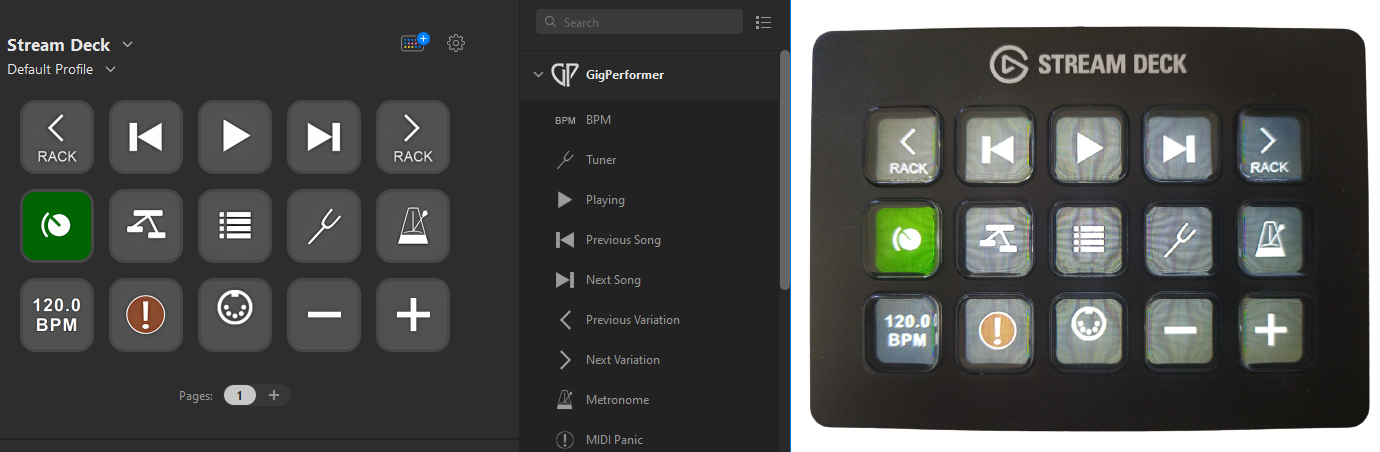
It provides direct integration with a stream deck device and GP. For example, you can control widgets, change between rackspace/setlist view, view and select songs and rackspaces/variations, control the global playhead, tap tempo etc.
Without the extension, the best you could do with a steam deck is use midi to control GP.
Here is a little feedback, after running your plugin on Windows 11
Current song key: Please wrap the text. For instance “D#/Eb Minor” Does not fit in one line
Songs: “Current song” is nice. “Next song” and “Previous song” would also be nice, so that I can see the title of the next song is in advance. I Know it would do the same as the current “Next song” action, but it would add information to me.
BPM. Does not always reflect what is in Gig Performer. It changes sometimes, when I change the song, but not always.
At one point the StreamDeck ended up in some kind of “bad state”, where it was not in sync with the current song and available song parts. I am not sure how it ended up there, but I had to unplug the StreamDeck and plug it in again, to get it working again.
Just out of curiousity from a fellow developer. How do the StreamDeck plugin and the GP extension communicate? Using a websocket connection?
Thanks for the feedback! Purely by accident, I forgot to test #/b keys
The implementation is based on shared memory, through boost::interprocess. This gives us a very low-latency connection, and also allows us to use shared memory to identify the other running app more easily.
I have this planned now for next version:
Automatically merge text if adjacent buttons are showing the same text, instead of abbreviating
Fix BPM showing wrong value and state issues → I suspect there may be a small bug in my new changes to allow multi-instance communication, I’ll look into that. I’m not sure if I’ve ran into this bug yet myself though.
Add a “Previous song” and “Next song” option
Make label widget wrap around automatically
Possibly allow adding an action to a label button → I’ll see if I have time for this one, otherwise I’ll add it later
Fix #/b not fitting on button
I hope to finish that up somewhere this month, but I’ll give a better estimate when I start working on it.
One more idea: Could you make the BMP button flash, so it can be used as a metronome (optional of course). It would be nice to have as a reference for songs starting with keyboard alone.
its working now , but the solution was just confusing .
i made a new folder called extensions in the shared/gig performer/ folder , since I realized it was not there , and when I did the .dylib file just appeared inside , like magic hehe .. I have no idea why , but its working now
Hope this makes sense! -
I’m using a Stream Deck MK2 with GP5. When I use it to go to next song the buttons work but the text doesn’t change to the different song parts. How can I get the Stream Deck to show the current song part titles? Click to see full photos
It would be great if there were an option to update the Stream Deck button/knob layout from within GP per song. Right now every button has a fixed position and I have to create pages on the deck (luckily I can swipe to the next page with the touch strip). Because of that, it currently feels more suited for global controls.
One small detail I’ve noticed so far: when you use buttons in a radio group, the currently active button isn’t displayed correctly on the Stream Deck (it does show correctly in GP and it functions fine — it’s just the Stream Deck display not deactivating the other button). Maybe I’ve got some setting wrong — like “sync radio button off” or something like that.


 I have unchecked it – it is not true