I have been performing on traditional boards for 30+ years and recently switched to controllers just back in November 2025. I was mainly on a Korg Trinity, Korg Extreme and had a Roland XP50 until it died recently (only used two at a time). I stated using two controllers and ran it on StudioOne show page for live performance. Everything has been a big learning curve, especially now using a Mac, but started looking at GP based on live performance ease of use and switching patches/songs quick without latency. StudioOne show page is working for me, but I have read GP is much easier and better for live performance.
Current Hardware:
Novation 61SL MkIII
Novation 61SL MkIII (Yes, I use two of the same controllers)
PreSonus AudioBox 96 (I am not currently using on Studio One set up and just run from headphone jack)
MacBook Air 13-inch Laptop - Apple M4 chip Built for Apple Intelligence - 24GB Memory - 512GB SSD (My first Mac and have been a PC guy for years)
VSTs - Mainly Trinity VST & Presonus (looking for more). Have also seen on GP youtube videos there are many that are free.
Live Use:
Easy Patch/Rackspace/Song changes for the rig
Would like to use buttons on Novation 61SK MkIII to quicky switch Rackspace/Songs. Setlist is not same each night and band calls out songs on the fly sometimes tying songs back to back in a melody.
Organize each song on controllers with splits & without switching during song
No backing tracks
Current list of 35-40 songs
Least amount of computer usage and latency
Trigger Samples on Pads
Use same controllers for each gig and travel with my own set up
Here are my questions:
What do you think is best way to set up for my scenario?
Are there any templates available for a live 2 keyboard controller rig?
I have spent 100+ hours setting up the Studio One setup I am currently using and not afraid to lean something new. I have spent a few hours watching YouTube page and have downloaded the trial version so far. Spent about an hour last night checking a few things out. I also do see Vindes created a Novation SL MkII Extension and have read the thread but… it’s a little overwhelming here at first. I hope to incorporate that as well somehow.
Also… Advertising works. I am here because of the many Facebook ads I received and got me interested.
Let me also say… I am using the Trinity VST because the band I perform with used “Korg” on most of their popular albums and keeping the sounds the same if very important to the singer (Boss man).
I did notice that this VST was very heavy and when trying to use it to split on Studio One, I had a 70% computer usage. I had to create splits “inside” the VST and create user patches. Now I only use one instance of the Trinity VST for each controller. I do use some other VSTs for pianos and strings and split inside of Studio One.
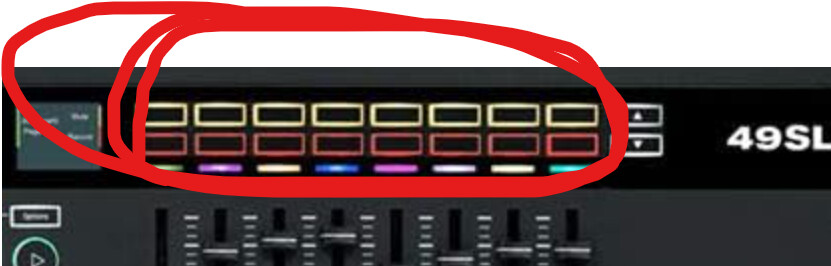
Thank you for the reply. I use these buttons currently to change from song to song during a performance and hope GP will be able to do something similar:
What do those buttons send out (MIDI Message wise?) If you’re not sure, then open the Global MIDI Monitor, press each button and then upload a screenshot of the Global MIDI Monitor.
Yes, I believe they do. I will check when I get home. I am hoping I can change songs/rackspace with these for quick change. Since I am using two controllers, that will be 32 songs/rackspaces I can program.
I doubt you’ll have any trouble finding controller buttons that will allow you to move back and forth between songs/song parts (in a set list) and rackspaces/variations (in the order you have them in your gig file).
The more interesting project is the capability to push a button (or touch a screen icon) that will allow you to select a particular song. But, from what I’ve read, there are people who do that.
You can program those buttons to send whatever midi you want.
It wouldn’t be difficult to set up 32 of them to directly select any of 32 songs, but I would think the challenge would be remembering which button corresponds to which song.
Using the SL-MK3 extension you mentioned in your first message the 8 buttons directly below the screens are coded to show 8 songs at a time (with song names) and the left and right arrows above the pitch bend wheel cycle through groups of 8.
Thank you. I’m telling ya… The more I lean about this, the endless options there are to skin this cat. Do you have a youtube link? I did see somewhere online, where a keyboard player used an iPad to change patches and the looked liked pads on the screen that they just touched once…. Is this the same idea?
Thank you Vindes! Not familiar with extensions, but an reading the extensions link that was provided on the Novation SL-MkIII post you made. Looking forward to all the ideas and options.
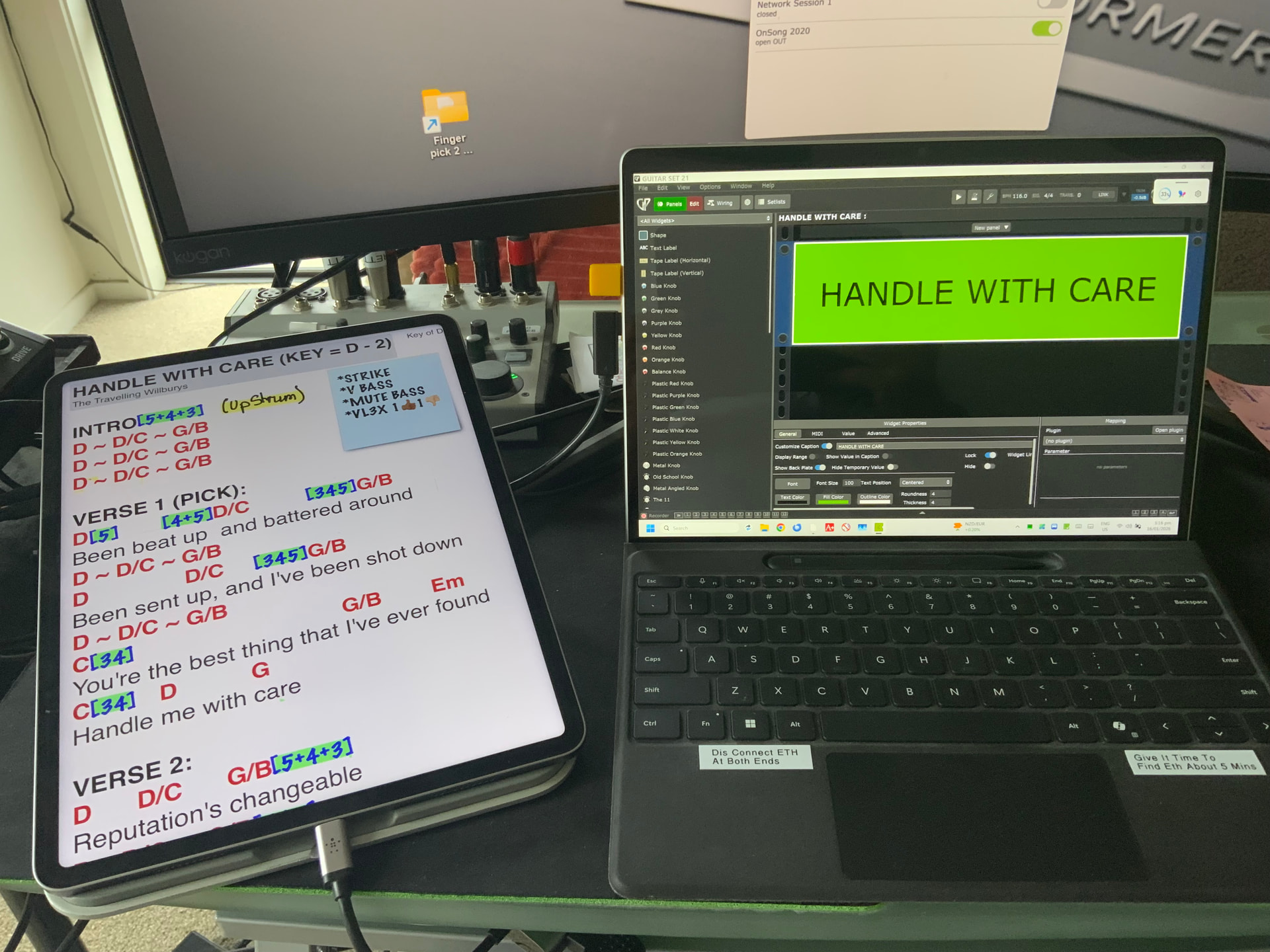
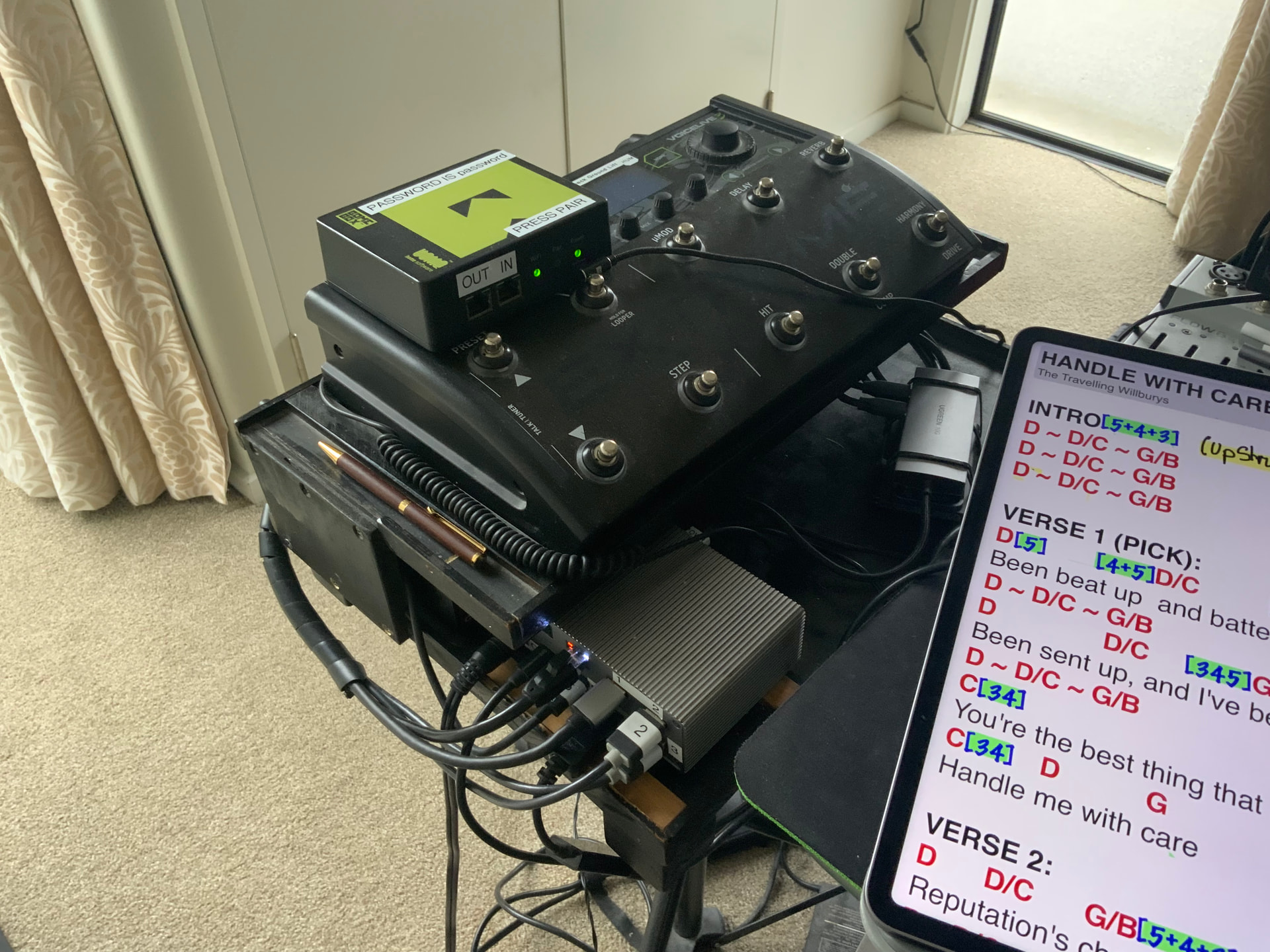
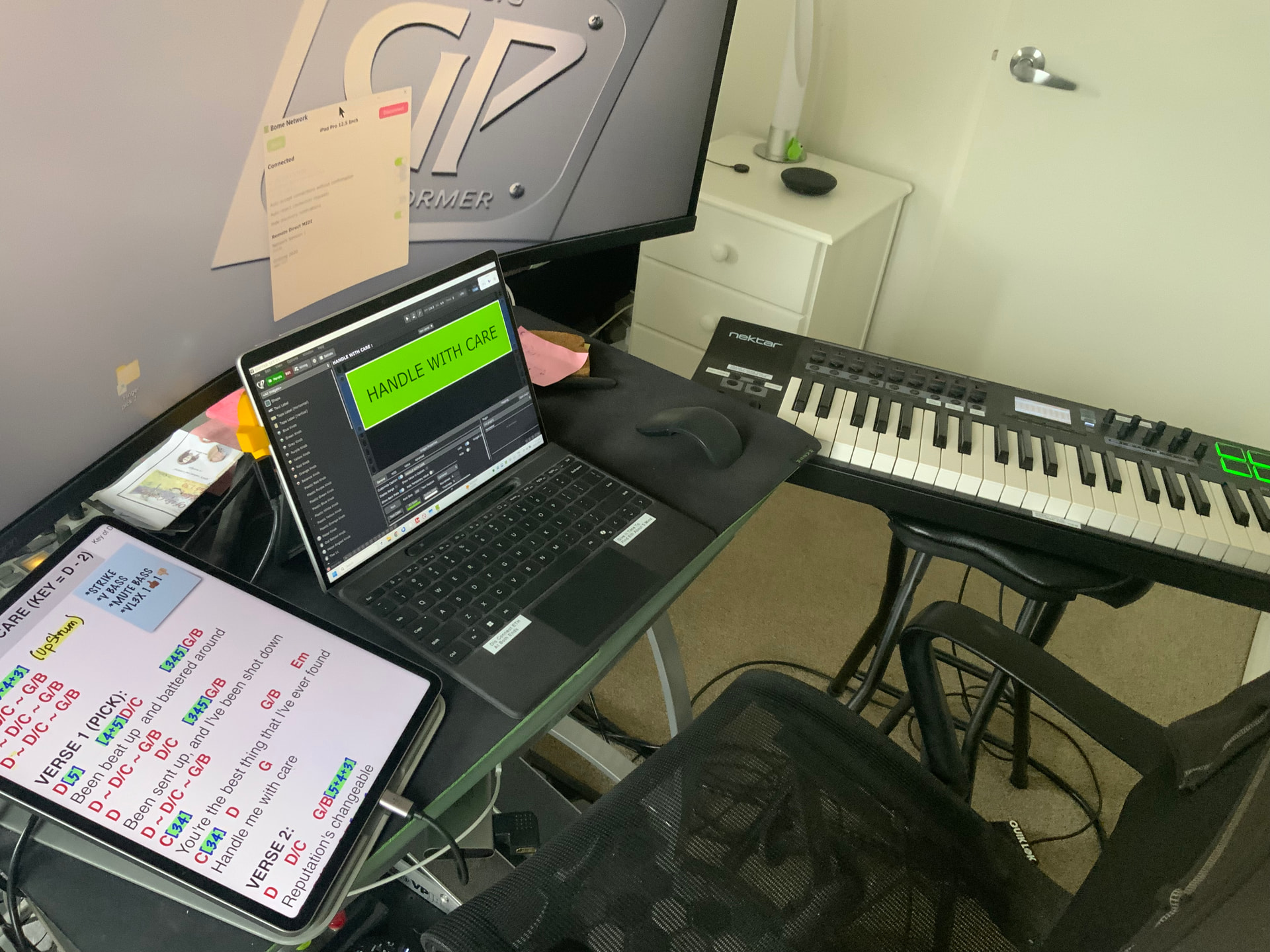
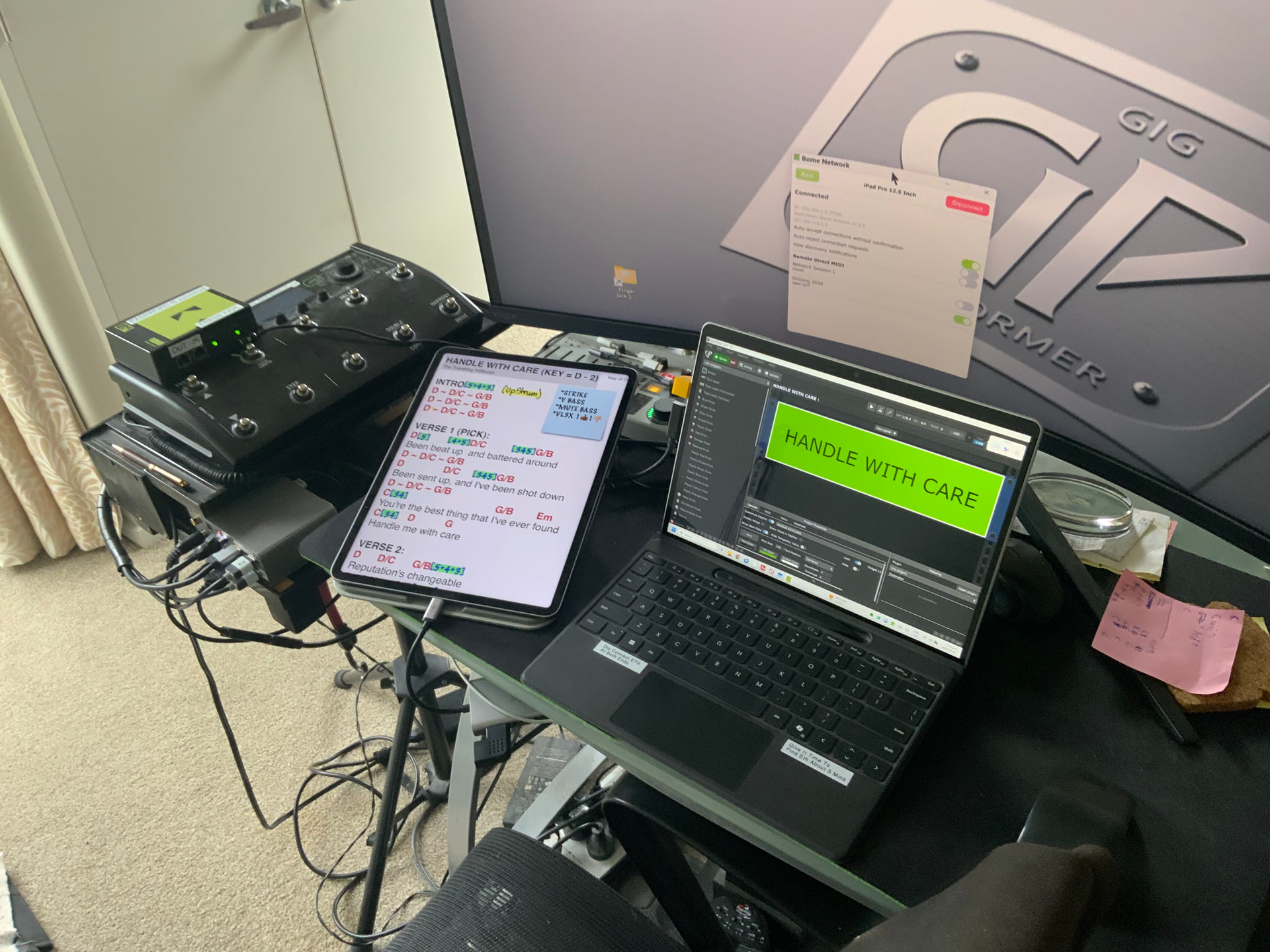
Well, I use a Surface Pro 9 with 32 gig ram and 2 Tb ssd. The SP kinda looks like an iPad, but I don’t post to YT. You can link an iPad to a PC either by wireless or Ethernet using adapters. But, you need to buy Bome Network for both the iPad and the PC. Then they will network together. The iPad controlling the PC sends midi by using OnSong headings which have the midi command within the heading (press and hold). If you go for wireless, you will need to take a router with you for an access point, and it does not need to be connected to the net. I have a Bome Box as my access point for emergency use if the Ethernet won’t work for some reason. When playing in public, I always try to useEthernet.
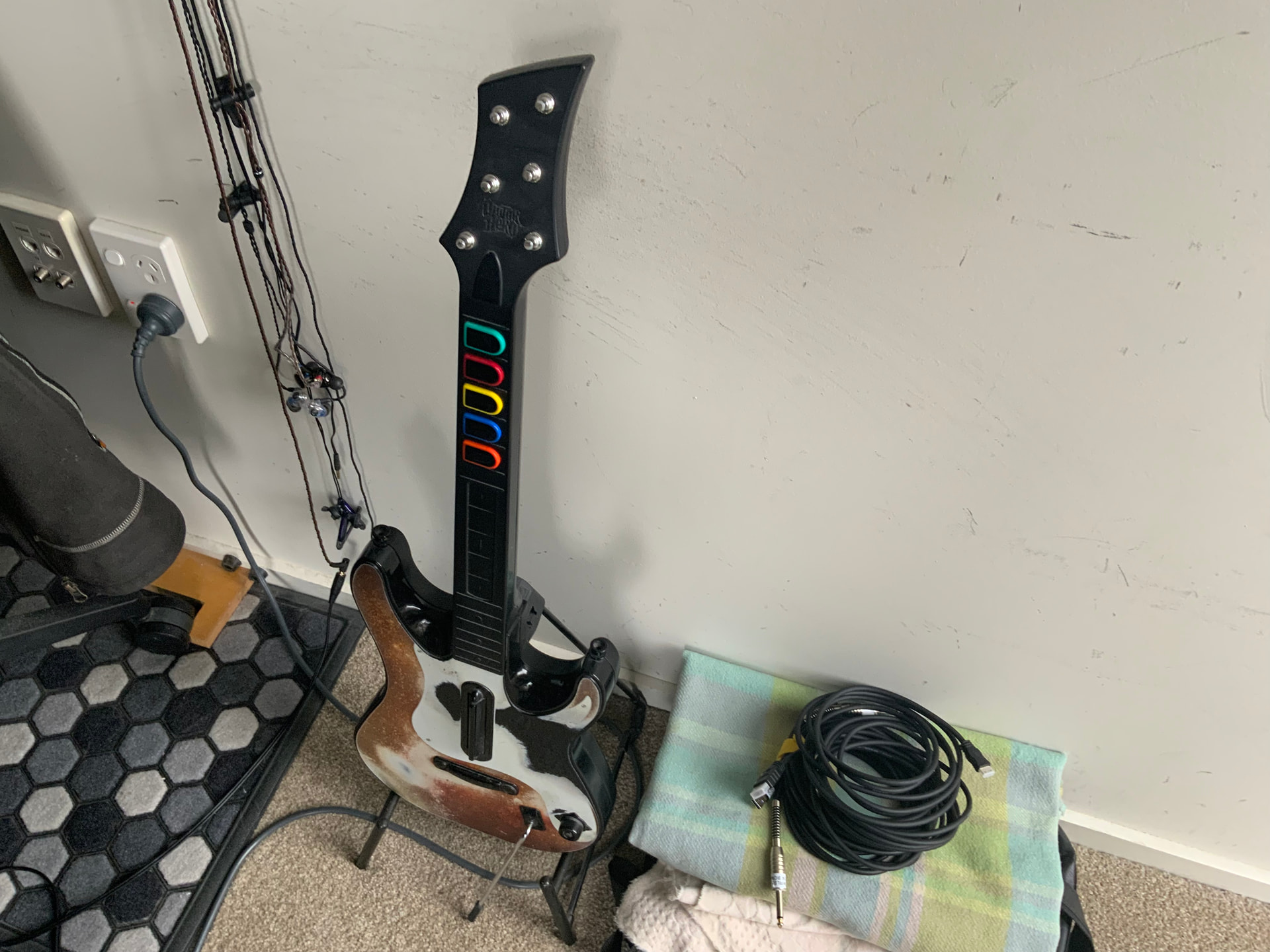
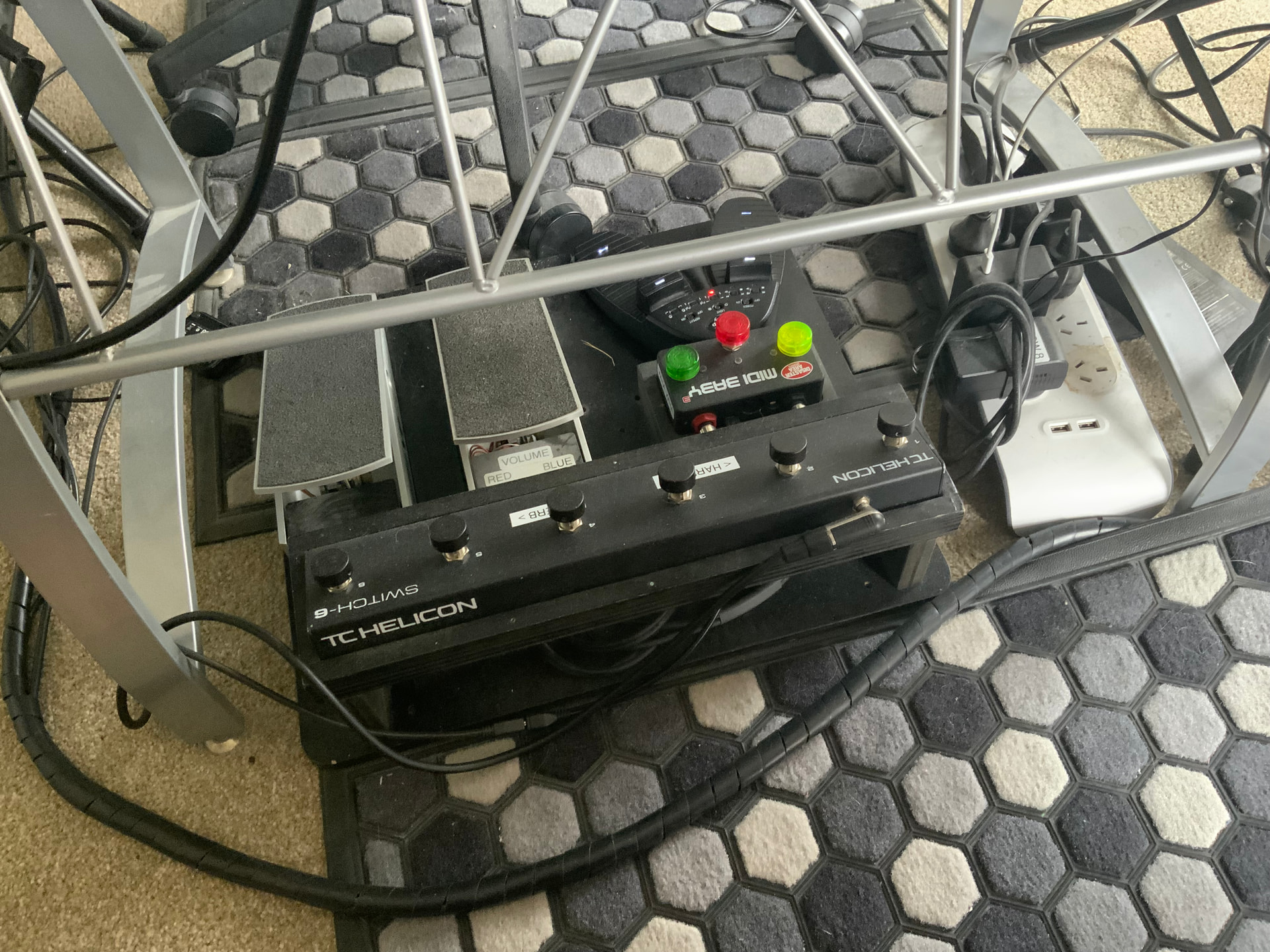
To make it all work, I have a Bluetooth pedal which scrolls the iPad heading by heading. As each headings activates, midi is sent triggering drum fill, harmony on/off, bass mute etc, etc. Whatever midi you want to send will work fine, including outboard hardware. Using this setup, I never touch the Surface Pro as the iPad does the work for me. I just load a set (my monster set has 550 rackspaces in it) and stand out front with Surface Pro behind me about 2 metres back. I will try and upload a pic of the setup for you to look at. Cheers.