I don’t use a stream deck - I have Mobile Sheets running on an iPad connected to my Mac via a USB-C cable and then it shows up in Audio & MIDI settings.
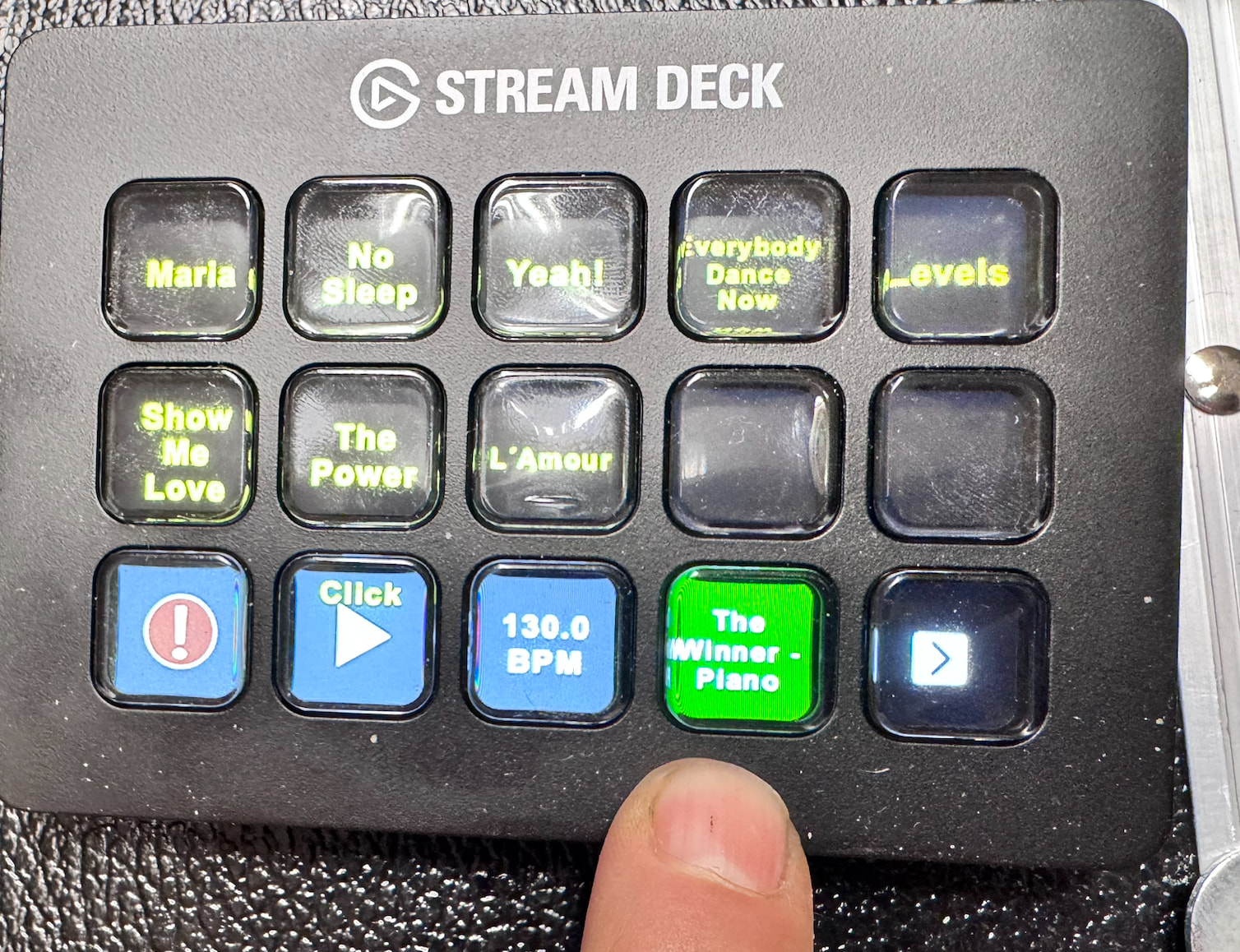
No problem. I’ve programmed 10 of these “hot buttons” in the meantime. It works except for one small thing: when I switch a song via Streamdeck, I have to select the next song on the iPad twice for it to switch. Weird. Maybe I’ll upload a short video in case anyone else has a similar setup.
Look up “momentary” (?)
I don’t understand what you mean.
Search “momentary” in the manual or this forum. Or maybe Google momentary and “gig performer “.
I don’t know if it is the solution (could be a wild goose chase), but it sounds similar to posts I’ve read.
I found an entry for “momentary” in the Global MIDI tab, but I couldn’t figure it out.
I’ve now discovered a workaround.
I select the next song on the iPad, but it doesn’t load. However, I only need to swipe on the iPad, and the previously selected song appears.
Thursday is a public holiday here—I’ll make a video about it. I can live with that.
I’ve discovered with the Stream Deck that I can mirror the song to a key. Now I no longer need to look at the computer screen, but only at the key on the Stream Deck – which is mounted directly on my keyboard. If the Bluetooth iPad Gigperformer doesn’t switch on, I can now see that on the Stream Deck.
I don’t think we’re talking about the same thing. I’ll make the video on Thursday; it will be clearer then. Now I have to go to bed.
I just wanted to show you where “momentary” button settings were discussed in the manual. It may not be relevant in this case.
Momentary:
Suppose you have a button that generates CC messages with values 0 and 127
There are generally two ways that these are generated.
- Each time you press the button, you get the alternate value. So the first time, you get 127, the next time, 0, the next time 127, etc. Nothing happens when you release the button. That’s called a toggle.
- When you press the button you get 127 and when you release you get 0. That’s called momentary
If you only want GP to respond when you send 127 you have to enable “momentary” - you use this if version (2) above is enabled. If you don’t enable momentary, then GP will only respond to every second button press and hence if you’re using the button to step through rackspaces, the stepping will only happen every second time
If you want GP to respond when you’re in toggle mode (version 1), then you need to disable momentary and regardless of whether your button sends 127 or 0, GP will respond. However, if you have momentary disabled and your button is behaving like version (2), GP will respond when you press the button and then again when you release it - hence if you’re using the button to step through rackspaces, GP will step twice.
I don’t think this is related to GP.
Here are the subtitles for my terrible English:
This is my typical setup.
I select my song on the iPad.
You can see it here, here, and here.
If I need to quickly select a song, I’ve assigned them to what I call the power buttons.
The Stream Deck turns on GP, and GP in turn, turns on the iPad.
Now, if I select a song on the iPad again, after selecting it, I either have to select it again or swipe.
It’s odds, but I can live with it.