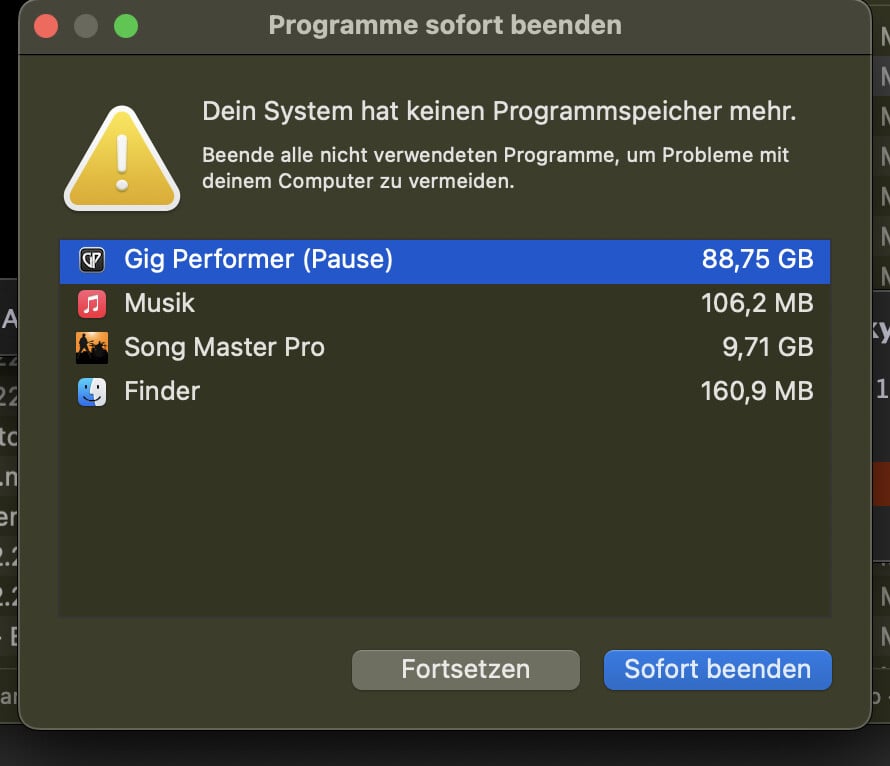
I currently have 70 songs programmed. I program 10 songs in a separate gig file. Then I export these and import them into the gig file for live performances. Now there are 70 songs in there. I saved and reloaded it to check. Then I got a “not enough storage space” message. I restarted the computer. The gig file then loaded completely. But I only have half the songs in it. Does anyone have experience with large gig files? The file is currently 240 MB. My computer is a MacBook Pro M3 with 32 GB of RAM and a 4 TB hard drive. If it really is due to the 32 MB of RAM, I’ll probably have to buy a computer with more memory. Currently, only the M4 Max fits the bill. It can be upgraded to 128 MB.
However, I have Predictive Loading disabled. If there were a significant difference, I would enable Predictive Loading, even if it meant longer loading times on stage.
Predictive loading improves the loading time of a gig file.
When you follow a fixed SetList then predictive load is the best solution in case of not enough RAM.
Even when you do not follow it helps, but then you have to wait for additional rackspaces to be loaded.
I kind of figured that… Unfortunately, we don’t have a fixed setlist in the band. Since we have a very diverse repertoire, it includes around 150 songs. Even if we only need certain songs once a year.
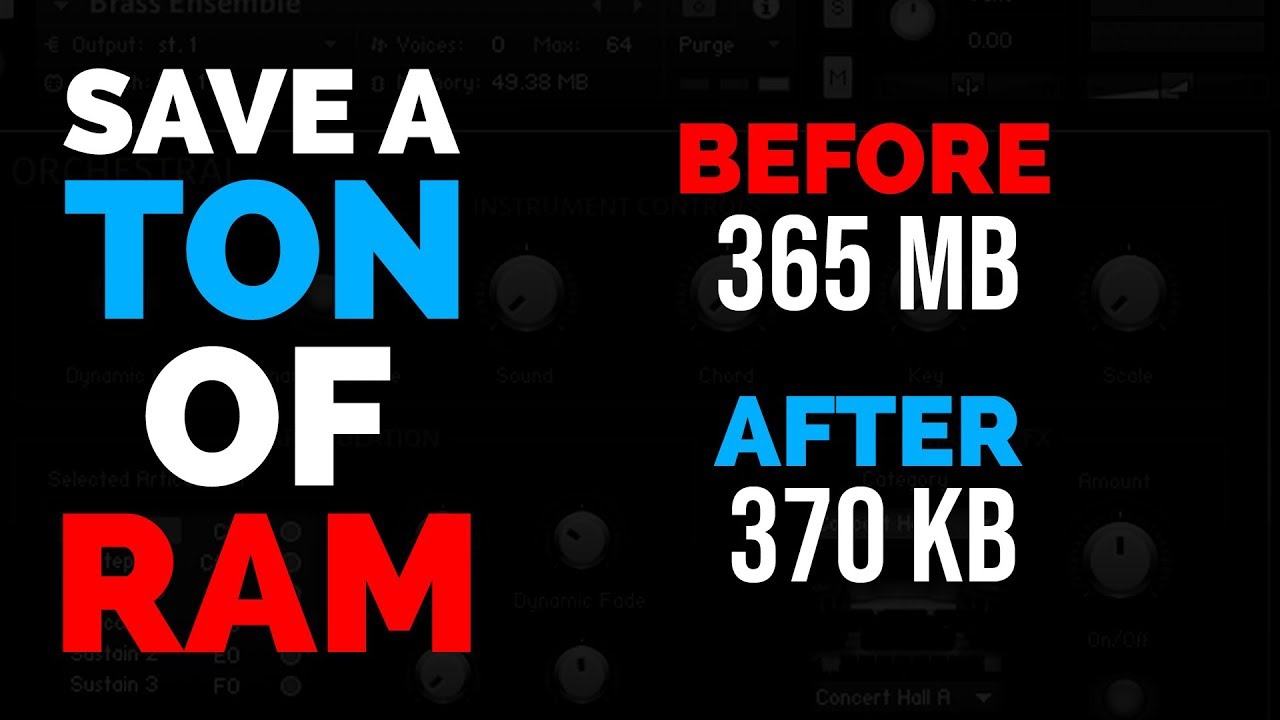
Thanks. That looks like a great tip. I’ll try it and see how much I can reduce the RAM usage. I hope it doesn’t negatively impact performance when playing live.
It should work perfect if you play the same part every time. (When you set the ram, make sure you vary velocities to try to include all the samples in the sample pool you may use).
If you improvise and change notes you are playing each time, it is not quite as useful. You may use more CPU to trigger samples that were not loaded into ram (maybe file swapping).
But I think it works pretty well, especially if you are playing a specific part (and if you are only using a relatively small amount of samples, out of a large potential sample pool), it can really help.
I tested a few songs and couldn’t detect any latency (because Kontakt has to load the samples the first time you play the notes). But I didn’t resave the plug-ins. I only used the purge function. Do you think that’s enough? Because playing all the necessary notes at all volumes and then saving the plug-in in a new folder is very cumbersome.
You have to save the gig file after purge sample pool.
And it is a good idea to play needed notes before purge sample pool.
This way needed samples are preloaded.
I assume that the 32 GB of RAM installed in my computer is insufficient.
The desktop started flashing all colors until it stopped working completely. I couldn’t even shut it down. Then I forced it to shut down. After restarting, I was able to load the gig file again.
I’m currently using the purge function on all the songs and hope that this will solve the problem.
I’ve now enabled the purge function for all songs that use Kontakt.
The gig file now loads without any problems on my 32GB. I’ll program the remaining songs now. If everything works, this thread will remain closed.
The loading times for the entire gig file have also become significantly faster as a result.
Thank you for these tips. Have a great start to the new year!
Addendum:
If I play the instrument and don’t save the gig file after the performance, everything works fine. Kontakt remains in purge mode. However, if I save, then the instruments played during that time are also saved. This unintentionally increases the RAM usage.