I have an ableton set which contains around 20 audio (backing) tracks mixed down to 3 send-to-PA busses (drums-synth bass-instruments), 2 live vocal tracks with effects mixed down to a send-to-PA buss, a live guitar track with effects mixed down to a send-to-PA buss, and a keyboard-played midi track with an instrument rack with 75 ableton instruments which are assigned to a chain as to automate instrument changes during the performance. The set contains 11 songs and cpu and ram are at critical levels sometimes. Raising the buffer is no option as for latency. We want to add 5 more songs to the setlist but this will make the system overload, especially when using modulation wheel and pitchbend. So I am considering using an app like gig performer to solve the problem. It is logical to transfer all live singing and bass playing to gig performer and adding effects there. But for the keys/backing tracks I am in doubt: one option is playing the instruments with midi going from gig performer to ableton and audio back to gig performer, so I can use the many instruments and sounds that cannot exist outside ableton- and include the backing tracks in gig performer. The alternative is to resample all of my ableton instruments (which in some cases will not be possible with every sound nuance), leave the backing tracks in ableton and play the keyboard in gig performer. In this case I will lose some nuance in the keyboard sounds and will have to redo the carefully obtained mix of backing tracks in ableton. What would be the best practice in your opinion?
I would use VST in Gig Performer to play live the instruments and Ableton Live for the Backing Tracks.
Yes this seems logical but the dozens of sounds I play in ableton are unique to the songs and cannot be recreated on the fly with vsts. These are ableton-only instruments like ableton operator, ableton analog, ableton sampler instruments with lots of sound shaping etc…Often distinct and non-generic sounds. These cannot be played outside of ableton and are impossible to recreate with vsts, not to speak of the workload this would be.
Are you on Mac?
Yes, Macbook pro.
Did you try to recreate with VST?
Ableton Operator is FM: there are some really good FM VST
Ableton Analog: the same here many good VST
Ableton Sampler: did you try Kontakt?
I doubt that this Ableton Instruments cannot be replaced by good VST instruments.
Yes. Many sounds are tailormade synths and when trying to recreate using a vst instrument the “close but no cigar” feeling is frustrating.
But you are right, in the end we will have to compromise.
Would mixing down the 20ish backing tracks to their 3 busses be an option? By playing each of them in their own streaming audio player (synced). Or is it possible to have an 8 track audio player synced to streaming audio player?
In that way we could use backing tracks in gp and play the ableton instruments via relay, switching their patches with actions in the streaming player.
Or do I imagine an absurdity here?
The small compromise would be reducing the nr of backing tracks and therewith mix versatility. But this is a small price to pay.
I am using GP to Play my instruments and Ableton to play the backing tracks.
I do not send MIDI or Audio between GP and Ableton.
for synchronization I use OSC messages and LINK.
There is a YouTube Video where I show how to do that.
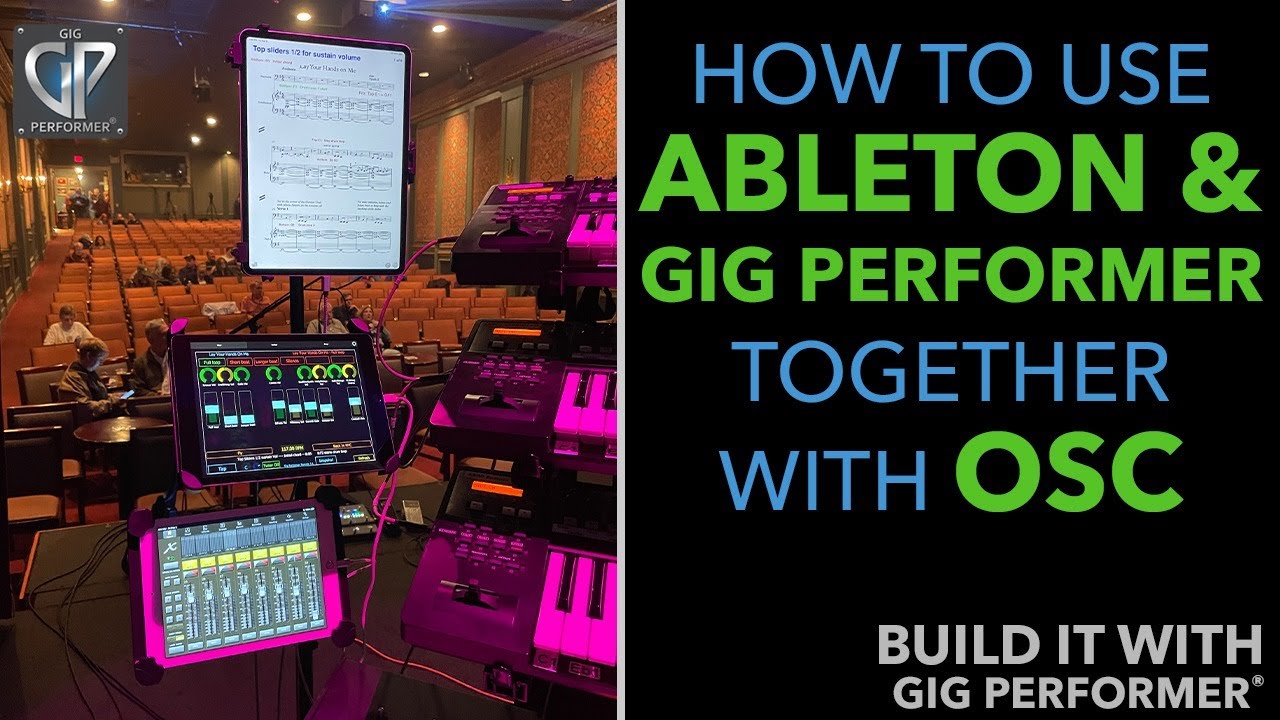
Thanks. I will check it out. I think I am starting to understand that the way experienced users do things is the better way to start our own experience.  Even if it feels counter intuïtive now to recreate the dozens of synth patches we know and love.
The video was very interesting and sure the way to go to play our backing tracks without having the compromise of mixdowns. In this setup, how would you automate the switching of song parts in gig performer during the playing of the scenes in ableton at the exact spots?
Switching Song Parts is done by scripting in Gig performer.
When LINK is used Ableton Live is started when the global play in Gig Performer is pressed and vice versa
Here an example script

// Called at specfied bar:beats
On Timeline(bar : integer, beat : integer)  // EveryBeat

   1:1
      SetSongPart(0)

   5:1
      SetSongPart(1)

  25:1
      SetSongPart(2)

End
When Global Play is started the 1st Song Part is selected.
At beginning gf Bar 5 the 2nd Song Part is selected.
etc.
For this to work you have to switch to SetList View
This is awesome. Thank you very much. I am a scripting noob but have to dive into this as the workflow with osc (your video) and scripting (this post) is free of clutter, and transparant and langiuage based. I am starting to understand how gig performer could be our weapon of choice. Would there be a way to jump to specific song parts in the ableton timeline before starting playback (eg using scripting or osc and assigning controller pads on a keyboard). This would be extremely handy for rehearsals. (at present we use ableton arrangement view and markers).
With a M4L device and sending OSC to Ableton this should be possible.
What version of Ableton Live are you using?
Can you try this patch?
Another way could be: MIDI learn the locator in Ableton Live and send that message from your Controller to Ableton Live.
Another option
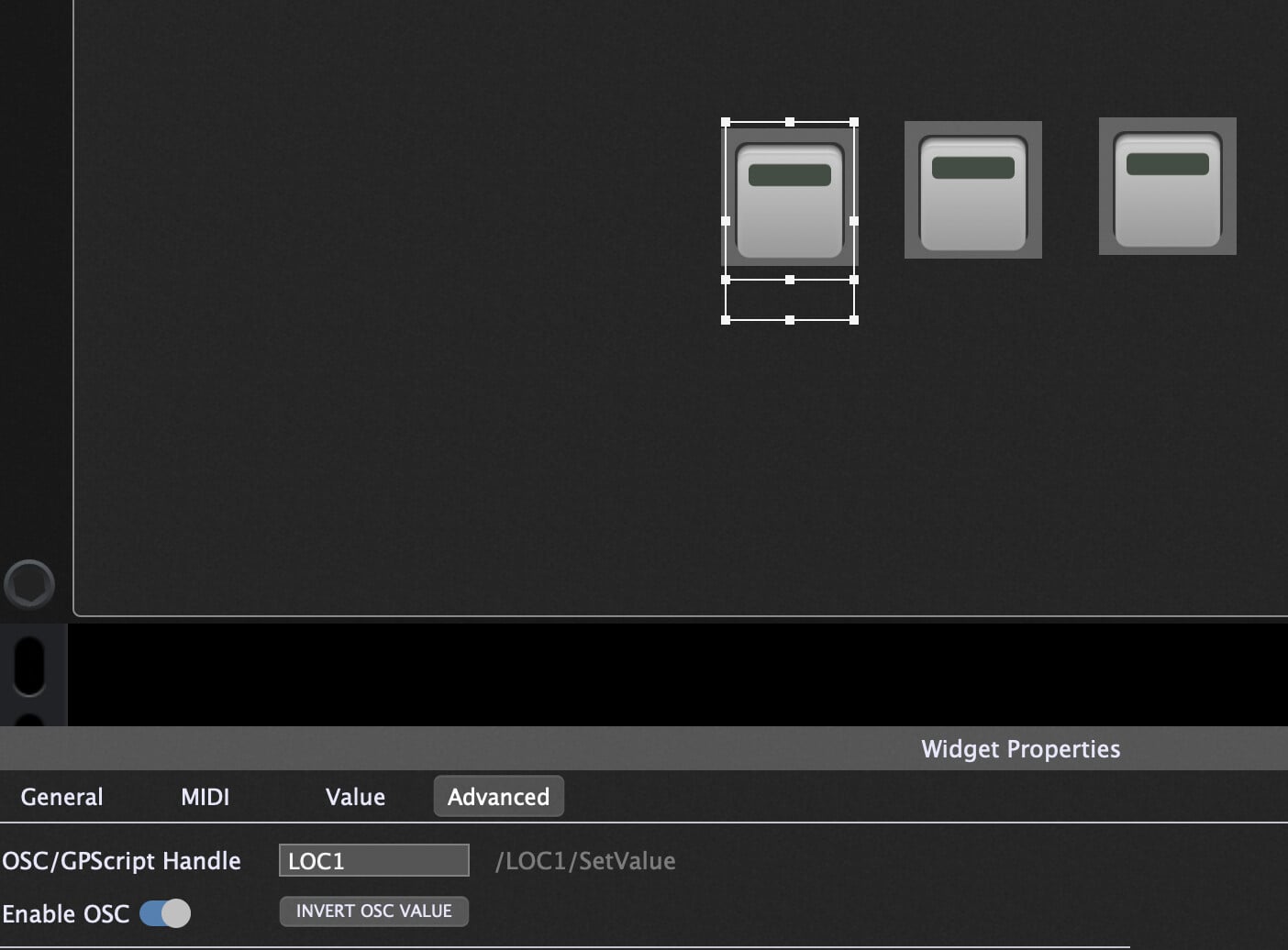
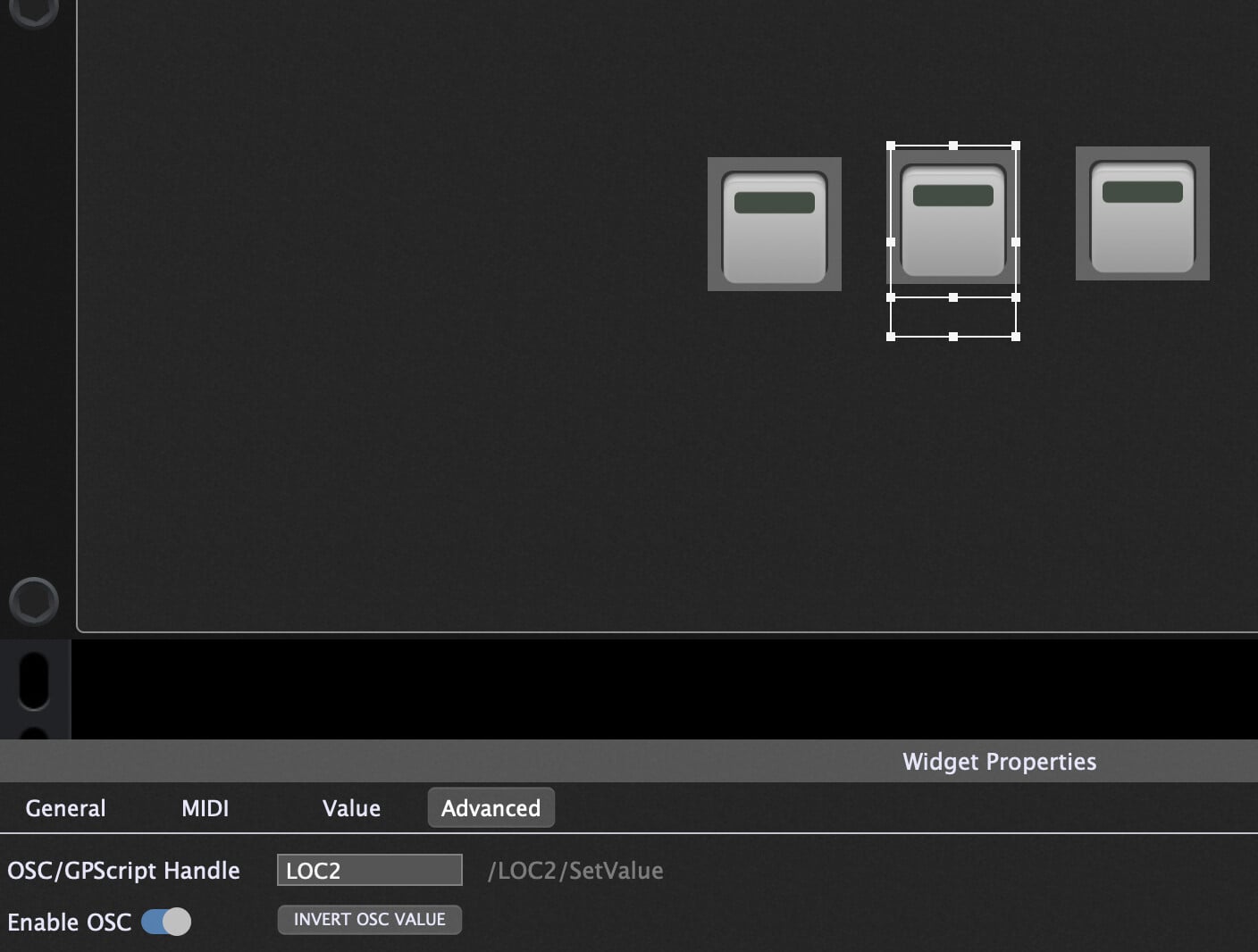
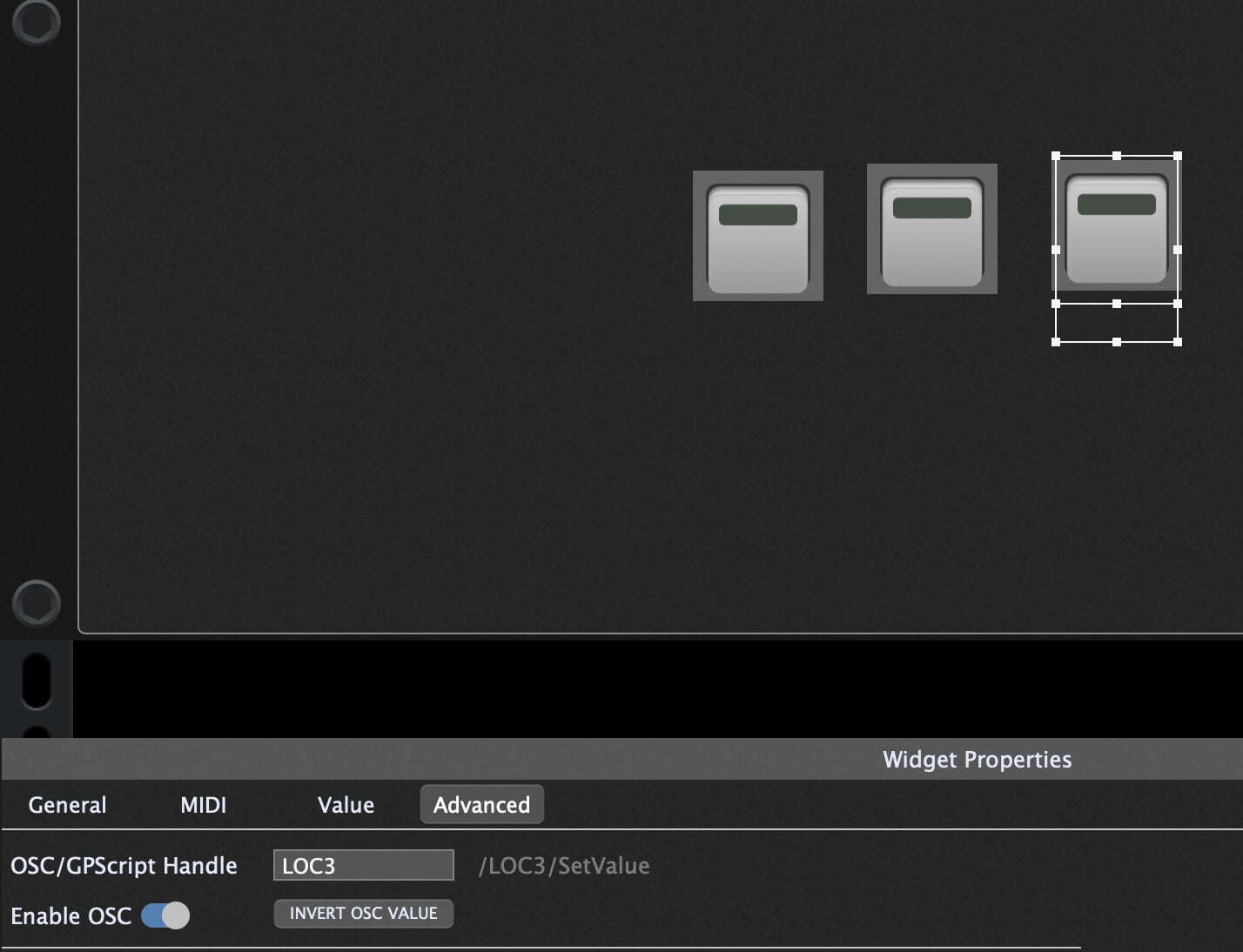
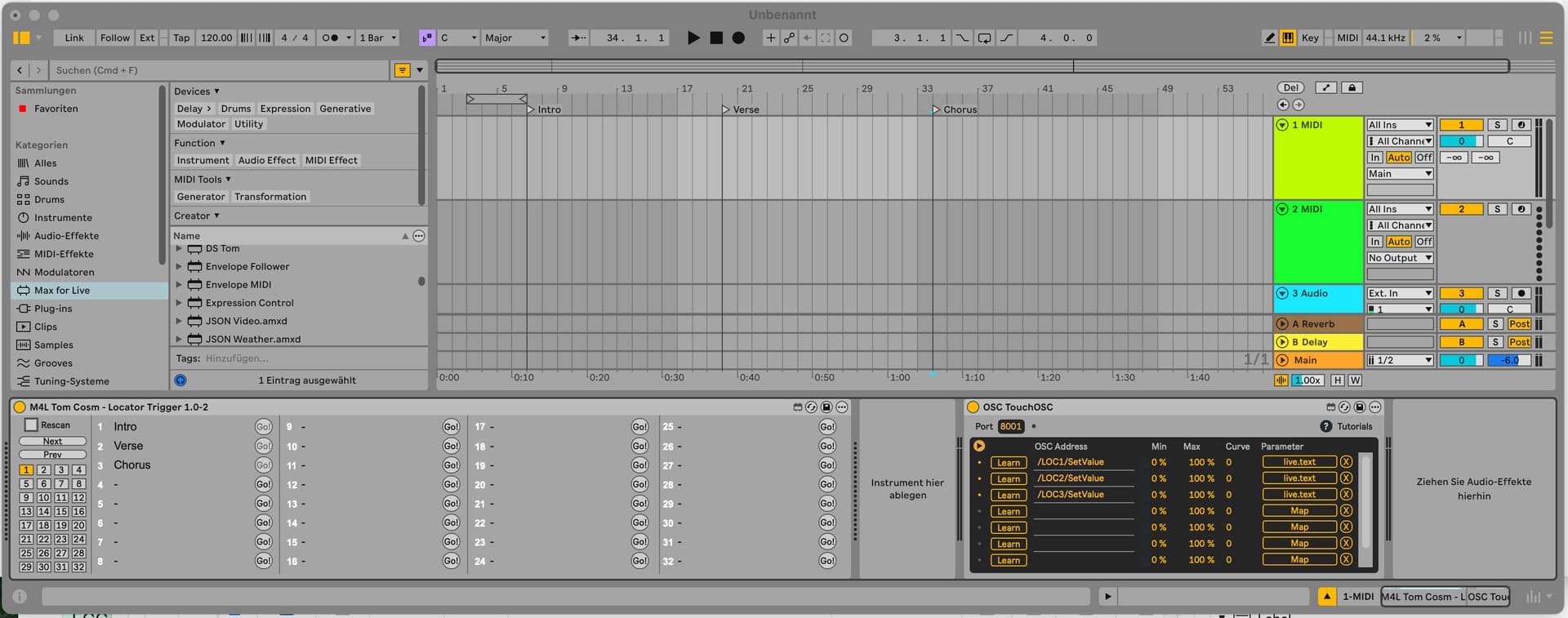
Download the free Tom Cosm M4L Device called “Locator Trigger”
and use the “OSC TouchOSC” Device (this can be downloaded from Ableton)
Press the Learn button in the OSC TouchOSC Device to catch the incoming OSC message and map it to the corresponding Go Button in the Tom Cosm Device.
Now you can locate the Ableton Locator by pressing one of the widgets.
Super Easy.
Have Fun
Thank you very much. Currently, one of your suggestions is what I am doing: assigning ableton locators to midi physical midi controllers.
My question arose from the fact that in your osc “gp to ableton video”, you are working with scenes, not the arrangement view.
So my question centered around that nuance: would there be a possibility of pinpointing exact locations within a song while using your osc/ableton scenes technique?
Thanks for sharing your insights, much appreciated.
Locators are not supported by Ableton Live in Session View.
I know. I just wondered if there would be a way to access a certain bar/beat number within an ableton scene via osc or scripting?