Hello all, new to gig performer and loving it so far.
Has anyone had any issues with the Orilriver vst and vst3 plugins? They keep coming up in my failed to scan (red) plugin window, and I have removed them several times and tried rescanning to no avail. They are 64 bit to my knowledge.
The EZ drummer demo and Vital also won’t scan for some reason - everything else is fine. I’m on a macbookpro with m2 processor 32 gig of ram.
Hello rank13, I’m not sure, to be honest - I only have my MacBook with me and had downloaded Gig Performer and wanted to try out some things, so I downloaded some free software to start building some racks and familiarize myself. My music desktop is a PC, and I haven’t had an opportunity to try loading it (Orilriver). I mostly use Cubase as my main DAW, and I will try that tomorrow when I get home. I hadn’t noticed the software hadn’t been updated in some time. That may be the issue, but it probably wouldn’t explain why Vital or EZ Drummer also is not loading. ?
Thanks for the reply, npudar - I appreciate you checking in and offering advice. I double-checked the path on my MacBook, and it is correct. I’m not quite sure how to check for 64bit on the macbook.
Im also having some issues with EZ Drummer Demo, Vital, and Zampler Rx not being recognized. Which is odd because Surge, and a few of the free U-he synths installed and GP scanned them no problem, as well as some other effects plugins.
I’ll double check the installs - I would love to have Vital working, but if not possible, I’ll live.
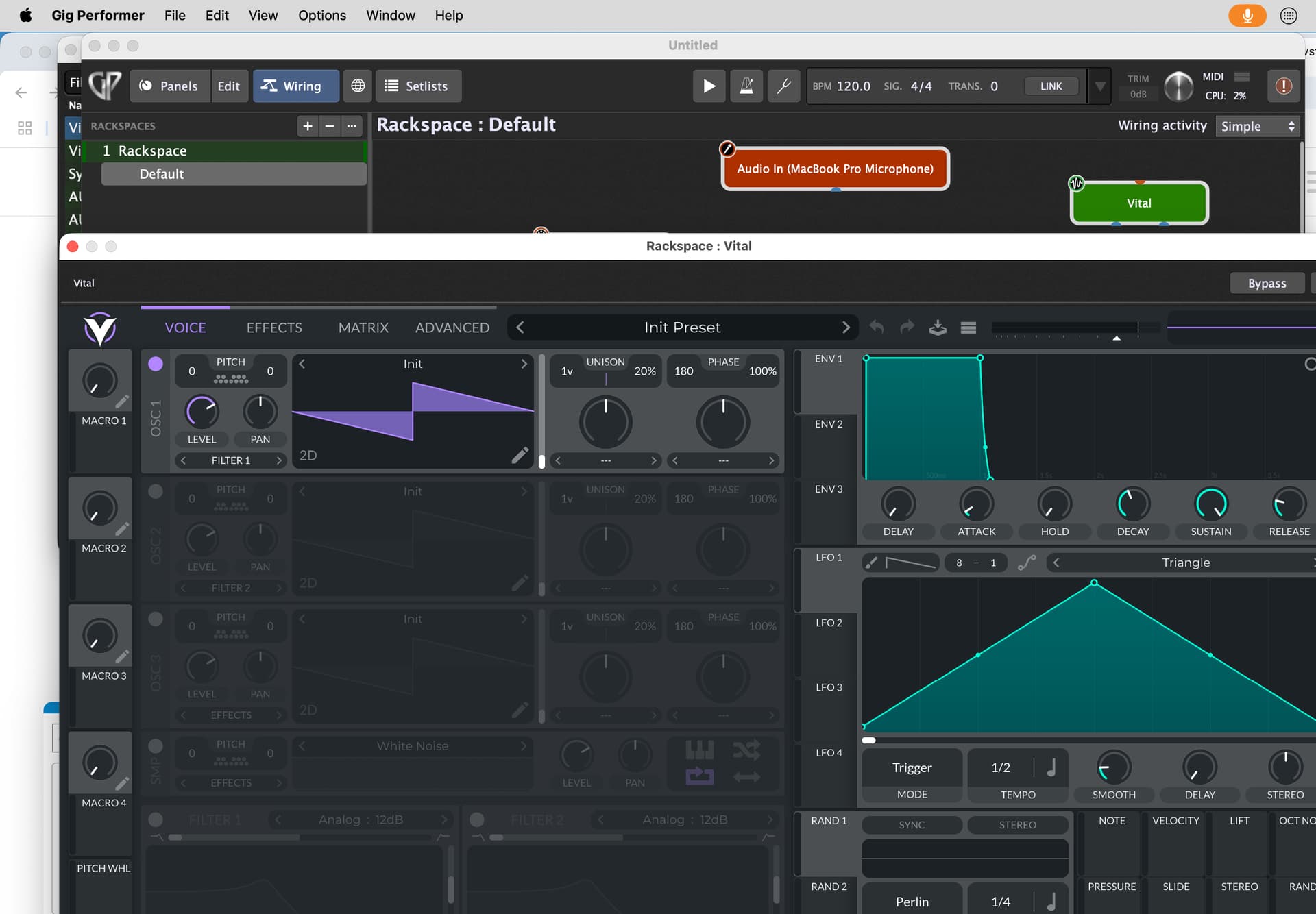
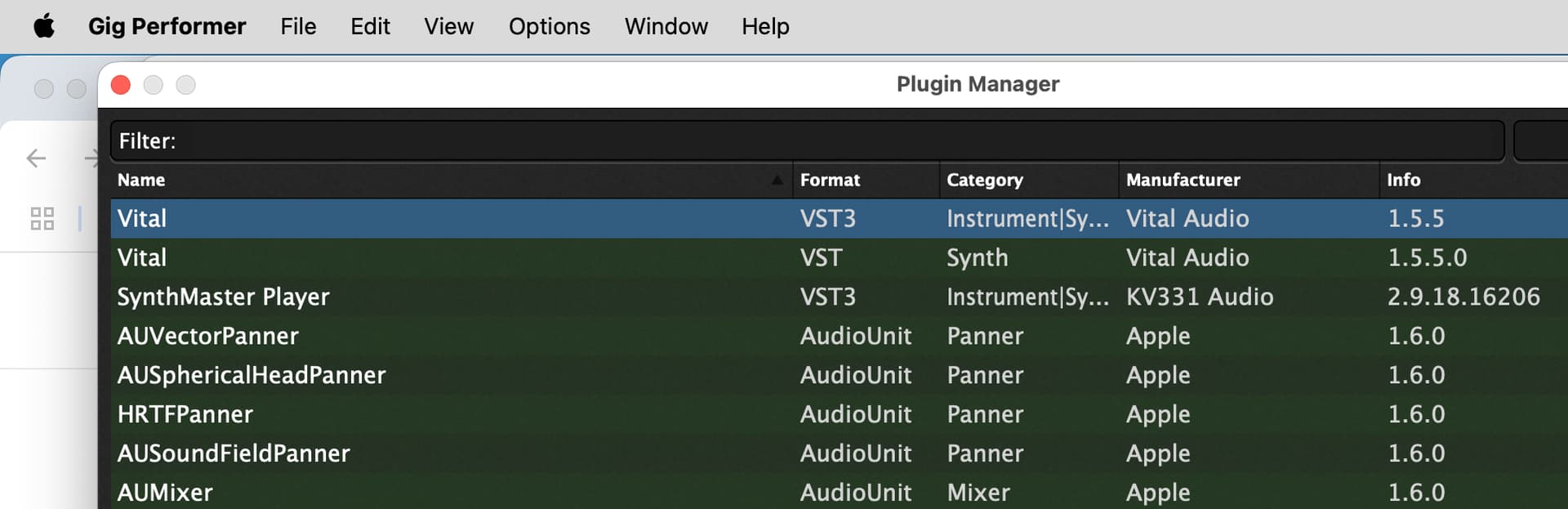
Vital works in standalone, and I can see it is in the library/plugins folders in both VST and VST3 subfolders - it shows up in the plugin manager in Gig Performer as a red failed plugin at the bottom in both instances (vst, vst3). ? I tried removing and rescanning. I must be doing something wrong. In any event, I’m loving GP - it IS THE SOLUTION I was looking for regarding soft synths and playback under one hood without loading a DAW.
If you go to the actual location of that’s plugin library (typically under the plugin name / Contents/MacOs
using a terminal window, you can then type
file filename (replace filename with the actual name of that plugin) and it will tell you what kind of library it is
For example, if I do this for one of my plugins (Korg Wavestation) I get this where it shows that the library supports both Intel and ARM but 64-bit only
Good advice - let me ask you, in your case is GP loading an AU version of teh plugin or the vst version ? I noticed that when I scanned - another app “zampler” was loaded in an au version and works fine but the vst version did not load and was flagged as a failed plugin. On Vital, I can see there is only a VST version on my machine in and not an AU version … I am wondering if that may be the issue ?
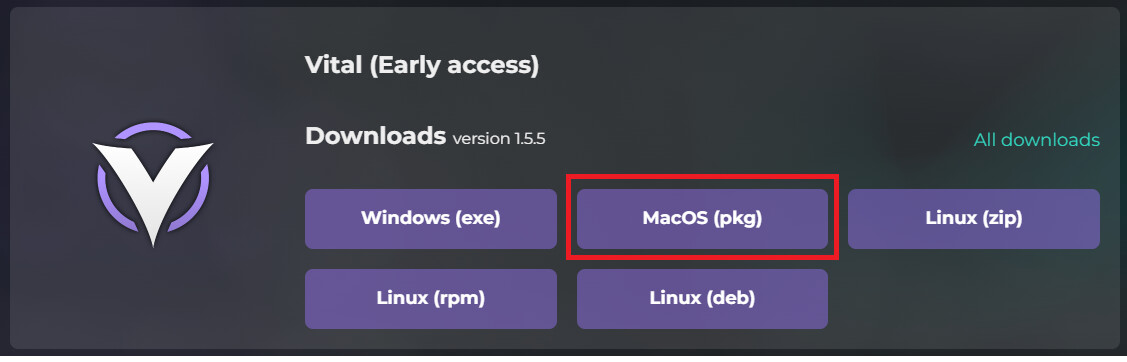
Yes, I even uninstalled Vital, deleted the standalone, and the plugins in the vst folders - then reinstalled it. GP still wont scan it for some reason. It keeps coming up as a red failed plugin. Very odd.
OK … I had tried closing and re-opening GP, thinking it might rescan the plugs - it did, but Vital was still flagged. I rescanned the failed plugins after I had reinstalled Vital… and now it works! That is great - Thank you npudar and everyone else for offering solid advice to help out - it just took a bit of patience on my end. Thanks - I appreciate it.