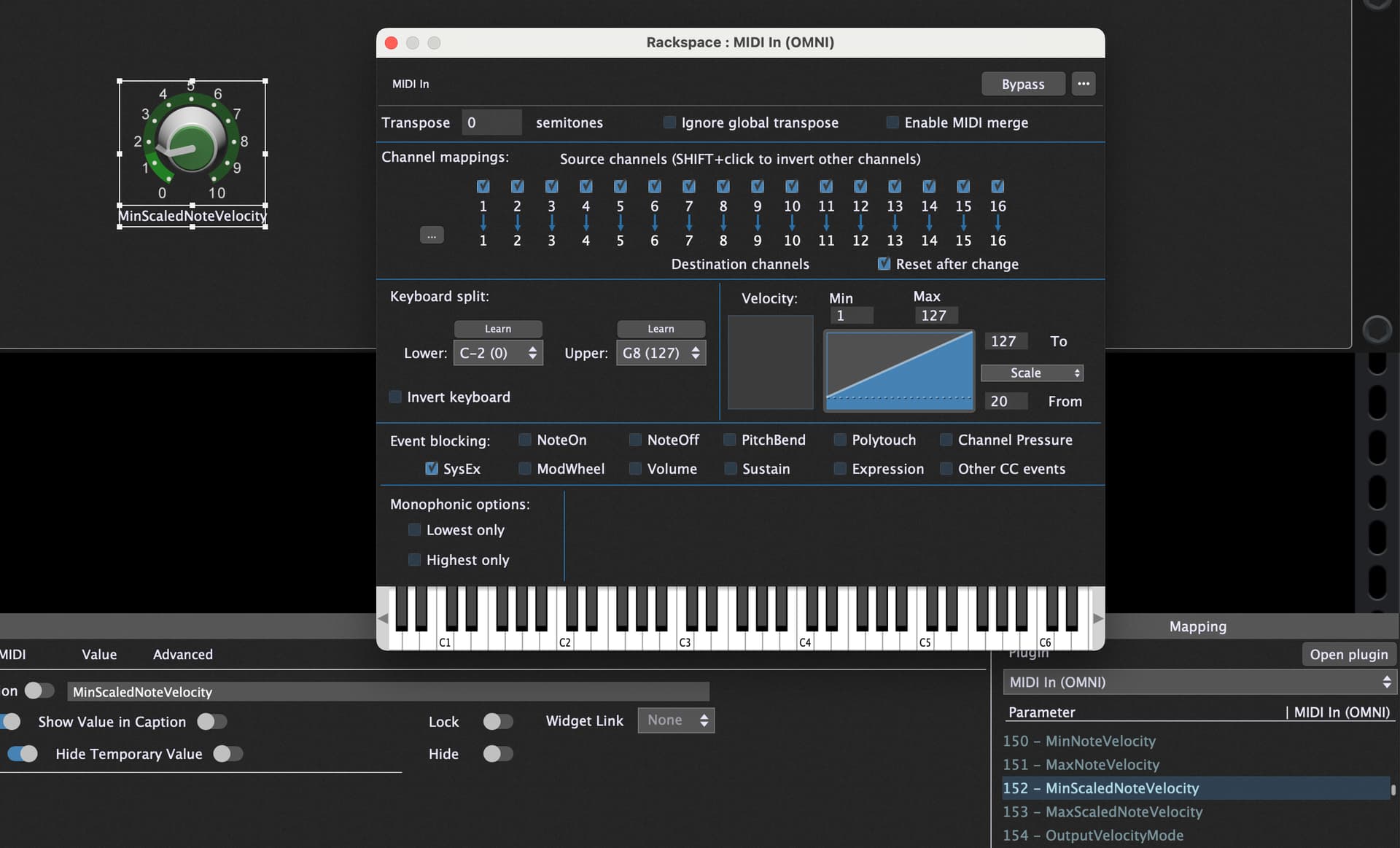
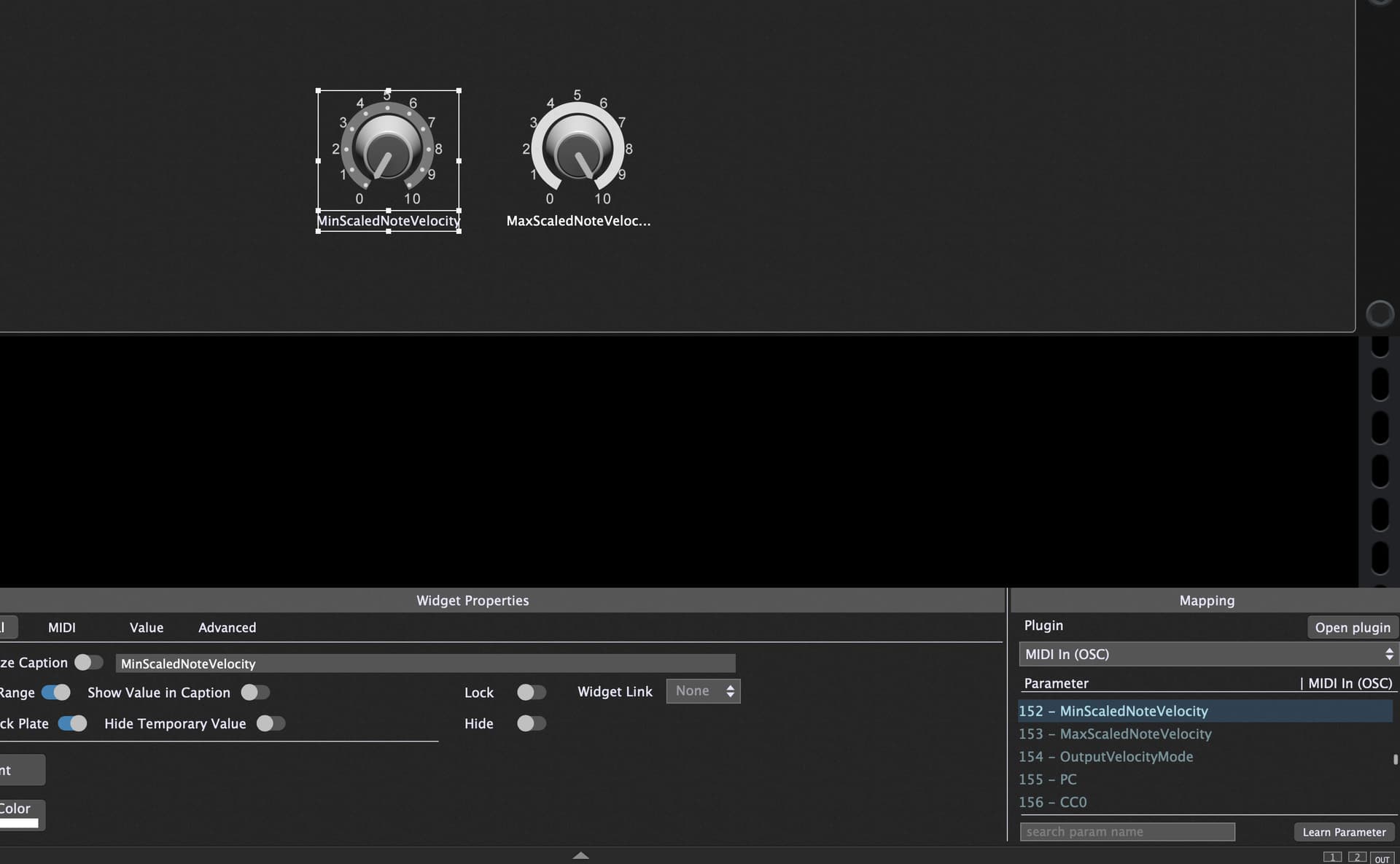
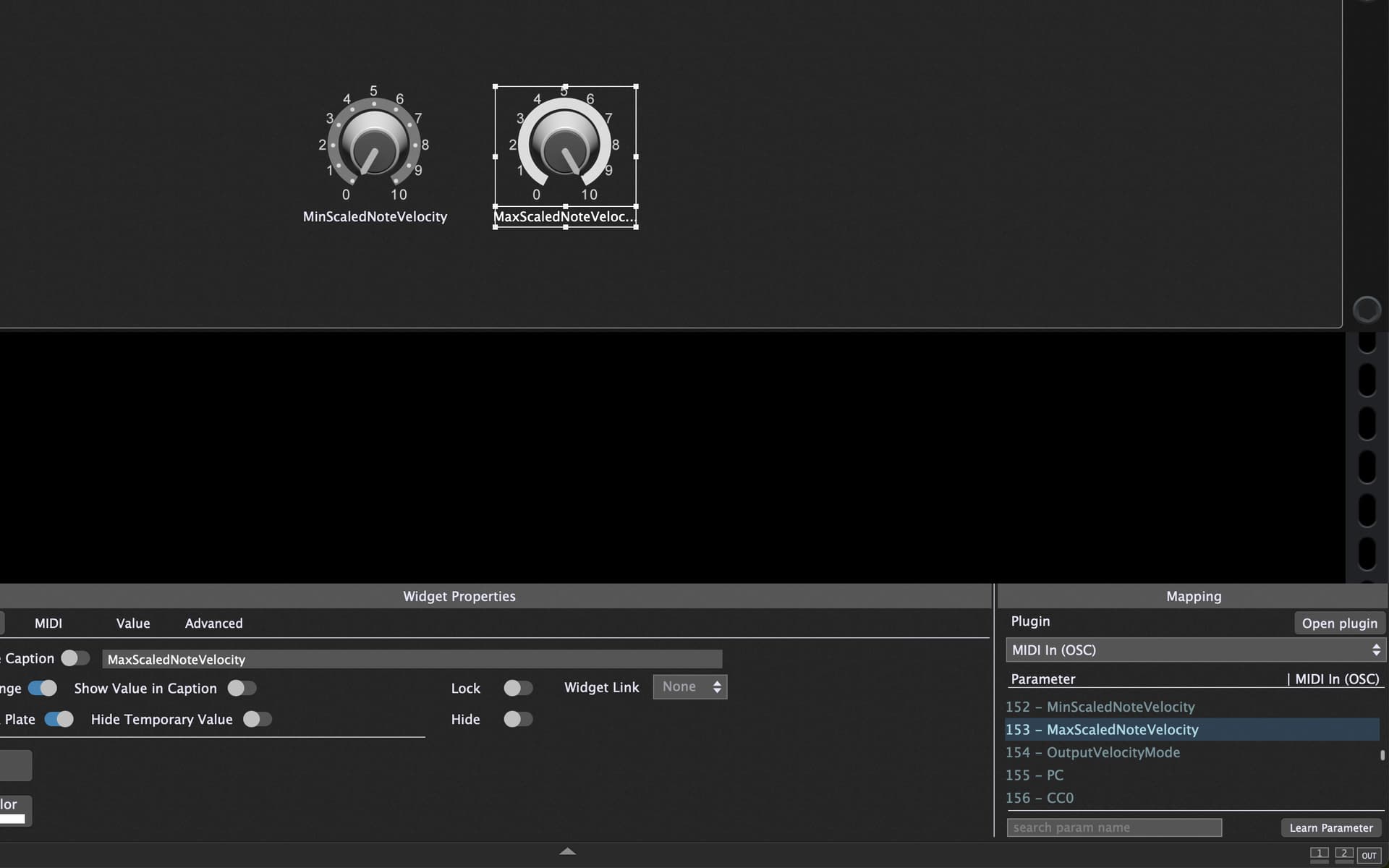
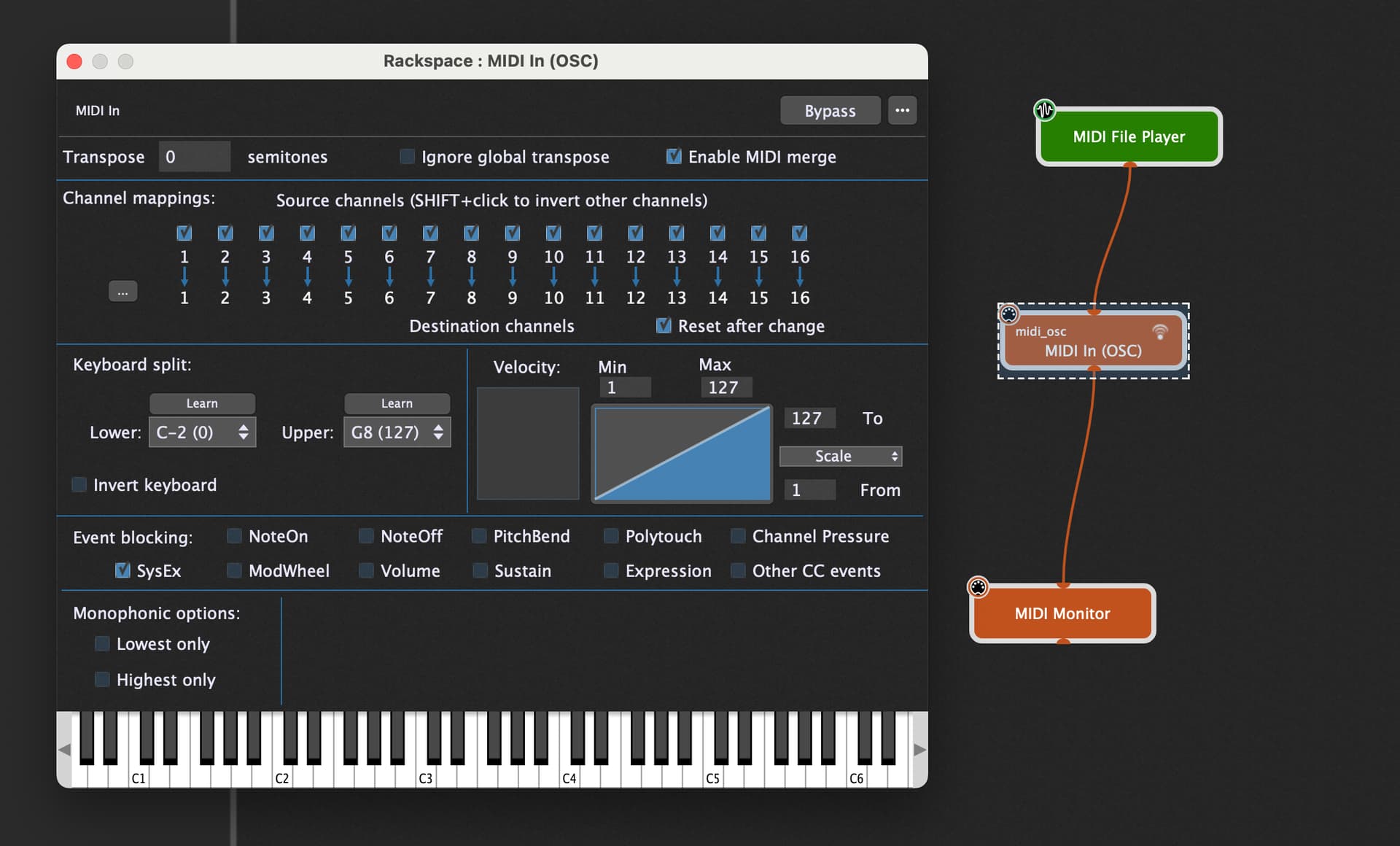
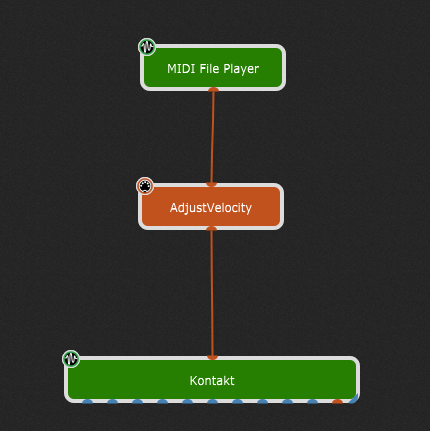
I have a conundrum and I’m not sure if it’s a question for Gig Performer or Kontakt. I have a MIDI sequence playing a kontakt instrument. The MIDI Sequence (of course) is a fixed sequence of notes / rhythms and velocities. I’d like to have a knob that somehow modifies (lowers/raises) the velocity coming from the sequence before it hits the kontakt sequence.
So that would be assigning a widget to a MIDI In Block, but the MIDI sequence is coming from the GP player, so I’m not sure how mapping to the MIDI In block would work… I would be great if the MIDI player had this option, but I don’t believe it does.
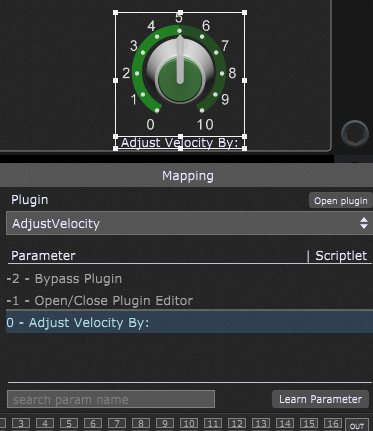
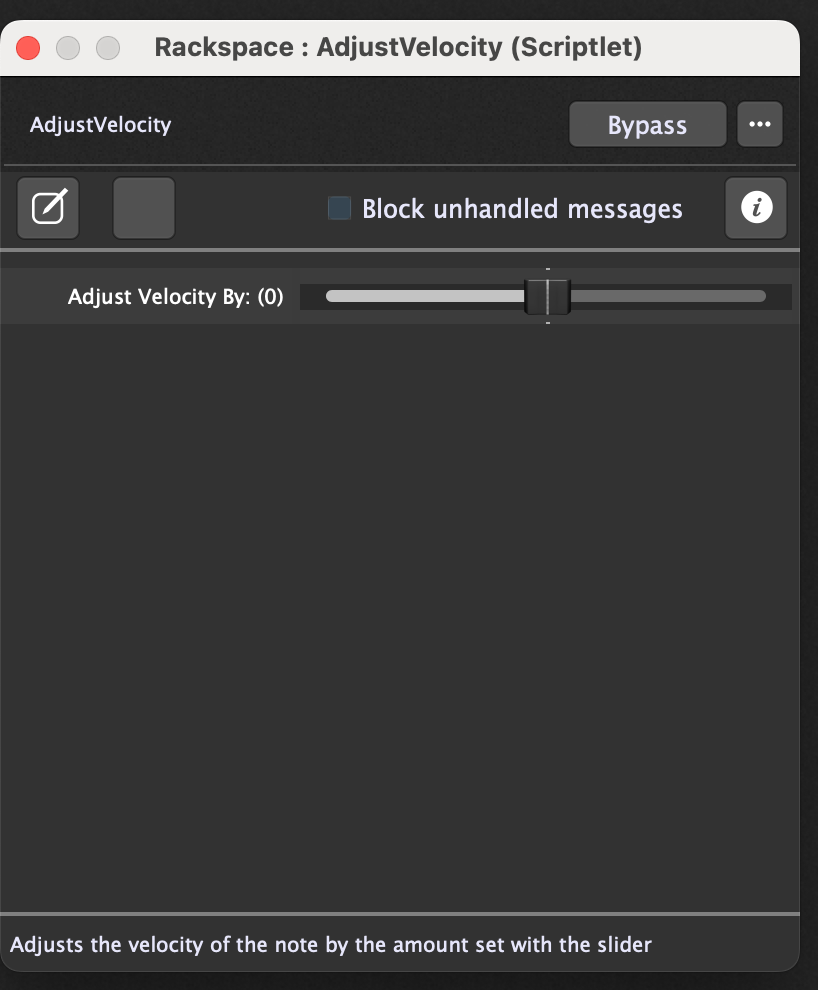
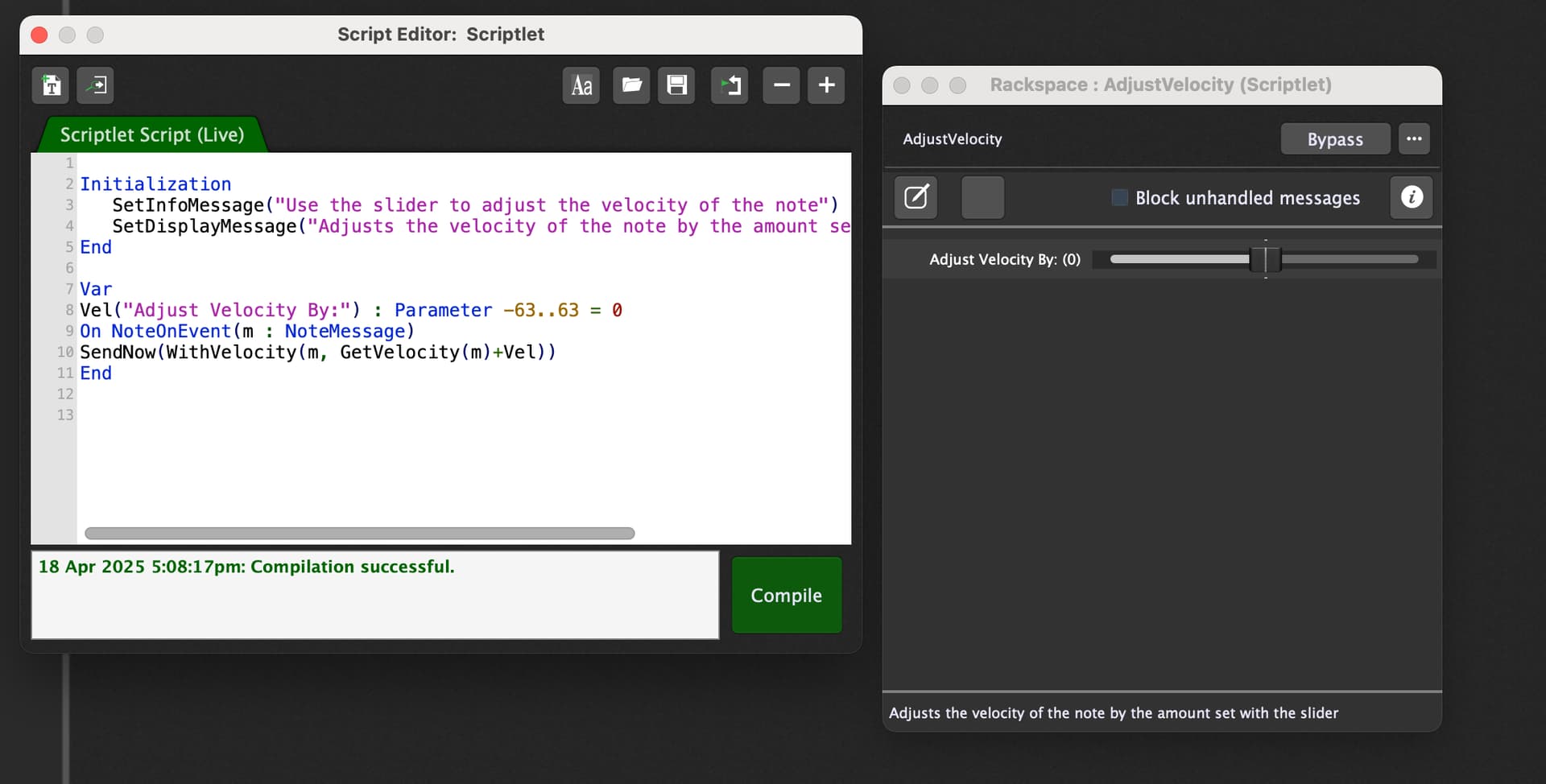
Alternatively you can use this scriptlet like this in between the MIDI file player and Kontakt. Map a knob widget to the Adjust Velocity By parameter. The parameter has a velocity adjustment range of +/- 63.
Clever Solution, but keep keep in mind that when your incoming note on velocity is for example 40 then putting the scriptlet parameter fully left results in sending a Note Off message.
And with the method of using the MIDI In plugin you can scale to a fixed velocity.
True, the script could/should be adjusted to limit the minimum value to velocity sent to 1.
It is probably better served for minor adjustments—perhaps a range of +/-20. I just used +/-63 as a demonstration.
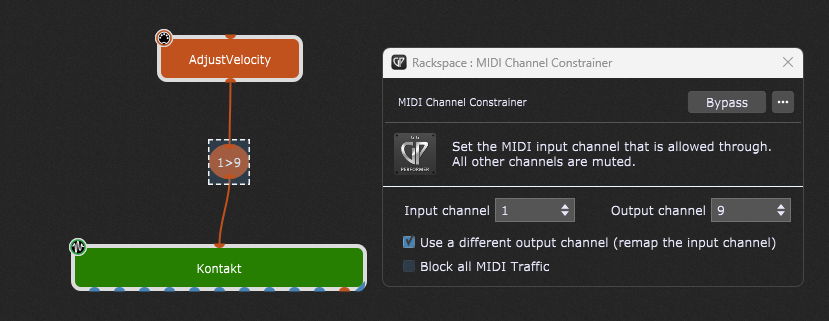
Thanks everyone, exploring options now. I like the idea of having one knob using the script, however when I put it in my midi wire chain it forces the incoming MIDI sequence to channel 1. How do I allow for channel 9?
I opened up the script code and didn’t see any info regarding channel