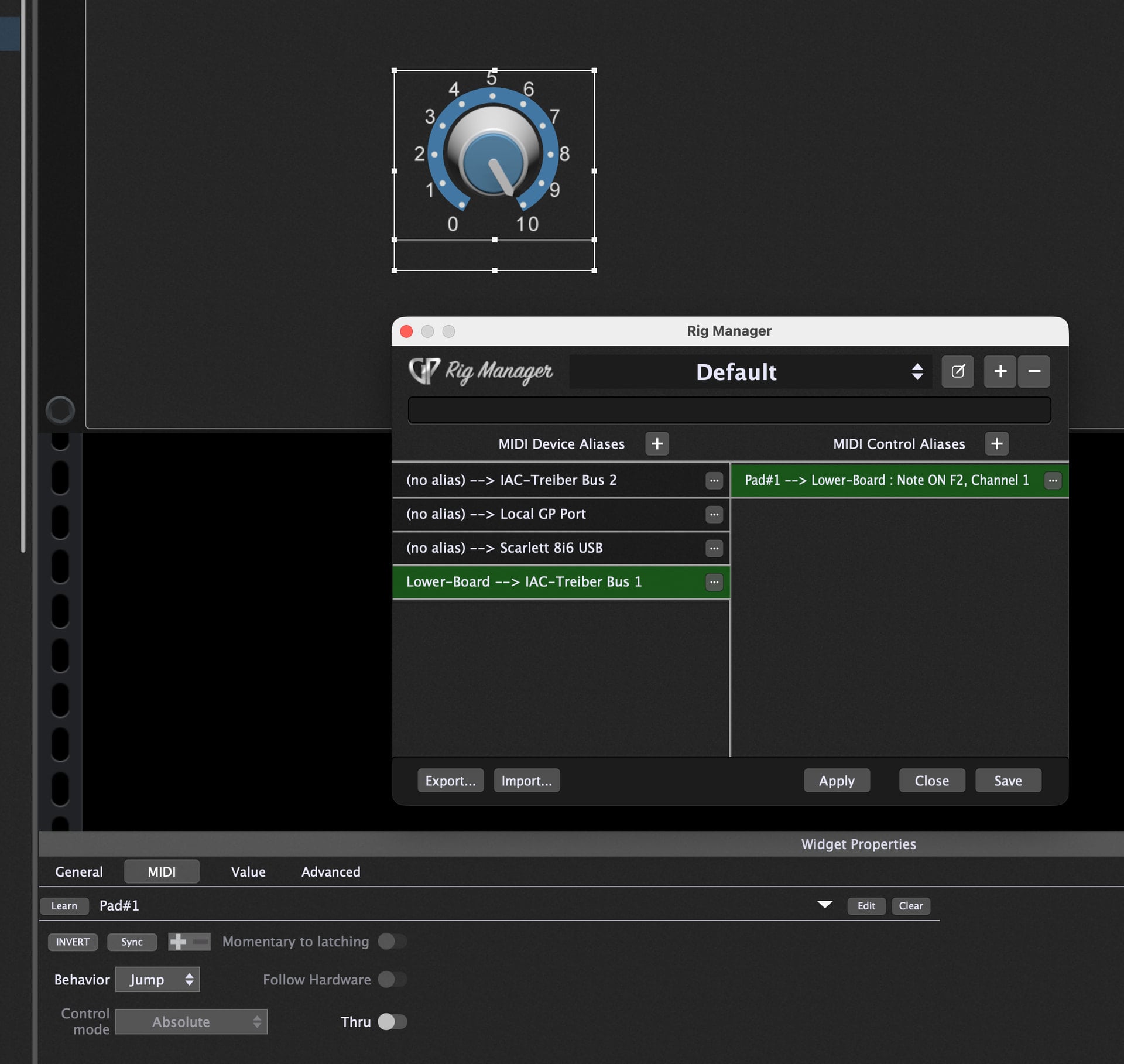
While working “offline” from my keyboard rig, I’d like to be doing some program editing.
Specifically, I’m trying to set up some audio files to be triggered by keys on my piano, but I don’t have my keyboards with me right now - just my laptop. I’d like to get this set up now so I can plug and play at my next rehearsal where I left my equipment.
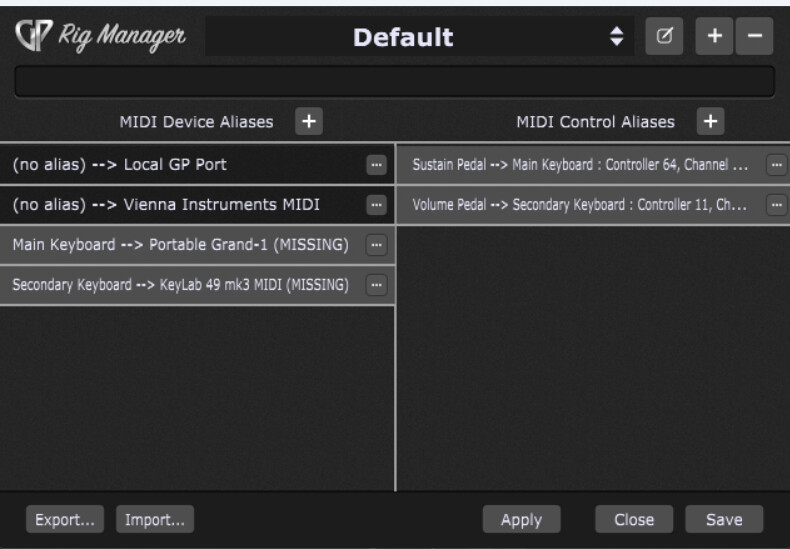
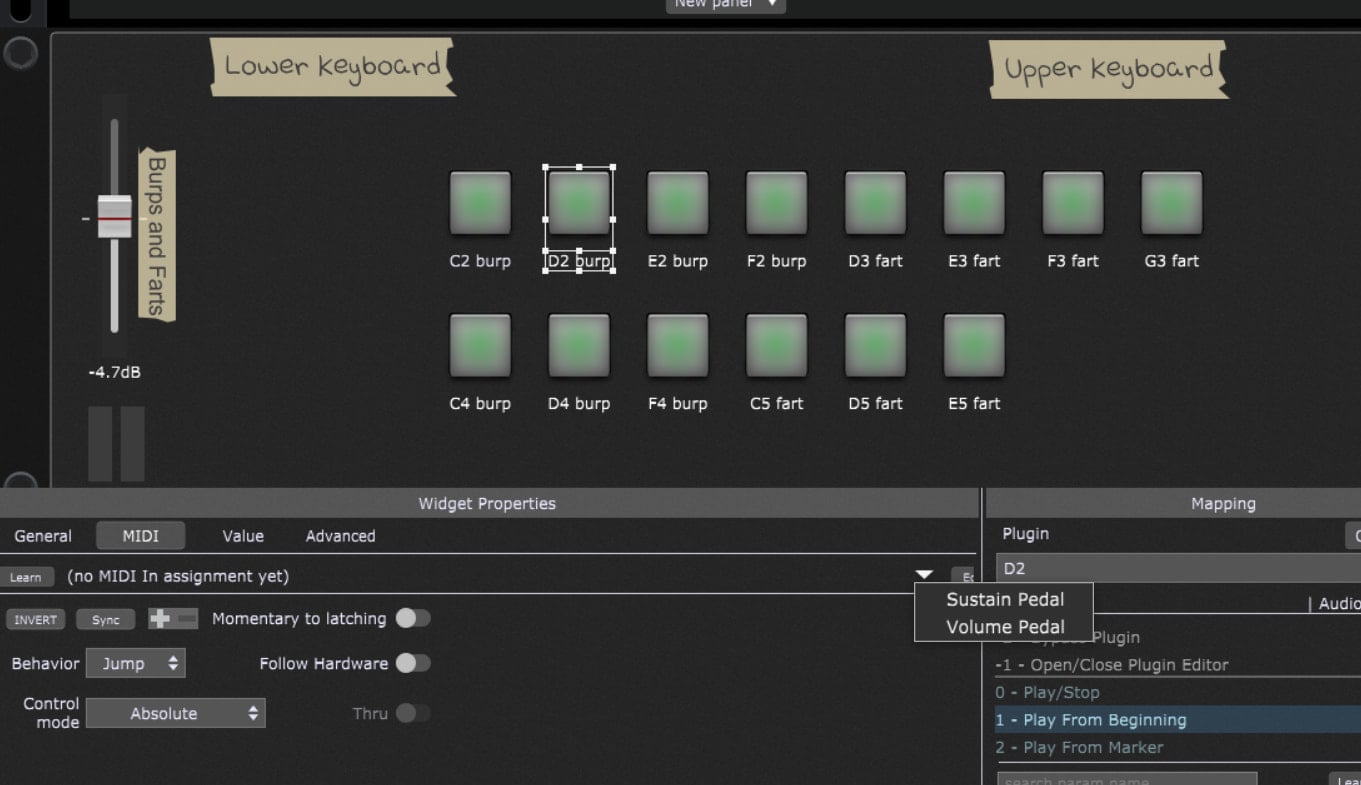
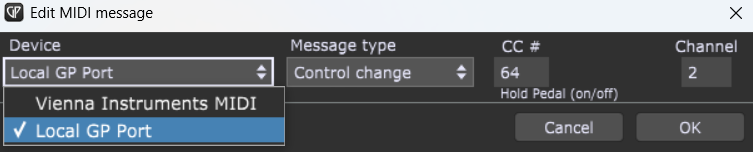
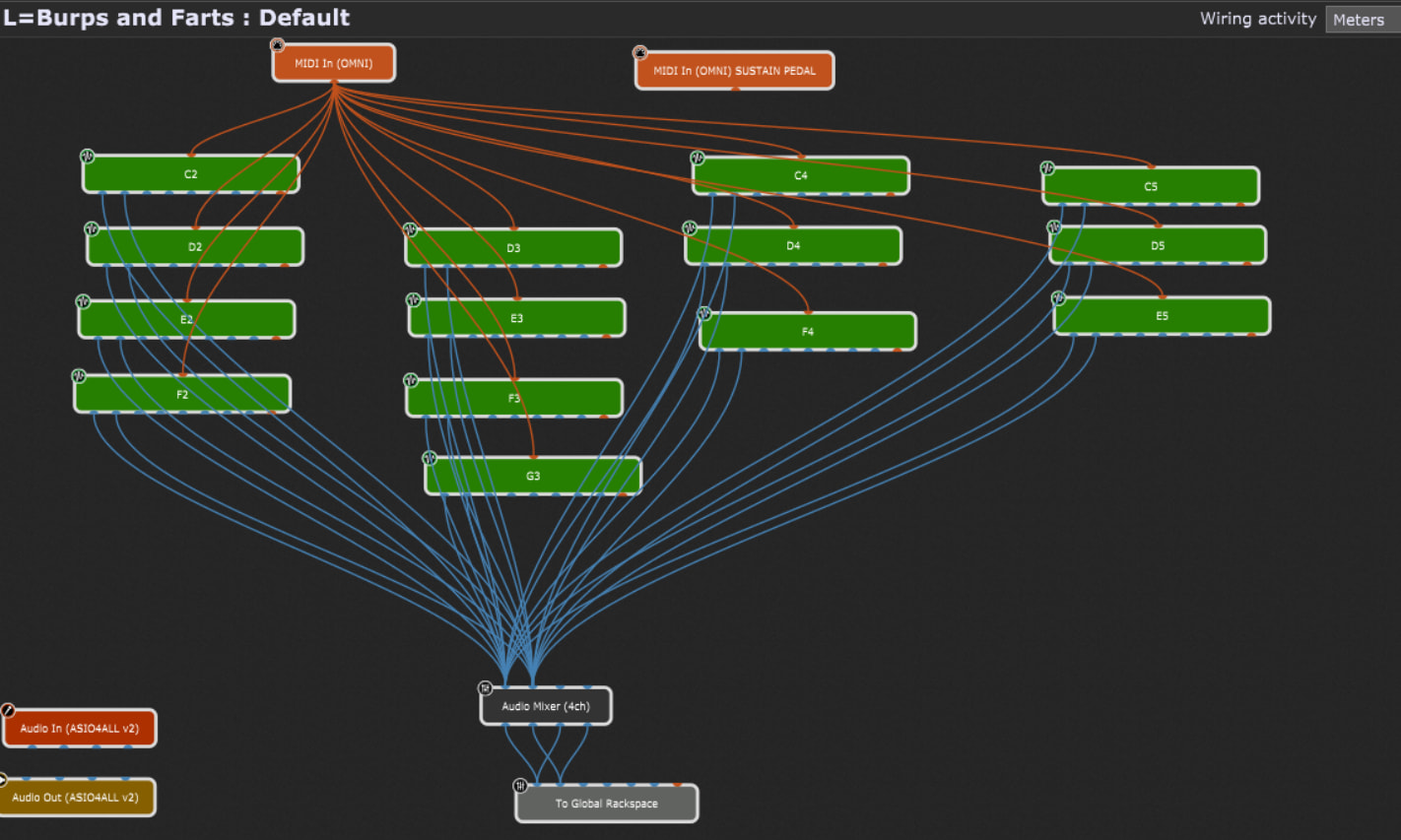
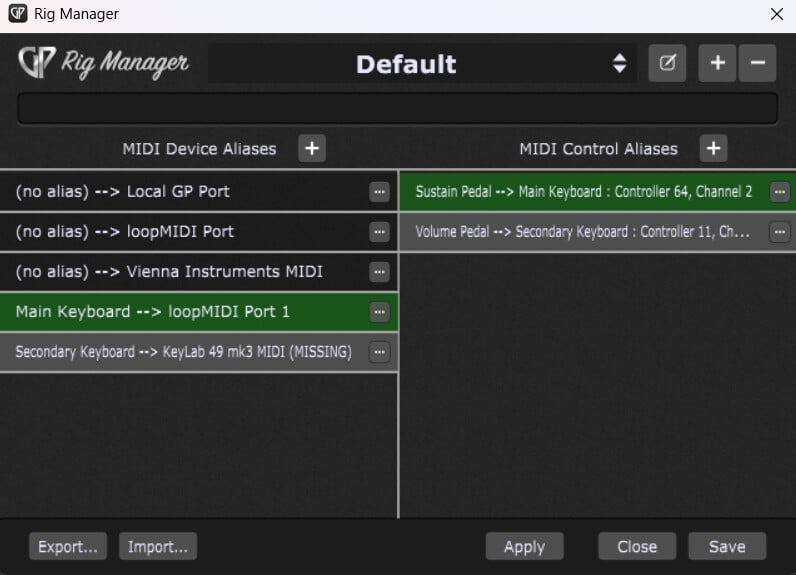
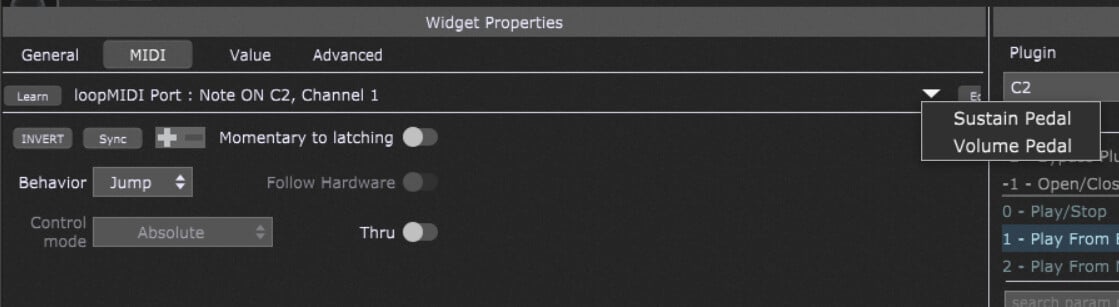
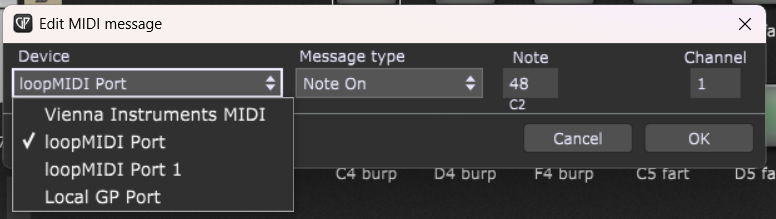
In the widgets, I want to assign buttons to the MIDI inputs of my keyboards (as defined in my rig manager as Main Keyboard and Secondary Keyboard), but I do not see a way to manually tell it to use these devices - or even the OMNI keyboard input. I do see options for the pedals that I assigned aliases to, but not the keyboards in general. I’ve tried opening the OMNI input plugin and clicking a key on the virtual keyboard, but the “Learn” button does not seem to recognize any input when I do that. I’ve also tried manually editing the midi message, but again, the inputs I want are not an option.
When looking at your screenshoits: you are running Windows? I’m not that familar with windows, however:
I would try to set up a virtual MIDI Keyboard (VPMK? or one of the various MIDI Monitor tools providing a virtual keyboard) and create a new rig assigning these virtual Keyboard to your Main and/or Secondary Keyboard aliases.
I ended up installing LoopMidi and assigned it to my Main Keyboard alias.
Back in the widget setup, I do not see an option to program the widget to the aliased device. I do see if I click on manual edit, I can pick the LoopMidi channel manually but it does not associate it with the alias that will allow me to mass update the rig with the correct equipment. (I did set up two ports and attempted to switch them by redefining my Main Keyboard and verified it does not update.) Am I missing something important here?
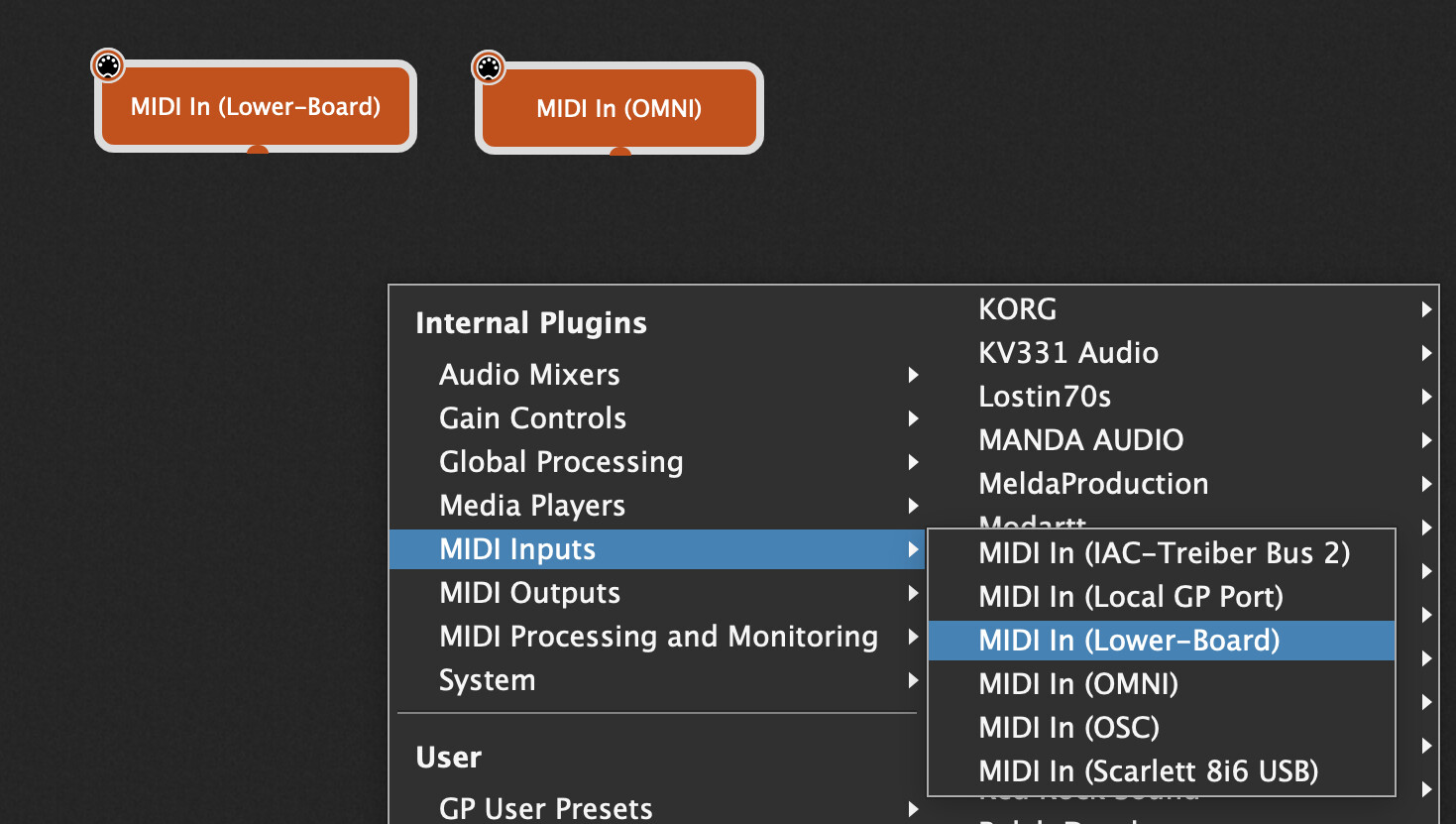
Also, opening the Midi input block from the wiring view and clicking on a key on the keyboard still does not register anything when I click “learn” on the widget.