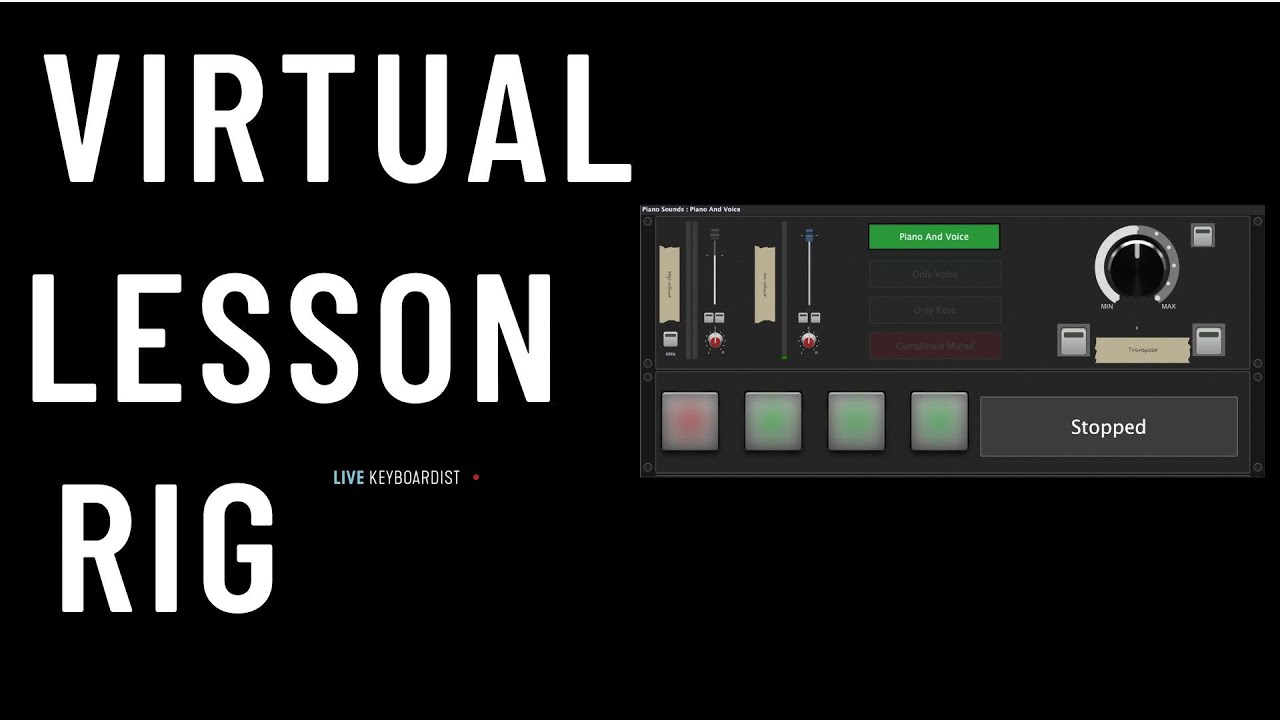
In this video, Brett Pontecorvo shows you why Gig Performer 4 is a great tool to teach piano lessons live online.
–
This video, demonstrates how to use Gig Performer to professionally teach live piano lessons online via Zoom. The setup focuses on overcoming common remote teaching challenges, such as audio management and visual aids.
Key Features and Workflow:
- Audio Management: The instructor uses a Noise Gate (the free Silencer plugin) to filter out background noise while ensuring the student hears the instructor’s voice clearly without echo or unintended audio feedback (1:20 - 2:37).
- Audio Routing: By using an Aggregate Device on Mac with virtual drivers like BlackHole, the instructor can separate their voice and piano audio paths, allowing them to monitor the piano locally while sending a balanced mix to Zoom (3:14 - 4:10).
- Performance Tools: The setup includes custom Transpose scripts to demo pieces in different octaves without manually switching interfaces, and Variations mapped to keyboard keys for quick muting or isolating voice/piano inputs (5:10 - 6:29).
- Teaching Aids: To assist with rhythm and technique, the instructor utilizes a Visual Metronome with adjustable time signatures and a Giant Pedal widget to clearly demonstrate foot pedal usage to students (6:35 - 8:54).
- Backing Tracks: An integrated audio file player is used for backing tracks, allowing for precise volume control and looping during lessons (7:38 - 8:15).