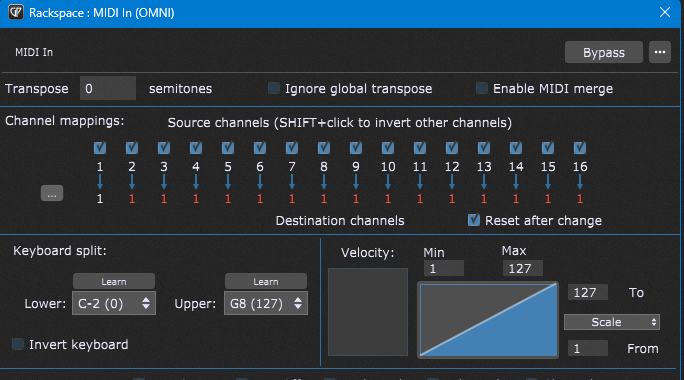
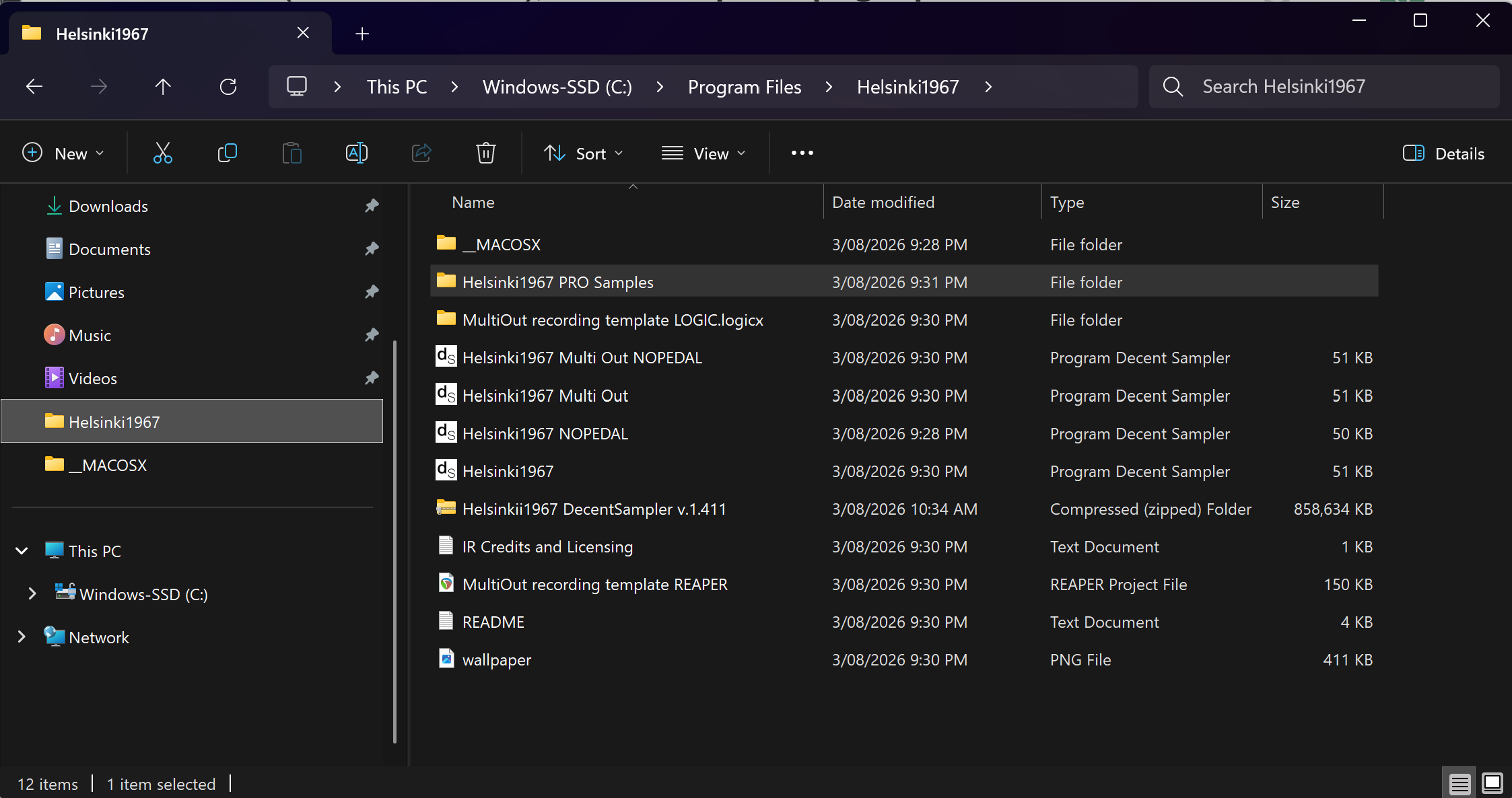
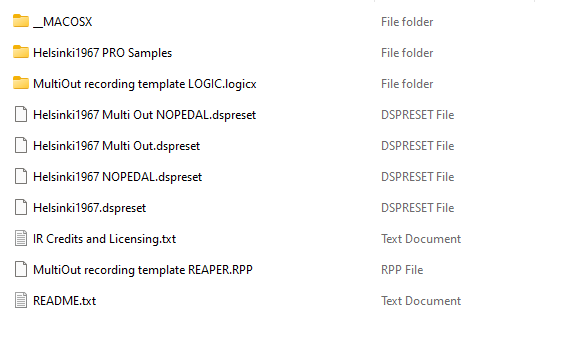
Difficult to tell where the problem might be, since the .dspreset and samples folder seem to be in the same folder as they should and everything should be wired properly in GP. I’d try npudar’s advice of choosing a different folder than Program Files (though I haven’t been an active Windows user since 2009 so I’m certainly no expert).
You could also try double clicking the Helsinki1967 inside the folder, it should open the library in the standalone app. See that it works there on your system first.
Kontakt users rejoice, there is an update for you!
Helsinki1967 v.1.5 for Kontakt 5 and above now includes a new sustain pedal script. Claude managed to overcome the scripting problem I had last year and now the sustain pedal resonance behaves MUCH more naturally.
I know this is very basic stuff if you’ve used basically any commercial sample library or physically modeled piano plugin for the past 15 or so years, but for a tiny free Kontakt library I think this is a genuinely nice addition.
From release notes:
Previously, you could activate the sustain resonance
samples only by pressing the pedal down BEFORE playing any notes; now the sustain pedal samples will fade in or out if you press/depress the pedal while holding down any notes.
I tried to make it as smooth and natural as possibly given the limitations that come with limited number of pedal down samples available. Tweak the “Pedal resonance” parameter to taste if you feel that the pedal down samples are too loud/quiet.
You may grab the updated version either from this mega folder or from Pianobook.
Helsinki 1967 v. 1.6 for Kontakt and DecentSampler
I just finished uploading new versions for Kontakt and DecentSampler. In the Kontakt version, I implemented velocity crossfading via KSP scripting (much smoother than Kontakt’s built-in X-fading IMO). DecentSampler implementation is a bit different, but still functional.
Less technical and more practical explanation: the instrument should now feel a lot more responsive and natural dynamics-wise, with much less abrupt jumps between velocity levels, especially form mezzopiano to forte and forte to fortissimo. Try it and hopefully you’ll notice the change.
With this many microphones, implementing this type of velocity crossfading will result in some phase-issues in the crossover points between velocity layers, but when test driving the instrument, I didn’t find this too distracting. DecentSampler implementation is a lot more crude, so I included the previous version in the .zip package as an alternative. The new version with crossfading is named “Helsinki 1967 XF.dspreset”.
I did consider a TX16Wx version last year when doing the alternative versions. If I remember correctly, I even did one version using ConverWithMoss, which was extremely helpful when creating the DecentSampler version. Unfortunately, it wasn’t very stable and had some annoying mapping errors. I like the idea of having a free versatile multi-sample capable plugin like the TX16Wx, but whenever I’ve been trying to dig into it I’ve given up; the stability on my system is not very good, and the GUI for sample pack creation feels a bit clunky. But maybe one day…
I do have some other plans though: a friend of mine has got a tiny Kawai (might be pianetto size, can’t remember now) that’s being tuned some time this month. We have discussed sampling it.