 @Marbles - I had no problems. Sometimes I only use only one soundcard because my device has three cards.
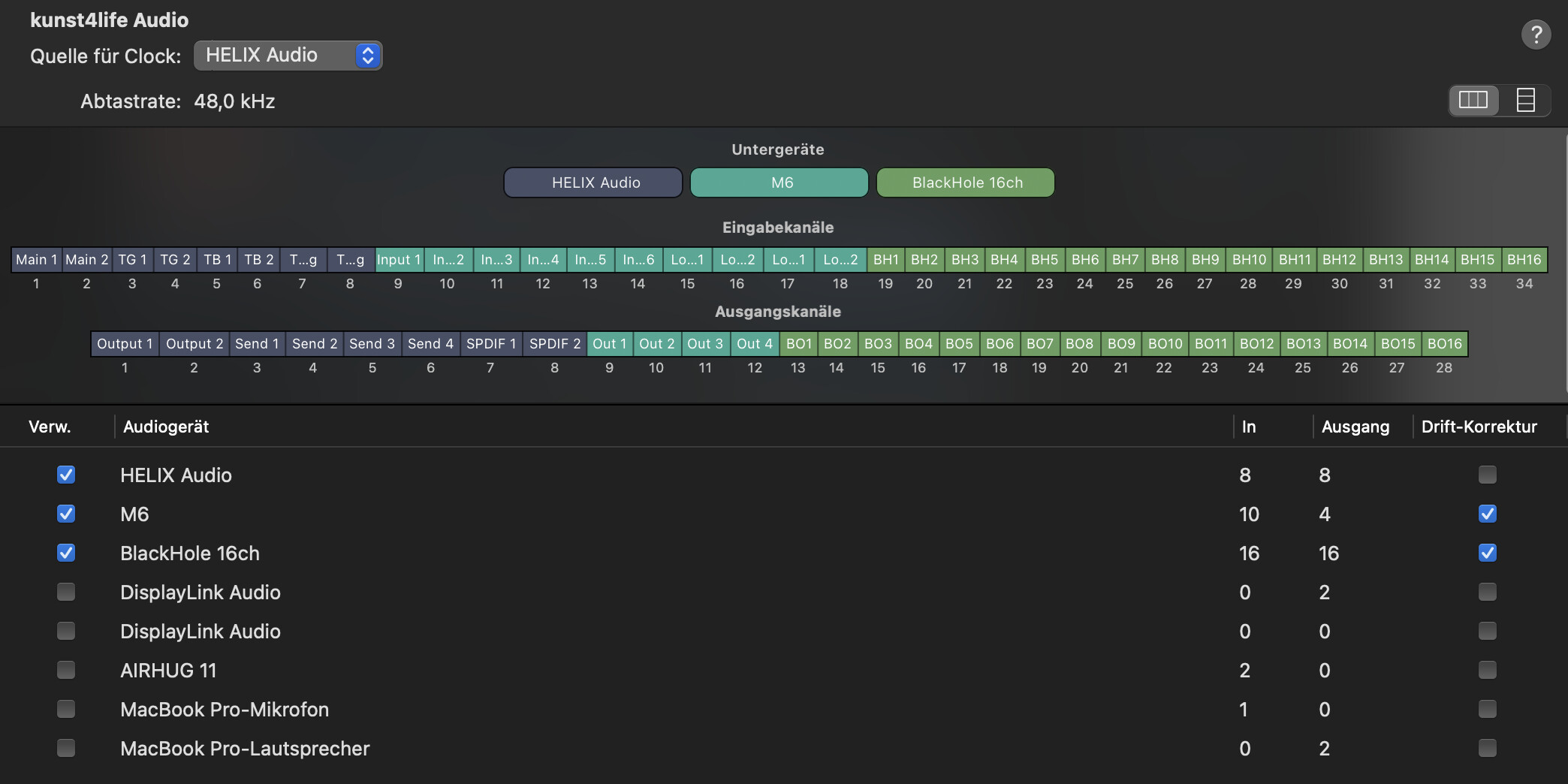
Good to hear! I read about issues concerning clocking errors or latency misreporting (obviously only in case of multiple soundcards) and was wondering if this virtual solution could introduce any other performance problems.
You have to make sure you enable drift compensation for the extra interfaces
I’ve read the posts about drift correction, but my situation is more of a workaround:
At home I prepare my GP setup with a different audio interface, but on stage I use a Focusrite Scarlett 18i20 that’s built into my riser. Every time I connect my laptop on stage, I have to manually select the Scarlett in GP’s audio settings before loading my gigfile — otherwise I need to reload the gigfile after switching to the correct interface.
My question: could an aggregate device act as a sort of virtual patchbay, so that GP’s routing stays consistent even when one of the interfaces is not connected? (I know GP has its own virtual routing, but I’m looking for a way to avoid this select/reload inconvenience.)
According to Ableton Live’s documentation, aggregate devices can be less reliable than a single interface: latency might be reported incorrectly, and certain setups may cause clocking errors or dropouts. However, these issues seem to be more relevant when using multiple devices at the same time or combining them improperly.
So:
-
Does it make sense to use an aggregate device if in practice I only use one interface at a time?
-
Or are aggregate devices mainly a temporary solution when a single interface with enough I/O isn’t available?
Thank you for this very inspiring video. Mind was blown already at the start of the demo! Awesome sounds and improvisation 

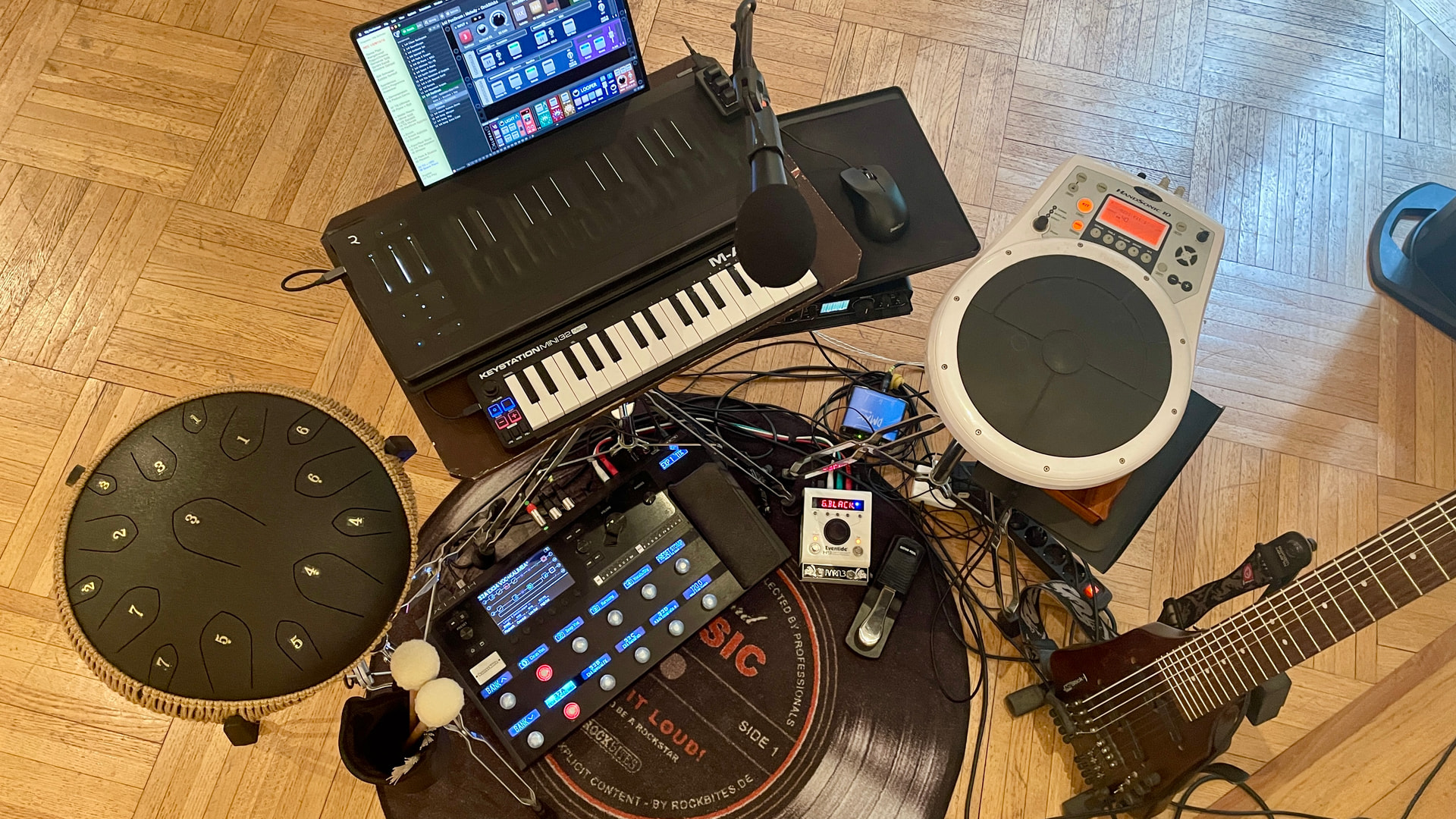
Echt geil!
Thank you for sharing!
This is sort of a thread hijack so maybe should be split, but using two different instances of GP may help with that issue.
On Windows you can start GP using a specific named instance using the “-i” flag for startup. So you could use something like “-i home” and “-i stage” to distinguish the two instances. Both instances will remember the last gigfile and audio interface used, and both can use the same gigfile. This way you can click on your “home” desktop shortcut if you’re at home and your “stage” shortcut if you’re on stage.
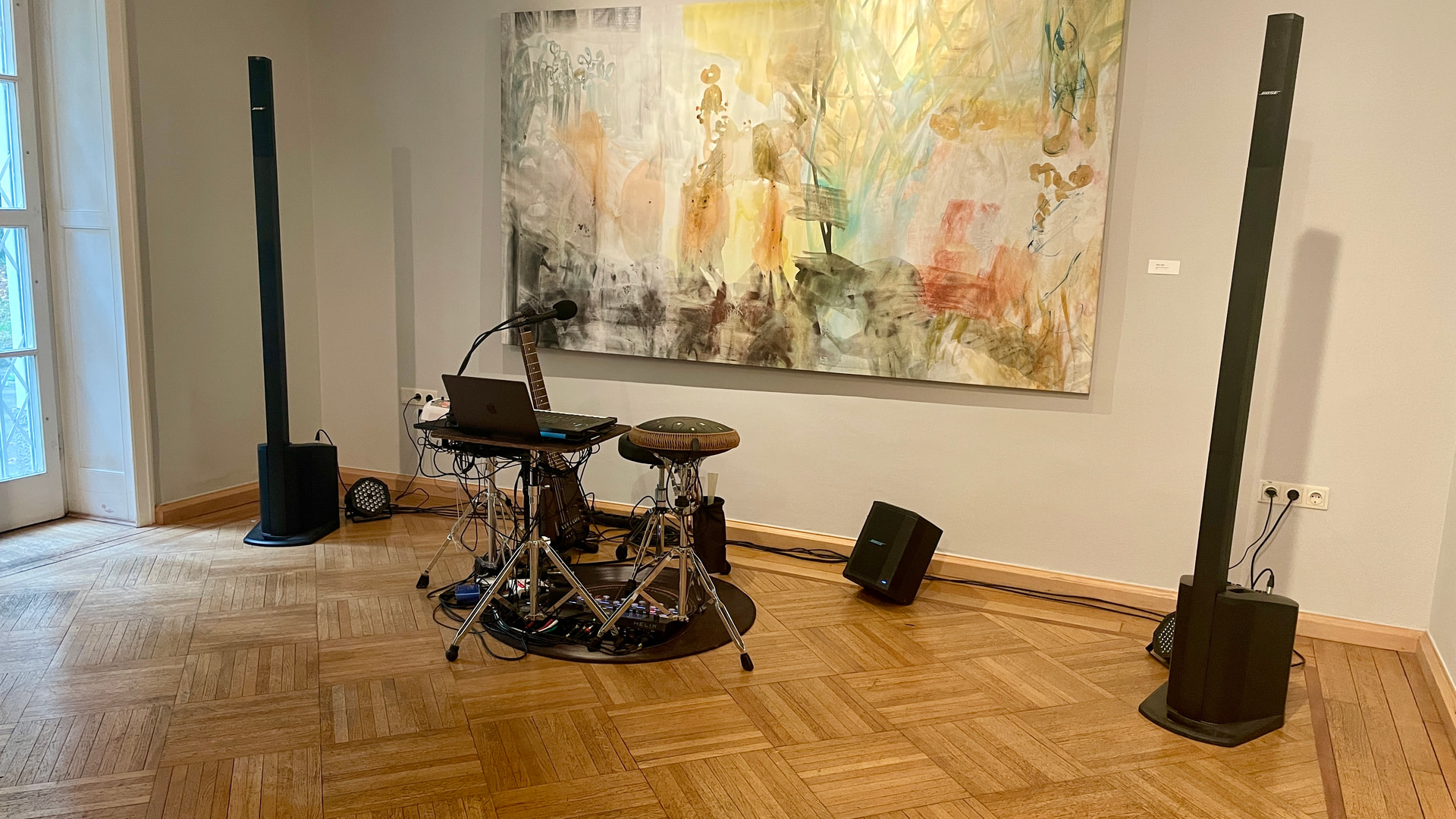
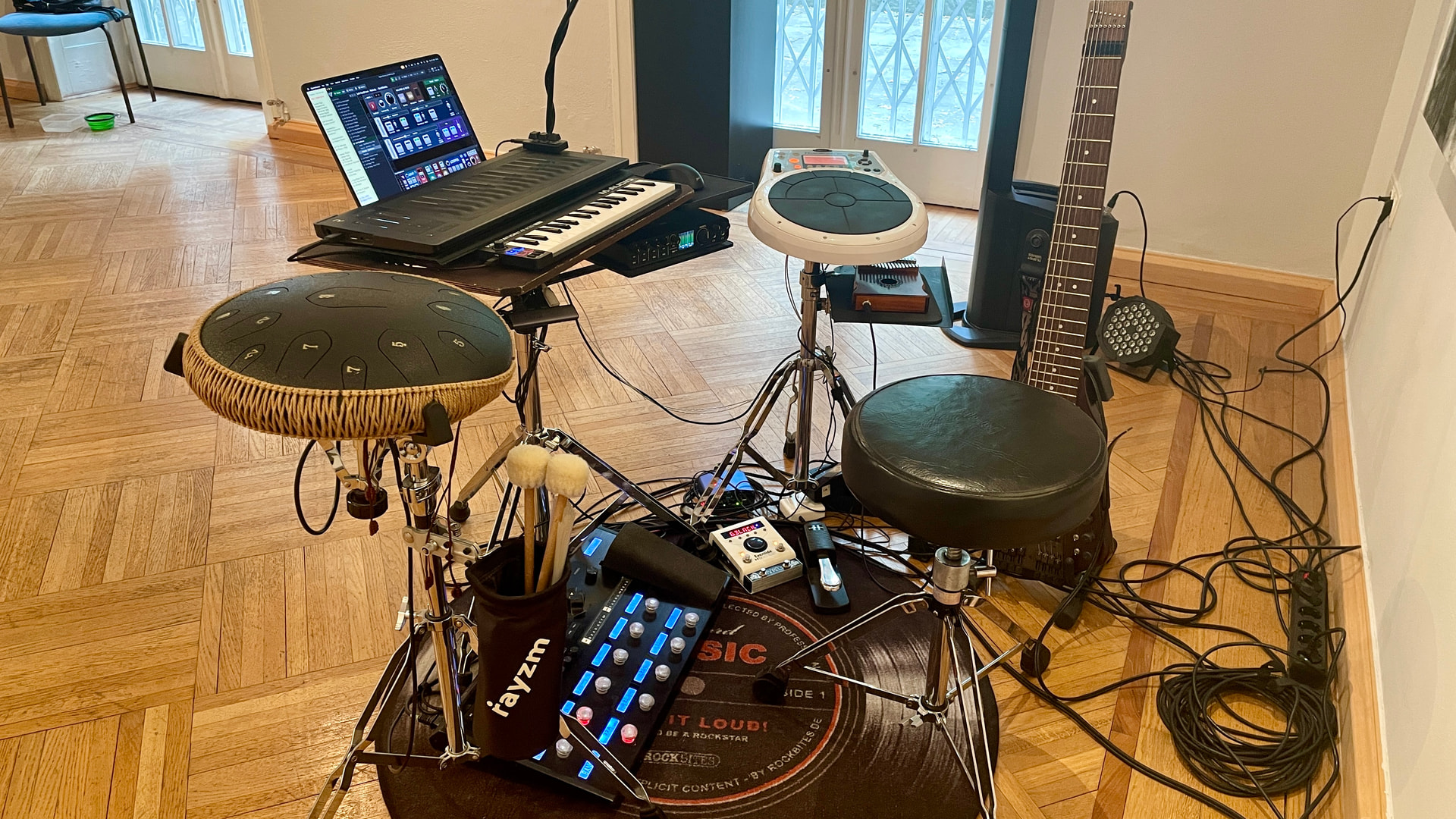
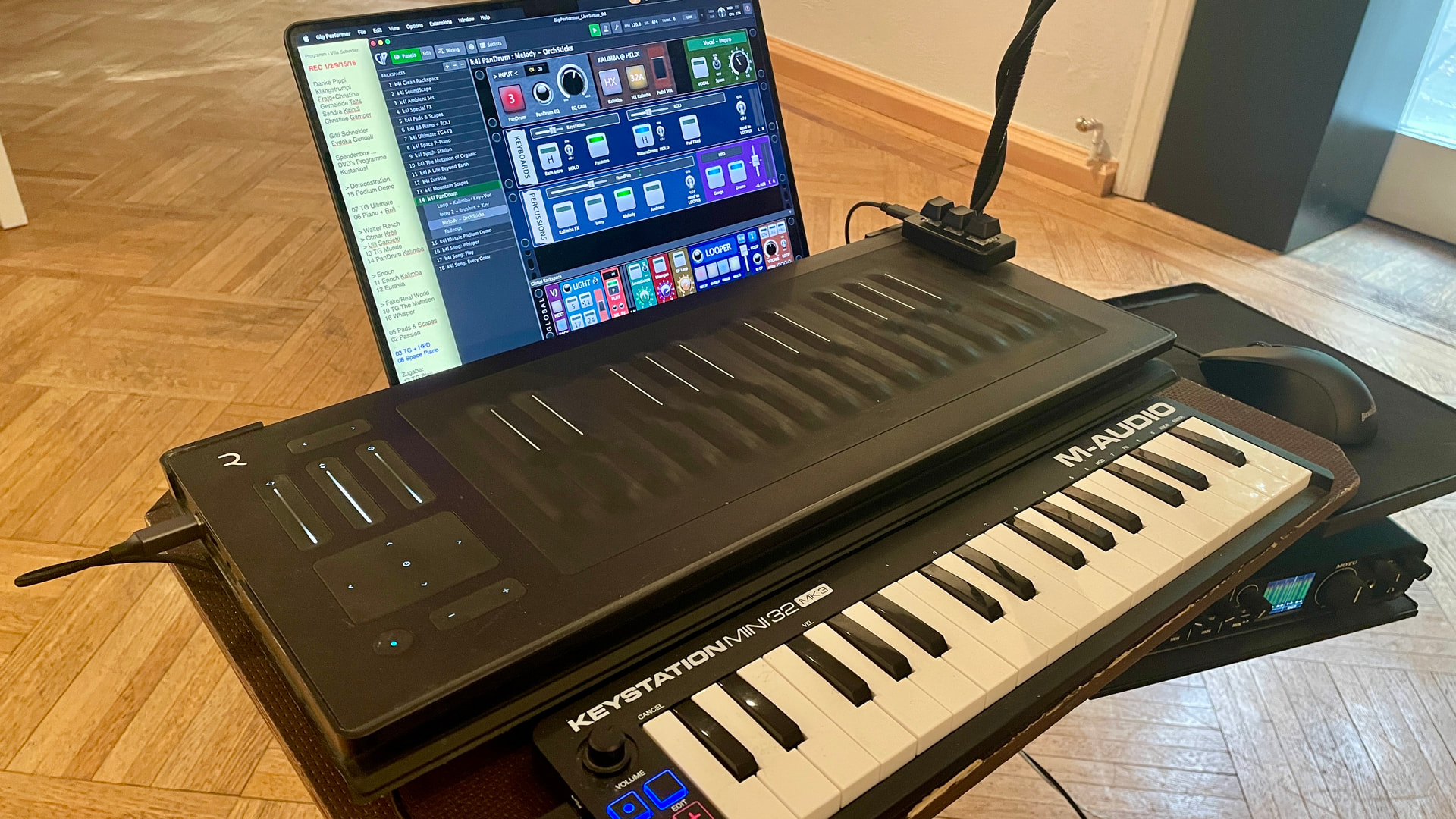
Just a Jam … with Gig Performer in action! … oh and a new simple small controller …

Alter, egal was du machst, es ist einfach mega!
(Whatever you do is awesome!)