GP Essentials getting audio crackling - SOLVED

I don’t know if this something anyone can help me with, but I am getting audio crackling on Legion Lenovo 9i Pro Gen 10 laptop with 32GB of ram using an IK iRig HD X interface and it’s dedicated ASIO drivers with my buffer set to 48k 128 samples. GP’s cpu percentage is around 30-35%

I have looked over the book for optimizing GP for Windows, but I am not using GP or this laptop for a dedicated purpose. I use GP to have a cool sounding pedal board to practice with while watching shows on my laptop. So I need internet and often my browser.

I have this same setup on my macbook pro m4 pro with 24GB ram and the same audio interface and I can run GP at 48k 64 samples with no crackling.

Why bother with the PC? I have an 18 inch monitor in the PC versus a 14 inch in the mac.

It just seems crazy that such a powerful PC would struggle with audio. Any tips to optimize this machine would greatly appreciated!

I suspect this is the cause of the issue. You can confirm by playing with the browser closed (and also the wifi off).

Check out these threads:

See how Frank1119 saved me twice (Lenovo Thinkpad P 16 Gen. 2).

He gave me a bit of code to ensure the Ultimate Power Plan could be implemented. (I would try this first).

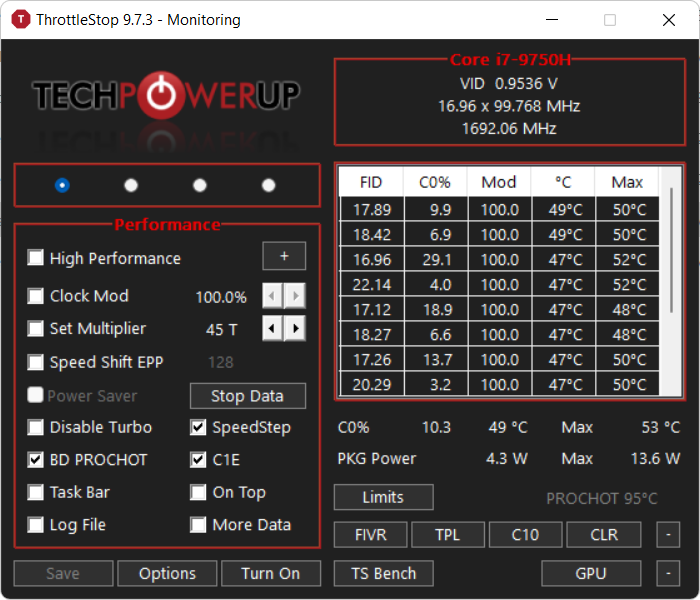
In another case, the issue was fixed with Throttlestop.

Good luck. Let us know!

Jeff

FREE e-book by Deskew - Optimize your Windows PC for the stage!

Also check out these additional tips + tips from the book.

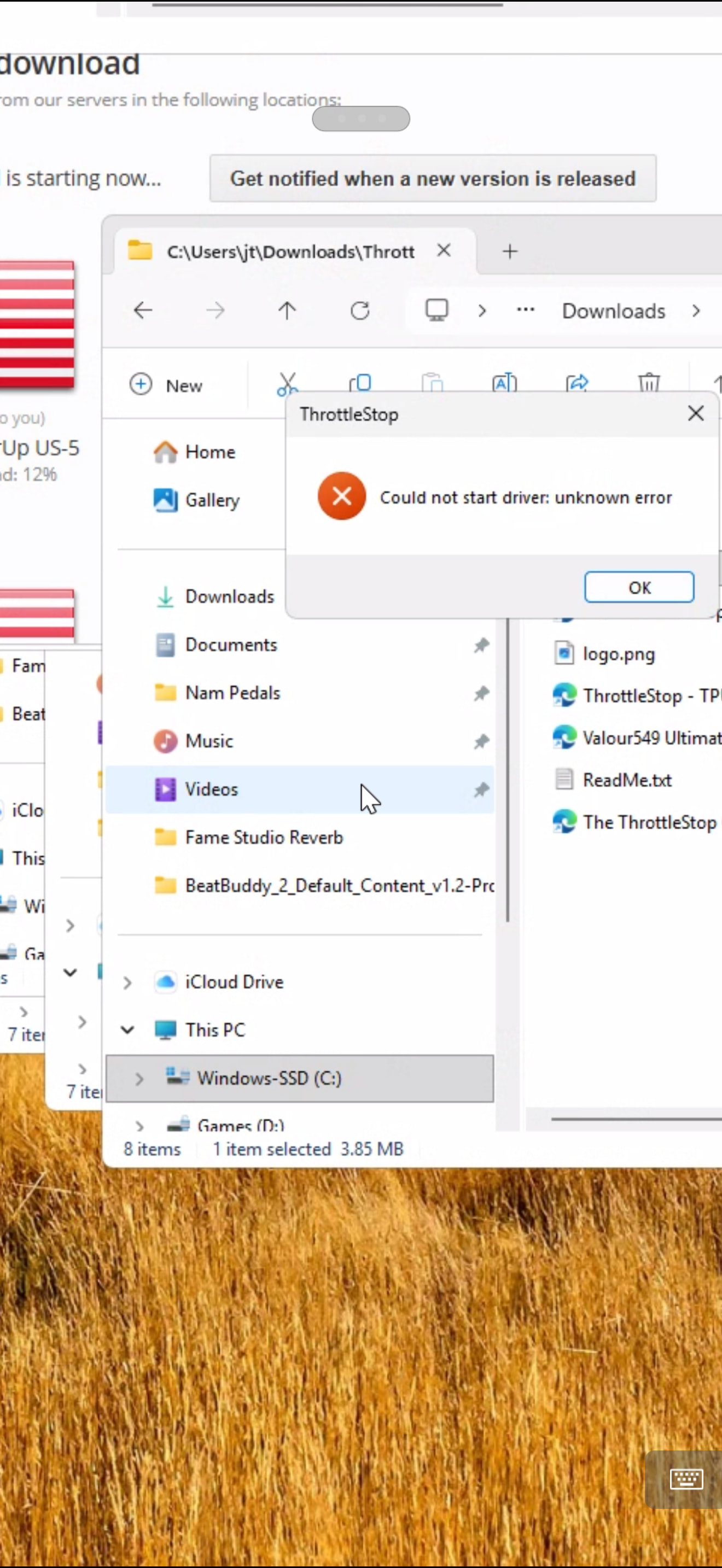
I ran the powercfg command and that seemed to help. I couldn’t get Throttlestop to run on my PC. I kept getting an error.

Are there installation instructions somewhere for it?

The error I get: could not start driver unknown error

Please create a screenshot.

I ran the powercfg command and that seemed to help

So, your issue is gone now?

No, but the crackling was much less after running the powercfg command

Run the executable as Administrator (Right click).

I tried that with the same results

That’s a third-party app. I just downloaded it and it works fine on my Lenovo laptop.

Write the developer if they provide any support. Or maybe use AI tools, but only to get some ideas, they can fail in many cases.

NB: This what I just downloaded is a portable application (no installer or uninstaller).

Uninstall and try reinstalling? (I’m just a simple man!)

Try 41k 250 samples?

Actually, 256 buffer size.

However, if you’re only seeing 30-35% CPU, then the problem is unlikely to be your buffer size. Is this happening with every plugin or a specific plugin? I’m wondering you are running a plugin that requires more time to calculate its buffer

I did some tests. I downloaded some content locally and put my laptop in airplane mode. No other active applications open but GP. I started at 48k 32 samples kept increasing samples until I didn’t hear any crackling. 128 samples in airplane mode with no other applications running was the best I could do. I then opened my video app and watched my offline content and practiced with no issues.

I also tested 256 samples with the internet on and that was stable. The top cpu percentage was 30, most of the time it was in the 25% range.
128 samples is as low as most people around here go, as it is a good balance of low latency values with overall stability.

Just for future readers of this thread: Has your system an AMD cpu? Throttlestop only works for Intel.

intel cpu

Hm. Strange. Throttlestop should work. But as you’ve solved the issue, there’s no need to look into this.