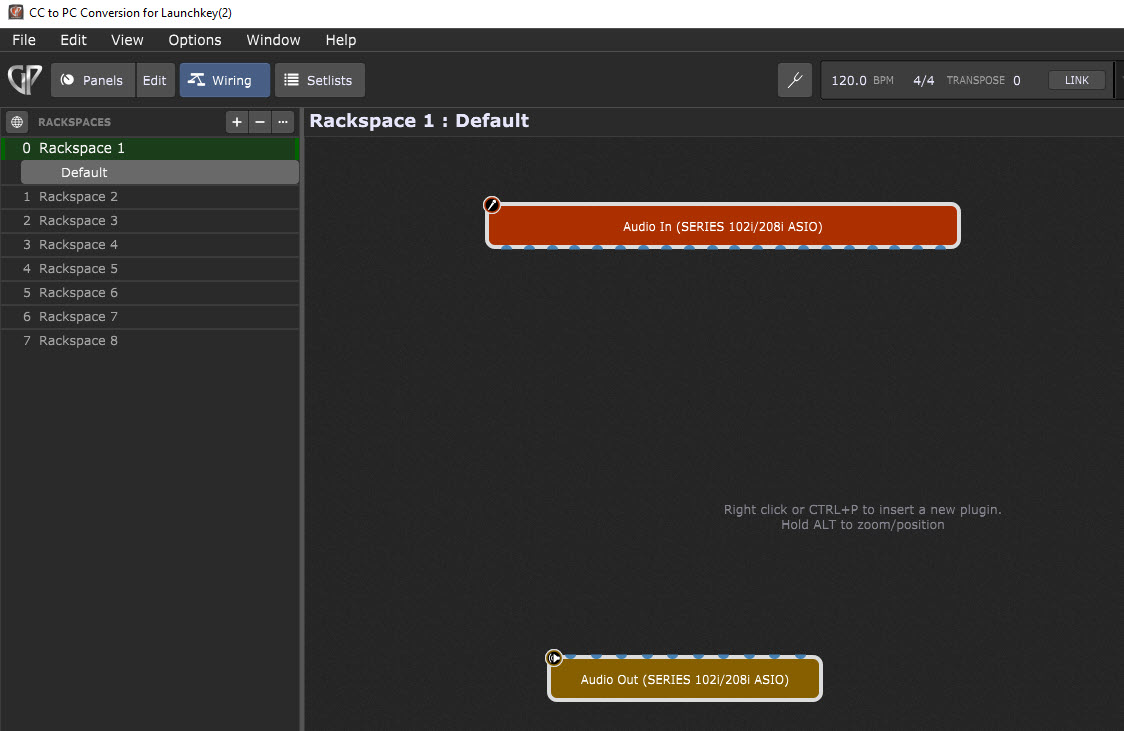
I’m trying to use program changes to switch rackspaces. This is working completely fine when I connect a Korg FC6 footcontroller which sends program change commands.
But I would like to use a Midi Fighter Twister (16 rotary encoders in 4 banks with additional switch function when pressing an encoder).
I is possible to assign any controller between 0 and 127 to the encoders. Some additional properties can be defined per encoder. But I can’t assign the program change functionality to an encoder.
Therefore my idea is to reassign an incoming controller message to the program change functionality in Gig performer. I have seen that I can set this in the midi filter properties.
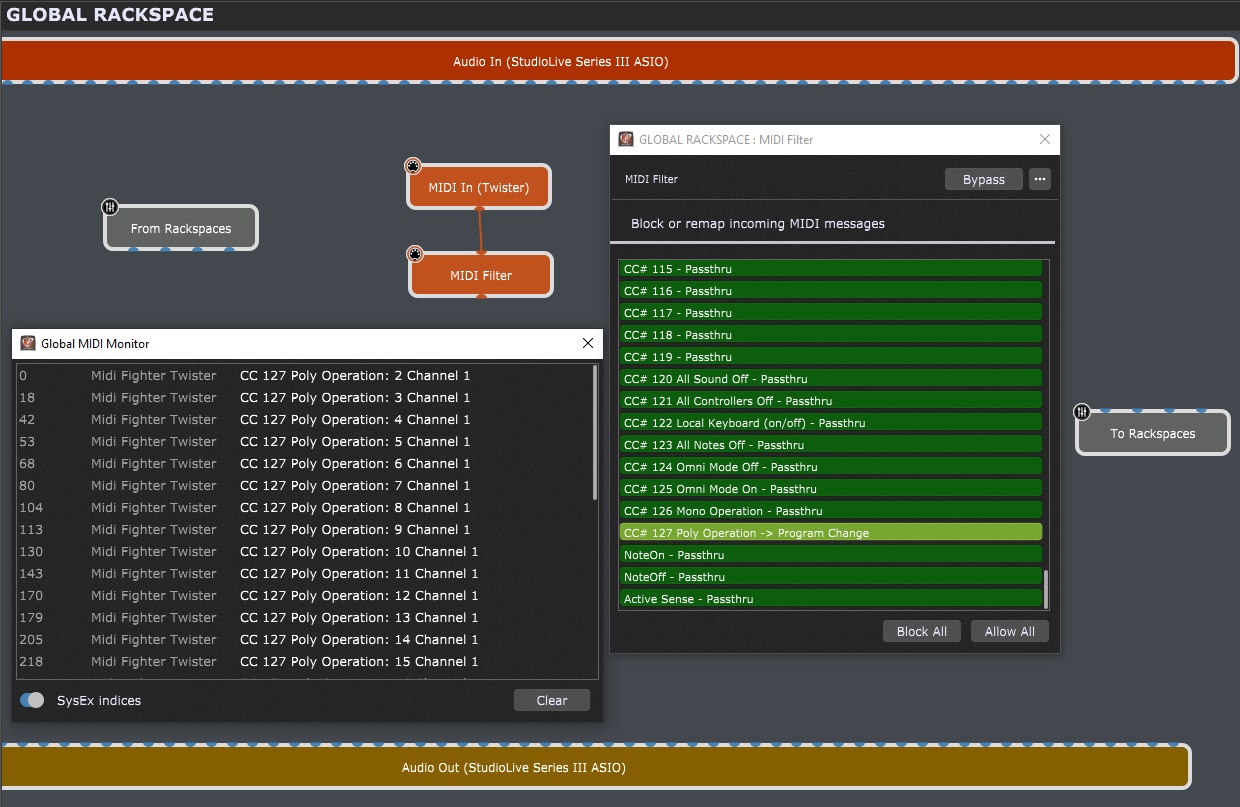
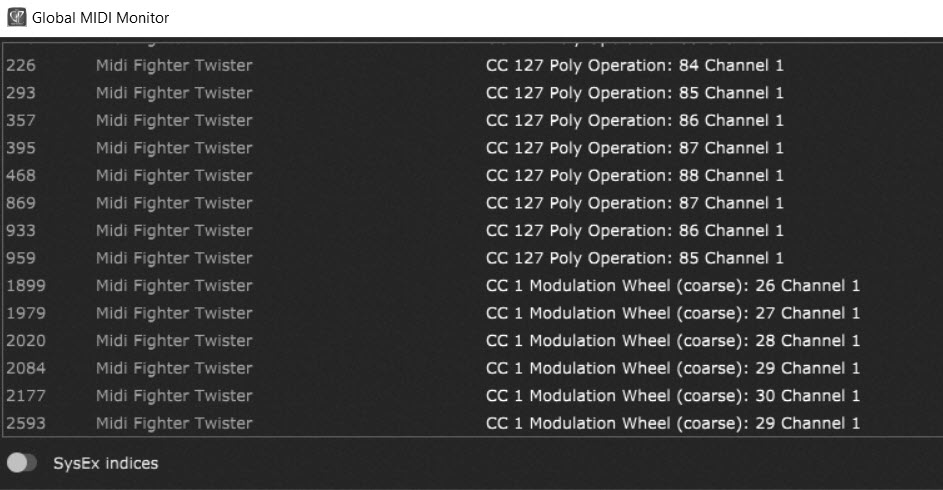
In the screenshot you can see that I have redirected incoming controller messages on channel 1 (interpreted as “CC127 Poly Operation”) to program change. In the Global Midi Monitor you can see that the controller is working in general, and when I adjust the encoder additional messages appear on the Global Midi Monitor.
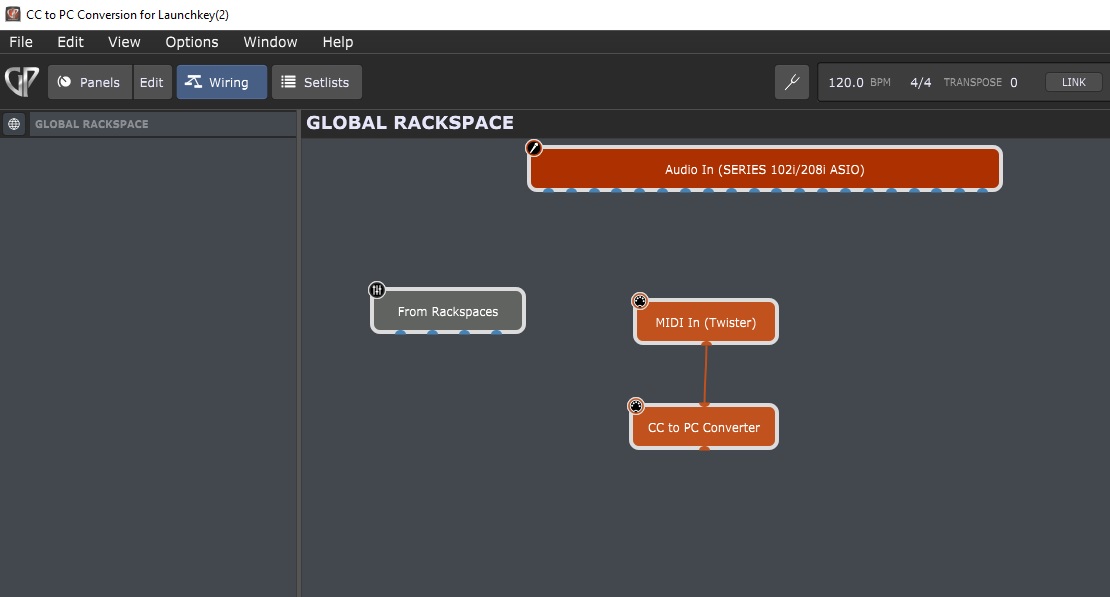
But currently Gig Performer doesn’t change rack spaces when I change the value of controller 127. As you can see in the screenshot “MIDI-In (Twister)” is connected to the input of the MIDI-Filter. The output of the MIDI Filter in is currently not connected.
Does anybody here have an idea which additional connections I should configure so that the program changes reach their target (changing rackspaces)?
It doesn’t work because this MIDI conversion is “too late” for GP. GP ready to incoming OC messages, not to PC messages generated into GP. A solution could be to use GPScript I the so called Gig script. From there, there is a possibility to convert your CC127 into PC before it enters into the MIDI of GP.
If you need it I can propose you a small Gig script tomorrow, it is very easy to do, but it is quite late for me here.
That could theoretically also work. The idea would be to redirect the MIDI filter to a virtual MIDI out port. This has probably to be included in the Global Rackspace to do it only once.
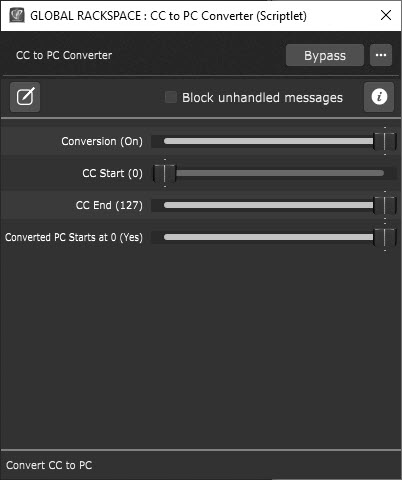
I found the following script an placed it in the global rackspace. The plugin editor shows four horizontal faders with the names “Conversion”, “CC Start”, “CC End” and “Converted PC starts at 0”.
// This scriptlet will convert incoming Control Change (CC) messages to Program Change (PC) messages. Var
START_AT_0 (“Converted PC Starts at 0”) : Parameter “No”,“Yes” = “Yes”*
//Called when a CC message is received //The CC numbers must be within the specified range On ControlChangeEvent(m : ControlChangeMessage)
Var offset : Integer = 0*
if CONVERSION == “On” then*
if GetCCNumber(m) >= CC_START and GetCCNumber(m) <= CC_END then*
if GetCCValue(m) == 127 then*
if START_AT_0 == "Yes" then offset = 0 - CC_START end*
InjectMidiEvent("Local GP Port", MakeProgramChangeMessage(GetCCNumber(m) + offset))*
end*
end*
end* End
// Called automatically after script is loaded Initialization
SetDisplayMessage(“Convert CC to PC”)*
SetInfoMessage(“This scriptlet will convert incoming Control Change (CC) messages to Program Change (PC) messages. They will be inserted to the Local GP Port so they will be picked up by GP at the system level.”)* End
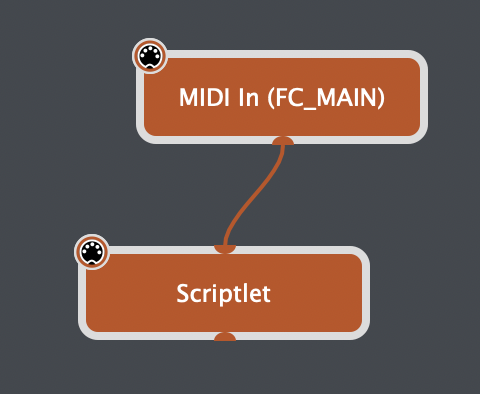
I can set a connection of the scriptlet with my midi input device.
I can place some knobs on the panel of the global rackspace. I can control these knobs with the encoders of my hardware controller. Acitvating “Sync” synchronizes the encoders LED’s with the panel knobs.
The faders are moving on the screen but none of the four encoders can change rackspaces. Do I need to place additional connections between items? What might be missing?
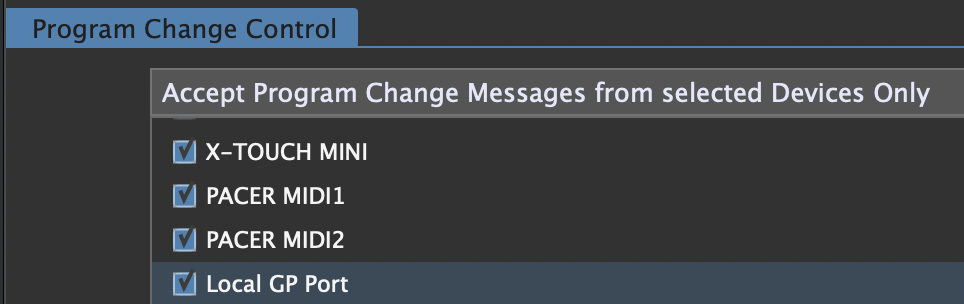
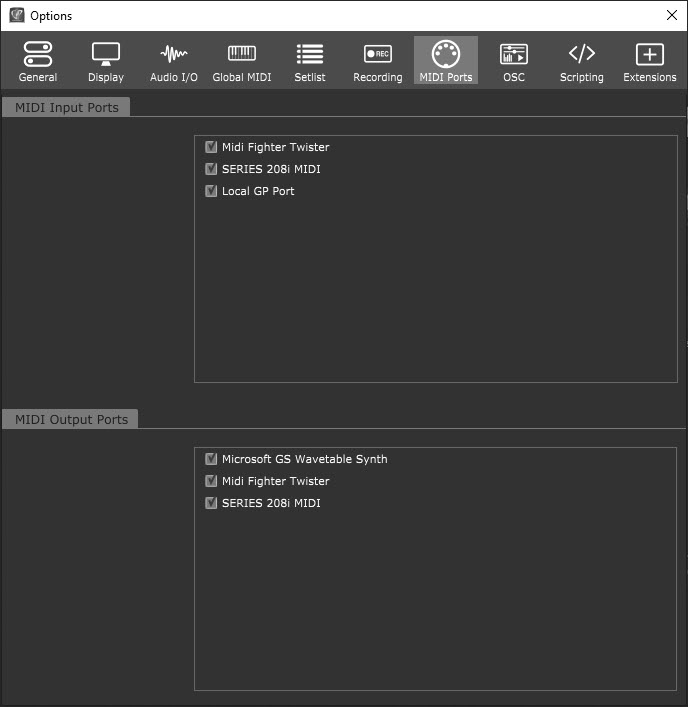
The scriptlet works correctly for me. You need to have it connected to the Midi Input block of the Midi Fighter Twister, and also check you are allowing PC messages to be received on all devices, or otherwise make sure the Local GP Port is ticked (Options > Global MIDI).
This shouldn’t have any widgets added - it is directly converting received CC to PC. Nothing needs to be connected to the output because the scriptlet is inserting the message to the ‘Local GP Port’ which will be picked up at the system level by GP.
The best way to share code is to use the </> icon in the post editor (highlight all the code and then click the </> icon.
// This scriptlet will convert incoming Control Change (CC) messages to Program Change (PC) messages.
Var
	CONVERSION ("Conversion") : Parameter "Off","On" = "On"
	CC_START ("CC Start") : Parameter 0..127 = 51
	CC_END ("CC End") : Parameter 0..127 = 58
	START_AT_0 ("Converted PC Starts at 0") : Parameter "No","Yes" = "Yes"

// Called when a CC message is received
// The CC numbers must be within the specified range
On ControlChangeEvent(m : ControlChangeMessage)
	Var offset : Integer = 0
	if CONVERSION == "On" then
	   if GetCCNumber(m) >= CC_START and GetCCNumber(m) <= CC_END then
		   if GetCCValue(m) == 127 then
			   if START_AT_0 == "Yes" then offset = 0 - CC_START end
			   InjectMidiEvent("Local GP Port", MakeProgramChangeMessage(GetCCNumber(m) + offset))
		   end
	   end
	end
End

// Called automatically after script is loaded
Initialization
	SetDisplayMessage("Convert CC to PC")
	SetInfoMessage("This scriptlet will convert incoming Control Change (CC) messages to Program Change (PC) messages. They will be inserted to the Local GP Port so they will be picked up by GP at the system level.")
End
EDIT: Ah, I see you want one single encoder (with CC 127) to change rackspaces based on the value. That is not what the scriptlet is doing. The scriptlet is converting different CC numbers to PC numbers e.g.
CC 5, Value 127 → PC5
CC 6, Value 127 → PC6
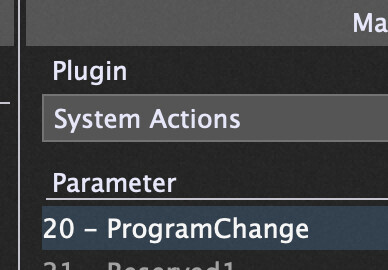
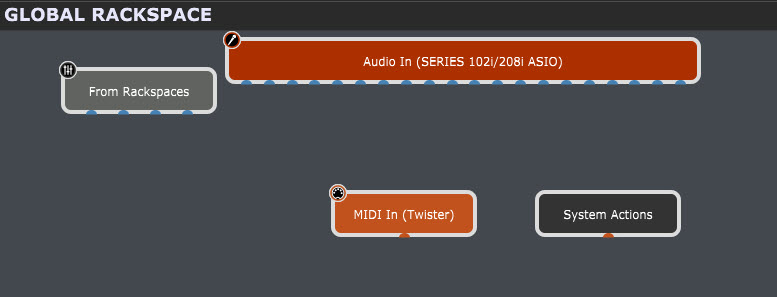
I think what you need is a simple ‘System Actions’ block added in the global rackspace, with a widget mapped to the ‘Program Change’ parameter.
Yes - don’t use the scriptlet. It is for another type of conversion. Have a look at adding the System Actions block to your global rackspace and adding a widget that’s mapped to the ProgramChange parameter (and learn that to your Midi Fighter Twister encoder).
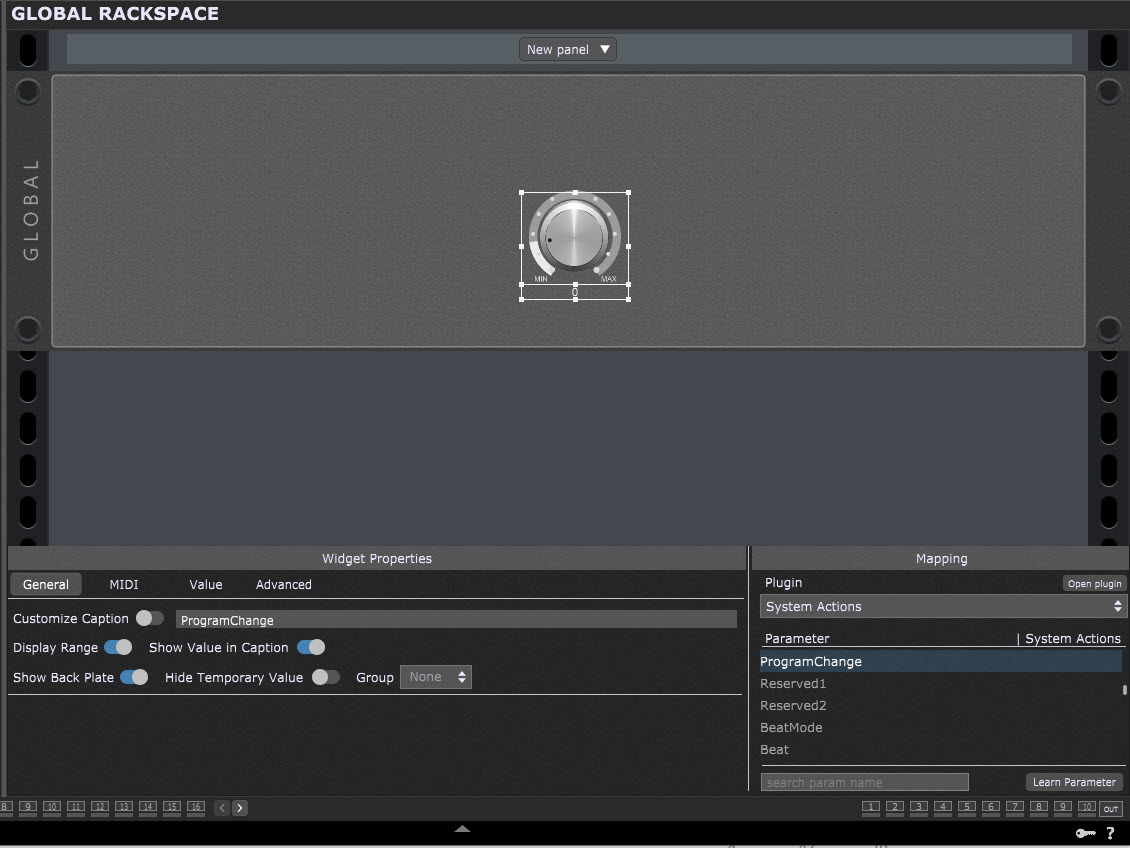
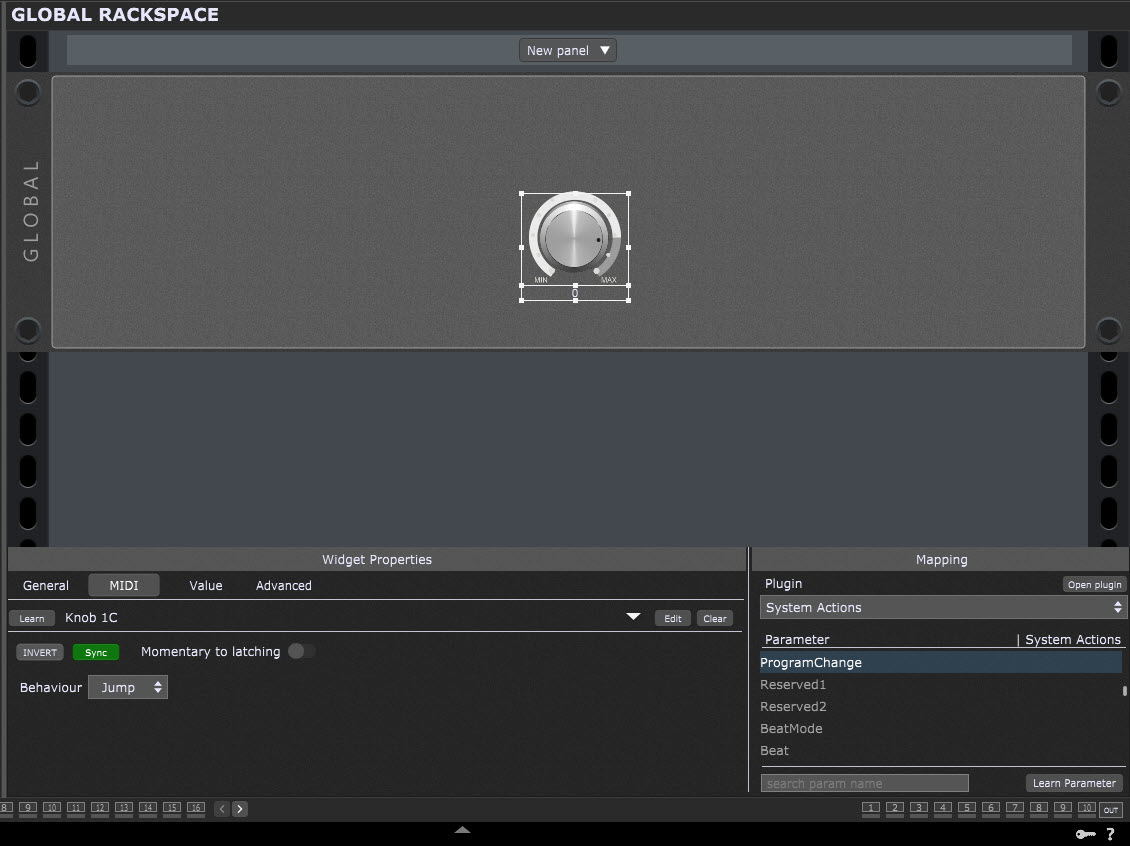
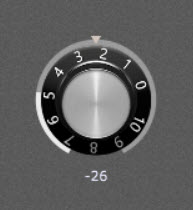
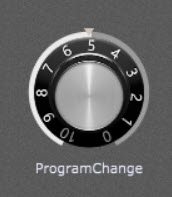
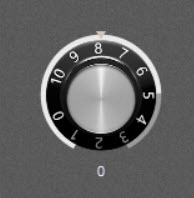
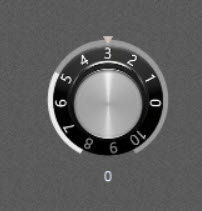
Ok, I think I have it set up now this way. The current value of the encoder is shown below the knob. It remains “0” regardless of the position of the knob.
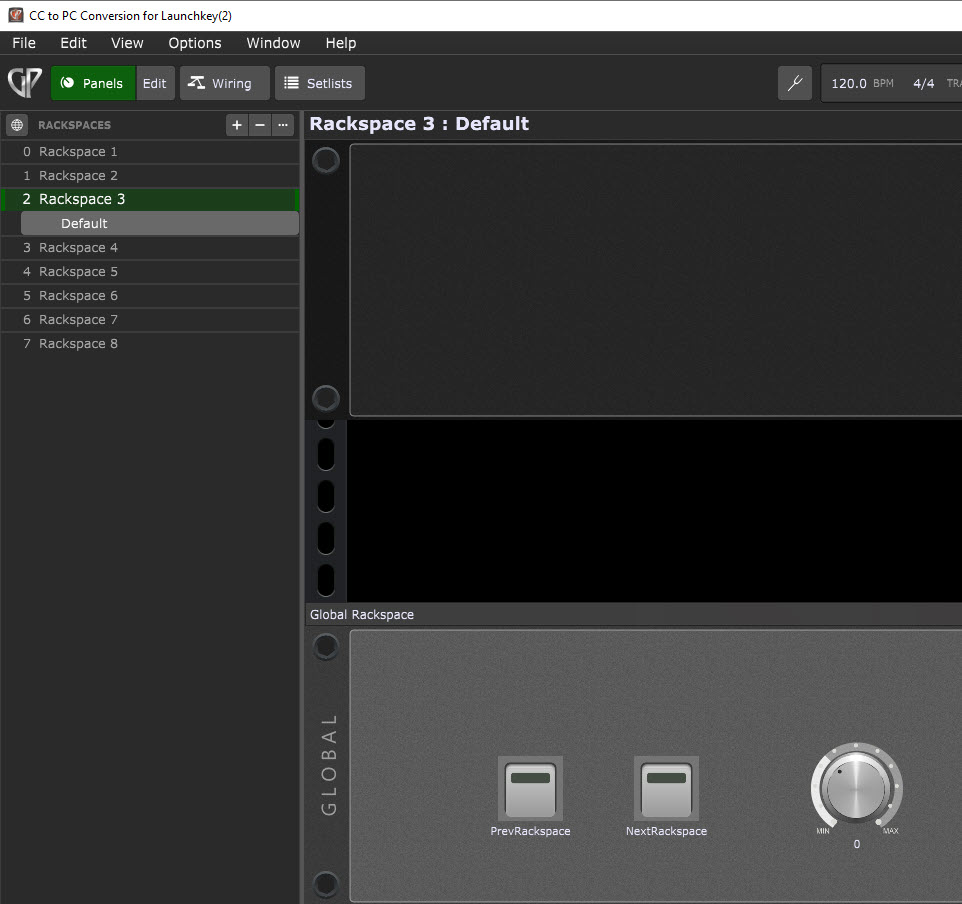
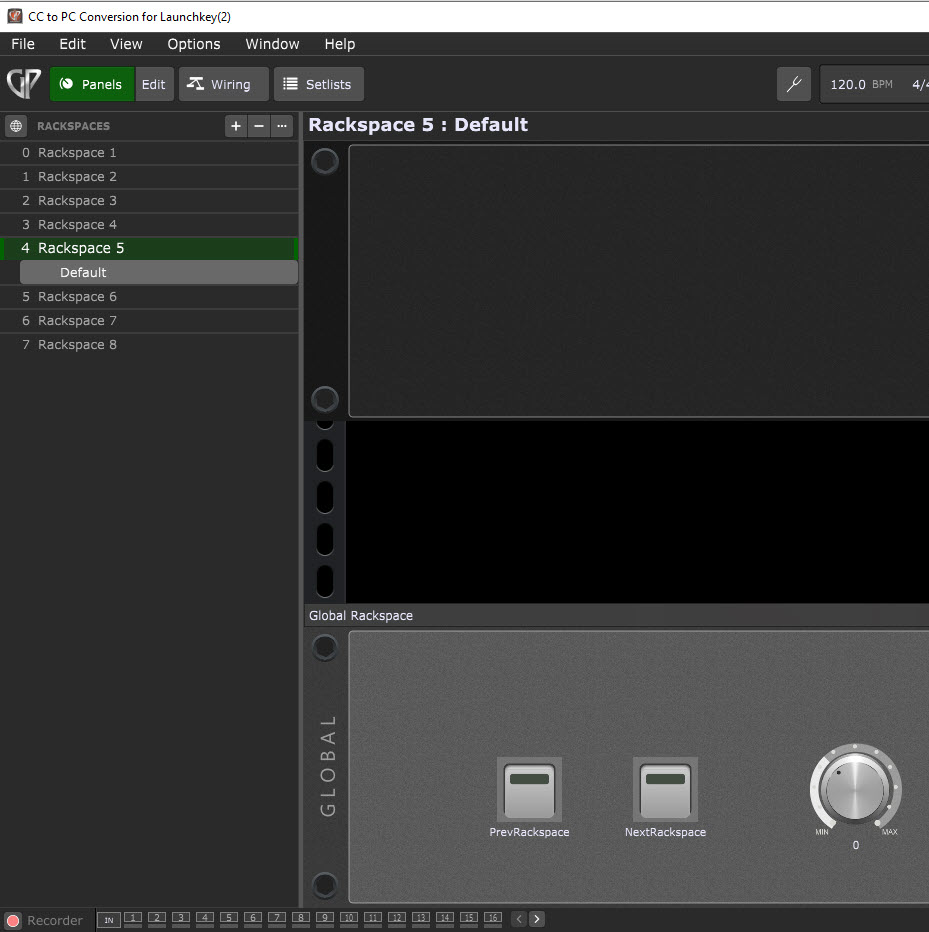
Of course I had it now working with the “NextRackspace” and “PreviousRackspace” function in the system actions assigned to a pressing event on two twister buttons. One little success
But I would prefer to be able to assign it to one rotary encoder function …
Also it is clear that the assignments have to be made in each rackspace because when I switch to a different space the configuration needs to be there too to work seamlessly.
Try and get the knob working before learning to the midi fighter twister. On its own it should change rackspaces by moving the widget.
Also note there are only 8 rackspaces in that gig file, so the knob will only have a very small usable range - as by default it will control 128 rackspaces (unless you adjust the widget scaling).
The original scriptlet you were using would work if you wanted each encoder press/button to select a different rackspace (assuming each will send a different CC number).
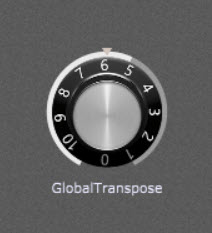
I tried a different widget without midi link to an external controller. I seems that knob widgets can’t address all parameters in the system actions. E.g. for global transpose it is working:
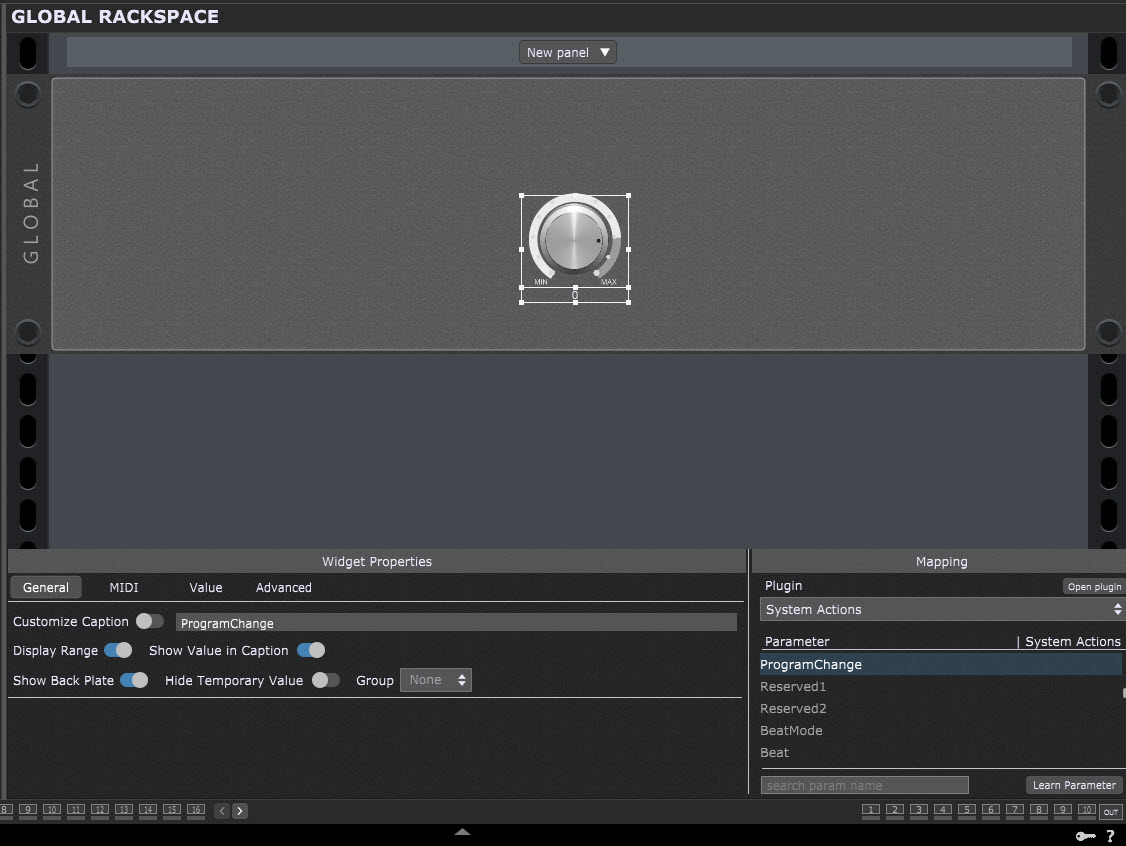
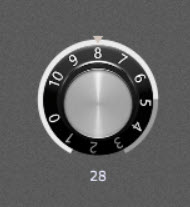
For Program Change the widget prefers to keep the value “0” regardless of knob position 8, 5 or 3:
Well, need to check this out, in my case it is not changing the rackspaces. I have the versions 4.0.54 and 4.1.5, will see if there are differences. Also I will check on different computers.
I will check how the scriptlet can work in my environment. The thing is that the Midi Fighter Twister is a sophisticated thing in a small formfactor but has only 16 knobs on the surface which can be switched to four layers. Each encoder can control one parameter in normal state, sends a two-state-singnal when pressed/released and can address a second encoder parameter in the pressed state. So I can address 128 encoder parameters in total but this might be a lot of brainwork during a life situation …
My scenario is that I’m using 34 playback tracks on stage. If musicians are available the corresponding tracks (e.g. bass, drum, piano) will be muted to have those instruments live.
To reach the 34 tracks I use 5 instances of the 8 track audio file player with stereo files. They are started simultanously and run perfect in sync from the beginning to the end of a song. Each rackspace contains a different combination of playback tracks, e.g. drums + bass + guitar + brass or drums + bass + guitar + vocals.
I need to distribute this to the 34 channels to have the different instruments always on the same FOH mixer channel even if the number of tracks changes in a song. I have 30 songs with different instrumentations, and it was some preparing effort with an Excel sheet to organize the tracks.
In this environment it would be useful to have only one knob for rackspace selection instead of 30 buttons. I would like to use most of the screen space for track volume faders, mute buttons and level meters.