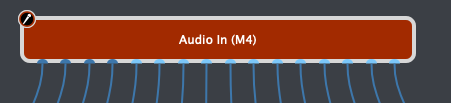
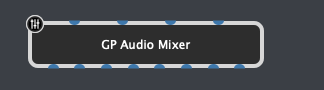
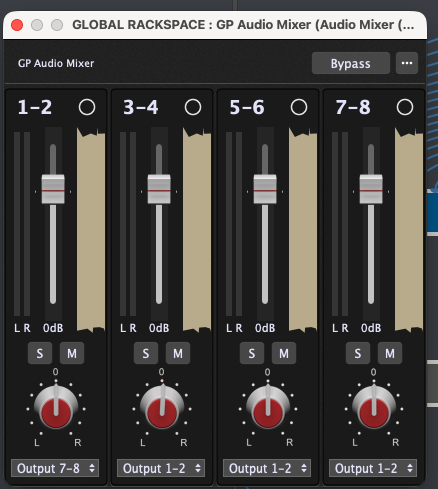
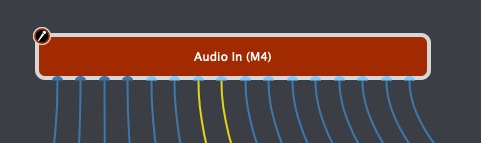
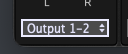
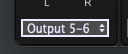
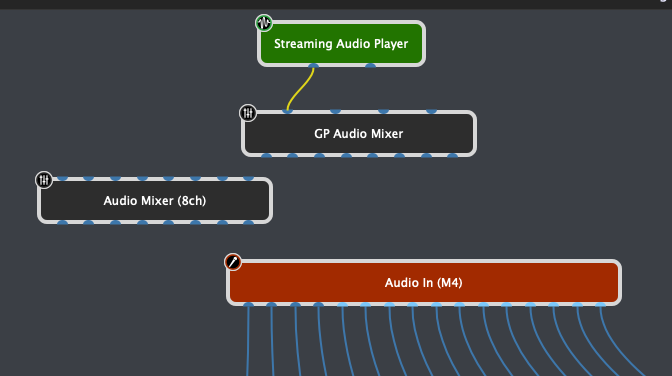
then I see suddenly see input signal coming in from the virtual inputs 7,8 from the audio interface (see below the yellow wires indicating audio signal).
Question is: Why?? The mixer’s output is not wired to anything, and yet its audio is arriving on the virtual inputs of the audio interface. Is this a bug or have I somehow got something configured incorrectly? I’ve pondered if its somehow related to loopback on the audio interface, or is it simply a GP bug?
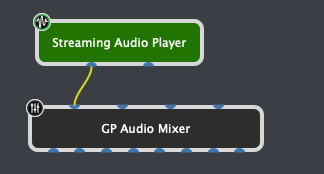
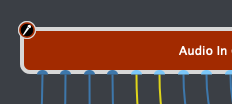
BTW, I might have a workaround for the problem. It seems that simply creating another (completely disconnected) 8 channel mixer seems to stop the weird (to me) routing (see pic):
The virtual inputs are not really intended for real use. They exist solely so that you can develop your gigfile when you’re not connected to an audio interface that has a sufficient number of audio ports. Without that concept, if you tried to save a gigfile when your really audio interface wasn’t available you would lose all the wiring connections
Yes, I am using virtual channels solely and exactly for that purpose, which is why this bug is so frustrating: audio being sent to a random mixer ends up magically/unexpectedly appearing on virtual inputs.
Thanks. Just to clarify my understanding, do you mean aggregate devices including something like blackhole as part of aggregate, or is there an approach that does not require blackhole?