I need an arpeggiator and I’ve been following your links. Does anyone know why I can’t integrate them? I’ve tried Blue Arp and Hypercylic from mucoder and I can see the block on the wiring page. I can also connect the MIDI cable. It’s just that the MIDI notes aren’t being processed by the plugin.
Midi-Channel mismatch?
No. I find only very limited settings on both FX units. I have the MIDI channel set to “All”.
The only button that works is the bypass. Then at least the plug-in lets the notes through.
Is the global playhead running?
I guess, this would be essential…
You mean the play/stop button next to the metronome icon?
It makes no difference whether it’s on or off.
I want to use the arpeggiator live – press a key on the keyboard and the arpeggiator starts playing until I release the key or the pattern finishes.
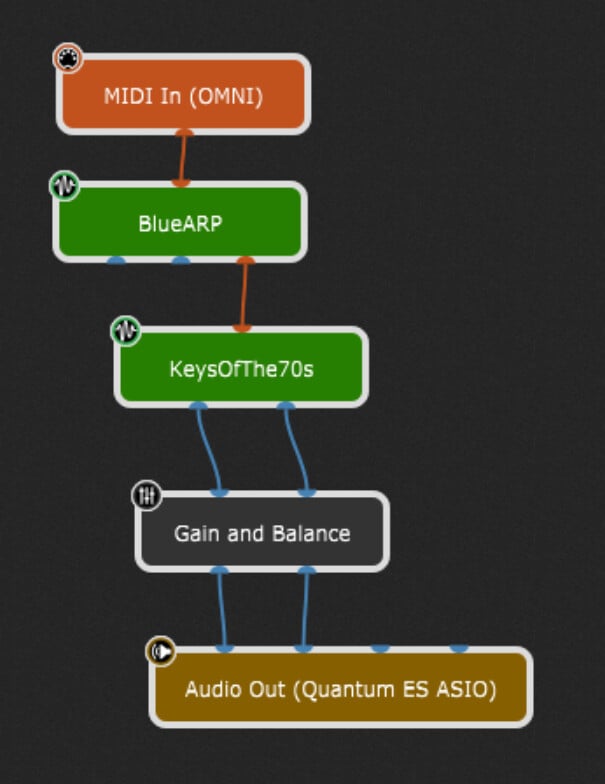
As @schamass noted, BlueArp works ‘out of the box’–just connect it and the notes are processed inside the plugin and passed through.
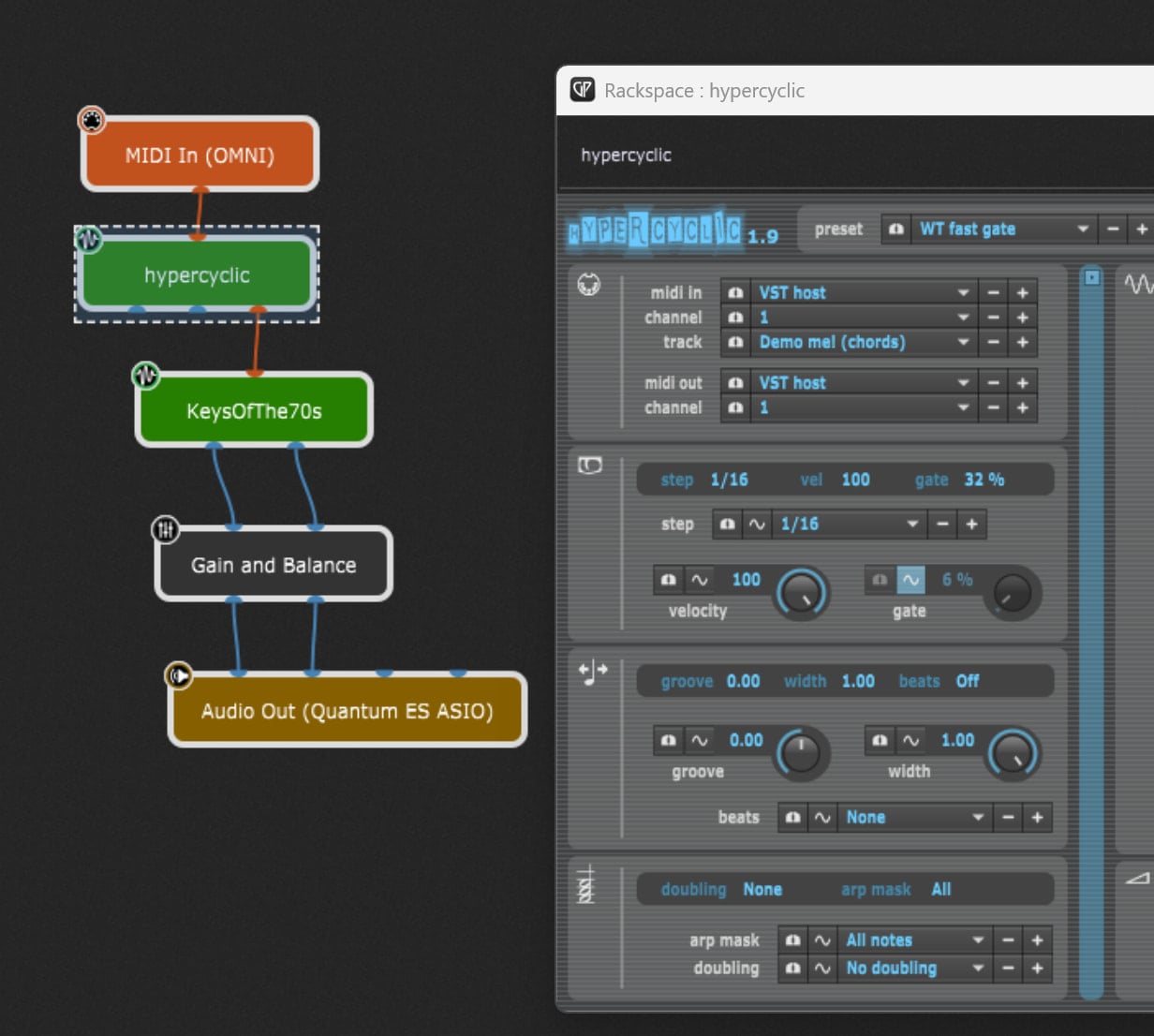
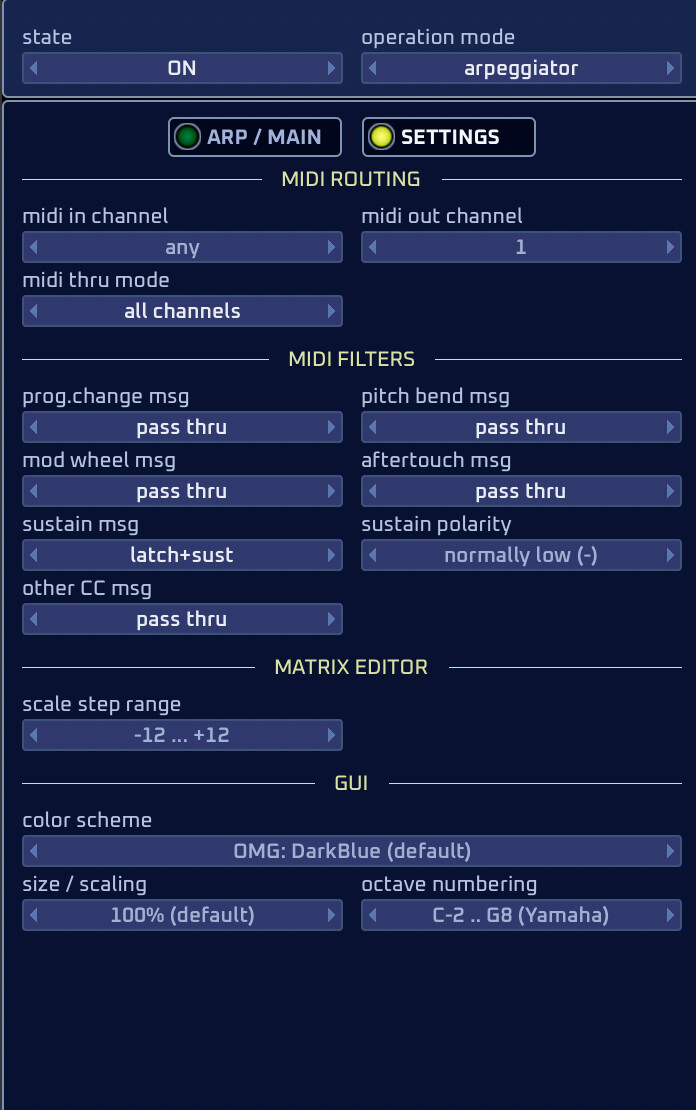
Yes, those were my initial thoughts, which is why I downloaded a plug-in that only changes the MIDI notes.
As far as i can watch, the midi out cable from BlueArp to the plugin flashes, so there IS a midi traffic, but the audio cables from your plugin stay dark - for whatever reasons.
But this is everything “poking in the dark” without something to work with…
Means: Upload something! Please!
And maybe first try to build the smallest possible chain, without juggling with dozens of midi-inputs and plugins and what else…
Place a midi monitor after the BlueArp plugin and check what data is going out.
I’ll set up a simple one. I already tried MIDI monitors at the front and back. No signal was getting through to the BlueARP. It’s as if the ARP is filtering everything and letting nothing through.
ARP.rackspace (36.3 KB)
I had to replace the BlueArp plugin with the VST3 version since i don’t use AUs
And your rackspace worked instantly.
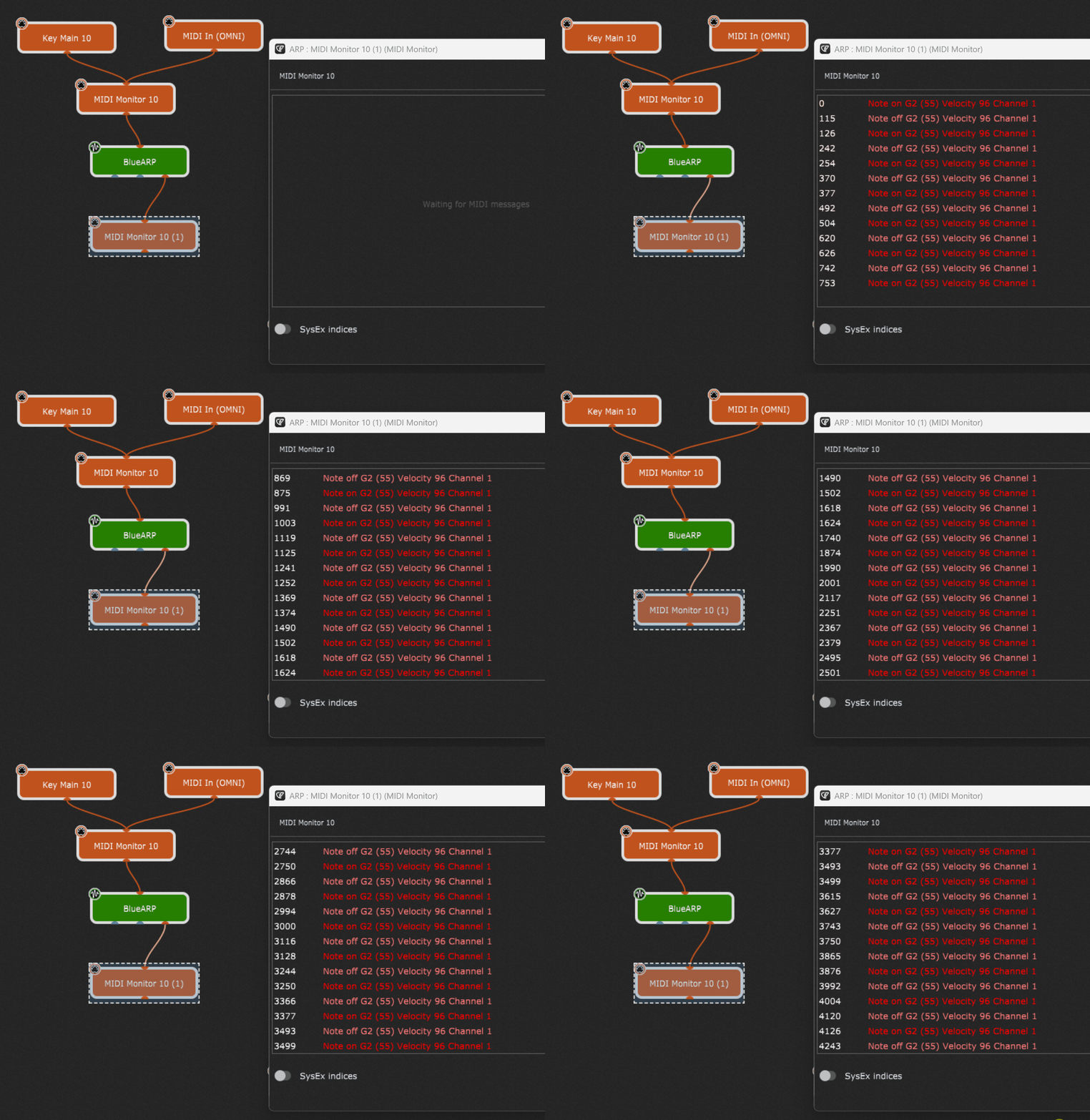
So, i’m out of ideas…
I never would have thought of that. I’ve been using AU since I started GP six months ago and never had any problems.
It works with VST3. That was really bad luck. The other plugin is also AU. That’s why I didn’t realize it. Thanks!!!
I’ll tag @dhj to see if he can add it to his to-do list. The BlueARP plugin doesn’t work as AU, only as VST3.
That’s a problem for BlueArp to fix, not GP.
As far as I can tell a lot of people in general prefer the vst3 versions of plugins on mac: these are most of the time much more tested.
I’m just a small-time user. I assumed that since I run GP on the Apple ecosystem, AU would be preferable here.
I’ll keep your statement in mind, as I’ve almost finished my new songsprogram and I’m using AU everywhere. I want to avoid the hassle of reprogramming.
thx to all!
Useful read: Which plugin format is better: VST vs VST3 vs AU - Gig Performer®
–
And useful comment: Different versions of the same plugin - #2 by dhj
Huh? Add what?
Everything’s fine.
I thought the problem was with GP, because AU Plug In doesn’t work like VST does.