So i’ve read this post: Korg M1 not sending audio - maddening
But what if I use some of the knobs and buttons on my keyboard for functions in Gig Performer.
I use 3 knobs voor gain purposes, a buttons for Song Chord, a button to turn on/off YouLean.
But I’ve noticed that some of my VST’s respond to changing sliders undesirebly. Just because I accidently touch them. How can I prevent that?
You can lock a widget.
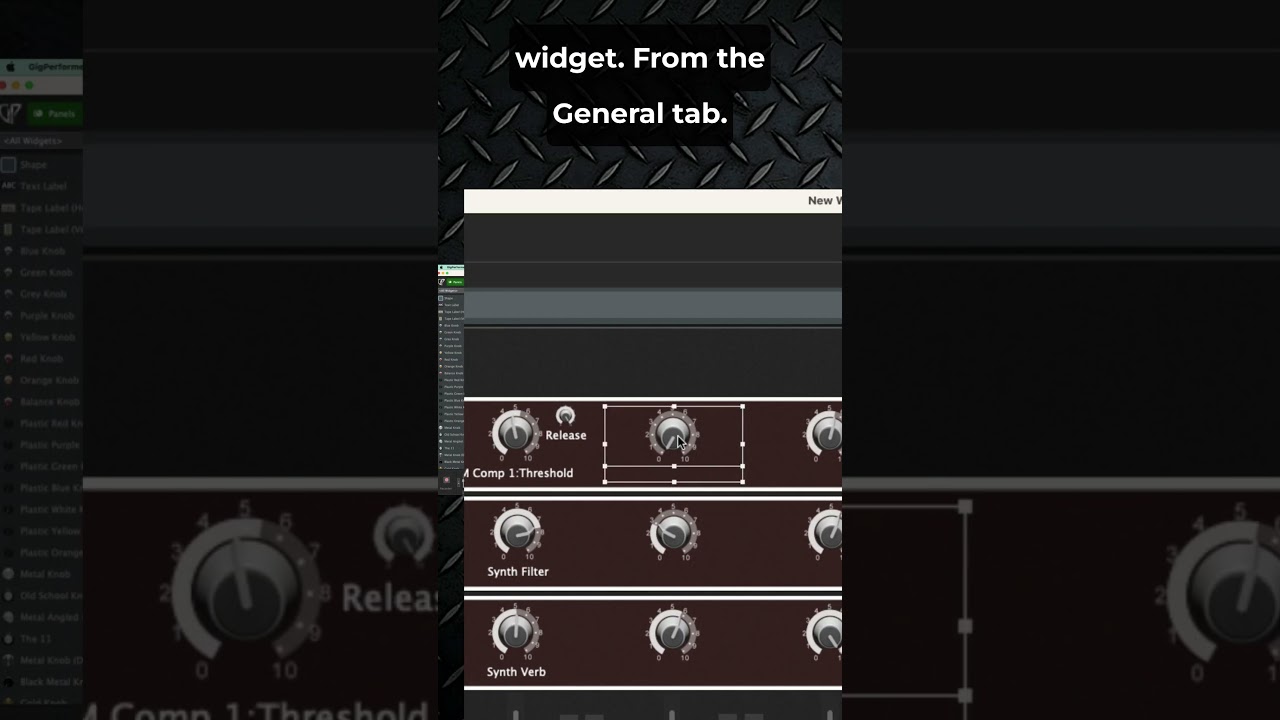
Thank you @npudar Nemanja, It hink I need to give some additional info:
I need to block 95% of the knobs and sliders on my keyboard to prevent changing the values of the VST presets in use, because those knobs en sliders are automatically assigned to a controller within the VST. The other 5% is assigned to functions in GP itself.
Block CC messages in your MIDI In blocks
That works!!
Is there a way to do this for all my 43 rackspaces in one action, or do I need to do this per rackspace for every of the 3 midi-in blocks in each rackspace?
Unfortunately, not after the fact. If you were starting from scratch, then you would insert a MIDI In block, block the CC messages in it, and then save that block as a GP User Preset.
Then instead of inserting a MIDI In block into each rackspace, you would insert that GP User Preset instead and that action would actually create the MIDI In block with the CC messages blocked.
Yes, that’s what I do. I have a rackspace as a format to make new ones. But as you’ve said @dhj, that won’t help me now 
I guess I can call this issue solved, so I will tag your previous answer as so.
Dank je wel!!