Gig Performer is an incredibly flexible live performance platform that empowers musicians to build the rig that works best for them. Whether you’re performing with virtual instruments, hardware keyboards, guitars, backing tracks, or a hybrid setup, there are countless ways to unleash your creativity and make your live show uniquely yours.
Every musician has a different workflow, a different stage setup, and a different story to tell. Through conversations with performers, developers, and industry experts, the show explores modern music technology, creative workflows, innovative performance techniques, and real-world experiences that can inspire you to discover new ideas and take your own live rig to the next level.
–
Some of the artists we interviewed:
Bob Luna (Paul McCartney, Paul Simon, Dionne Warwick, and many more)
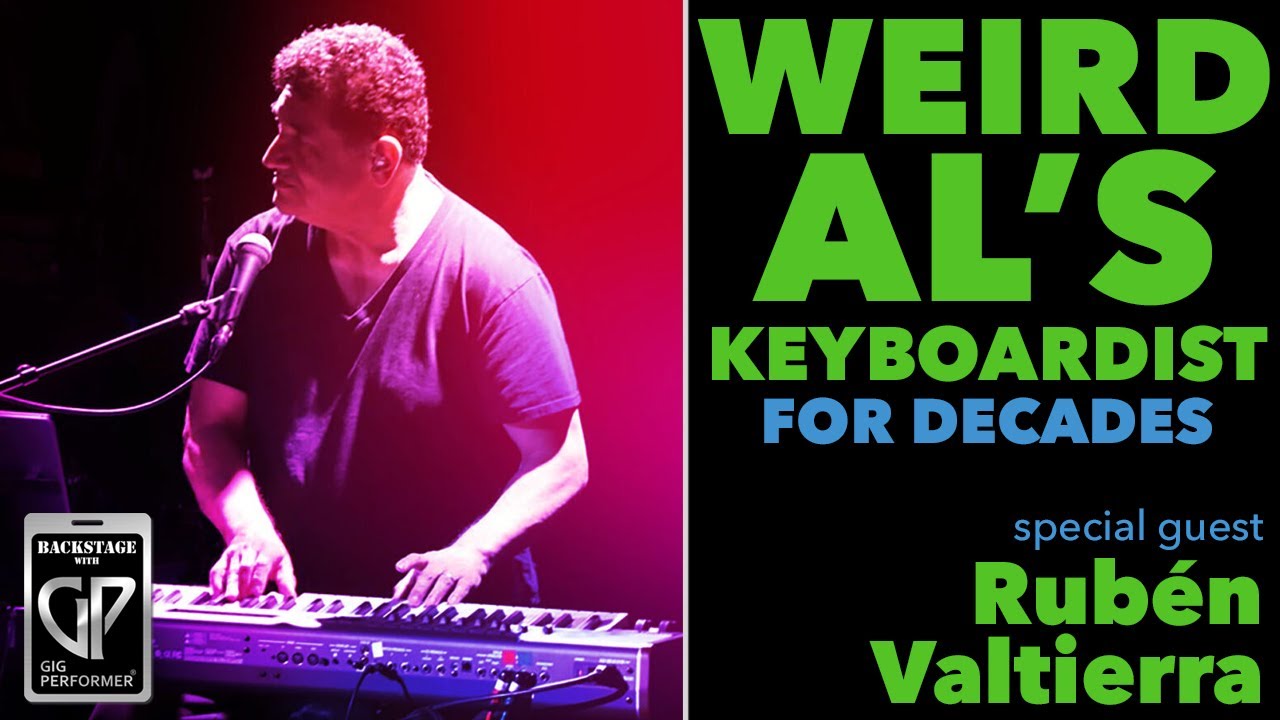
This video features keyboardist Rubén Valtierra, who has famously played with “Weird Al” Yankovic for many years. The discussion centers on how Rubén has transitioned his live performance rig to Gig Performer, a move he describes as life-changing for his touring setup.
Key takeaways:
Transitioning to Software:Rubén explains how Gig Performer allows him to manage complex, Broadway-style show requirements without relying on specific hardware backline, which was previously a major logistical challenge (5:57 - 9:54).
Efficiency in Production: Previously, programming a tour could take Rubénmonths of work; with Gig Performer, he can now program an entire show’s worth of sounds in just a few days (20:11 - 20:25).
The “Weird Al” Standard:Rubén shares stories about the professional rigors of working with Weird Al Yankovic, emphasizing that the show requires precision, specific sounds from original records, and extreme consistency every night (31:07 - 35:20).
Technical Workflow: The duo dives into the technical details of Rubén’s setup, including his use of widgets for quick volume control and navigation, his method for organizing MIDI blocks and mixers (naming them with an ‘X’ to stay at the bottom of lists), and the use of GP Relayer to manage audio routing for streaming (42:11 - 46:09, 1:05:41 - 1:06:50).
Advice for Musicians:Rubén recommends investing in a strong, modern computer to handle CPU-intensive plugins, and suggests starting with a simple template to get comfortable with the software’s flexibility (109:56 - 113:00).
The interview concludes with Rubén expressing his enthusiasm for how Gig Performer has modernized the dynamic of live performance, noting that he is now a dedicated “cheerleader” for the platform (115:06 - 116:21).
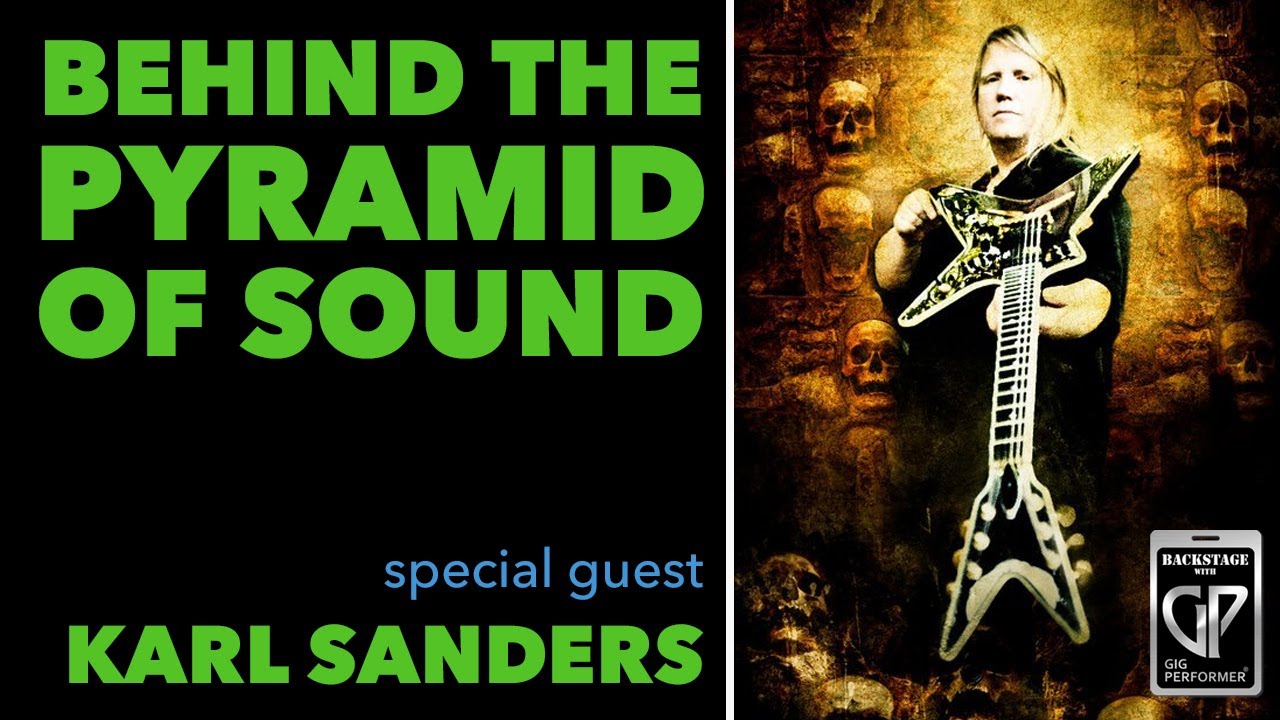
This episode of Backstage with Gig Performer features Karl Sanders, guitarist and founding member of the death metal band Nile. The conversation explores his journey with music, the evolution of his live guitar rig, and how he integrates Gig Performer into his touring setup to manage VST effects efficiently.
Key Highlights:
Evolution of the Rig (6:15 - 12:00): Karl discusses his transition from traditional, bulky rack-mounted gear—including multi-effects units like the Alesis Quadroverb and Lexicon units—to a streamlined system using a laptop. (7:36).
Modern Live Setup (14:15 - 23:15): Karl details his current signal chain, which includes:
Maxon ST9 Plus Overdrive: Used for fine-tuning mid-range frequencies (15:42).
Sound Sculpture 8-way Analog Matrix: Allows for MIDI-controllable routing, effectively acting as the “central nervous system” for his rig (14:56).
Synergy Preamp: Handles tone shaping in a modular rack format (17:43).
Focusrite Interface: Bridges his analog gear to the laptop for VST processing (20:25).
The Role of Gig Performer (25:40 - 42:00): Karl explains how Gig Performer allows him to apply complex, high-quality effects (like Lexicon reverbs and Eventide harmonizers) to his leads without compromising the dry, raw signal of his rhythm tone (24:28)
Practicality and Workflow (48:06 - 52:15): Karl highlights that using a laptop is a necessity for international touring, significantly reducing the weight of his fly-rig. (50:56)
Advice for New Users:
Karl notes that Gig Performer is incredibly intuitive, requiring no manual-reading to get started (53:35). He encourages guitarists to view it as a powerful tool that can adapt to any existing rig, regardless of how traditional or “analog-focused” it may be (55:05).
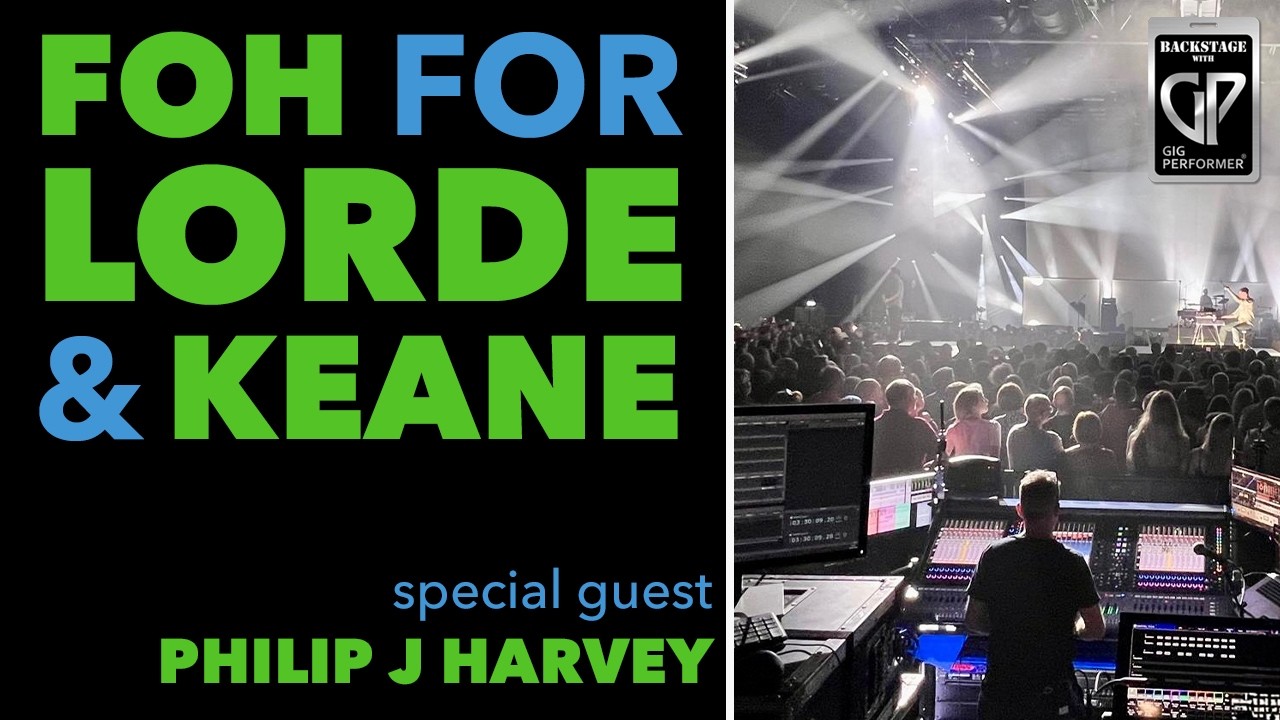
This episode of Backstage with Gig Performer features Philip J. Harvey, a veteran live sound engineer who has worked with major acts like Lorde and Keane for over 30 years.
He discusses his journey in the industry and explains how he integrates Gig Performer into his professional live mixing workflow.
Key Topics Covered:
Professional Background (0:02:12 - 0:04:43): Philip shares his start as a guitar player turned sound engineer, detailing his experience working with artists such as The White Stripes, Mumford and Sons, and My Bloody Valentine.
The Role of Gig Performer (0:17:48 - 0:21:49): Philip explains that while he relies on SSL consoles for their high-quality preamps, he uses Gig Performer as a VST host to add specific, studio-grade processing and “icing on the cake” effects that bring a deeper layer of immersion to live performances.
Technical Workflow and Integration (0:12:27 - 0:17:44): He details his signal path, using Metric Halo interfaces (2882 and ULN8) to route audio via MADI for extremely low latency. This setup allows for “virtual soundchecks,” where he can process recorded multi-tracks to refine his mix without the band present (0:15:15 - 0:16:51).
Creative Use of Scriptlets (0:34:54 - 0:38:00): A highlight of the discussion is his use of Gig Performer scriptlets. By mapping buttons to recall specific GP User Presets for plugins like EchoBoy, he can automate complex changes—such as tempo-synced delay times and modulation—allowing him to focus on creative mixing rather than manual adjustments.
Collaboration and Iteration (1:00:43 - 1:05:47): He describes how he collaborates with musical directors and artists during rehearsals. By playing back previous shows, they can give precise feedback, allowing him to fine-tune the sound to match the artistic vision of the performance.
Philip concludes by encouraging new users to experiment deeply with the software, noting that the Gig Performer community was instrumental in helping him overcome all challenges as he adapted the platform for his front-of-house workflow.
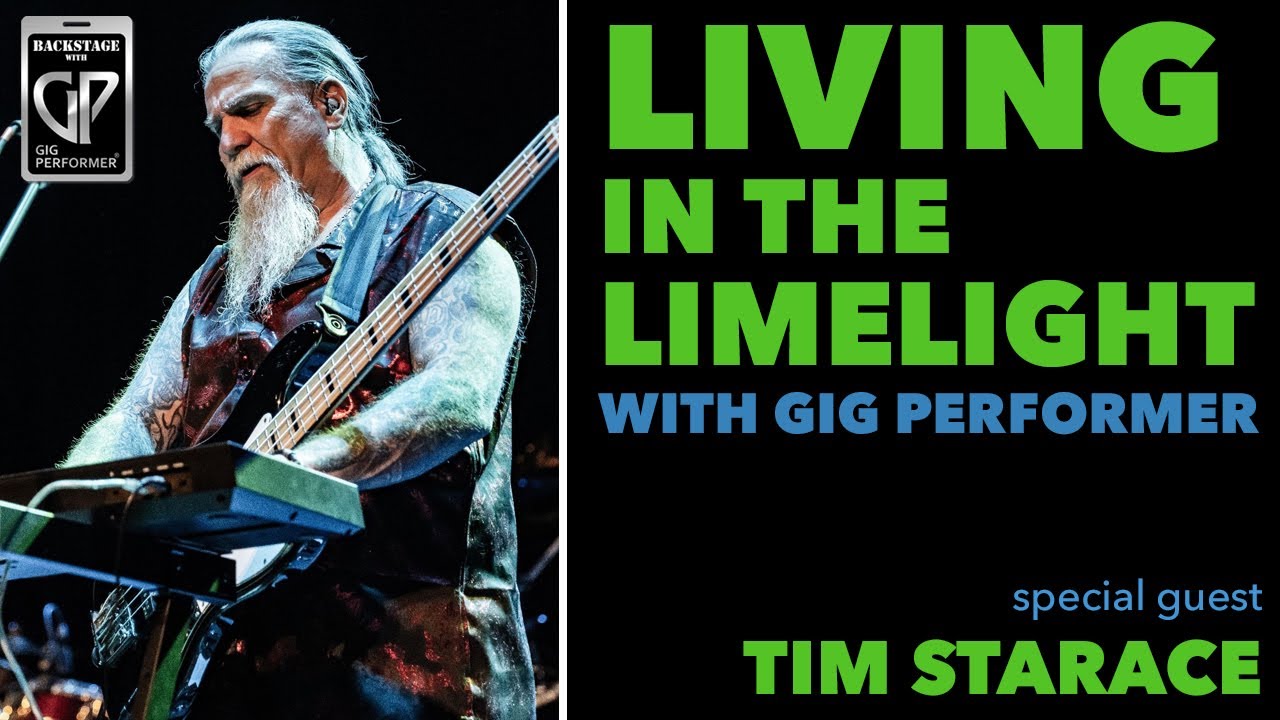
This video features Tim Starace of the Rush tribute band YYNOT. Tim shares his professional journey, his transition from hardware to software-based setups, and his specific workflow for recreating the complex, synth-driven sound of Rush live.
Key Highlights:
Transition to Gig Performer: Tim explains his initial hesitation and eventual switch from Cantabile to Gig Performer. He emphasizes the software’s reliability and stability during live shows, noting that it has been “rock solid” (10:02 - 13:36).
Rig Setup & Gear: Tim details his live rig, which includes an M-Audio Oxygen Pro 61, dual Roland PK5 MIDI foot controllers, and a three-button Logite MIDI pedal. He relies on Gig Performer to manage his complex routing and layering requirements (18:24 - 20:20).
VST Plugin Recommendations: For his sound palette, Tim prefers the Arturia V Collection (specifically Mini V4, Oberheim, and Augmented Voices) and Cherry Audio’s Lowdown for Taurus pedal emulation (14:14 - 15:37).
Other Techniques: Tim showcases his creative use of MIDI Chord Maker, Rig Manager for hardware aliases, and custom scripting for “sticky” sustain notes, allowing him to manage intricate keyboard/bass parts as a solo performer (21:49 - 22:56, 26:01 - 26:33, 48:57 - 51:10).
Performance Efficiency: By using specific MIDI mappings and widgets, Tim maintains a very low CPU usage (around 27-28%) even with complex rack spaces, providing him with the confidence to focus on his performance rather than technical troubleshooting (26:48 - 28:07).
Conclusion:
Tim encourages those new to software-based performance to read the manual, engage with the Gig Performer forum, and embrace the limitless possibilities of the platform compared to traditional hardware setups (53:02 - 54:33).
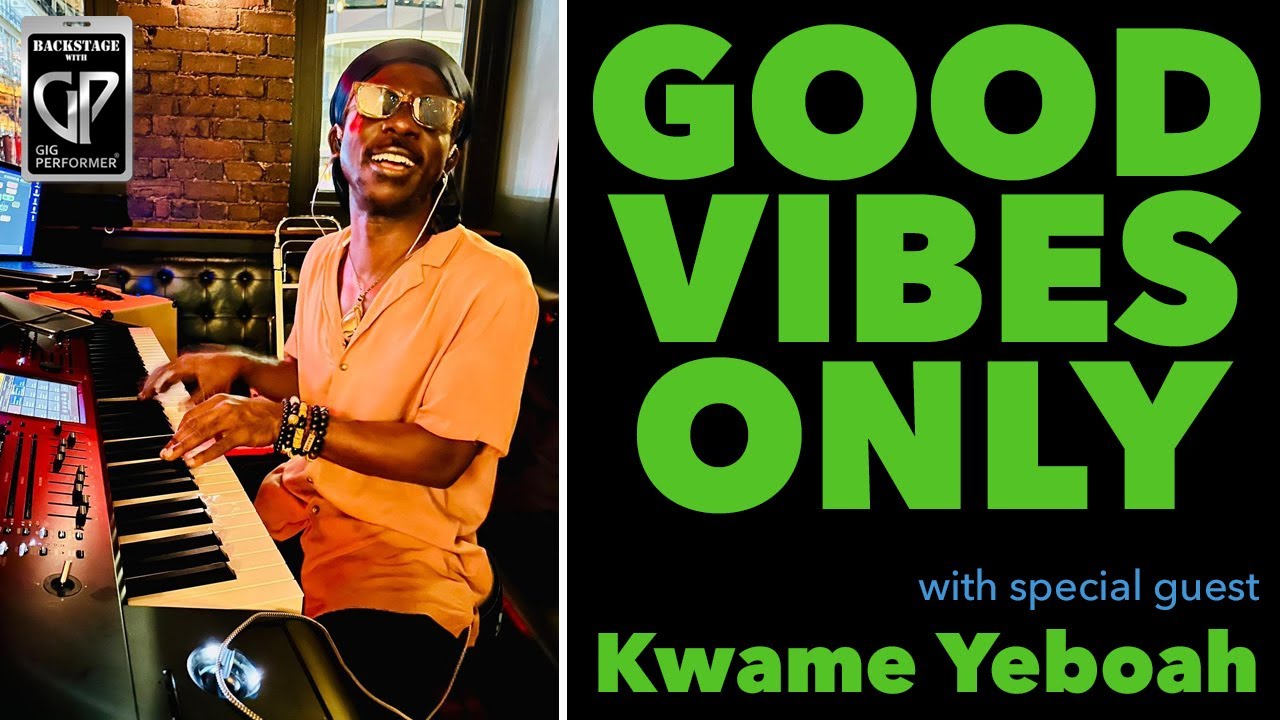
Keyboardist and musical director for Craig David and Cat Stevens - Kwame Yeboah
This video features an interview with Kwame Yeboah, a professional keyboardist, musical director, and producer known for his work with artists like Craig David, Cat Stevens, and Shola Ama. The discussion focuses on how Kwame uses Gig Performer to power complex, professional-grade live performances.
Key Highlights:
Transitioning to Gig Performer: Kwame shares his journey from hardware-heavy setups and earlier software like MainStage—which he noted caused CPU performance issues and led to a notable crash at Wembley Stadium (19:05 - 21:05)—to adopting Gig Performer. He highlights the stability and flexibility of the platform for managing multiple soft synths, samples, and complex routing.
Workflow & Programming: Kwame explains his process of “recreating the record” live, working backward from studio sessions to rehearsals. He demonstrates his use of Gig Performer to manage splits, layers, and song parts, allowing him to perform dense, multi-instrumental parts solo (37:00 - 43:37).
Innovative Technique –MIDI Finger Tapping: A unique feature Kwame uses to manually clock sequences and stay in sync with live drummers without needing a rigid click track (1:04:22 - 1:08:18).
Advice for Beginners:
Labeling: Kwame stresses that consistent labeling of plugins, filters, and connections is the most critical factor for avoiding confusion during complex programming (1:15:14 - 1:16:12).
Monitoring: He recommends using signal meters within the software to quickly troubleshoot audio issues during soundchecks (1:16:12 - 1:17:02).
Avoid Loops: He warns against MIDI feedback loops when using multiple interconnected programs (1:17:06 - 1:19:33).
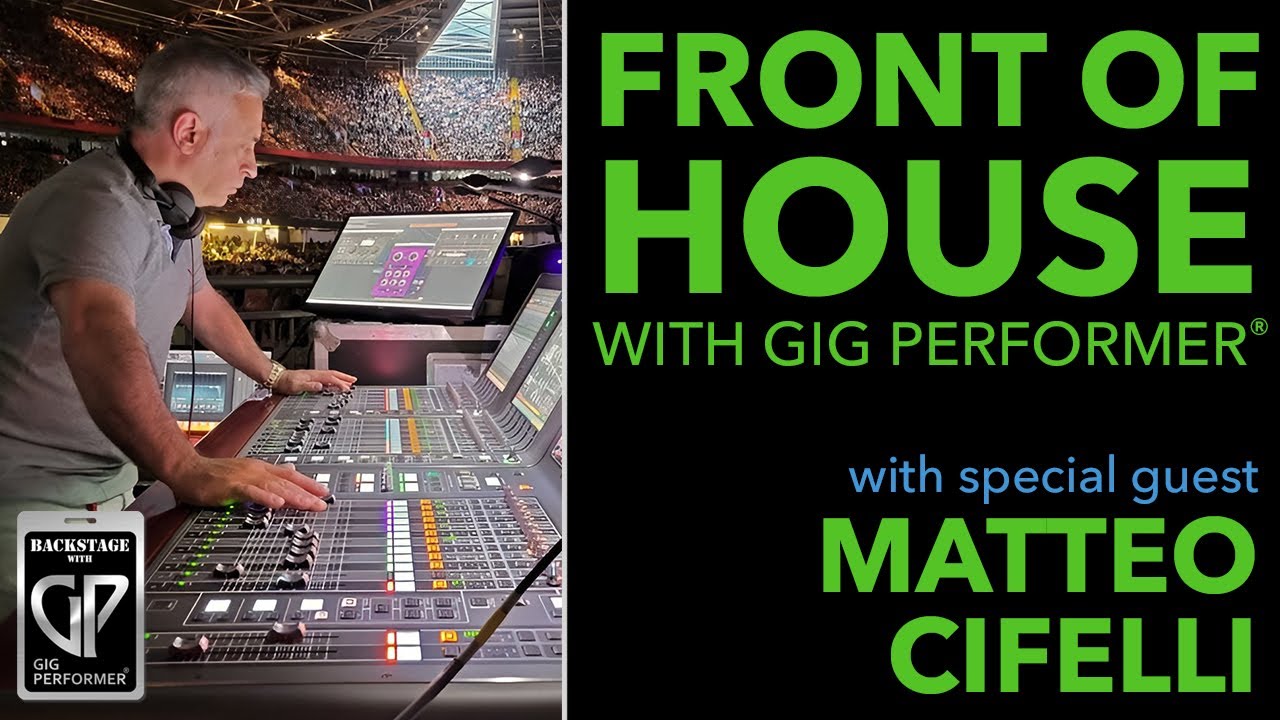
FoH for Tom Jones, Will Young, Robert Plant, Il Divo and Bryan Adams – Matteo Cifelli
This episode of Backstage with Gig Performer features seasoned sound engineer and producer Matteo Cifelli to discuss his professional approach to live sound, his career journey, and his reliance on Gig Performer for high-quality live production.
Career Background and Philosophy:
Early Days:Matteo began his career in Milan at 16 (4:38 - 5:26), learning foundational skills in high-pressure studio environments and developing essential social communication skills alongside technical expertise (11:06 - 12:02).
Studio vs. Touring:Matteo highlights that while both fields demand excellence, studio work can be more all-consuming, whereas touring offers a different pace. He emphasizes his holistic approach, stating that he mixes every live show like he is mixing a record (13:57 - 14:48, 20:16 - 20:20).
Using Gig Performer in Live Sound:
Tool Integration:Matteo uses Gig Performer to host studio-quality VST plugins, which allows him to maintain a consistent, high-end sound that standard digital mixing consoles might not achieve on their own (18:29 - 19:56).
Stability and Workflow: He values Gig Performer for its stability and low latency. He typically keeps his configuration simple—running between 3 to 7 plugins on a single page without complex automation—to avoid technical issues during high-stakes shows (21:30 - 23:31, 38:41 - 39:46).
Mastering the Bus:Matteo discusses processing his stereo bus using tools like Masterdesk (Plugin Alliance), F6 (Waves), and smart:EQ live (sonible). He cautions that while tools like smart:EQ are powerful, they must be used carefully to avoid flattening the mix too much (27:43 - 31:33).
Best Practices and Technical Tips:
Soundcheck Strategy:Matteo explains that for many touring artists, he relies on virtual soundchecks using previous session data, noting that soundchecks are often more for the artists’ comfort than for the engineers (40:32 - 43:08).
Digital vs. Analog: He is a strong proponent of remaining entirely digital in a digital environment, avoiding analog inserts to prevent unnecessary conversions, phase shifts, and latency issues (43:30 - 45:34).
Tool Selection: His advice for new users is to focus on understanding what they actually need and selecting tools based on audio quality rather than just graphic interfaces. He frequently performs AB comparisons to ensure he is getting the best results (48:00 - 50:00, 54:42 - 55:40).
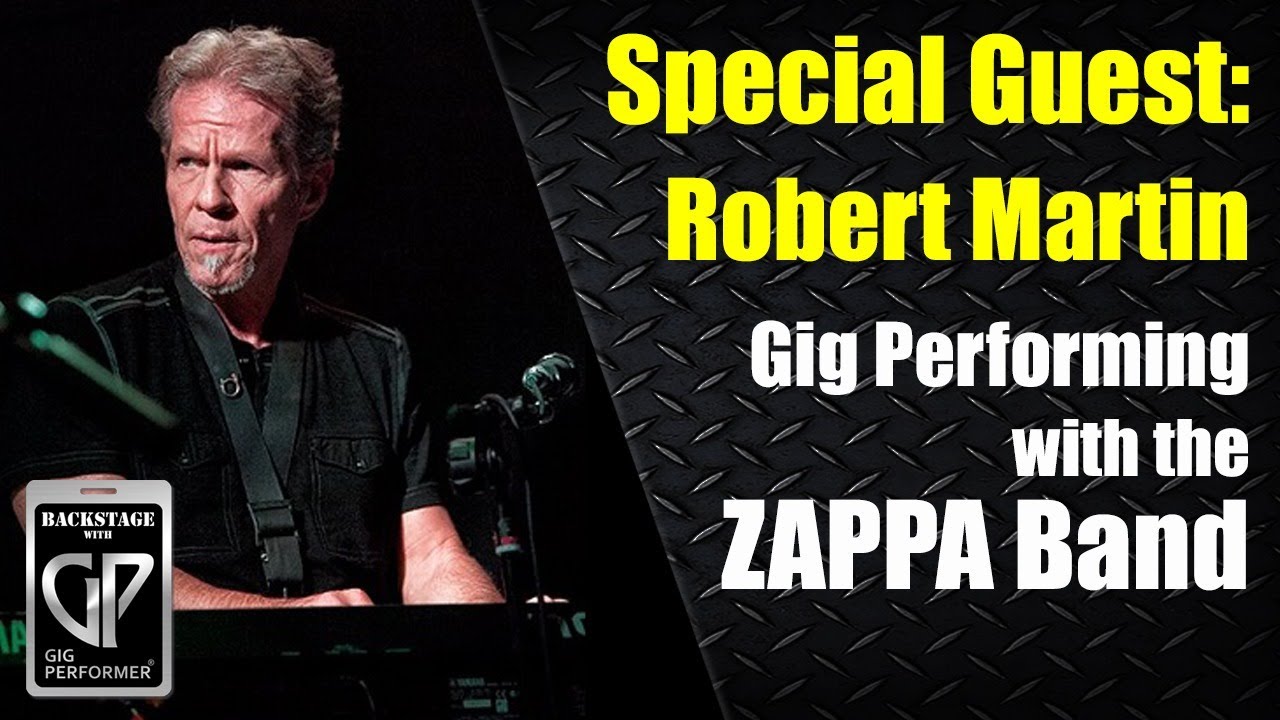
This video features a conversation with Robert Martin, a renowned musician who has performed with legends like Frank Zappa, Etta James, and Stevie Nicks.
The discussion centers on his transition from analog gear to using Gig Performer as a powerful, flexible command center for his live keyboard performances.
Key Highlights:
The Shift to Digital: Robert reflects on his start at Sigma Studios in 1968 and his evolution through various audio technologies. He explains why he moved from MainStage to Gig Performer for better freedom and reliability (14:11 - 16:00).
Rig Setup & Logic: Robert details his efficient setup using two MIDI controllers and a single-screen interface in Gig Performer. He explains the importance of using bypass mode to manage CPU load and how he organizes his 16 sound sources (18:00 - 21:00).
Plugin Preferences: He shares his preferred plugins, including PianoTeq for physical modeling of pianos, Keyscape for classic keyboard sounds, and the GSI VB3 for his organ needs (35:00 - 38:00).
Advanced Routing: Robert demonstrates how he routes his sounds through individual console emulations for fine-tuning EQ, compression, and saturation before sending the final signal through a Softube Overstayer saturation unit for extra warmth (41:00 - 43:00).
Community & Collaboration: The video includes a helpful Q&A session where the software’s co-founders offer technical tips, such as mapping a master trim via the System Actions plugin to solve volume control issues (29:00 - 34:00).
Robert concludes by expressing his excitement for upcoming tour dates and his enthusiasm for the creative possibilities Gig Performer provides for live musicians.
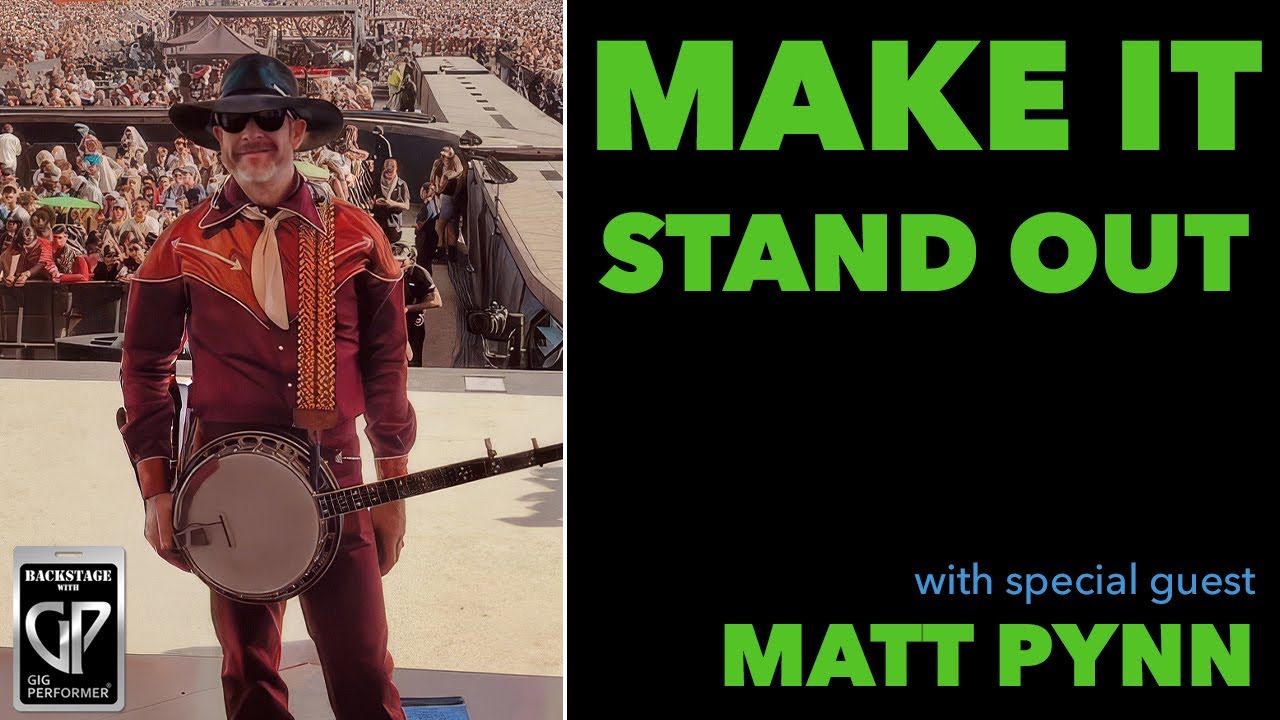
Toad the Wet Sprocket, Beyoncé, Miley Cyrus keyboardist Matt Pynn
This episode of Backstage with Gig Performer features professional session musician and multi-instrumentalist Matt Pynn. The discussion focuses on how he utilizes Gig Performer as a central, reliable component of his live and studio rigs across various high-profile touring engagements.
Key Highlights:
Versatility in Performance (0:22 - 2:07):Matt Pynn explains his role as a session musician for artists like Beyoncé, Miley Cyrus, Toad the Wet Sprocket, and Shaboozey. He discusses the challenges of being a multi-instrumentalist (pedal steel, lap steel, banjo, keys, etc.) and the importance of adapting to different musical vocabularies.
The Power of Rig Flexibility (12:46 - 15:20):Matt details his use of the Fractal Axe-FX III as his main audio hub, which integrates seamlessly with Gig Performer via USB audio. This setup allows him to manage multiple instruments, direct outputs, and complex effect chains without needing traditional amps on stage.
Switching to Gig Performer (15:40 - 16:34):Matt shares his transition from MainStage to Gig Performer, citing reliability issues with Mainstage and praise for Gig Performer’s stability, intuitive wiring architecture, and overall ease of mapping.
Workflow and Tools (17:35 - 20:15): The discussion covers his specific plugin choices, including the IK Multimedia Hammond B3X (highlighted for its superior Leslie simulation) and Modartt Pianoteq. He explains how he organizes his setlists, manages patches, and uses Stream Deck integrated with OSC and GPScript for hands-on control.
Studio vs. Live Application (20:21 - 22:15):Matt explains that Gig Performer is essential even in studio settings, particularly for crossover genres where producers might not be equipped to mic up organic instruments. By staying “in the box,” he provides consistent, professional results quickly.
Pro-Tips for Users (48:15 - 49:15):Matt emphasizes that learning GPScript and OSC is a “game changer” for those looking to move beyond standard MIDI limitations.
–
Matt discusses how the requirement for a “no amps on stage” philosophy (23:13) heavily influences his workflow both live and in the studio.
He explains that in modern studio environments, particularly those involving hip-hop to country crossover sessions (20:36), the typical workflow is very much “in the box.” Producers in these settings may not be accustomed to miking up traditional organic gear like a Leslie cabinet for an organ (20:46). Consequently, keeping everything digital—using his Fractal Axe-FX III and Gig Performer—allows him to provide consistent, professional results without the time-consuming process of setting up microphones (21:22).
Essentially, he adopts this “silent stage” or “direct-only” approach not just as a performance preference, but as a practical necessity to align with the modern production workflows of the artists he works with (21:52).
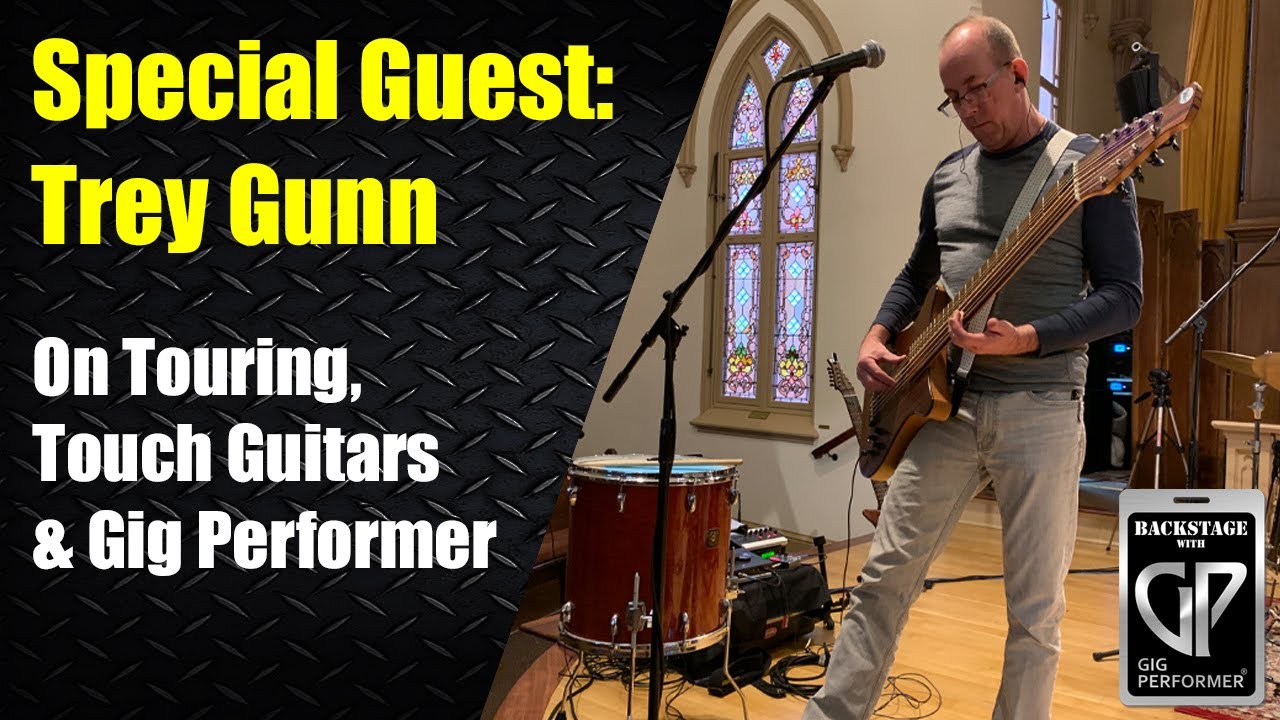
This episode of Backstage with Gig Performer features legendary musician Trey Gunn (formerly of King Crimson) and veteran audio engineer Robert Frazza as they discuss how they integrate Gig Performer into their professional live music rigs.
Key takeaways from the discussion:
Workflow Integration: Both guests highlight how Gig Performer provides a transparent, flexible environment that avoids the limitations of traditional hardware or restrictive software. Trey Gunn uses it for complex signal routing and real-time sound design on his touch guitar (16:45 - 20:00), while Robert Frazza utilizes it for high-quality effects processing and live show recording within his FoH (Front of House) workflow (9:20 - 11:15).
Seamless Performance: A major theme is the software’s ability to switch between “rackspaces” instantly and without audio glitches or reloading delays, which is critical for live performance (30:28 - 32:00).
Hardware Connectivity: The guests discuss their setups, including the Mastermind GT MIDI controller for managing patches and remote control (32:20 - 36:35), as well as audio interface choices like the RME series and the Midas/Behringer X32 console, which can function as a 32-channel interface (42:30 - 43:35).
Education and Resources:Trey Gunn discusses his ongoing online Modes Course for musicians, which focuses on developing an intuitive experience with tonal structures (44:00 - 47:00).
Technical Support: The show also covers practical tips on managing audio “tails” (the resonance or delay/reverb decay when switching patches) (48:00 - 50:10) and methods for sending program changes to external hardware (50:45 - 52:00).
–
Trey Gunn adopted Gig Performer primarily because he needed a flexible, compact solution to manage his complex touch guitar rig, which requires independent signal paths for both bass and guitar (4:04 - 5:15). He previously relied on bulky rack gear and hardware like the Fractal Axe-FX II, but sought a more streamlined and versatile approach for his live performances, particularly with the Security Project (5:38 - 6:40).
Key benefits of Gig Performer for Trey Gunn include:
Unlimited Routing Flexibility: Unlike dedicated hardware that can be limited by fixed signal paths, Gig Performer allows him to route signals in any configuration, including complex parallel processing for distortion and clean blends (11:15 - 11:37, 17:00 - 18:00).
Seamless Patch Switching: A critical benefit is the ability to switch between “rackspaces” instantly without audio glitches, loading delays, or pops (30:28 - 31:00).
Transparent Integration: The software acts as a transparent host for his preferred plugins. He notes that he doesn’t have to “think” about the software because it simply executes whatever signal flow he dreams up (8:25 - 9:02).
Real-time Performance Control: Through the use of widgets and variations, Trey can control multiple parameters—such as delay times or mixer panning—in real-time during a performance, allowing him to improvise sound design on the fly (12:33 - 13:42, 25:58 - 26:30).
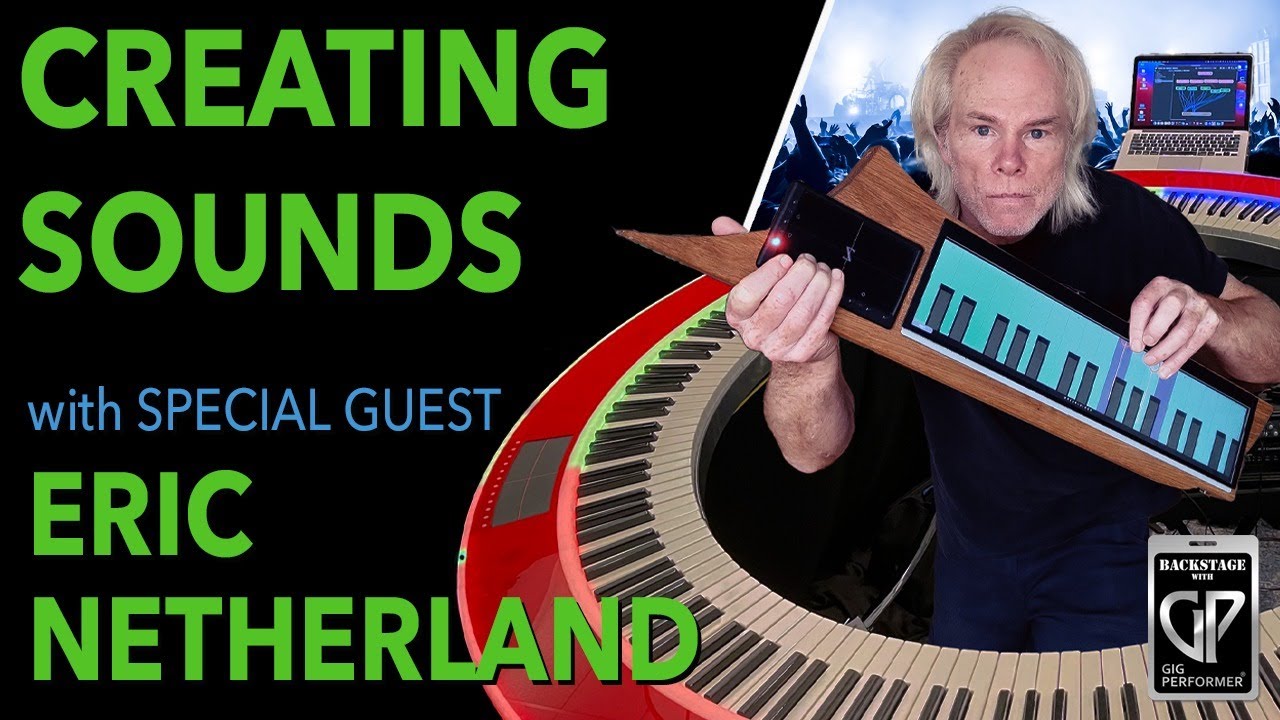
Innovator behind the projects PianoArc and The Netherblade – Eric Netherland
This episode of Backstage with Gig Performer features guest Eric Netherland, a musician and software engineer who developed forward-thinking MIDI instruments like The Netherblade and PianoArc.
The discussion covers his transition from a professional keyboardist to a software engineer at companies like Dolby and his subsequent journey in creating custom hardware.
Key Highlights:
The Netherblade & Innovation (0:00 - 32:00): Eric discusses the limitations of traditional MIDI controllers and the development of The Netherblade, an instrument designed to allow for per-note pitch bending and natural vibrato. He explains how his background in software engineering helped him solve these hardware challenges.
Understanding MPE (20:02 - 24:30): Eric defines MIDI Polyphonic Expression (MPE), explaining how it enables individual control over each note’s expression—a significant upgrade over the channel-wide restrictions of traditional MIDI.
The Role of Gig Performer (41:05 - 58:00): Eric highlights why he chose Gig Performer for his setups, praising its intuitive interface and the power of its MIDI monitoring tools, which he used during the development of his instruments. He demonstrates how he uses the software to handle complex configurations, such as managing multi-channel instances for non-MPE plugins.
Instrument Demonstrations (32:00 - 54:00): Eric showcases the expressive capabilities of The Netherblade, including playing violin and pedal steel sounds to demonstrate how the XYZ pad and continuous controllers provide an organic playing experience.
Purchasing and Advice (1:01:32 - 1:07:10): Eric explains his current, small-scale production process for The Netherblade and offers advice to new Gig Performer users: understand the core building blocks—audio interfaces, plugins, and MIDI—to successfully connect all the dots.
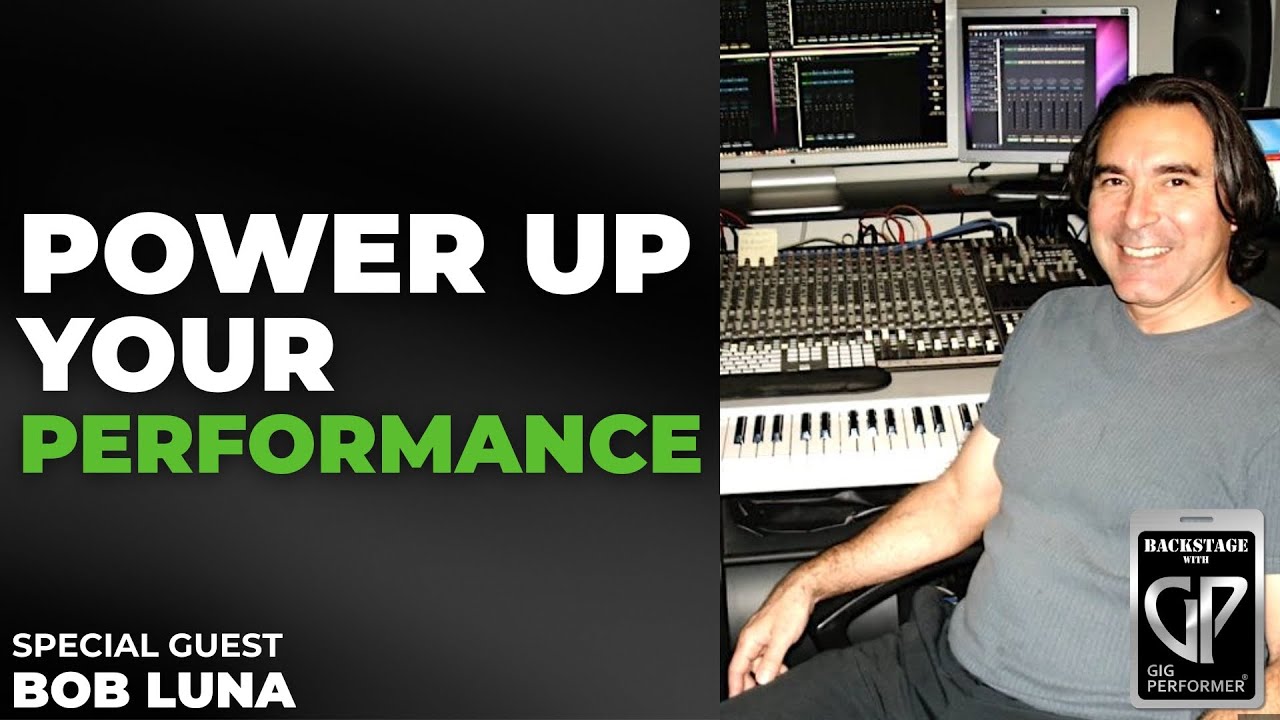
Paul McCartney, Paul Simon, and Dionne Warwick keyboardist – Bob Luna
This episode of Backstage with Gig Performer features professional musician and music director Bob Luna. Throughout the interview, Bob discusses his long career, his transition from traditional keyboard hardware to modern software-based setups, and his reliance on Gig Performer for his live performances.
Key takeaways from the interview:
Professional Background:Bob Luna has worked with iconic artists such as Paul McCartney, Paul Simon, and Dionne Warwick. He explains his dual role as a music director and a keyboardist who often has to emulate an entire orchestra when playing live (3:28 - 4:29).
Technological Evolution: Bob reflects on the limitations of 1990s hardware, where he had to travel with his own rack-mounted samplers to ensure sound reliability (6:10 - 7:42). He discusses his preference for Kurzweil keyboards due to their robust split and layer capabilities (12:13 - 14:59).
Discovery of Gig Performer: After experiencing reliability issues with other software like MainStage and Logic, Bob discovered Gig Performer at the 2019 NAMM show. He emphasizes its stability, ease of use, and the supportive community behind it (15:07 - 19:58).
Live Performance Workflow: Bob demonstrates his sophisticated setup using specific songs like Live and Let Die and Rosanna. He details how he maps multiple VST plugins, handles complex orchestral layers, and manages MIDI routing to achieve a professional, full-band sound (20:18 - 59:58).
Preparation and Reliability: Bob stresses that his preparation process is centered on rigorous hardware and software testing. He shares his philosophy of keeping things simple, using stereo outputs to front-of-house, and ensuring his patches are perfectly balanced before rehearsals (1:00:35 - 1:12:00).
–
For Bob Luna, Gig Performer is a game changer because it provides the reliability and stability he lacked with previous software solutions (16:35 - 16:47). Having experienced devastating system lock-ups during professional rehearsals in the past, Bob was looking for a dependable host that could handle his complex, orchestral-style keyboard setups without failure.
Key reasons Gig Performer revolutionized his workflow include:
Seamless Performance: It allows Bob to manage multiple heavy VST plugins, intricate MIDI routings, and layer splits without system crashes (22:45 - 25:00).
Intuitive Organization: Unlike older systems where he had to manually re-map everything on the fly, Gig Performer enables him to build specific, stable rack spaces for each song that he can trust in a high-pressure live environment (53:06 - 54:00).
Community and Support:Bob emphasizes that the human element—the support from the developers like David Jameson and the active user community—makes it much easier to learn and grow his setup (19:10 - 19:55).
Scalability: Whether he is playing a simple piano part or orchestrating a massive, multi-instrument arrangement for a show like Live and Let Die, the software handles the load consistently (1:09:40 - 1:10:00).
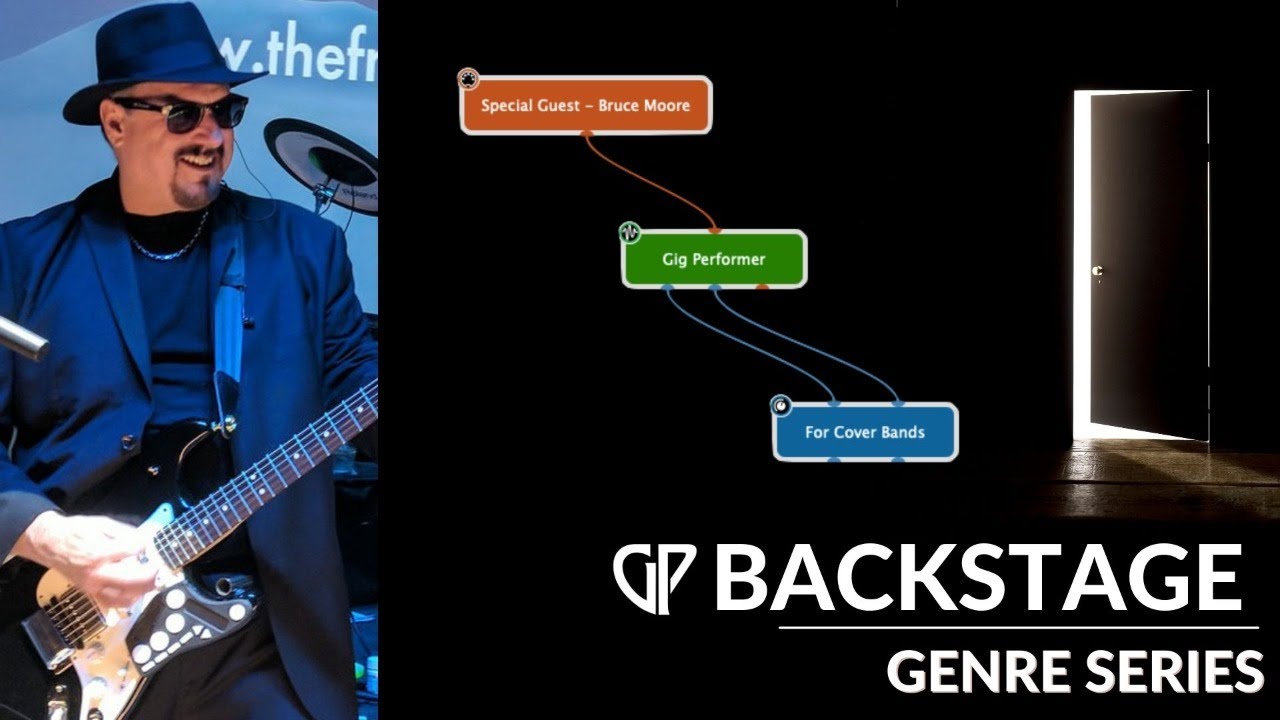
The Fringe Benefits (synth) guitarist – Bruce Moore
This video features a deep dive into how guitarist Bruce Moore of the Fringe Benefits Band utilizes Gig Performer for his live cover band performances. The discussion covers his hardware setup, software integration, and creative use of MIDI to control sounds and stage lighting.
Key Highlights:
Live Rack Setup (8:04 - 12:17):Bruce explains his portable rack, which includes an audio interface, wireless transmitters, in-ear monitor systems, and a Midas MR18 digital mixer. He highlights the importance of color-coded cabling for efficient setup.
Control via MIDI Guitar (12:17 - 14:52):Bruce demonstrates how he uses a Fishman Triple Play and a Livid Guitar Wing mounted to his custom guitar to trigger synthesizer sounds, switch Gig Performer patches, and manage stage lighting without needing floor pedals.
Software Workflow (18:40 - 24:00):Bruce walks through his Gig Performer rack spaces, demonstrating how he manages gain, balances synthetic and natural guitar tones, and uses automated scripts to synchronize his lighting rig with his song performances.
Advanced MIDI Mapping (27:18 - 34:00):Bruce shows how he uses fret and string splits to trigger different sounds (like horns, organ, or piano) based on his playing position, allowing him to perform complex arrangements without needing to manually switch presets.
Automation (49:53 - 52:33): A demonstration of how he uses the built-in Audio File Player to trigger sound effects (like pipe organs or dramatic voiceovers) during specific songs.
This video features Joe Luca, a keyboardist for the Yes tribute band Awaken. The discussion centers on how Joe successfully transitioned from using Brainspawn Forte to Gig Performer for his live rig to manage complex keyboard sounds without the need for excessive physical hardware (2:53).
Key takeaways:
Transitioning to Gig Performer:Joe explains how he overcame the “Forte mindset” of using channel strips and embraced Gig Performer’s visual, rack-based workflow (5:11).
Rig Setup and Efficiency:Joe details his efficient setup, which includes an M-Audio Hammer 88 and a Novation Launchkey 61, allowing him to handle intense sonic palettes for songs like Heart of the Sunrise (19:12) and Owner of a Lonely Heart (36:51).
The Rig Manager:David, a co-founder of Gig Performer, joins to explain the Rig Manager, a tool developed to solve the problem of managing multiple, identical controllers or switching to different backline gear while on tour (50:24).
Snapshots and Song Parts: The pair clarifies the difference between rackspace variations and song parts, explaining how Snapshots allow Joe to make adjustments during rehearsal without altering his base rackspaces (56:41).
Plugins and Compatibility:Joe shares his experience using JBridge to keep essential 32-bit plugins running in his 64-bit Gig Performer environment (59:13).
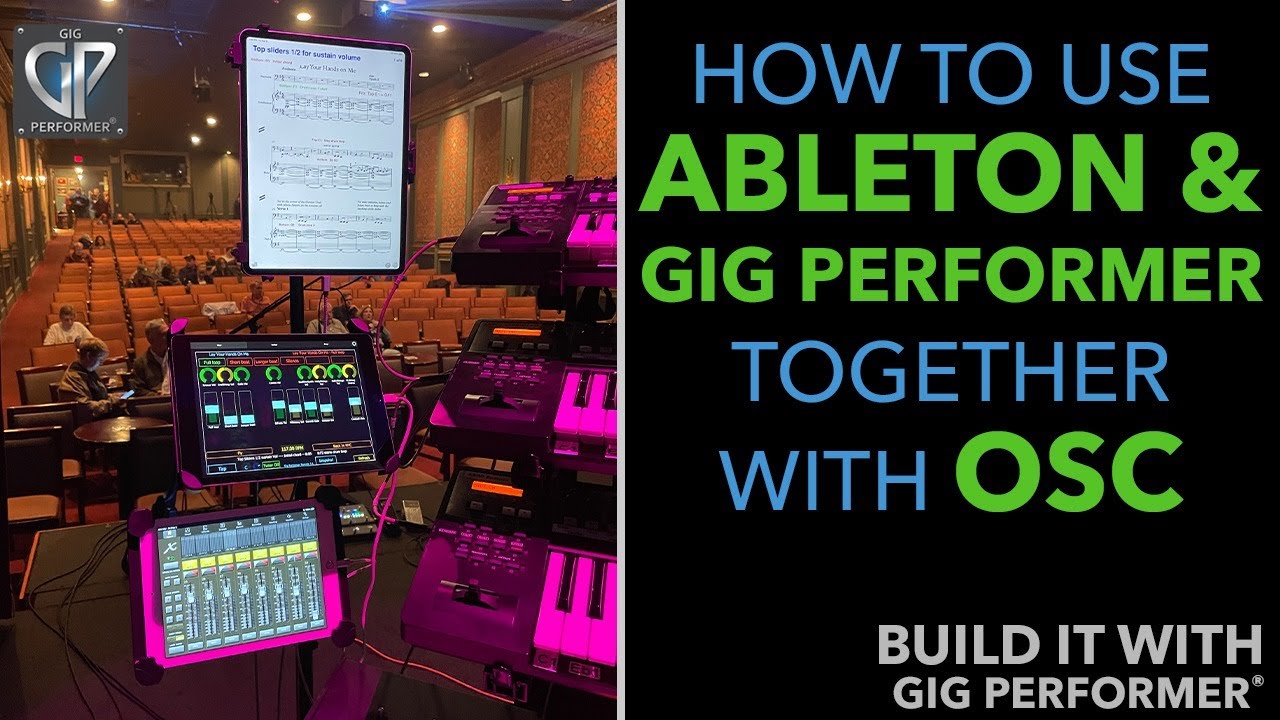
This live stream features special guest and power Gig Performer user Thaddäus Weindl. The primary focus is on how to integrate Gig Performer with Ableton Live using Open Sound Control (OSC) to automate live performances.
Key Topics Covered:
OSC Fundamentals:Thaddäus explains that OSC is a flexible network-based protocol that allows software to communicate without the limitations of traditional MIDI (3:47 - 6:23).
Setting Up Communication: A step-by-step guide on configuring OSC targets and ports to establish a link between Gig Performer and Ableton Live (9:13 - 11:14).
The Max for Live Patch:Thaddäus showcases a custom Max for Live patch he developed to bridge the communication gap, allowing features like scene selection, playback monitoring, and visual feedback (17:42 - 28:16).
System Integration: Demonstrations of how to map widgets to automate scene start/stop, display real-time bar/beat positions, and control track volumes directly from hardware (like the S88 keyboard) (25:04 - 38:00).
Advanced Use Cases: The video also touches on using multiple Gig Performer instances, syncing widgets across instances, and controlling external software via local networks (42:24 - 49:41).
–
In the video, Thaddäus Weindl and Brett Pontecorvo highlight several reasons why Gig Performer is an exceptional tool for live musicians:
Free Routing and Flexibility:Thaddäus explains that he was fascinated by the free routing capabilities of Gig Performer (3:00), which he found far superior to other host software he had used previously.
Low CPU Usage: A major advantage noted is its efficiency. Thaddäus mentions that unlike other software, Gig Performer handles system resources much better, allowing for a more stable live experience (2:50, 19:05).
OSC Support: The software provides powerful support for Open Sound Control (OSC) from the start (3:30). This allows users to control external software, hardware, and multiple Gig Performer instances over a network without being limited by traditional MIDI restrictions (4:24, 42:24).
Advanced Automation: By using Gig Performer alongside Ableton Live via OSC, musicians can automate sound changes, backing tracks, lighting, and even video triggers, enabling them to focus entirely on their performance (7:40).
Preset Management:Gig Performer is highly effective at remembering complex settings for specific songs or rackspaces, which Thaddäus finds crucial for his live sets (40:48).
 (19:05 - 21:05)—to adopting Gig Performer. He highlights the stability and flexibility of the platform for managing multiple soft synths, samples, and complex routing.