Hey Npudar,
Well, when I was using trhe previous version of what I am building it wasn’t doig all of the crackling and breaking up, so what I have done is now made that my latest version (bypassing using what was the latest version that was troublesome) and it is now wokring fine (except that the onscreen faders etc. aren’t moving when I move the faders on my MIDI keyboard which they were doing weeks ago when I first started using GP Essentials (but I have opened another thread on here to hopefully get some help with that one). 
Hey again Npudar,
I tried that & got the following:
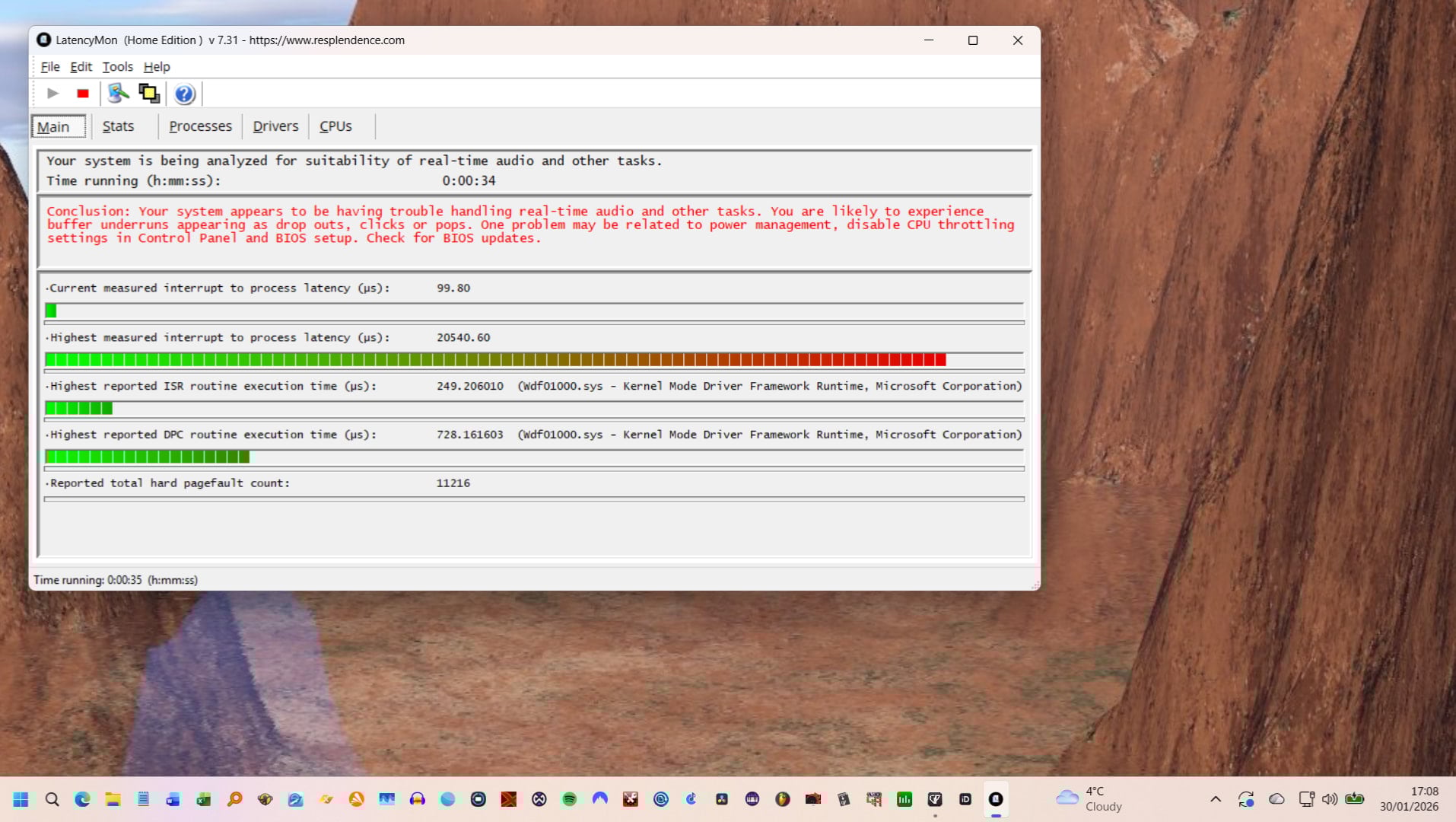
I asked Grok what I could do & made some changes (power management / CPU trottling etc.), but LatencyMon still says that there are issues (see below).
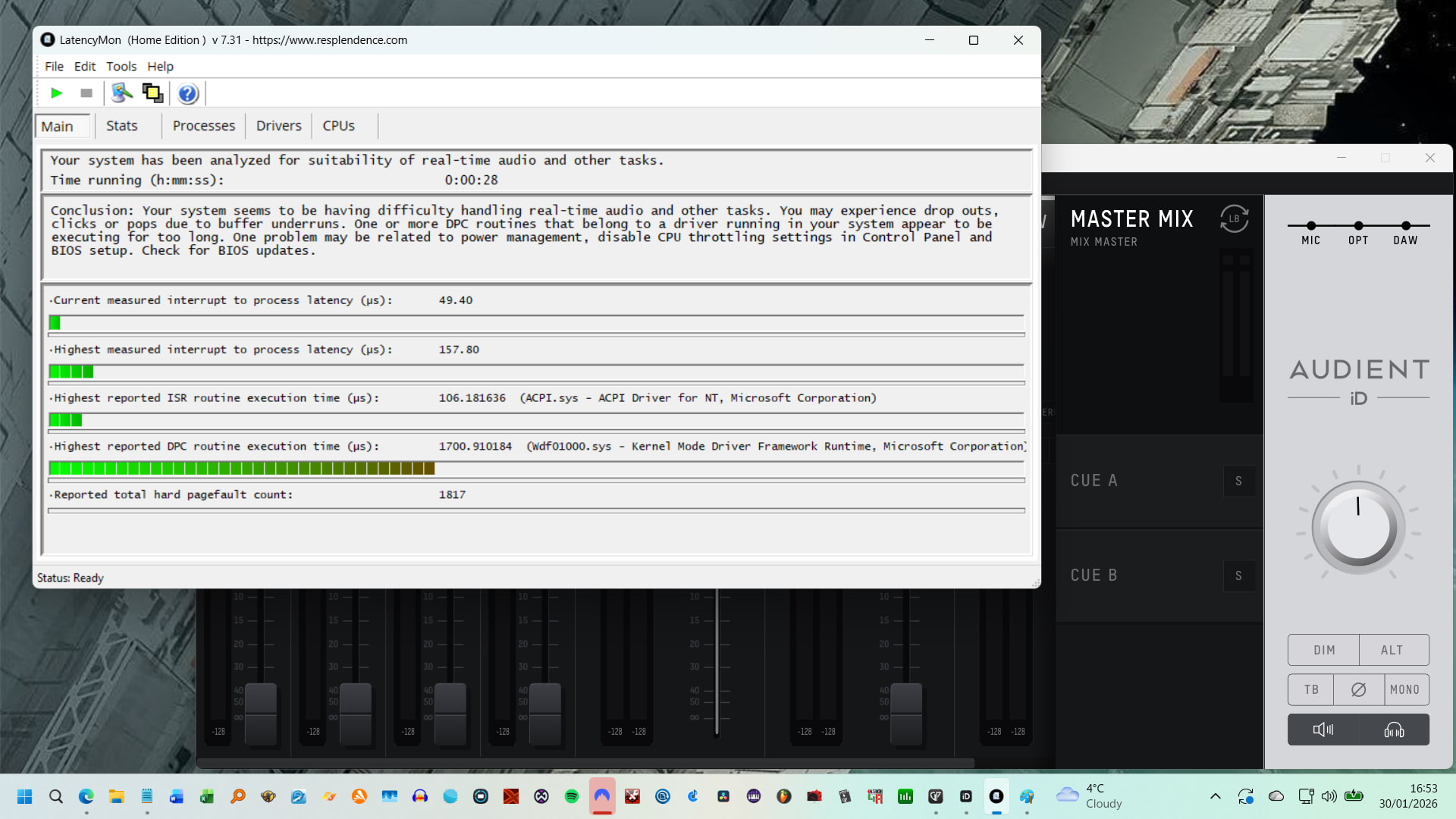
Aside from the screen not updating when I move faders on my MIDI keyboard, I am now working fine within GP. 
Wow. Your system has issues, nothing to do with Gig Performer.
Don’t ask Grok – prepare yourself for detailed system optimization: FREE e-book by Deskew - Optimize your Windows PC for the stage!
Wfd01000.sys is hard to tackle, because a lot of drivers are using with it. It’s not Wfd01000.sys that’s at fault, but a driver that uses it somehow. You can’t disable it or remove Wfd01000.sys.
That’s what I can make of it anyway.
For diagnosing: disable Wifi drivers, disable Ethernet card drivers, disable graphics card drivers (that sounds scary, but Windows will activate a bare minimum graphics driver. Just don’t expect 4k resolution). You can do that from Device Manager. Maybe you have other unused hardware (internal sound card) which you don’t need. Disable these also.
Then run Latencymon again. I must add that although Latencymon reports issues, you are not required to experience issues also. (In other words: sometimes you need to take the results with a pinch of salt). If the problem is solved, enable drivers until the issue pops up again. In my experience: the graphics driver and WiFi drivers are the first suspects.
Edit: the used powerpowrr is also important. Go for high performance powerplan or preferably ultimate powerplan.
True, but red line spikes in LatencyMon almost always are represented with audio pops/crackling in realtime.
Wow! Just - wow! 
What an amazing document!  I’ve just had a skip through (and have done a few of those things, but not most of them by far) - it is SO comprehensive
  (I hope that it will also perhaps fix (or help) with the lack of faders moving within the app when I move them on the MIDI keyboard).
I think that the first thing that I need to do before starting is get a good full backup strategy in place, so will need to investigate an external 1TB enclosure of some kind before proceeding…
Hey everyone,
So, I have spent lots of hours going through the amazing document that npudar put together and am happy to say that things have improved to the point that using LatencyMon, none of the live stats ever go into the red, though it still does come up saying that there might be issues (though in usage, I don’t seem to be getting any atm).
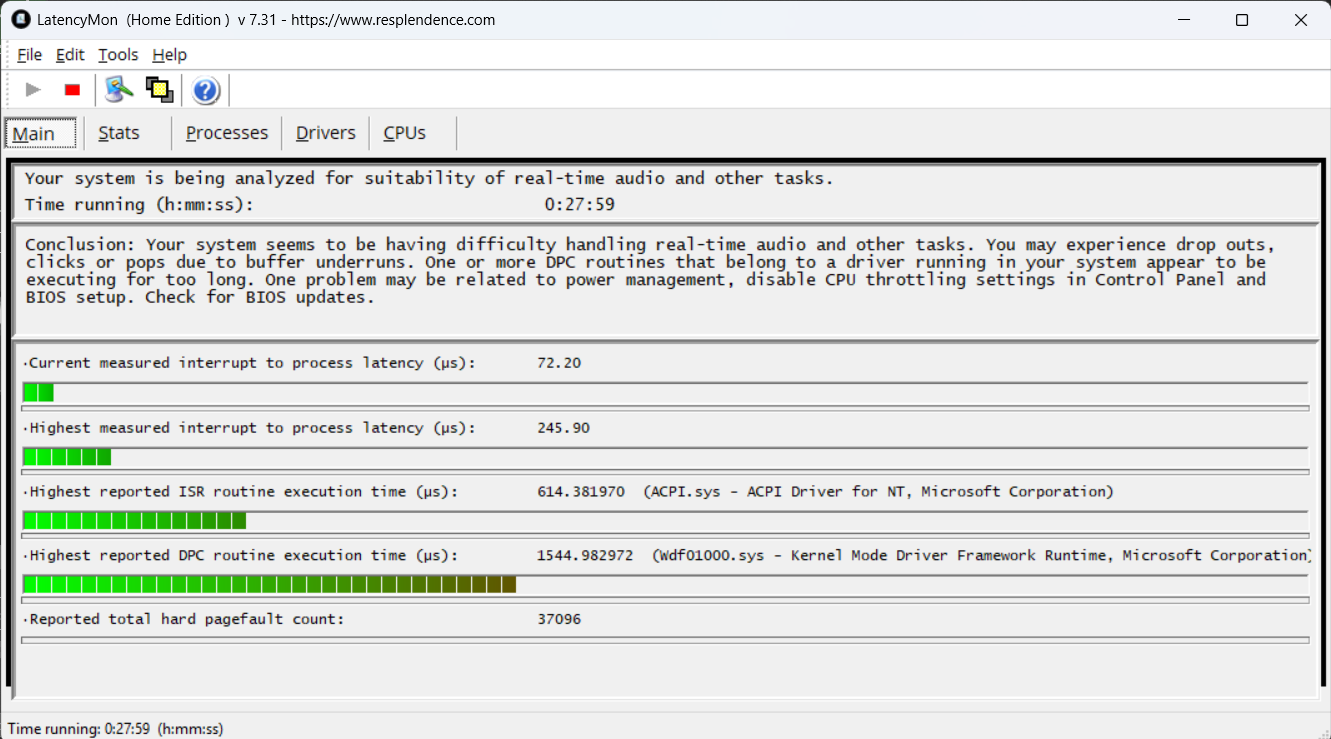
I am however having issues with the screen no updating itself (Screen not refreshing fader movement in ‘real time’ - Gig Performer on Windows - Gig Performer Community) - I will update that post in a few mins.
Thank you all for your time, experience and advice!
Steve.
No more drop-outs?
Not so far. 