Hey everyone,
Today I have been experiencing audio dropout. When I play a plugin sound, it playy for a second, then stops, then starts again, then stops again etc.etc.
I have exactly the same settings (driver + hardware) in my DAW and everything works fine in that and also, GP wasn’t doing this yesterday, or last week, but even after multiple reboots, it does it all the time now (on different plugins)! I have increased the buffer size (768 making the delay around 15ms) and still no good (my DAW is set to a buffer size of 256 & is working fine).
I am using an old M-Audio FastTrack Pro with the ASIO4All driver, but as I say, it works just fine in my DAW.
Would buyng a new (modern) USB-C Audio Interface sort this? Are they much better / faster etc.?
What is going on, what could have changed to today from yesterday & last week / month etc. & what can I do to sort this out?
Funny that you mention the Audient: I decided to do lots of reseach and, after 20 years of using the M-Audio FastTrackPro (which hasn’t missed a beat), I have just ordered an Audient ID14 (Mk2)…
Hopefully, this will solve some of the issues since it’s hardware is supperior and the drivers will be so much better than the ASIO4ALL driver I’ve been using.
Thank you Jeff: I wil explore what you have mentioned: I have ordered a ‘replacement’ for my 20 year old FastTrackPro: an Audient ID14, so hopefully this will make things much better.
Hey everyone,
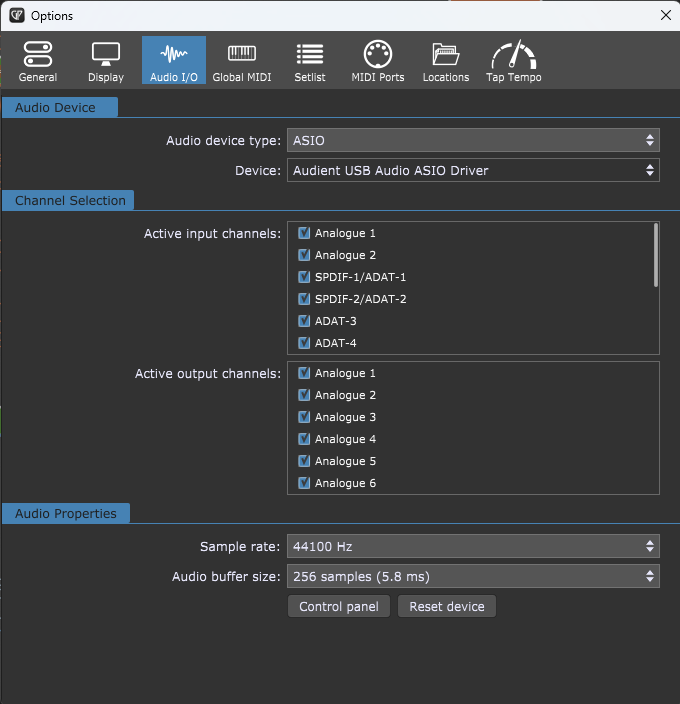
So my Audient ID14 arrived & I have set it up. Now, everything is actually WORSE than it was with my 20 year old FastTrack Pro (using the ASIO4ALL driver)!
I have tried 64 samples (1.5ms), 128, 256, 512, 1024 & right up to 2048 samples (46.4ms) for the buffer size & also 44.1KHz & 48KHz for the sample rate: with any of these, when I play my MIDI keyboard, it just crackles or plays the sound for a split second and then nothing!
I also add here that my DAW (Acoustica Mixcraft) has accepted the Audient just fine & is working without issue (as it was before the my old audio interface) @ a 256 samples / second rate (so around 5.8ms).
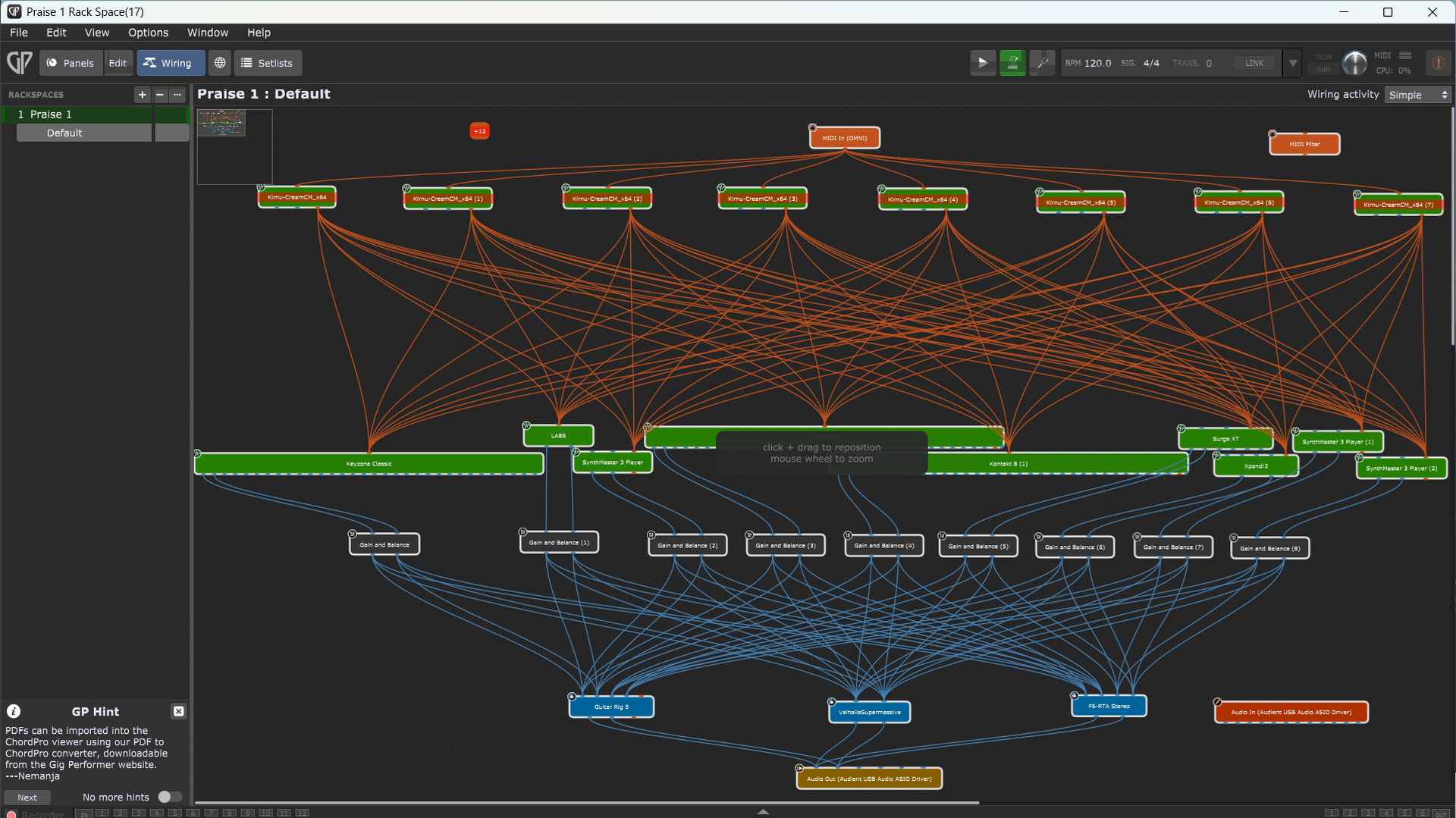
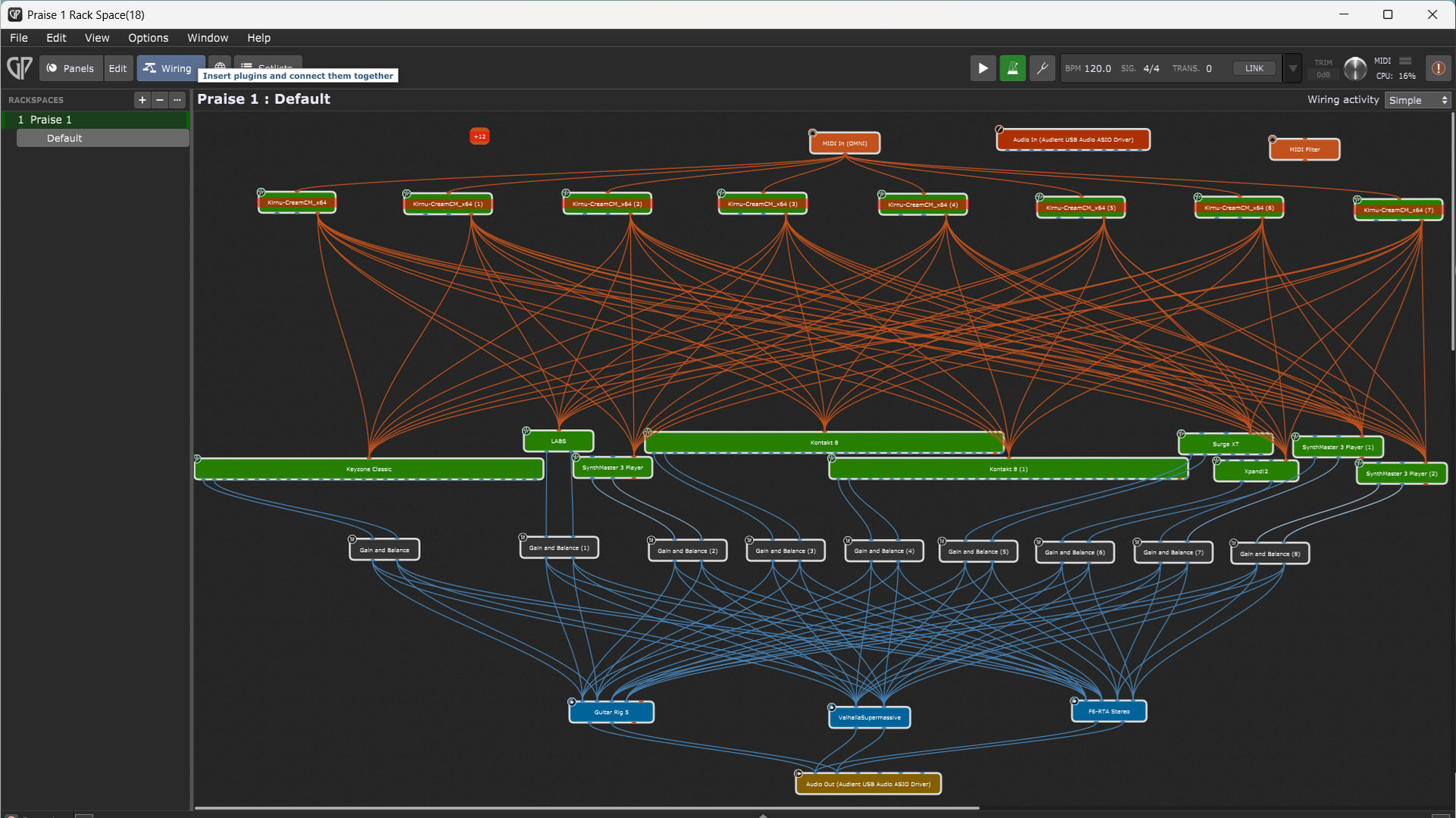
Hey everyone. Below are two screenshots of my rackspace. The first one (the previous version ‘17’) works fine. The latest version (‘18’) has the nasty problems.
I must have made some changes that it didn’t like (they both look the same to me, but clearly they aren’t!).
I think that what I will do is just carry on working with 17, and then simplky make it 19 when I am ready to save changes…
I would start with bypassing the instruments one by one, until the usage drops (is says 0% in the upper picture and 16% in the lower). Not that 16% is that much, but the difference between the 2 rackspaces is remarkable.
I’d be curious to know how much ram your gig file uses. Do you use Predictive Loading?
If you are using up all your ram and your computer has to perform file swapping, I would think that could be the culprit. (But I will defer to Frank1119 and npudar and others, who know more than me).