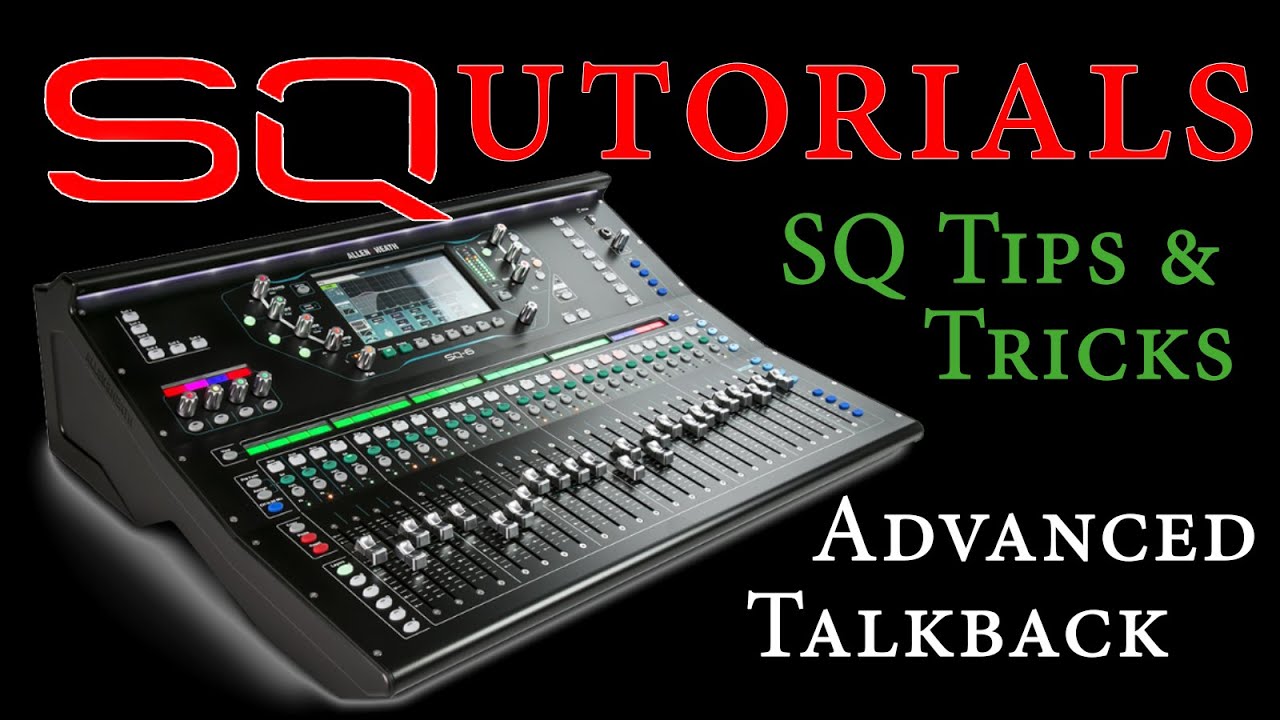
Hi community i am mixing with an AllenHeath SQ6, i would like to use GP to control the SQ6 via midi. do any of you have experience with this? I have a USB connection to the mixer. Midi driver installed on the laptop (WIN11). This also reacts when you move a fader … How does this work via GP?
i would like to be able to switch the mute function of channel 1 of the mixer on/off as a test. how do i send a corresponding midi signal to the mixer?
Hi community, I am still trying to find a solution, can anyone help me? I would like to be able to switch a mute button of the SQ6 via widget from GP - is this possible? Unfortunately I don’t know anything about scripting, so any help is very welcome!
//$<AutoDeclare>
// DO NOT EDIT THIS SECTION MANUALLY
Var
   SQ6 : MidiOutBlock
   BUTTON : Widget
//$</AutoDeclare>

// Called when a single widget value has changed
On WidgetValueChanged(newValue : double) from BUTTON
 if newValue > 0.5 then
  SendNowExternal(SQ6, MakeMidiMessage1(176)) //B0
  SendNowExternal(SQ6, MakeMidiMessage1(99))  //63
  SendNowExternal(SQ6, MakeMidiMessage1(0))   //00
  SendNowExternal(SQ6, MakeMidiMessage1(176)) //B0
  SendNowExternal(SQ6, MakeMidiMessage1(98))  //62
  SendNowExternal(SQ6, MakeMidiMessage1(00))  //00
  SendNowExternal(SQ6, MakeMidiMessage1(176)) //B0
  SendNowExternal(SQ6, MakeMidiMessage1(6))   //06
  SendNowExternal(SQ6, MakeMidiMessage1(0))   //00
  SendNowExternal(SQ6, MakeMidiMessage1(176)) //B0
  SendNowExternal(SQ6, MakeMidiMessage1(38))  //26
  SendNowExternal(SQ6, MakeMidiMessage1(1))   //01
 end
End