Hi,
I really thought that the combination of a Morningstar MC6Pro and Gig Performer would be a marriage made in heaven.
I still think it will be, really, although I have to admit to not doing very well with the Morningstar.
Can someone please help me?
I’ve got four Variations in a Rackspace pretty much how I like them - and now it’s time to make the Morningstar switch between them.
I’d like to make a bank of presets where four (of the six) stomp-switches each jump to one of my four variations.
It can’t be hard - but it is if you don’t know how to do it
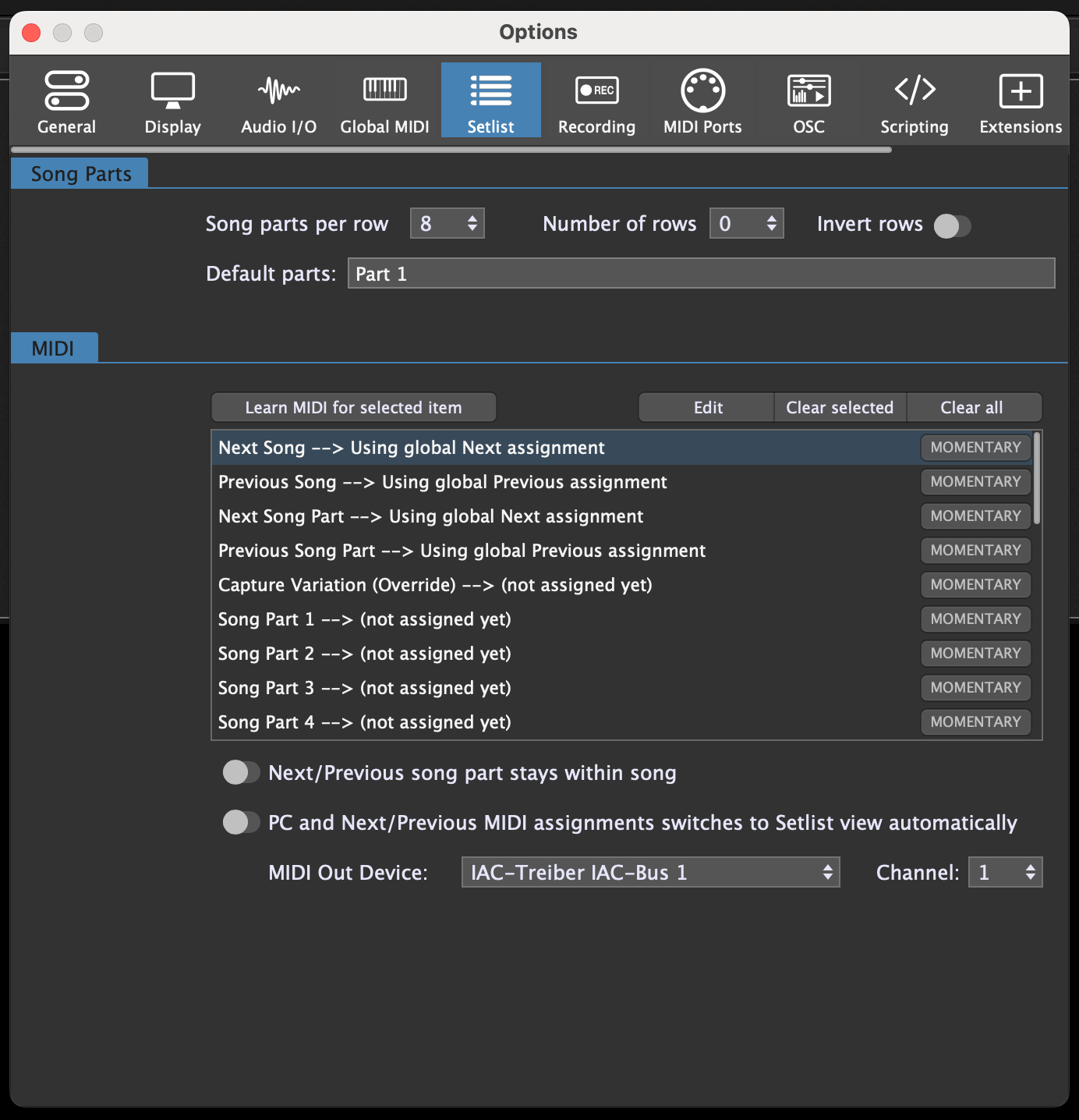
When you are using Set Lists you can assign a MIDI message for different Song Parts.
This way you can switch to different song parts with the same controller messages in each songs.
For example CC 40 for Song Part 1, CC 41 for Song Part 2 etc.
Now in each Song when you send CC 40 the Song Part 1 is selected.
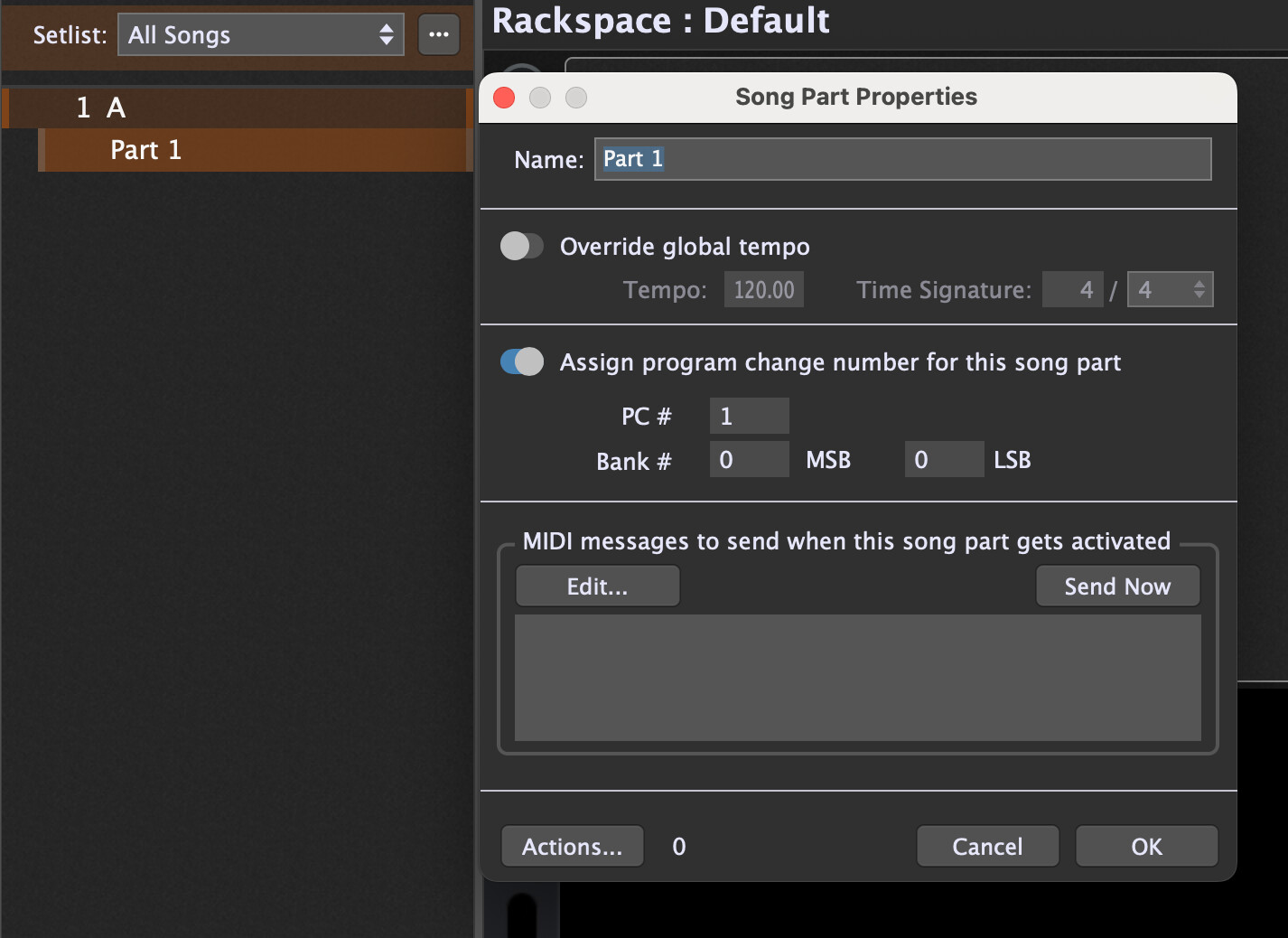
You can also assign different PC messages to different rackspace variations.
This way you can recall Rackspace Variations by PC messages.
The Morningstar units can do a lot of things, which can make configuring them through the Morningstar Editor a bit overwhelming.
If you want to achieve something you might think would be simple, like displaying the name of the Rackspaces or Variations or Songs or Songparts on the screens, that can actually get very complex.
What pianopaul wrote above is one way to approach it. That’s how the Morningstar units are designed to work.
I wrote a GP extension some time back with the intention of making it work more easily and flexibly with GP. My suggestion would be to look at this thread: Morningstar MC8 / MC6 / MC6 Pro Extension
It requires a little bit of setup, but if you want to give it a try and have any questions just ask.
Thank you.
Yes, I spotted your extension - and I even installed it a few days ago.
I’d love to try using it but currently I just don’t know where to start.
I’ve got an expression pedal working through the MC6, but that’s all so far.
I know GP and the MC6 can work together but so far I haven’t really found the light switch.
If you’ll be happy to walk me through it, I can start by telling you exactly where I am and how I’m stuck.
I’d very much appreciate some help.
Help me figure out where exactly you are now. The steps are:
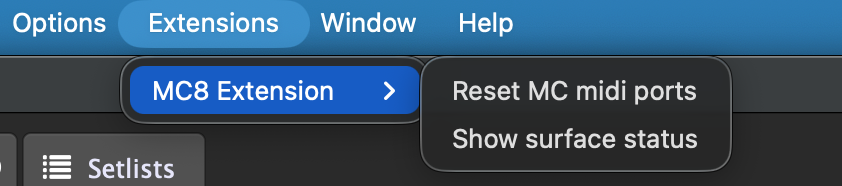
install the extension by copying it to the correct folder (for Mac or Windows). You’ll know you have that right when you get a menu item at the top of GP called “Extensions” and you see “MC8 Extension” under it when you click on it.
Load your Morningstar editor and load the MC6 bank into one of your Bank slots. I generally put mine in Bank 1 because it’s the only bank I end up using, but you can put it anywhere. Then make sure when you close your Morningstar editor (hit the disconnect button first) make sure you have the that bank and one of the first few presets selected.
If you get through those the extension should automatically find your MC6 and it should be obvious that it’s working. If not, which step is the problem?
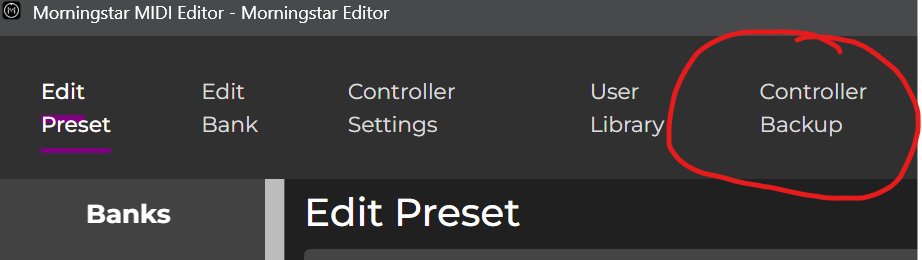
Scroll down the page and you’ll see “Restore your controller presets”. Click the Choose File button and select the MC6PRO_GigPerformer.json file in the attached zip file.
I’ve also attached a slightly updated version of the extension in the attached zip that you should install. It corrects some minor issues. And there is a demo Gigfile enclosed as well, which you can open and look at. If that one works like it should then the extension should work with your gigfiles as well. MC6ProExtension.zip (15.3 MB)