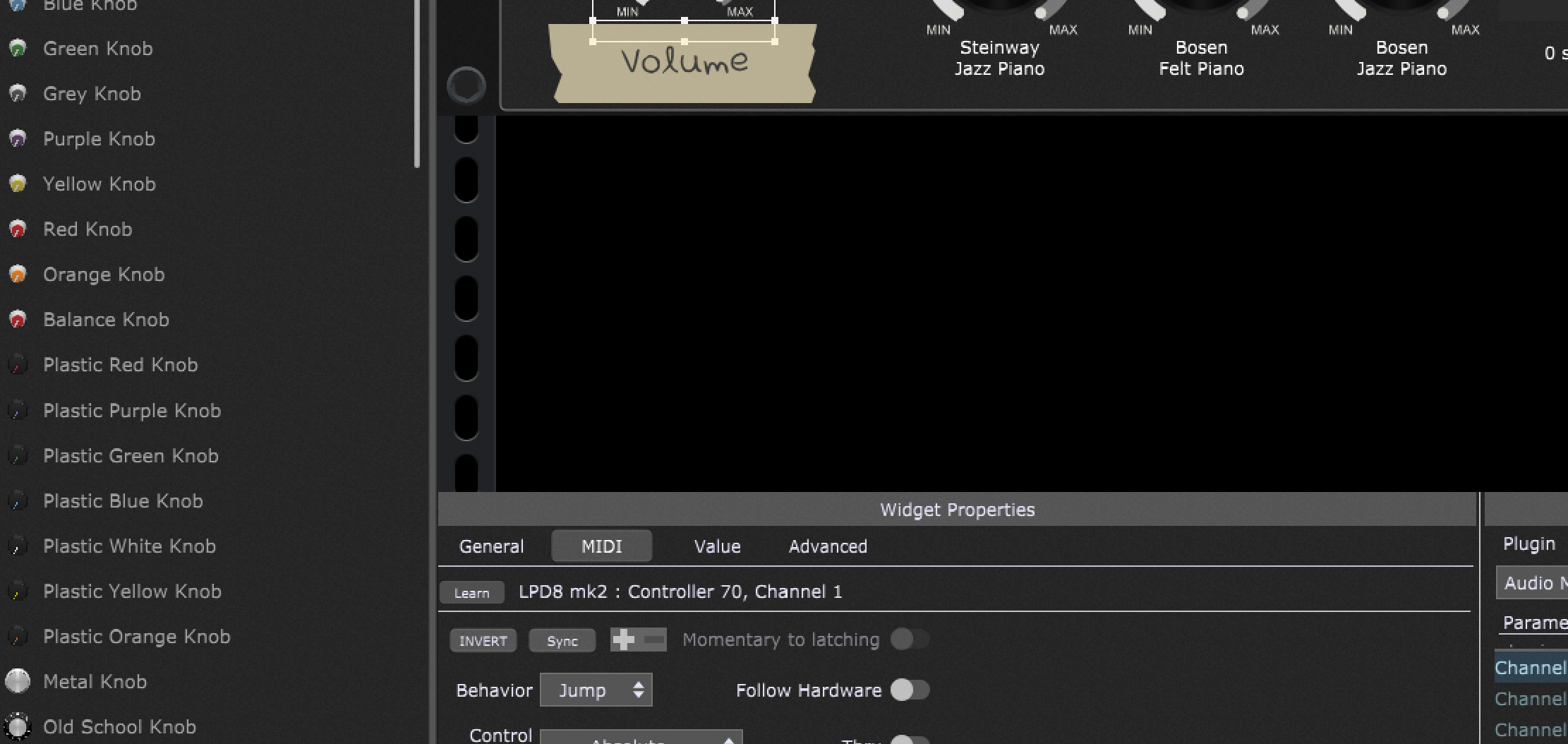
I had made a MIDI assignment to a widget and later wanted to remove it, but I could not find a way to do so. On reading the documentation I found that there was supposed to be a Clear button available to clear the assignment. However, there was no Clear button (or, it turns out, no Edit button either).
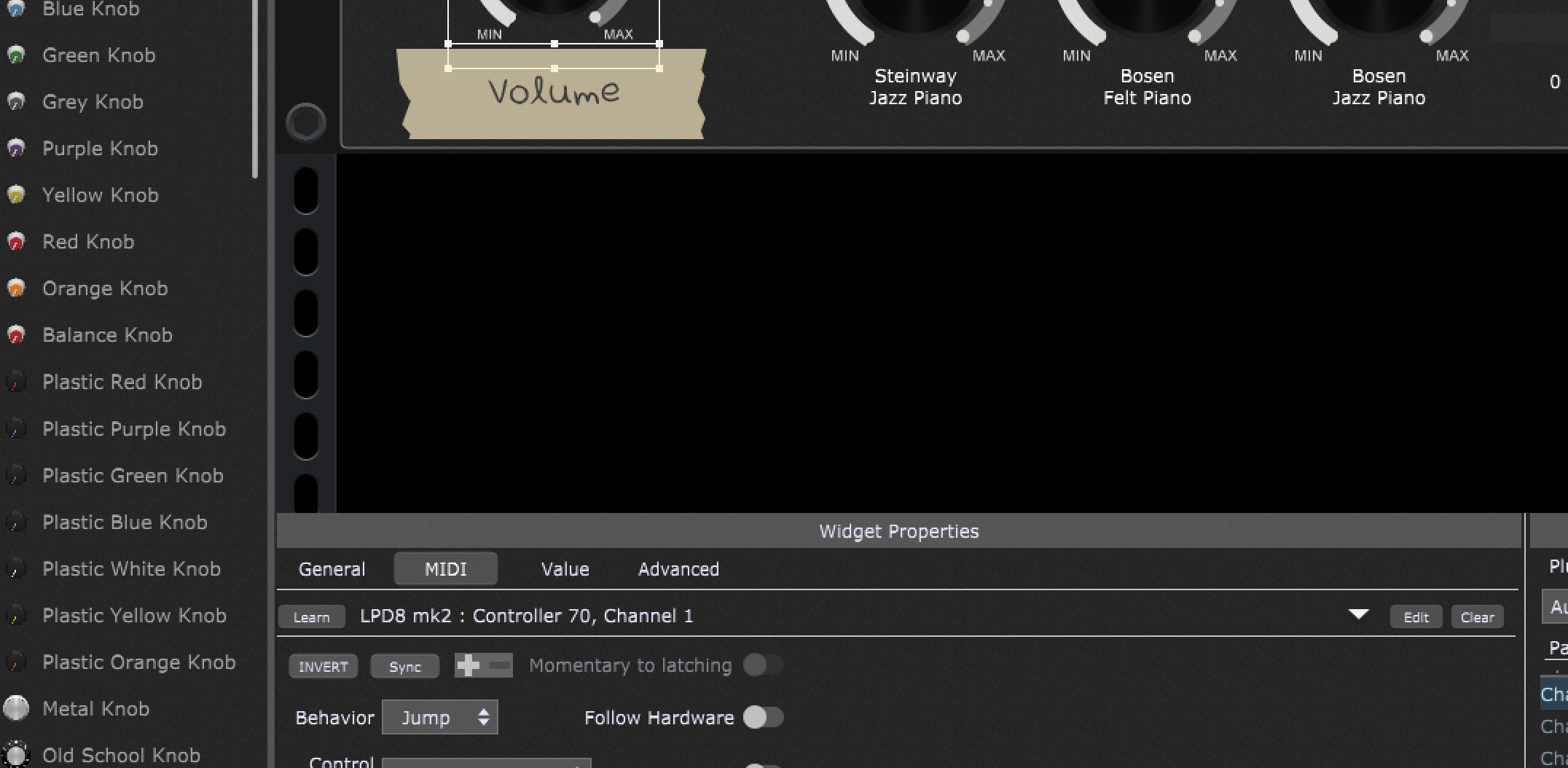
On a hunch, I reduced the width of the widget list panel on the left which increased the width Widget Properties panel. Doing this dragged the Clear button back into visibility (as well as the Edit button and downdown arrow for rig manager).
So, those three buttons seem to be anchored to the right edge of the Widget Properties panel and disappear “under” the mapping panel when narrowed.