VI-Stage: Video & Image Playback App for Live Shows (MIDI/OSC Compatible)

Hello everyone,

I’d like to share an app I’ve released for macOS and Windows called VI-Stage. It’s designed for displaying videos and images during live shows.

The idea came after working with the B-Beat device. I wanted something simple, easy to use, and flexible enough to synchronize with any MIDI or OSC hardware or software, such as Gig Performer.

Here’s how the app works:

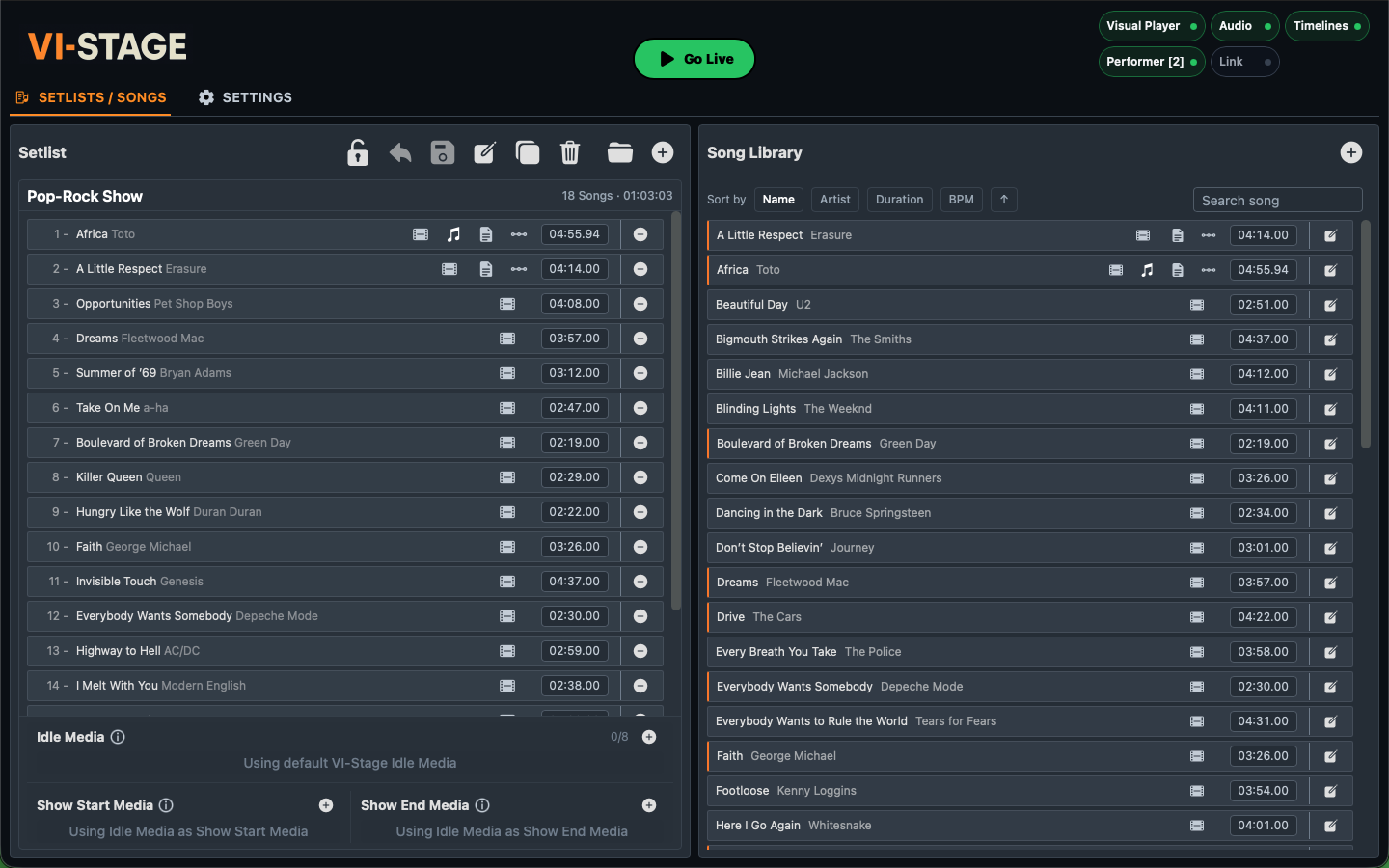
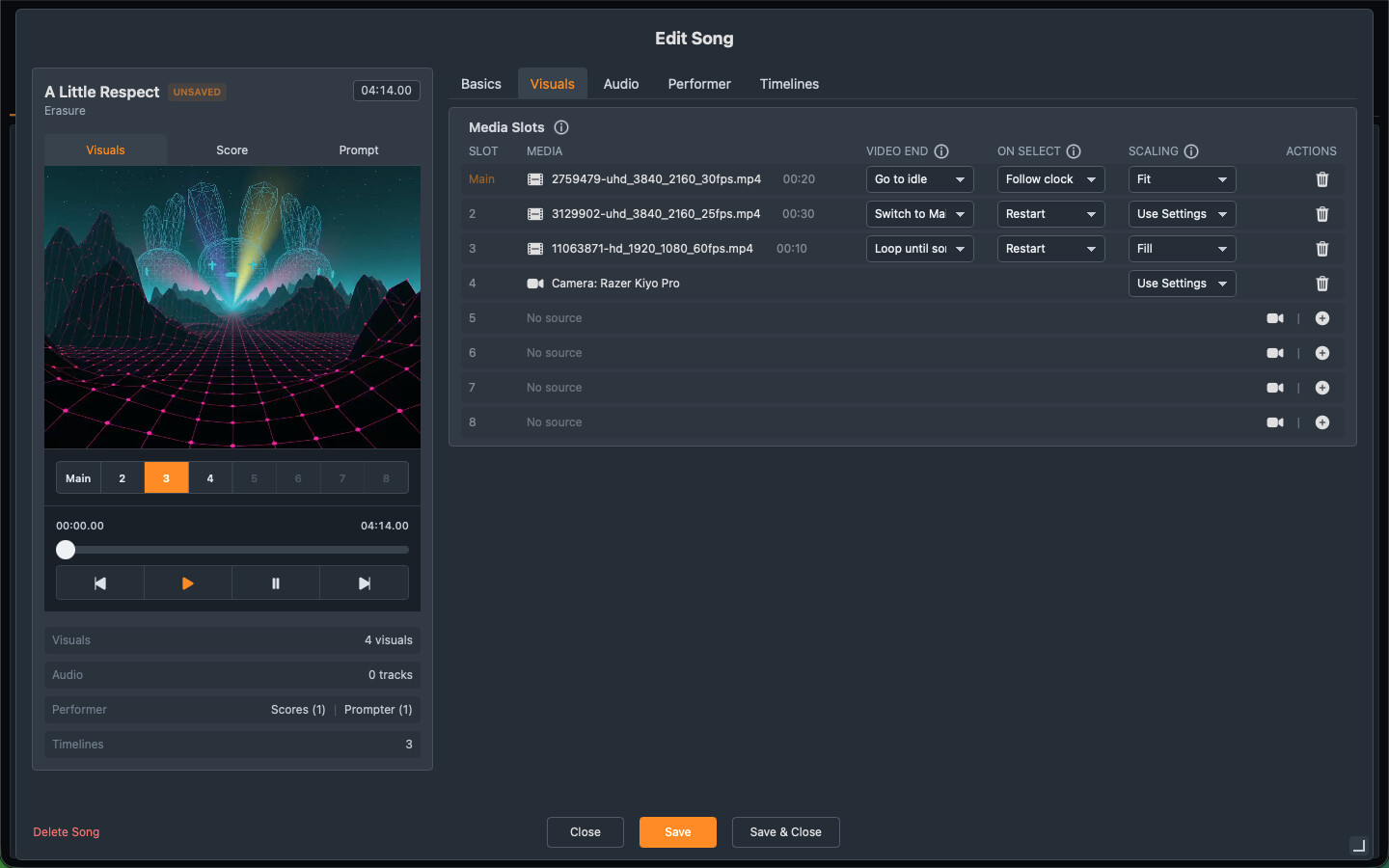
Users can create songs and assign a video or image to each one.
They can then organize those songs into setlists.
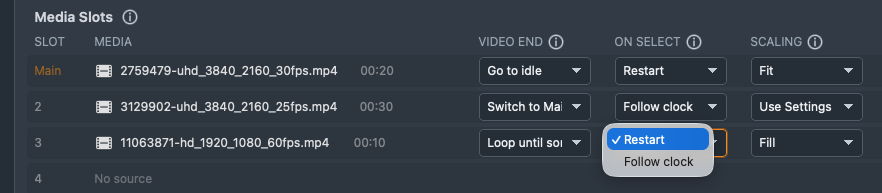
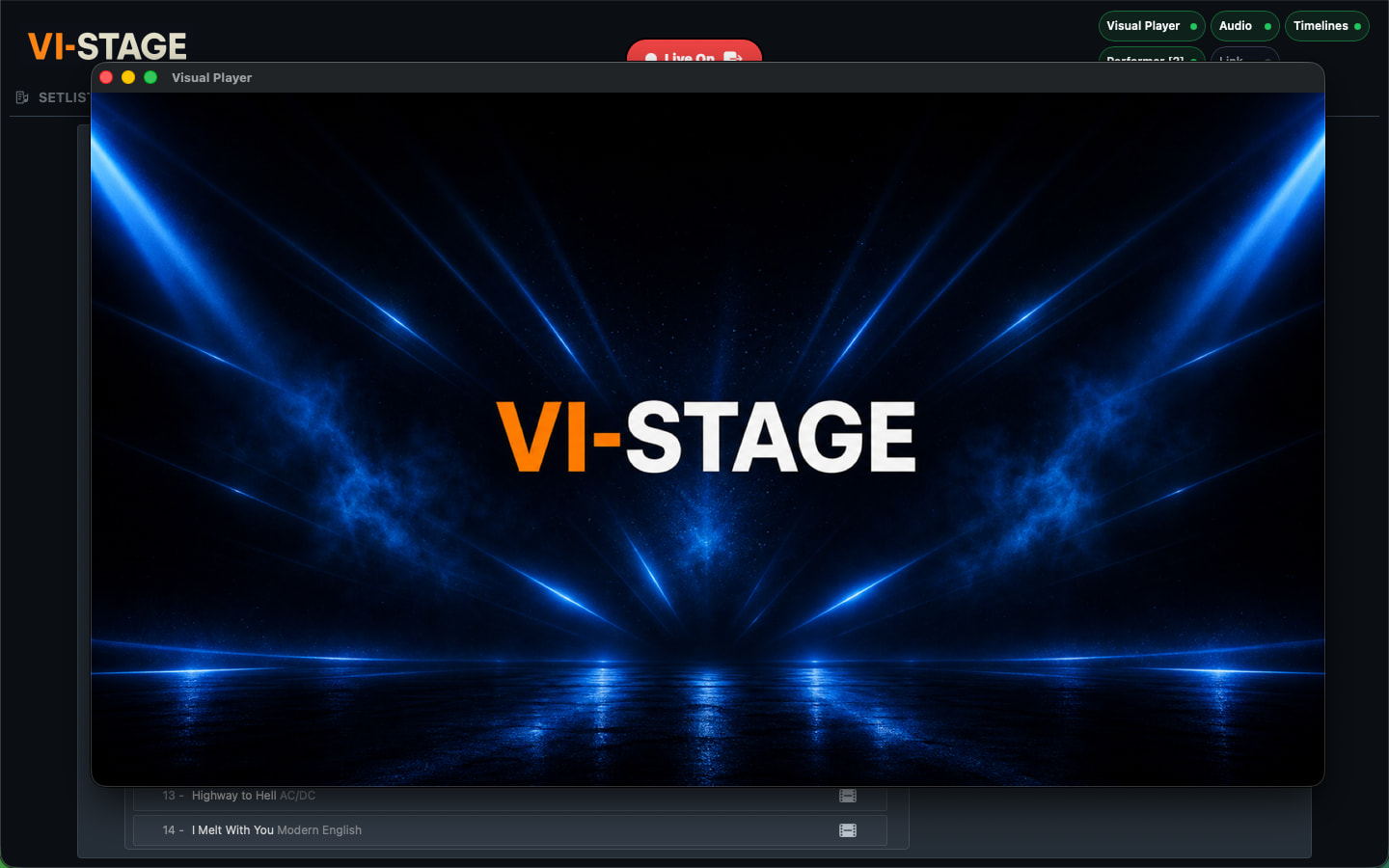
Each setlist can have an idle image or video that is shown between songs. This is useful for displaying a band logo, for example, or even a looping video that plays until the next song is triggered.
After the last song, you can define another media item to be shown. This can be used for things like a thank-you screen, social media info, or any closing visual.

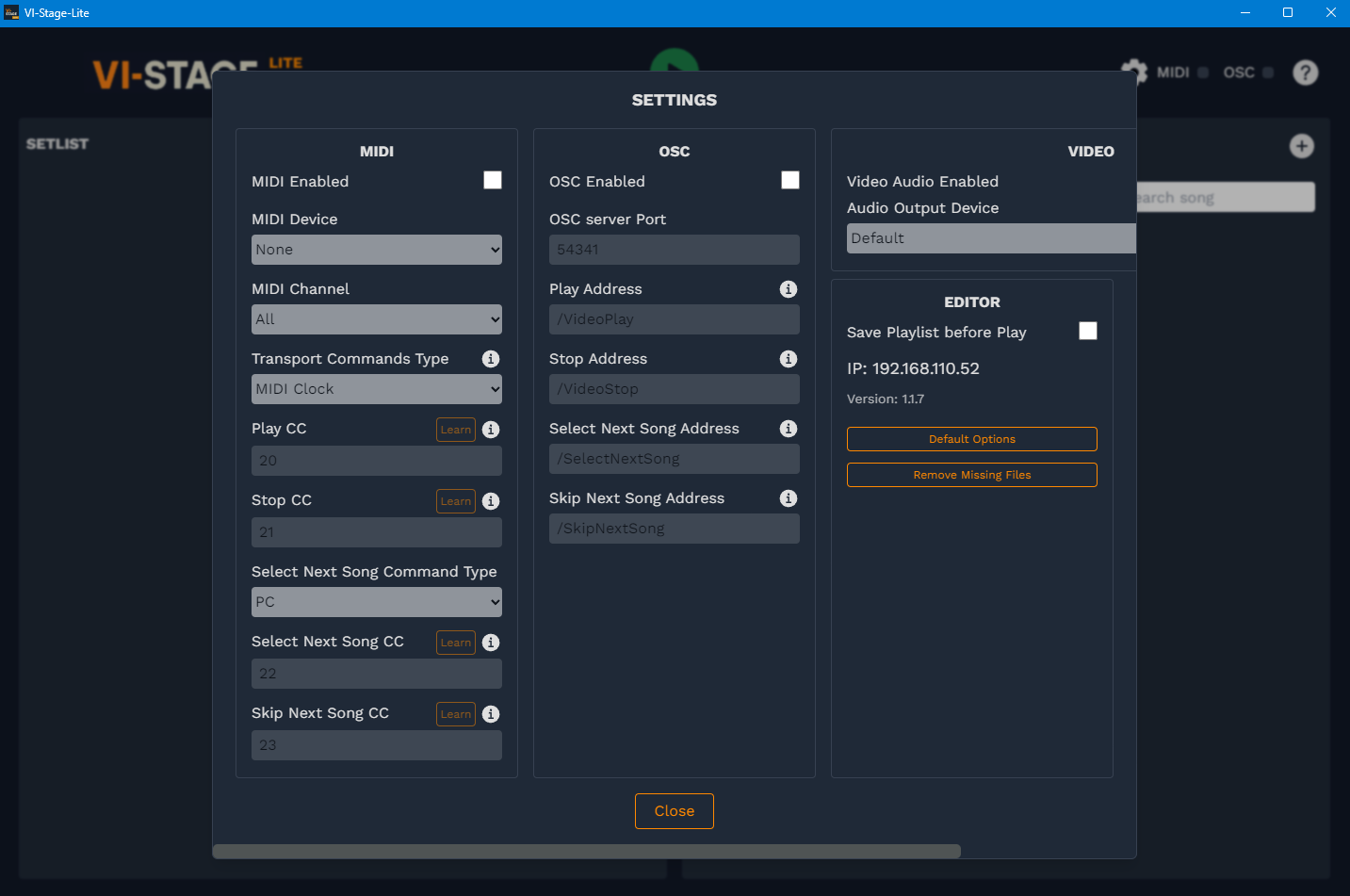
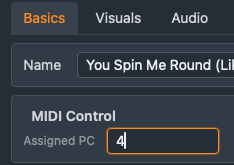
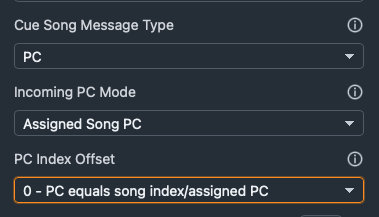
Songs can be triggered in several ways. VI-Stage provides commands such as Play, Stop, Select Song, and more. These commands can be mapped to MIDI messages or OSC addresses. The app also includes built-in transport controls, so it can be used on its own without any external controller.

To synchronize with Gig Performer, there are multiple options since it can send both MIDI and OSC messages easily. I’ll share some examples soon.

The app is lightweight and performs well. I’m currently using it in tribute bands alongside Gig Performer on the same computer (2020 Mac M1) without any issues, outputting Full HD video through HDMI.

There’s a free version available, limited to 5 songs per setlist, so anyone can try it. The full version is priced at $19.99.

I hope you find it useful. Feel free to ask questions or share suggestions. Any feedback is very welcome.
4 Likes

Just trying it :slight_smile:

1 Like

There is one important difference between the macOS and Windows versions.

Since the app is built using the JUCE framework, video playback on Windows relies on the legacy DirectShow API rather than the newer Media Foundation.

Because of this, the Windows version can only play .avi or .wmv files by default. To support additional formats, a codec pack such as the K-Lite Codec Packneeds to be installed.

On macOS this isn’t a problem, it will just play whatever formats your system supports.

Does it support Ableton Link?
For many video clips with Grand VJ you can define how long the clip is in term of bars.
So the looping of a clip is automatically set depending on the BPM.
And is it possible to address directly a clip with a MIDI message or OSC Address?

And for me a very important feature, does it support keystone?
Sometimes the beamer is not places optimal, but from the side.
In this case when the beamer itself does not support keystone, then it is needed by the software.

Ableton Link is in the todo list but just for basic play/stop transport, not for tempo sync, as this is not meant to be a VJ tool but a simpler and easier to use media player.
Right now, transport commands can be assigned to Midi Clock, that are sent by default by Ableton Live or MainStage, so it behaves kind of the same. GP doesn’t send Midi Clock with the transport button, as far as I know, so a little script is needed to send a midi CC or OSC message.
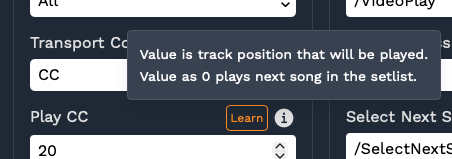
Regarding addressing a clip, here you can play a specific song by just using the CC or OSC value.
So basically a CC with 0 will play next song in the setlist, and CC with any other value will play that specific song.

1 Like

No, but this is something to explore, normally we fix it in the actual projector/beamer if needed, but doing it from the app itself could be useful.