I have made my first gig file and am pretty happy except for three things. And many thanks to rank13 for the wah auto-engage script!
I have my rackspace variations each with my wah pedal at 0 and the wah off.
If I move the wah, say halfway, then switch to a new variation, upon moving back, the wah is still on. I have tried changing widget properties on load from Last Saved to “This Value” and it hasn’t helped. Is there some way to explicitly set the variations values on load to their actual last saved state?
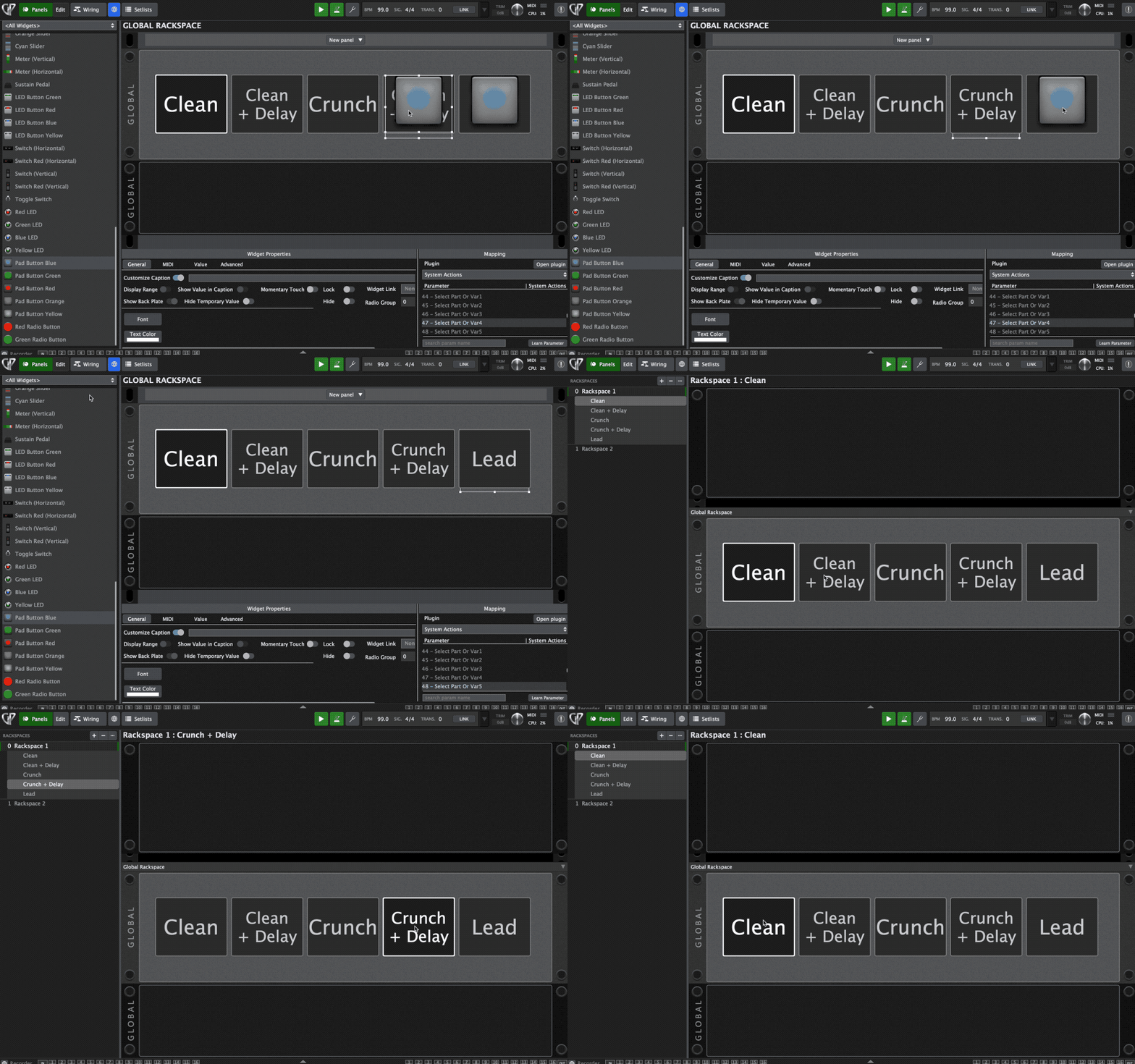
I would like my buttons that I use to chose rackspace variations to stay lit. Currently I am using the system actions plugin to switch variations, but it was pointed out to me that those won’t keep the buttons showing an on state
Not specifically a gig performer problem because I have seen the issue in DAWs as well. Helix Native (I’m using three instances in this rackspace) is often muting its output and won’t come back until I reload the gig file. I may need to look for a new guitar multiFX plugin
Aah, Ok my misunderstanding.
You want the widget have its value back to the original when you go back to the variation, right?
Did you try setlist Mode?
In SetList Mode when ignore variations is unchecked the widget value always is set to the value set in the underlying variation when you switch to the song part.
So this would be the solution for your use case.
If I specify load last saved value, I would expect it to load the last saved value. But that may be on a per gig basis. Its an issue because my wah is on when I don’t want it to be, for instance. But I can use setlist mode, so now, hoping I can find a way to light up a switch when I’m on a particular variation
One useful tip: you can position the button widgets behind the text label widgets that I had shared in the other post, which will make the label widgets appear clickable. This way, the buttons can either be triggered by your controller or via the UI, and you get the large label widgets displaying the name of the selected variation.
As @pianopaul mentioned, using Setlist mode is the only way to have the variations reset to their original saved state.
But confirming - do you really want the wah to change to set values via variations?
If you use the ‘Follow Hardware’ open in the MIDI tab of the widget properties, your wah widget will always remain linked with your physical pedal position (even across rackspaces if you use the wah in more than one). This has the benefit of you always having confidence what the wah will be set to, as it always follows the actual hardware position.
I want it off on every variation load regardless of where the pedal is set. I realize the danger in that sort of things and usually use bike tubes to hold pedals toe down or heel down
I am going to do my best to try your button/psuedo button thing!
ank13, I would like to combine your script with my Rackspace script but move the switches to a regular rackspace instead of the Global one, and have no global rackspace or script
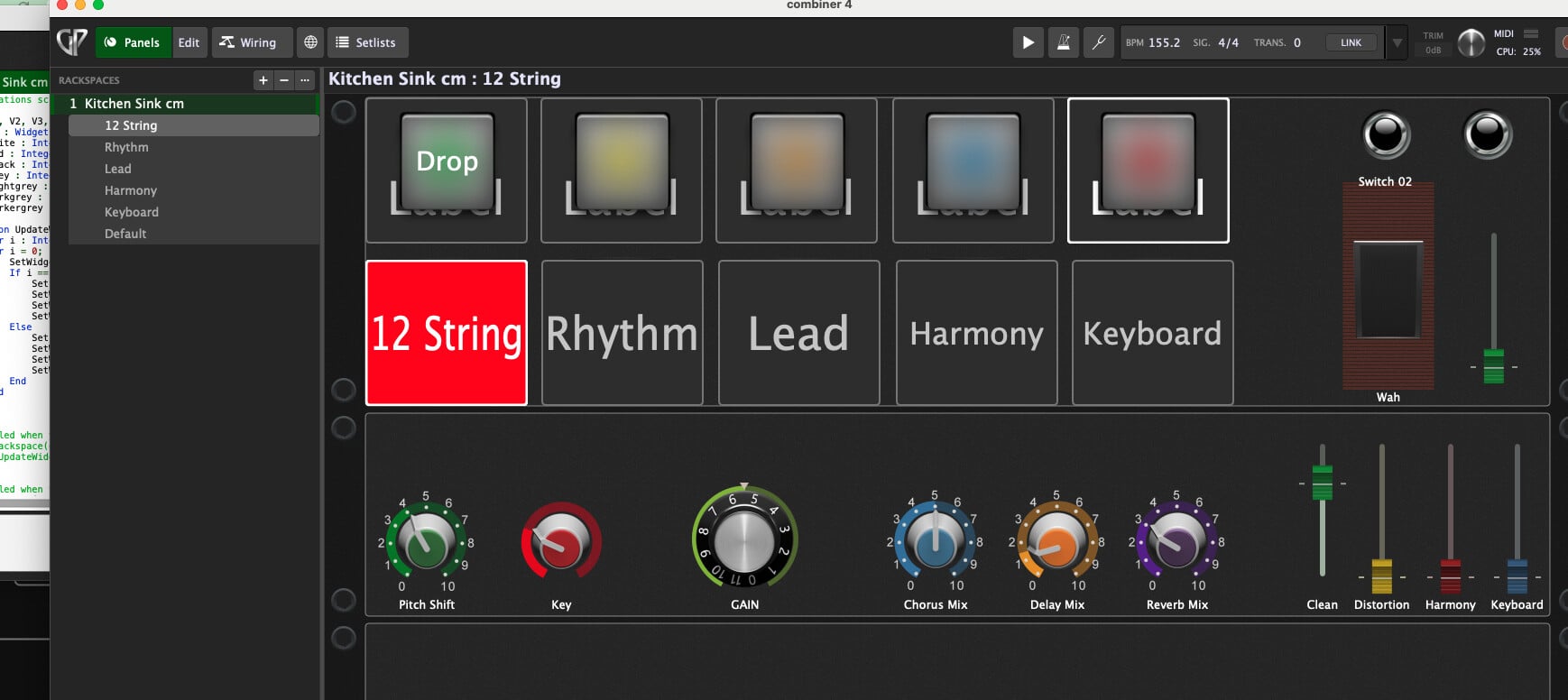
This is my current rackspace that I’d like to put the variation functions and switches into