Hi, I’m evaluating GP and in I’m overall impressed by how easy it is to set things up for typical projects. However I bumped into a wall with some of my projects and need some help.
I run fully automated shows where computer is not only playing backing tracks and also it sends commands to guitar effects and MIDI messages to DMX controller to synchronize light animations with music.
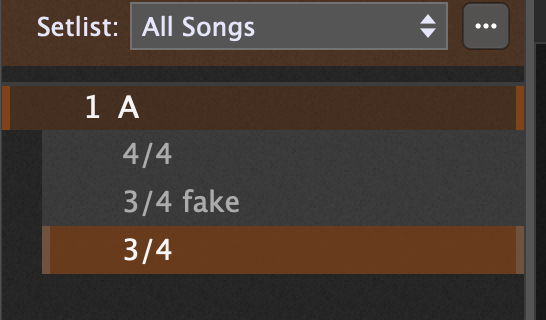
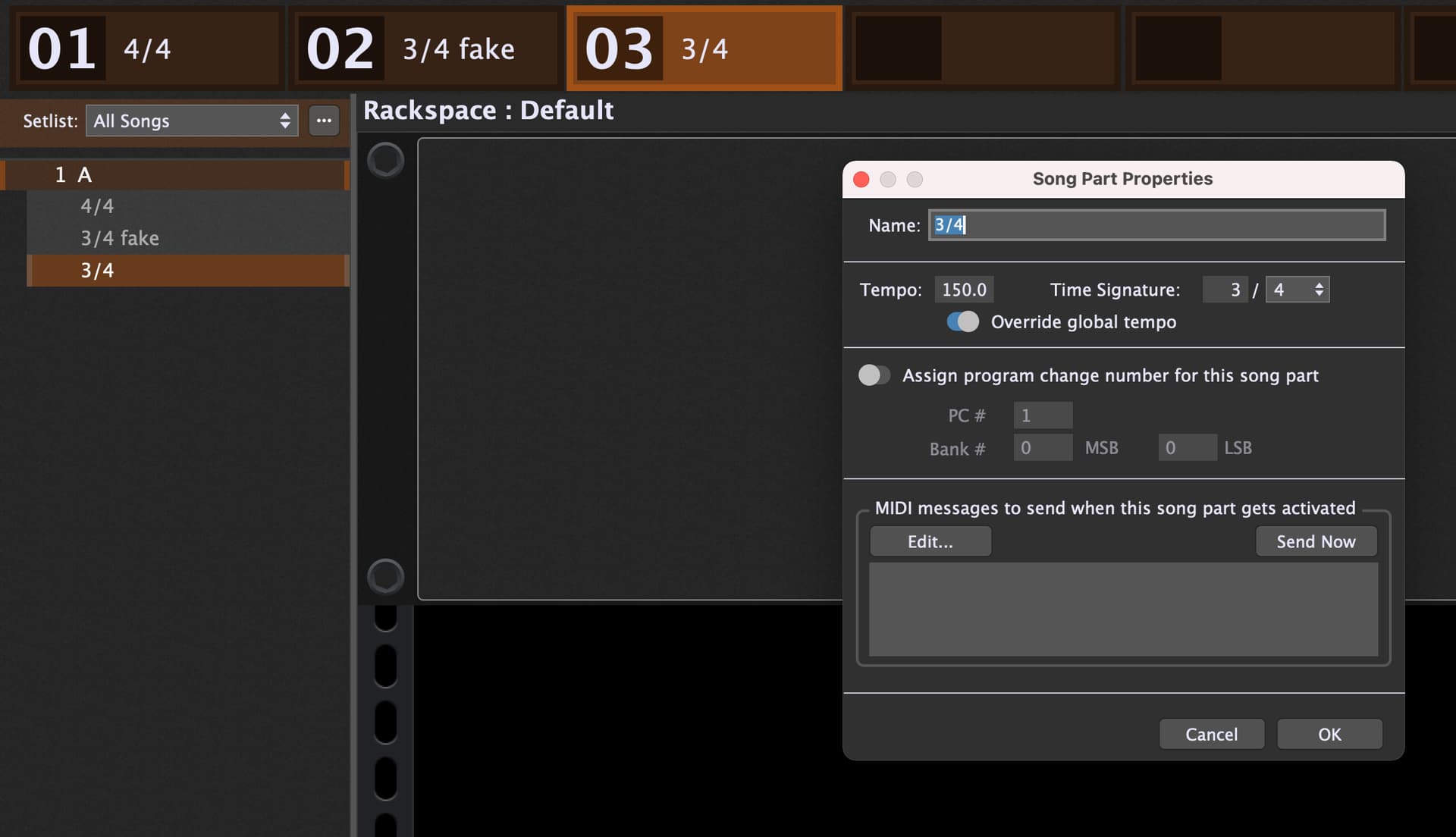
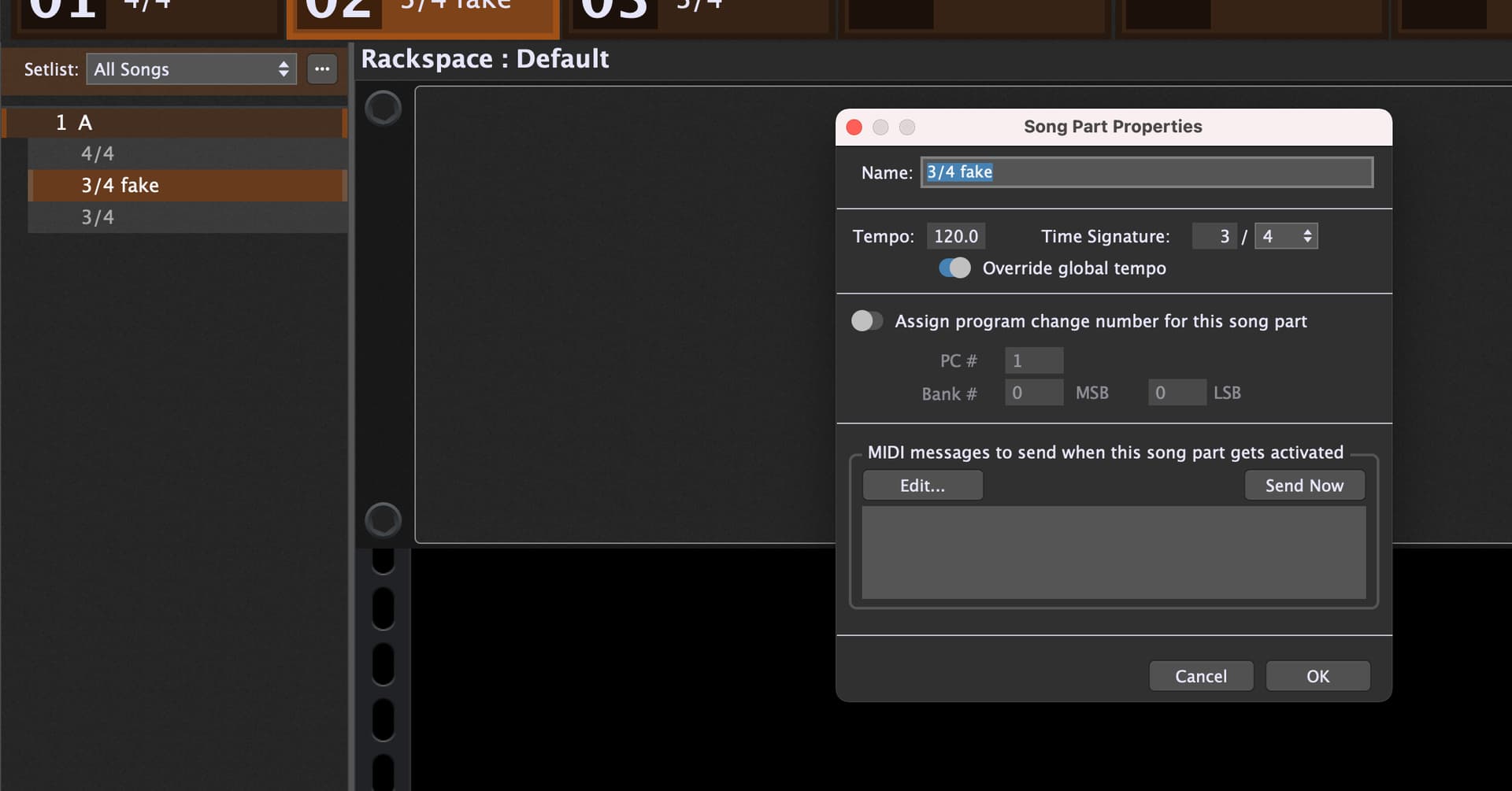
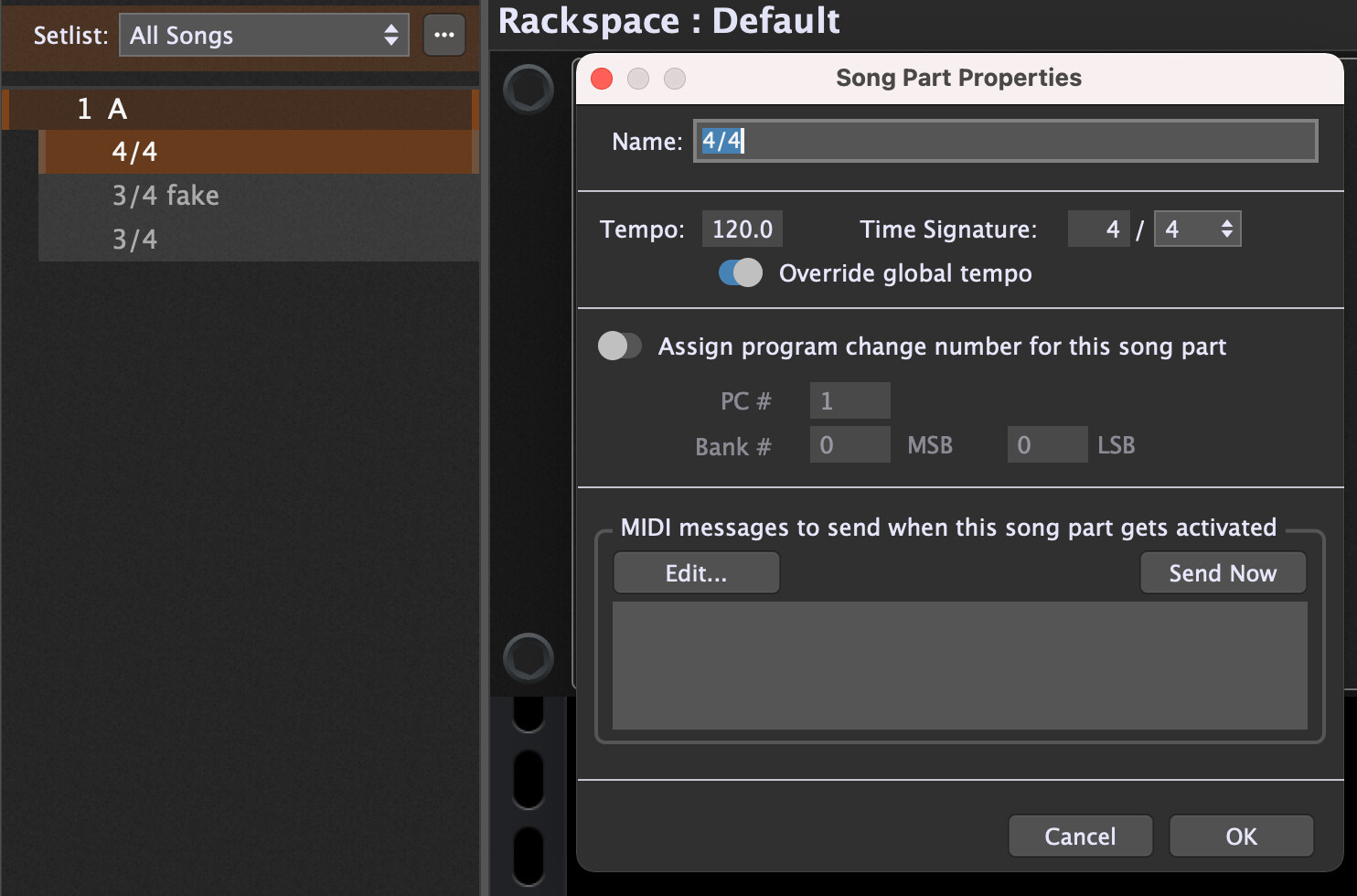
The problem is that a few of our songs change time signatures and tempo many times. With help of GPScript I was able to achieve variable time signatures using Song Script:
On Timeline

    1:1
        SetSongPart(0)
    31:1
        SetSongPart(1)
    54:3
        SetSongPart(2)
    87:1
        SetSongPart(0)
End
First change on 1:1 sets basic scene which is defined as: 4/4 85bpm.
Second change on 31:1 switches to song part 2 which is defined as 4/4 160bpm.
Third change on 54:3 switches to song part 3 which is defined as 7/8 160bpm. Please note that it should be really at 55:1 but it looks like time signature changes can’t happen “on beat” unlike tempo but they need to happen 1 beat earlier - otherwise metronome goes out of sync.
The biggest problem I have with change at 87:1 which is going back to scene 1, i.e. 4/4 85bpm. This is where both: time signature and tempo should happen but it looks like Gig Performer can’t do it. Metronome goes out of sync (tempo seems to be OK, but time signature is lagging by 1 bar) at this point and I can’t make it work from GPScript.
Have someone been able to trigger both: signature and time change simultaneously from SongScript? If this is not possible then what is correct way of doing it? I desperately need this to work - would like to fully switch to GP for our next show.