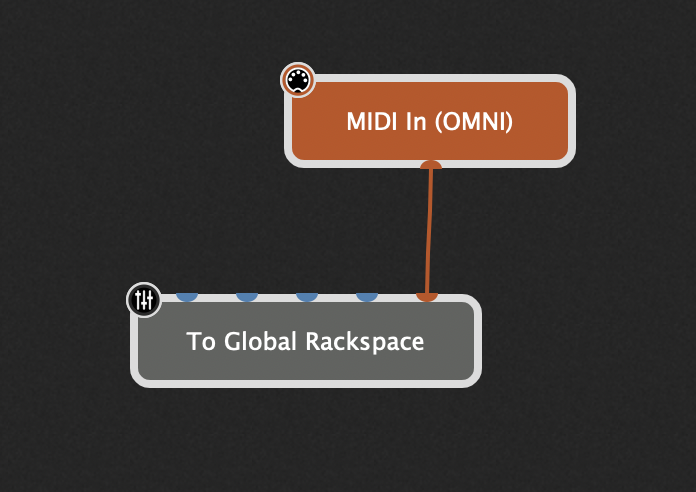
Up till now ive only been using a MODX as a controller. This works well. I have recently got a MODX M7 and want to use that instead, but also the Piano’s from it. These will replace Pianoteq that im currently using.
Ive never tried to incorporate a hardware sound engine with GP, so not quite sure if I have this right.
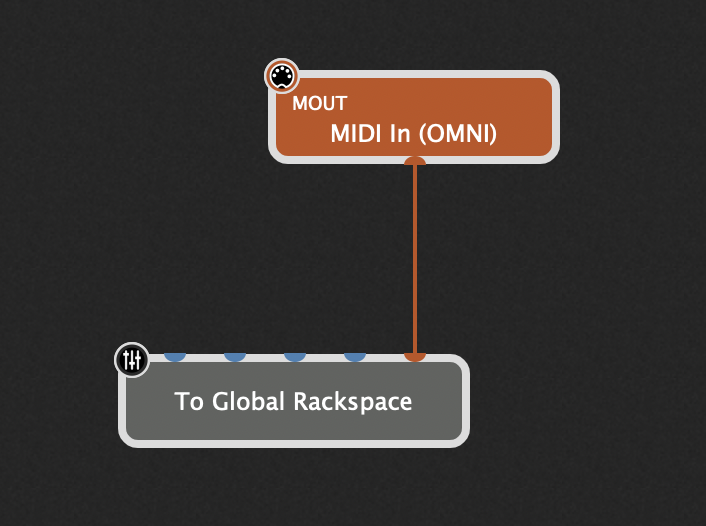
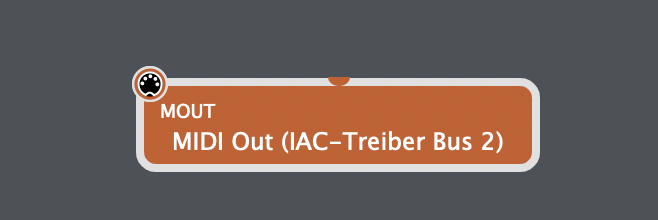
Do I just add a Midi out block after the Midi in block in each RS that normally feeds Pianoteq, pointing to the MODX with a program change number? I use splits and layers so I’ll need GP to send the key ranges and mute etc, as it does now with Pianoteq.
Would it be a better idea to have this in the Global Rack space? Ive never used that for instruments so again, not sure how that works.
I know I’ll need to keep local turned off, and keep the MODX in DAW mode.
Im using the MODX as the audio interface, running the GP in to it over USB, so I have the MODx going to the mixer already.
Thanks for any pointers. MacBook Pro 14’’ M4, OS Sequoia.
(if you don’t get responses here, maybe you can try with the Facebook group. This is an interesting use case and definitely worth doing a tutorial once you figure it out)
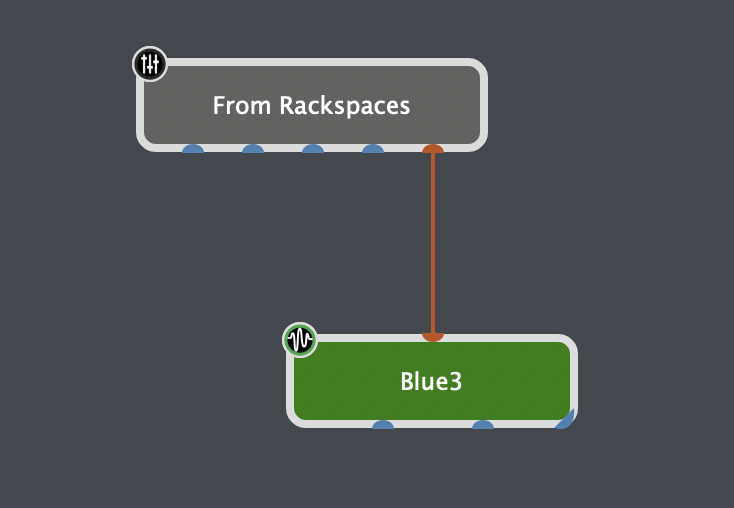
I would do it almost exactly as you figured out yourself. However, to be future-proof it seems a better idea to send the MIDI to the global rackspace first and from there via one MIDI out block to the MODX.
Why? If you decide to use a different instrument (or a vst again etc.) you can simply exchange that out block once instead of in every rackspace.
Thanks, that was what I was thinking but wasn’t sure if it was viable.
Will have a play over the weekend. Need to figure out how to send the midi from 1 block to the GRS. I plan on keeping Pianoteq in the rackspaces in case I do need to use a different controller.
Fantastic. Thanks very much. Ill give it a go as soon as I can.
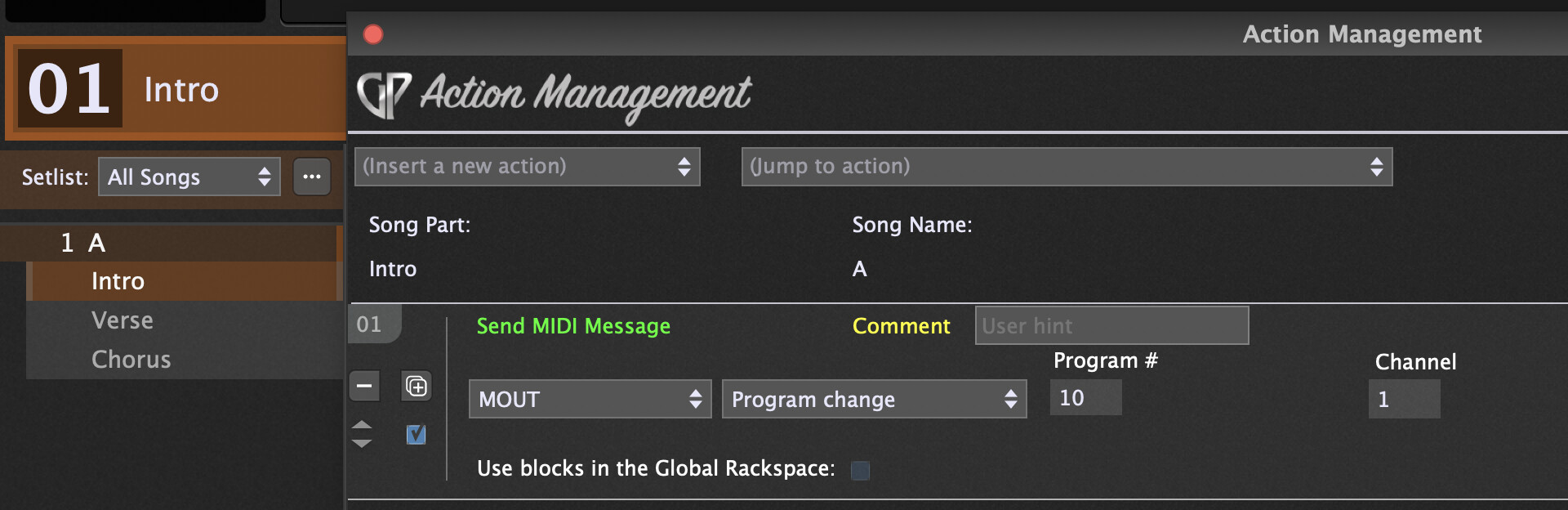
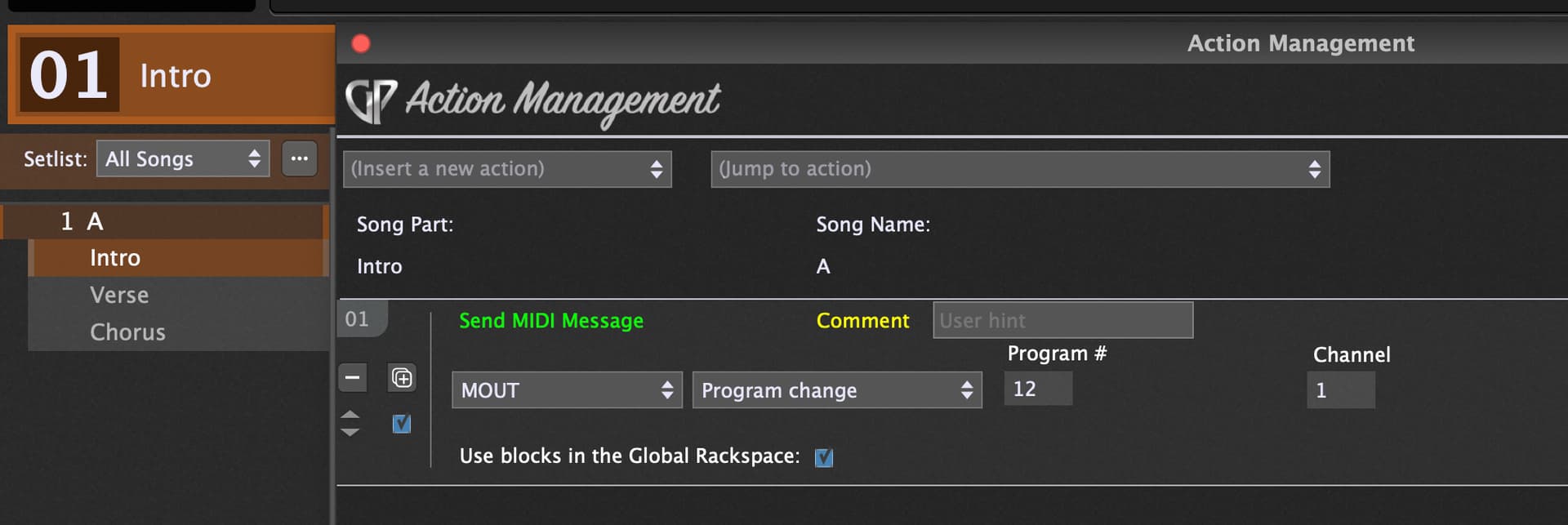
So I replace the ‘Blue’ block with a midi out block to my MODX? Can I ask were I would put the program change for each Rackspace? In the Midi in that’s already in the Backspace so it gets sent when I go to that rackspace?
Ive not done this sort of thing before with software, although im quite good at figuring it out with a few prompts.
Thanks Paul, that’s great info. Im my case I spend more time in rackspaces than in Setlist mode, so I may well just work at that level. When building backspaces I’ll want the correct piano to be there each time. Its really only when I piece it all together that ill use setlist/song mode.
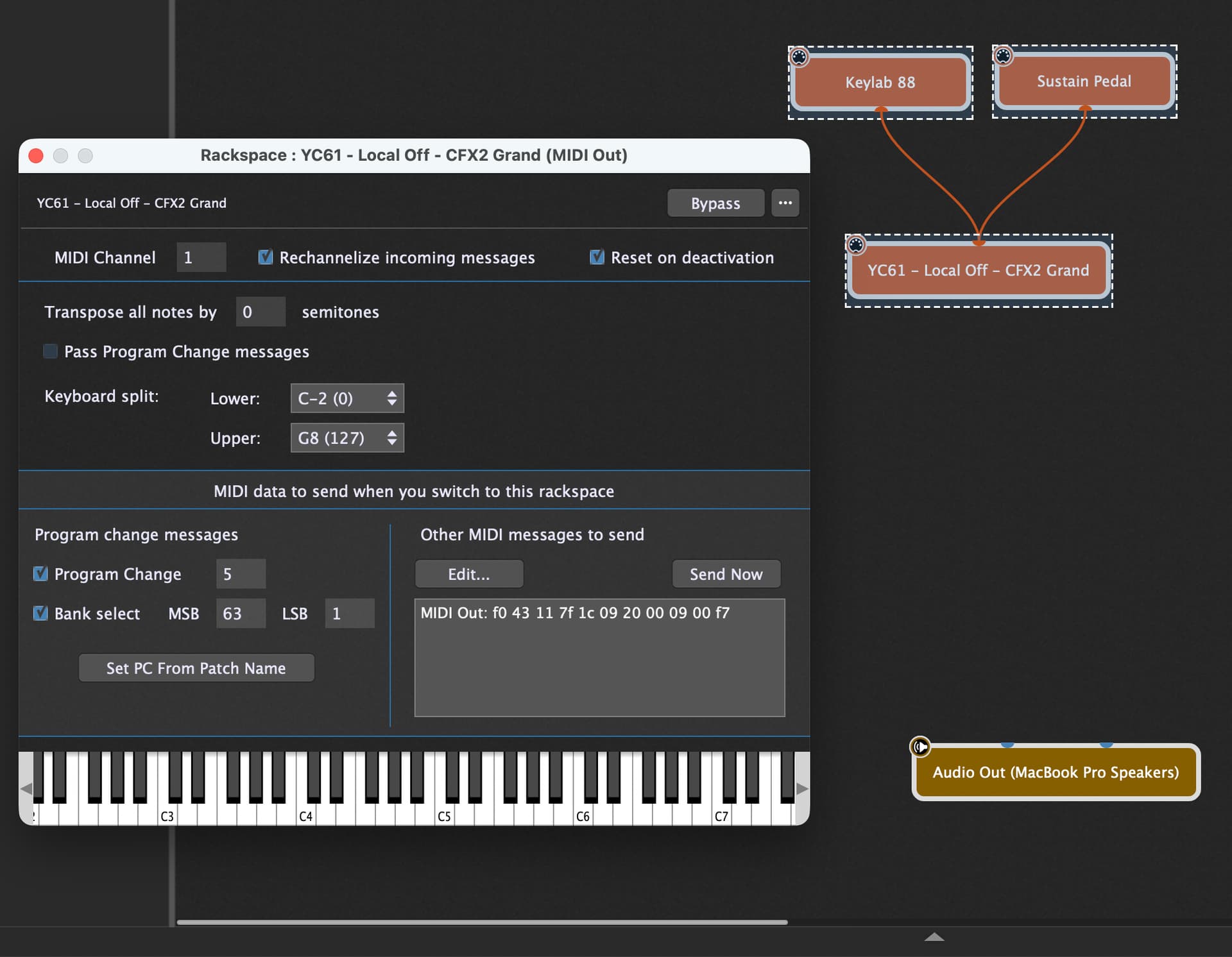
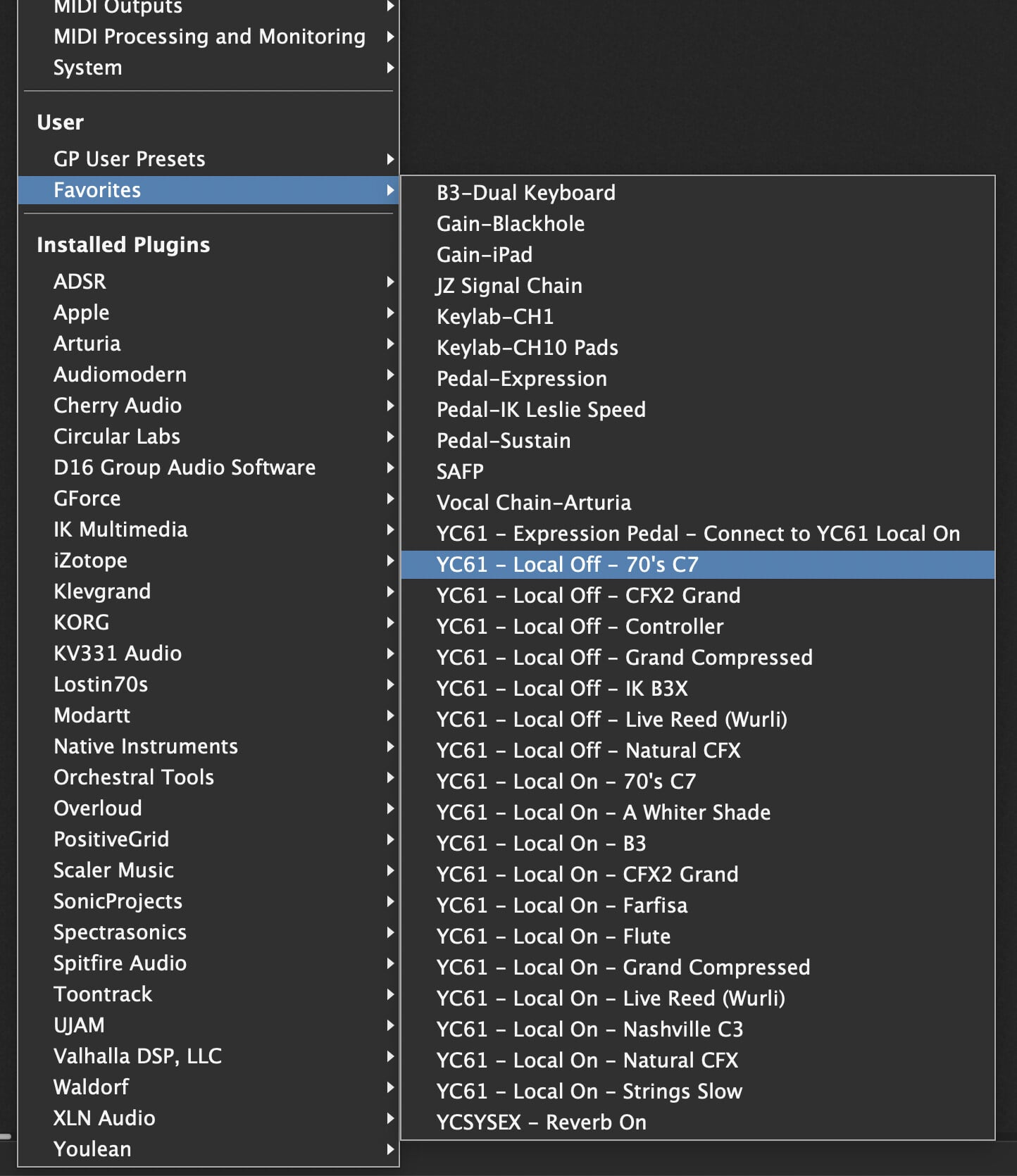
Slightly different approach for consideration. I have a YC61 and will alternate between using it as a controller for virtual instruments and using it’s inbuilt patches. I run a two keyboard rig with a Keylab 88 and YC61 up top. I build this into the MIDI out block and hook in my Keylab if needed (I prefer to play pianos on it rather than the YC61) and Sustain Pedal. I save the whole lot as a favourite so that I can just drop them into rackspaces as required. You’ll notice I have Local On and Local Off versions which let’s me decide if I’m playing it from my controller or live on the YC itself.