Is it possible to switch to the tuner without muting the audio?
Would be great to check live during a session if you’re in tune 
Is it possible to switch to the tuner without muting the audio?
Would be great to check live during a session if you’re in tune 
At this point the built in tuner will always mute the output. I could put in a feature request that allows this, but in addition to enable sound one would also need to select the output channels to use etc…
I have my tuner button always mapped to one button on my foot controller so it’s really easy to switch between tuning and not tuning mode.
I’ll add your request anyway, but can’t promise when will it be implemented.
Thanks - that’s great 
What about using a second instance? (ok to some memorie/cpu cycles expense)
switch to the audio in question?
Yes of cause.That would be possible - I give it a try. I also thought about simply using a VST Tuner Plugin. But first I wanted to make sure, that I didn’t oversee the ‘unmute’ function in the tuner, which would be the easiest solution;-)
Can you add the ability to tune in something other than standard 440? +/- 10hz or so?
438 or 442 maybe
.. I’ll amend the original request with this as well. Can’t promise anything though.
Thanks!
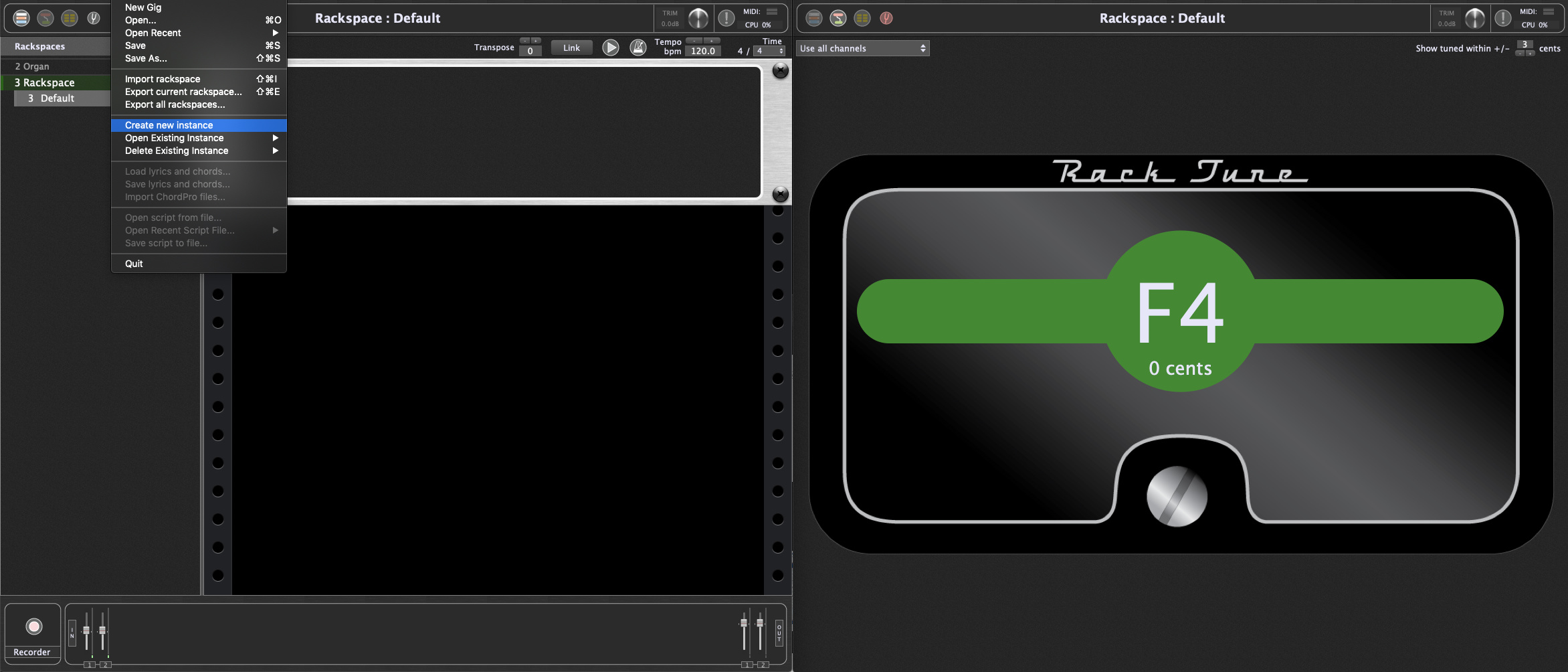
Was this ever implemented?
How do I find this drop down? The only one I have found is for choosing the input
Yeah… i’d like to know this too.
I also didn’t find such a thing, nor is it anywhere mentioned in the docs.
In the drop-down tuner….click on the numerical pitch (440, etc) and the numerical entry window appears.
EDIT: Nevermind….I’m realizing you are still looking for audio thru.![]()
Maybe try with free MTuner?
I have a few good tuner plugins, how would you suggest showing their GUI? Double click it in the Wire tab and leave it up?
Map a widget to the special ‘Open/Close Plugin Editor’ parameter.
Alternatively, create your own GUI.
There are widget-mappable plugin parameters.
Link: https://community.gigperformer.com/t/tuner-as-native-plugin/12717/7?u=npudar
It’s the only one I have used for a couple of years now. It can be used with audio thru or standalone to check the tune on any pipe anywhere in GP. As I recall, many of the underlying parameters can be changed/programmed in edit mode to suit individual requirements. I think it can be attached to a widget for automation too. I’m traveling at the moment and don’t have access to my pc, but will check that.
i’ve been using brainworx’s bx_tuner free plugin for a while, it works well. Most amp sims have built-in tuners too. If Boss would release their iOS-only emulator of the TU-3, i’d change to that.
I’ve compared it with other tuners: with lower frequencies it is out of tune.