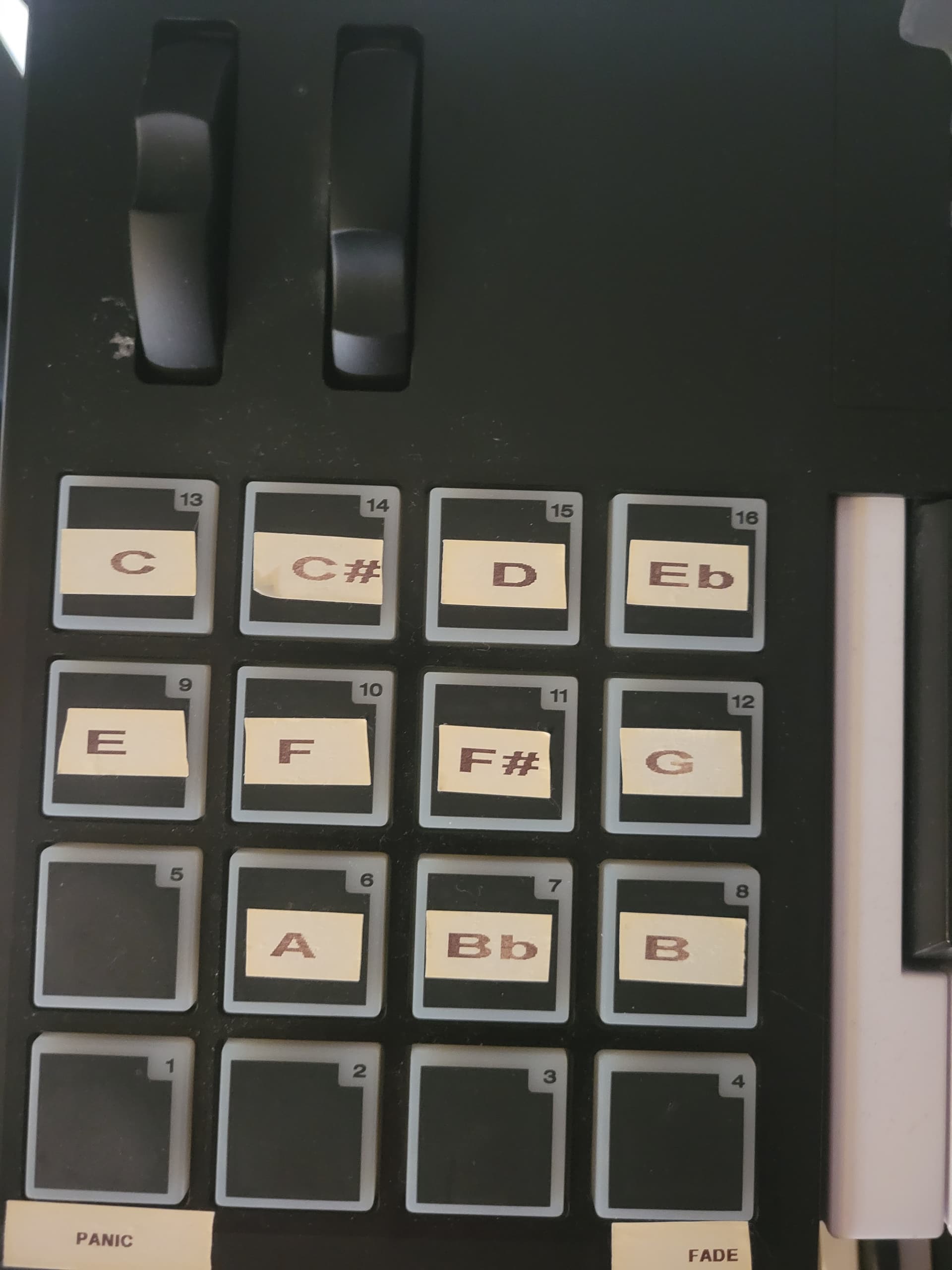
I have MAudio Code 49 I have dragged some of my Wav Files into the Audio player I can get it to play using my desinated drum pad but I cant get it to stop hitting the same button or even when i assign a different button to stop it and suggestions because i have bought a lot drone i used in mainstage and have converted over to GP.
So this is the only way this will work?? Because in mainstage you learn the button then assign to playback I was thinking it will be pratically the same
No, you wont! This will only work for one single instance with one track.
If you need to have multiple audio tracks played, you’ll have to use multiple players!
I struggled with stopping play and returning to start for ages. In the end, it’s very easy.
Map one button to control “play” and assign a #cc number (can be any number.)
Insert a second button to control “play head position,” and create another #CC number. But this time, (very important), make sure the position slider is fully left and at 00:00 before learning. Now when you hit the second button, the slider will return to zero and playing will stop instantly, because there nothing to play at the zero point.
I know this post is quite old but I’m trying to do the same thing but the second widget for the playhead position seems to be interfering and not working. I want to trigger a sound effect with a note on the keyboard (note on) and have the sound stop and playhead position return to 0:00 when the note is released. What appears to be happening is that even when the note is held down the second widget is getting activated immediately and playback head position “returns” to 0:00. No sound is produced.
To my knowledge I have assigned the widget parameters correctly: Widget 1 with “Momentary to Latching” and Widget 2 with “Momentary Touch”. Widget 1 to “Play start/stop” and Widget 2 to “Playhead position”. Both Widgets are part of group “A”.
If I disable Widget 2 than the note on does trigger playback of the sound effect wav file. Therefore, something is wrong with my configuration of Widget 2.
But even stranger, Widget 1 has MIDI learn for “Note On” but the playback is also happening for “Note Off” even when Widget 2 is not assigned to the Audio Player plugin. It appears this happens because Widget 2 is part of the same group as Widget 1.