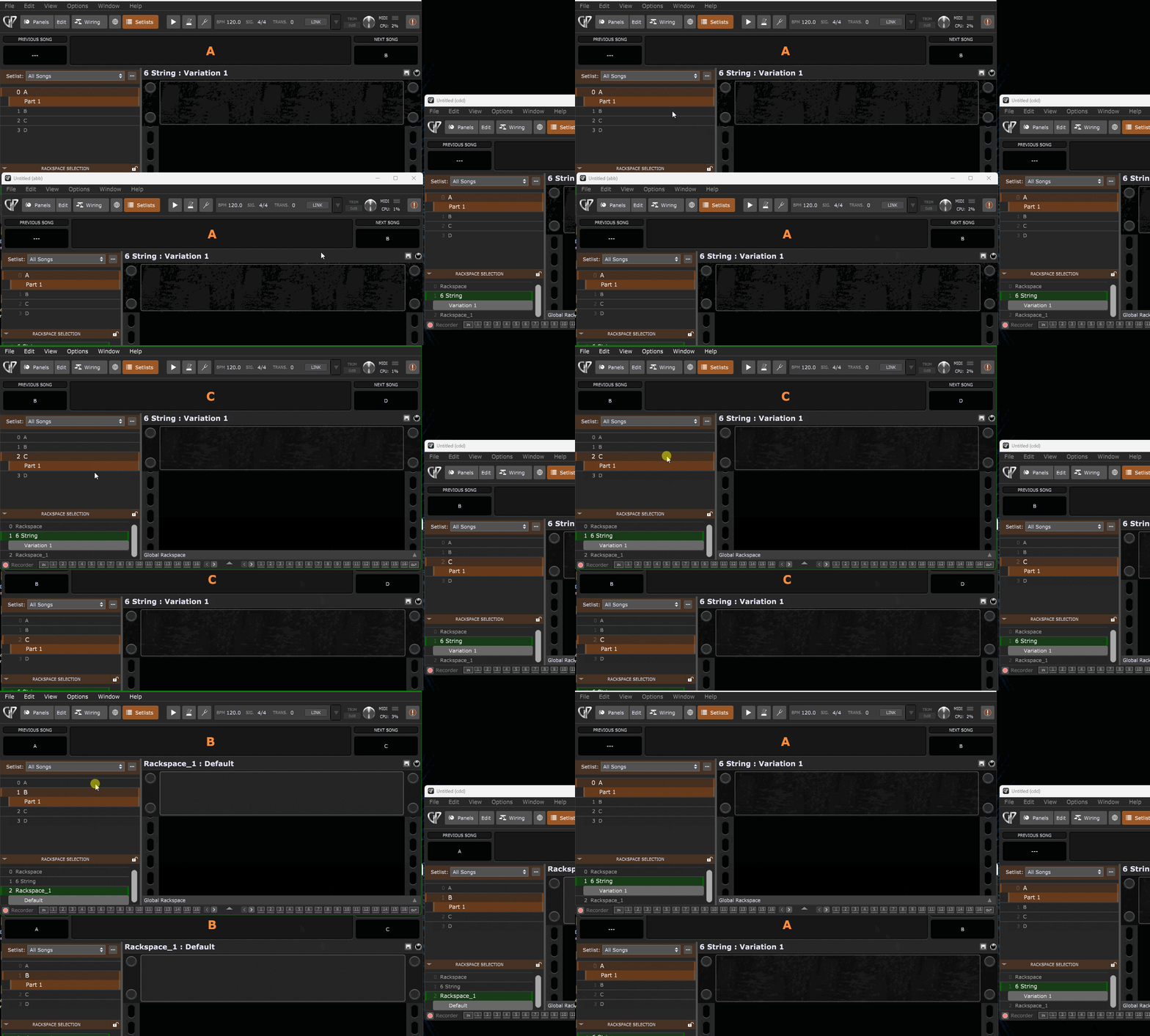
I am trying to create a setup with a master GP instance and two additional instances. Ultimately I’d like to have 4 total instances running… I have been looking through the documentation and various posts, but am still confused on how to configure the IP and ports in the various instances. After a couple hours of errors trying various combinations/permutations, my head hurts! Any guidance would be appreciated!
I can get a second instance synchronized so that when I switch songs, it follows the master. When I try to add the third, it doesn’t work or generates an error about duplicates. I have also tried to use the broadcast by changing last part of IP address to 255… no joy… Anyone have any suggestions on how to set this up?
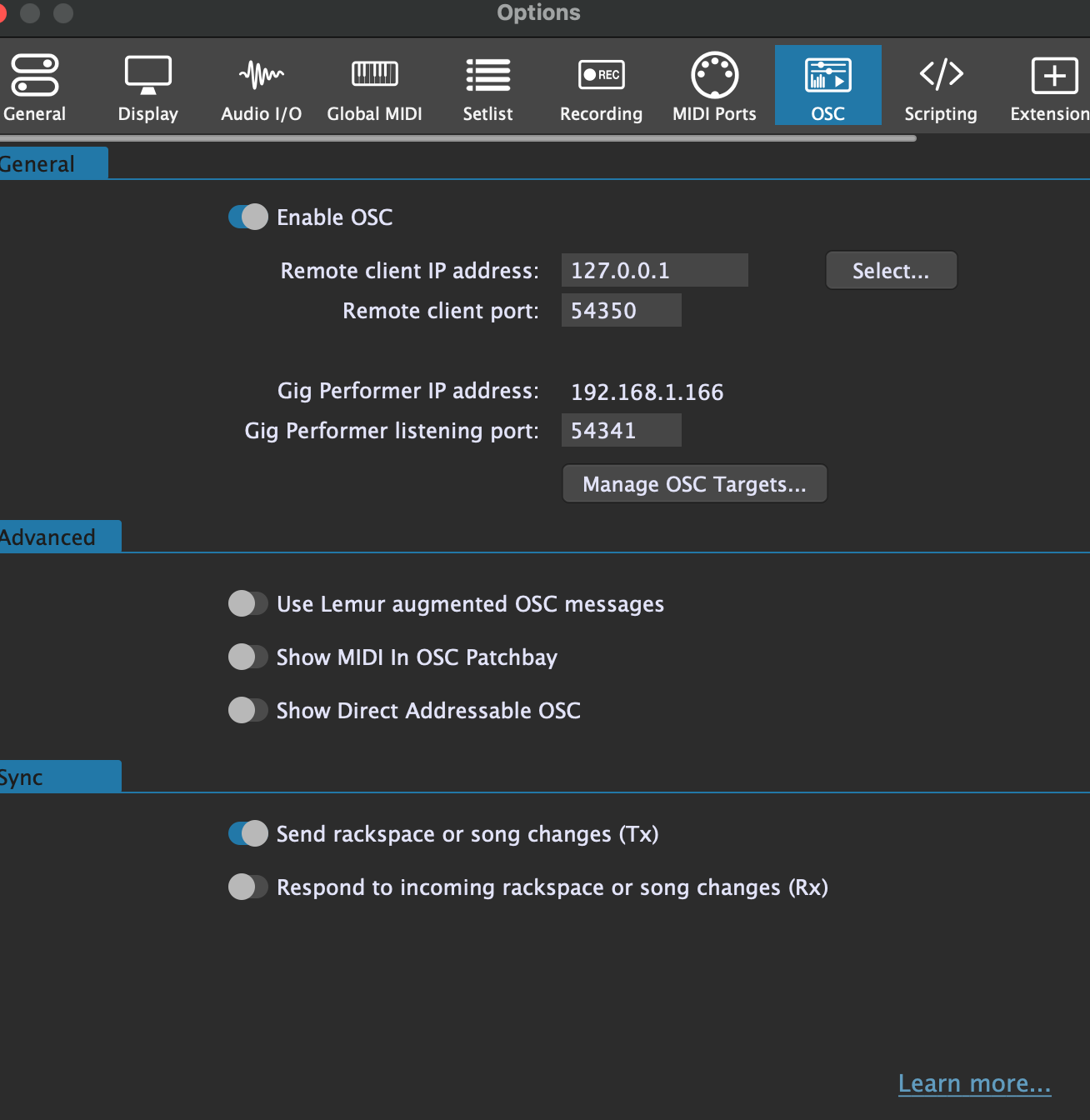
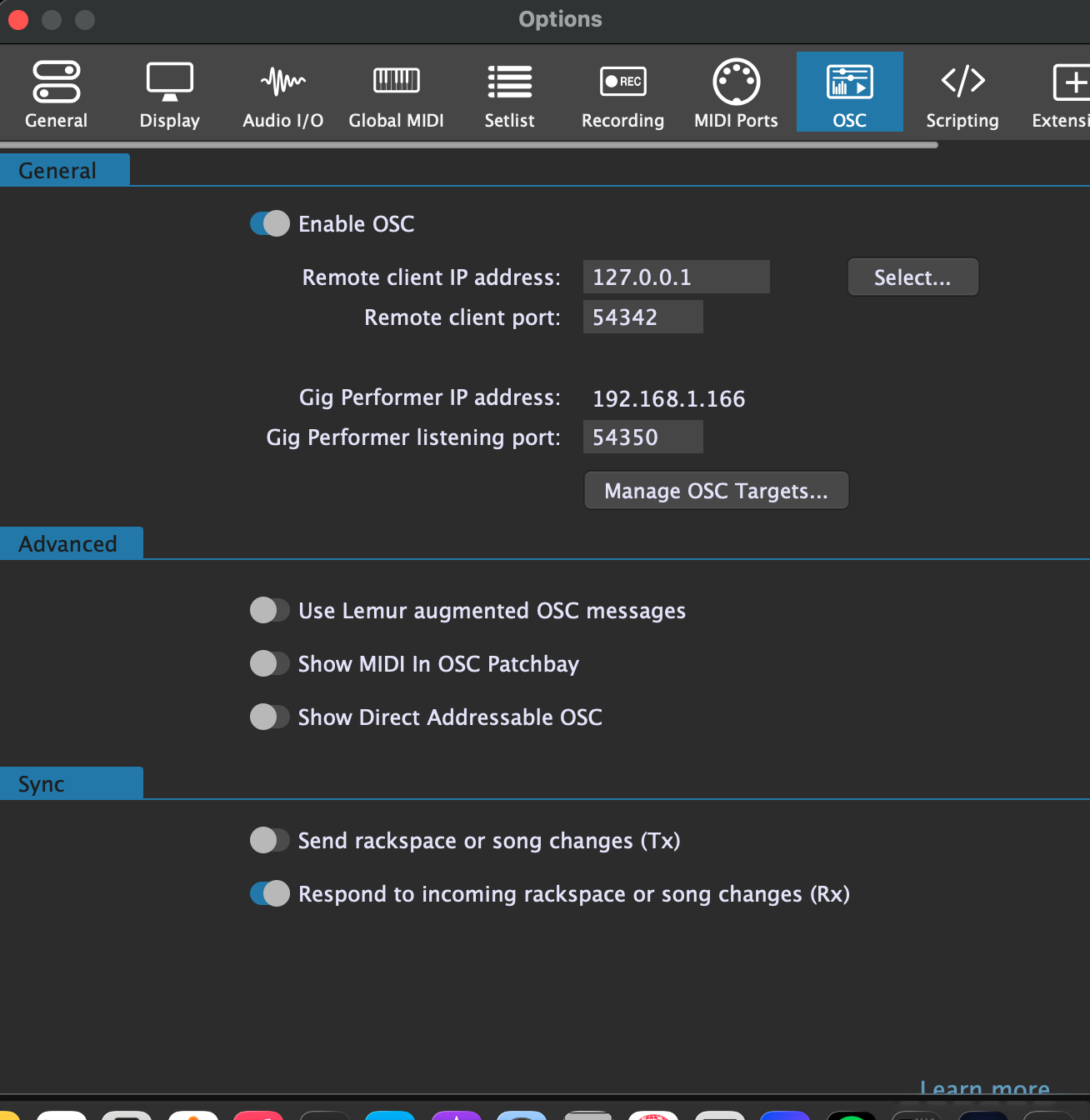
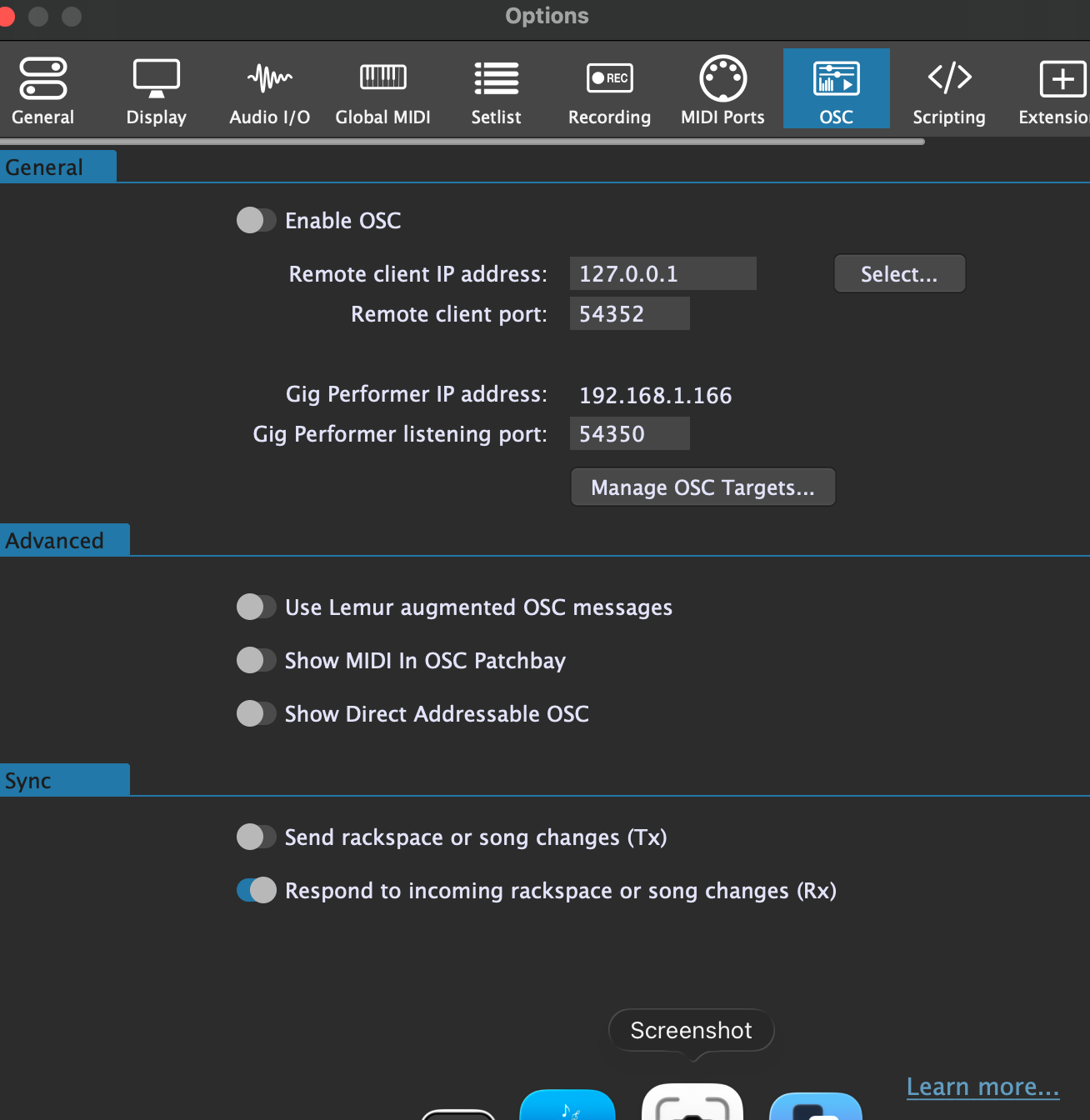
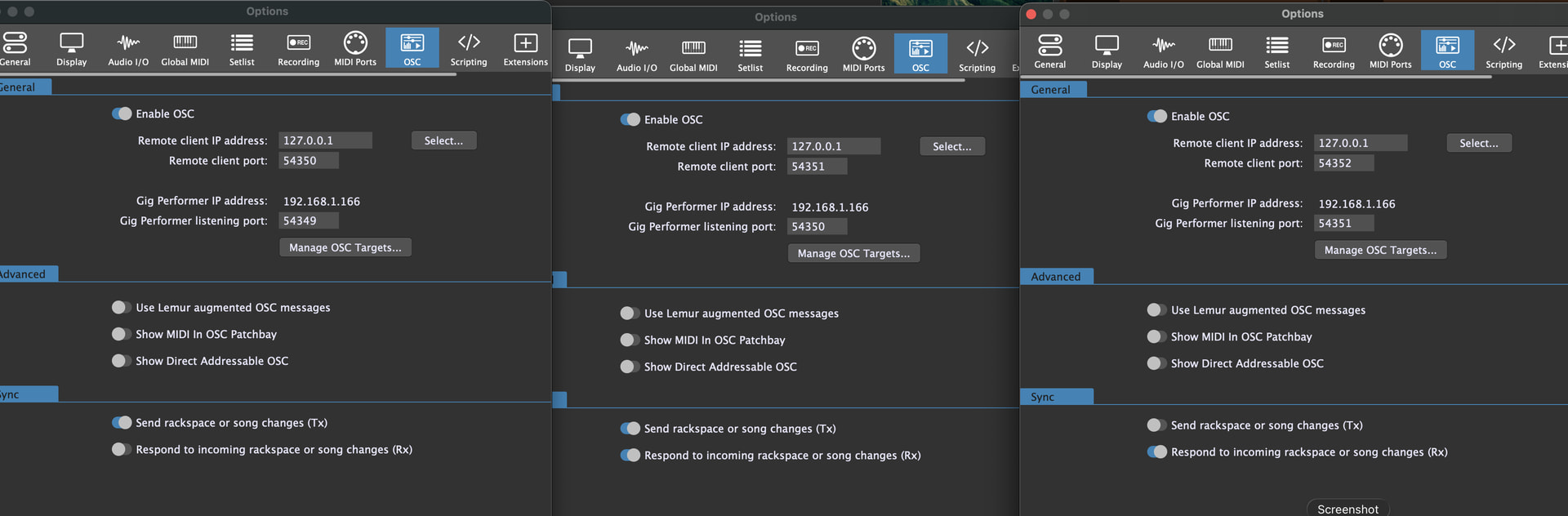
This is what I have in the first (master) instance:
I actually got the daisy chain working described in the link in parallel with your response. I do not understand Frank’s description of broadcast, and I can’t get it to work. I would love to see an example with what ALL the instances should be set to for responding to broadcast from the same sender!
If you already have it working with chaining, then you don’t need to change anything. If you want to try the other method, then:
Close all instances first.
Open GP > set the OSC Remote client IP address to 127.255.255.255.
Set the Remote client port to, say, 15000.
Open the 2nd instance > Set the Gig Performer listening port to 15000
Make sure the Respond to incoming rackspaces/song changes is selected.
Repeat the same steps for the 3rd instance(and 4th etc) as you did for the 2nd instance.
I’m a little confused by this suggestion. You can’t have multiple clients (or applications or instances) listening on the same port so when you do the next instance you won’t be able to use port 15000 again
But you can for UDP: Depends on the flags during opening. See SO_REUSEADDR.
Empirically found out: GP opens OSC listeners apparently with this flag, because you can have multiple listeners, on Windows anyway and, if I understand @edm11 correctly, also on macOs.
Edit: @edm11 also uses Windows, so no confirmation for macOs (yet).