Why don’t you just sync the SAFP to the host so that stopping the main playhead will stop the SAFP? Alternatively use linked widgets. Plugins are not supposed to control the host, hosts are supposed to control the plugins
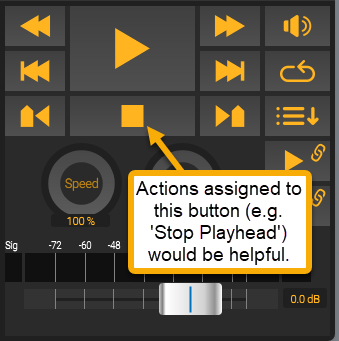
Well, I’m using the SAFP as the start/stop point-of-control for the performances in the gig. That’s where the driving audio files are, I have the Start Button turning on the main Playhead fine, and subsequent Marker Actions in the SAFP control all the Song Part Changes. All that works great, and if I understand correctly, this constitutes “plugin controlling host” as you put it. It would just be helpful to get the Stop function onboard as well, instead of having to stop the SAFP and then separately stop the Playhead.
I do realize there are multiple ways to get that Playhead stopped, thanks.
I think I see what you are getting at. Let me confirm -
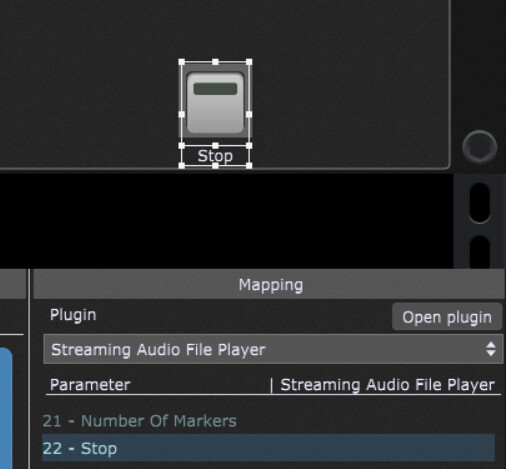
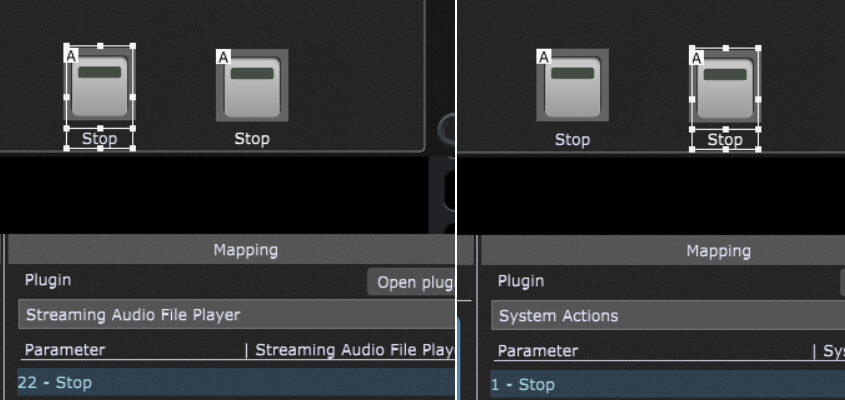
Stop widget #1 has a bi-directional link to the SAFP Stop button.
Stop widget #1 is grouped with Stop widget #2, which is linked to the Playhead.
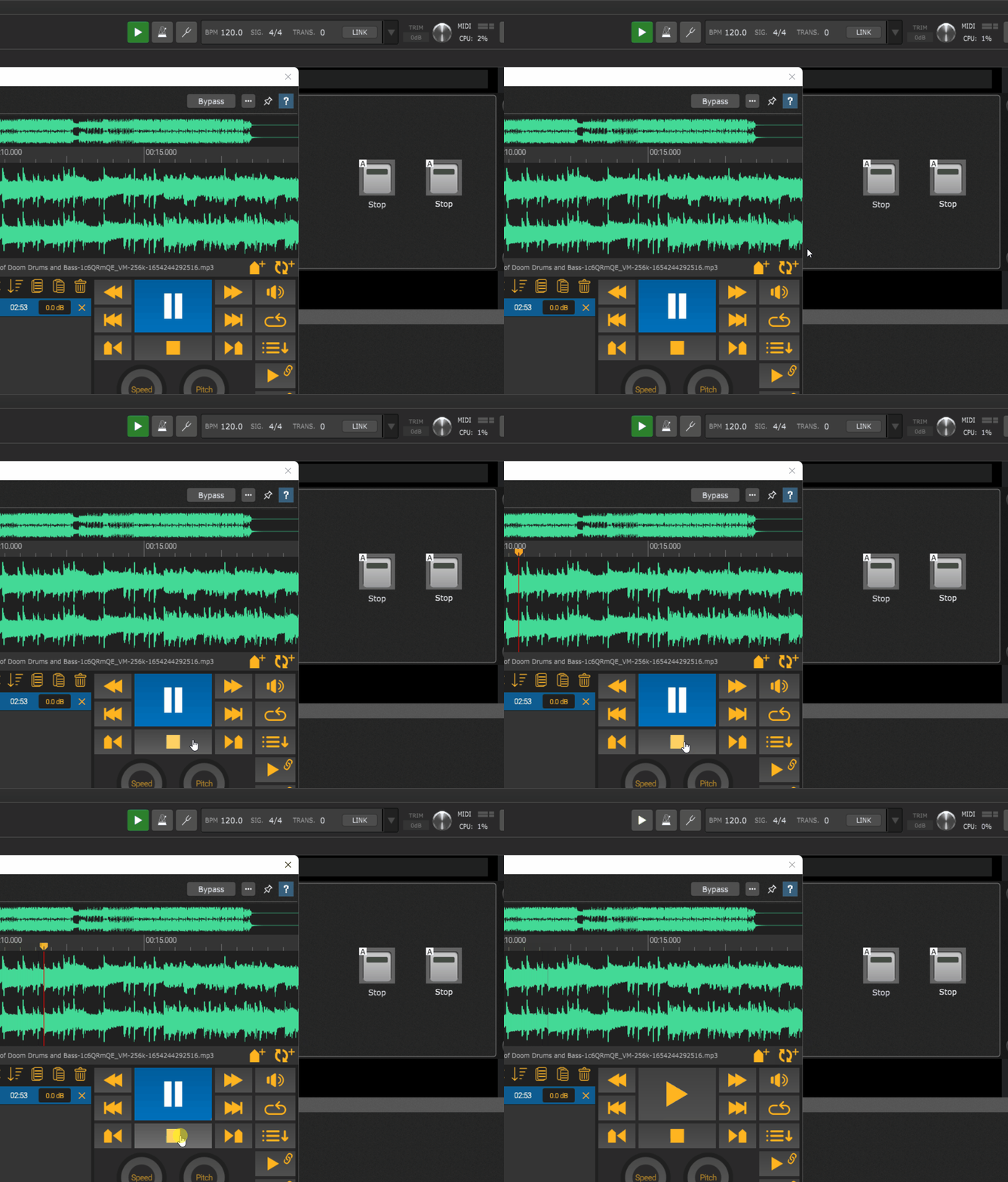
Pressing the SAFP Stop button triggers Stop widget #1 via the bi-directional link, and Stop widget #2 follows Stop widget #1 via the Group, thus turning off the Playhead.
Plugin editors are intended to be used for either configuring synth parameters and for exposing parameters intended to be controlled in real time to widgets.
Synth editors are subservient to the host, they don’t control the host.
That said, if you map a button to the stop parameter and then link it with another button that controls global playhead, then it should work….its just backwards from the intended paradigm
I also DON’T do that for one reason. Syncing to the global playhead always starts from 0:00:00, even when moving the playhead to a defined position using a marker before hitting play. Using the play button through a widget does not reset the playhead position, but starts from the selected (or last) position, which is the behaviour I need.