Is there a way to do that? And not having to send every Rackspace to the global rackspace to route thru a spectrum vst?
And not only for spectrum, but also an eq on the master output. When playing in different rooms and wanting to add a hi-pass filter on everything without sending everything to global rackspace. Is this possible?
Why not? You have to intercept the audio signal somewhere before the Audio Out blocks, so either you’re doing it in every single rackspace before the Audio Out blocks there, or you’re doing it once in the Global rackspace before the Audio Out block there.
Of course you’d have to send “everything” to it… how could it have any effect, if you didn’t?
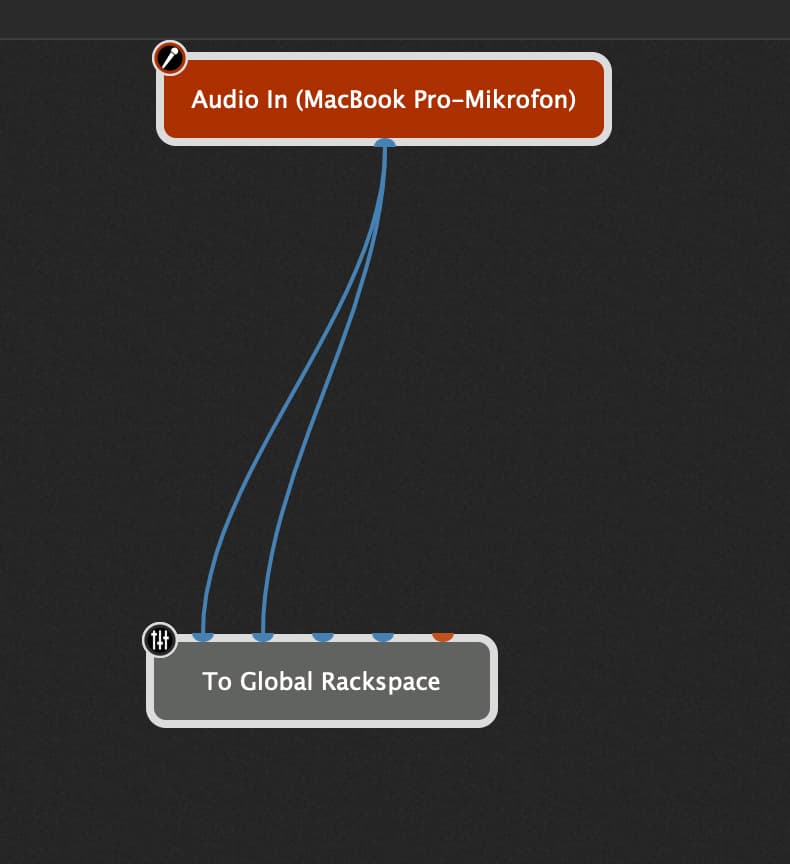
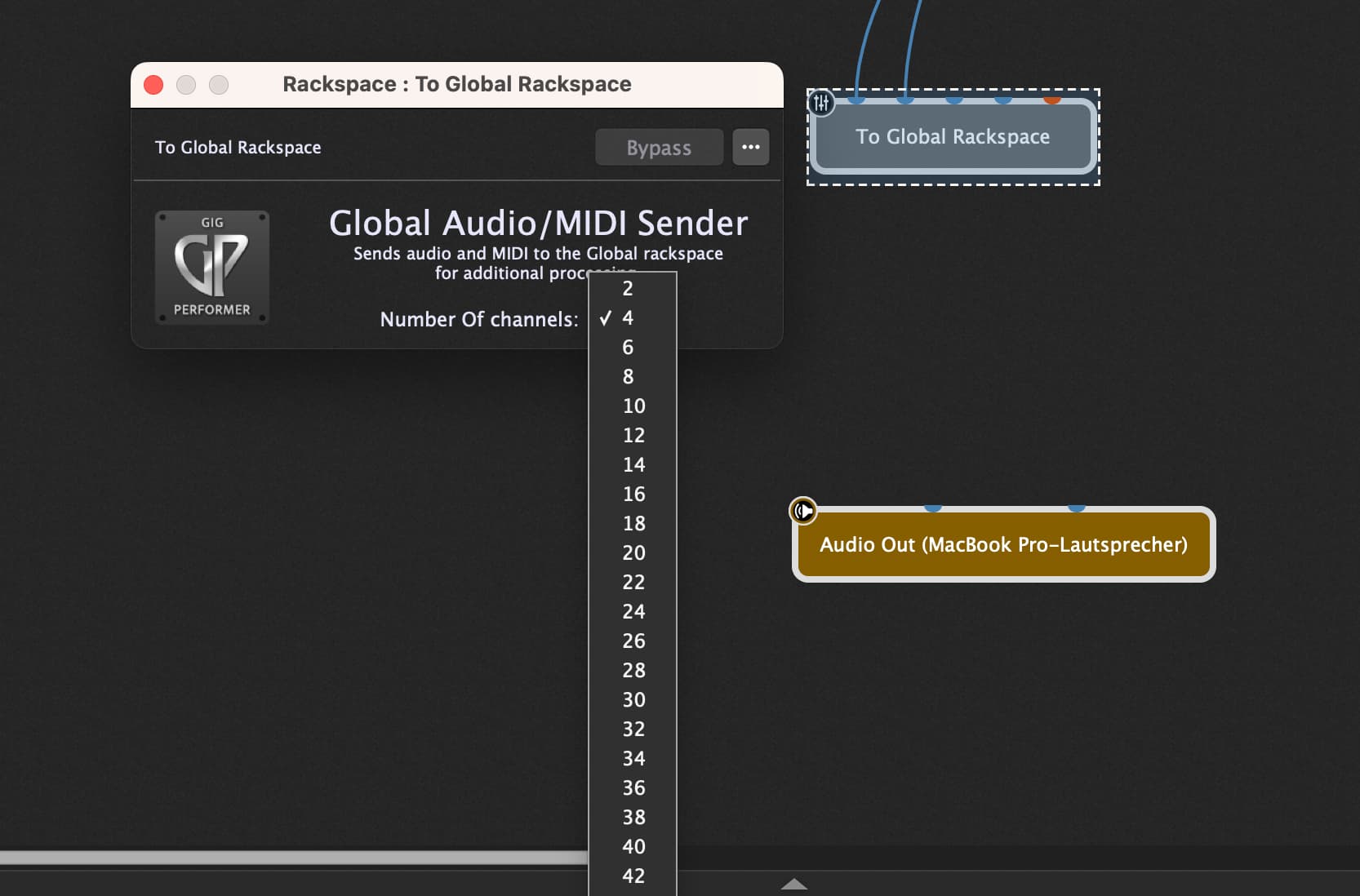
But it’s very easy to do… instead of connecting each of your local rackspaces to its own “local” audio out block, you would just exchange this local audio out block with a “To Global” block.
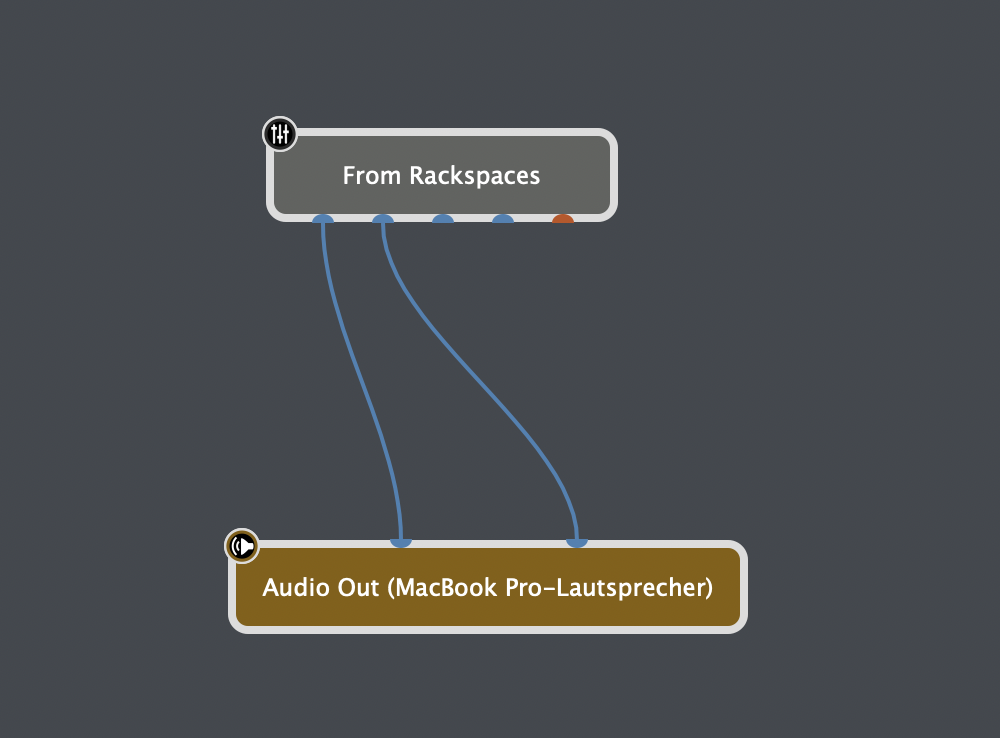
Then in the Global Rackspace you must use a “From Local” block which will “catch” any audio from the actually active Local Rackspace (with a “To Global” block at the end of its chain!)…
From there you can go on to any plugin you need or like (analyzer, eq,…) and then at the final end of this “global” audio chain, you go into the “real” audio out block of your audio interface.
Search the manual and the forums for this… there is plenty of information and examples!
Thanks for the reply, but this also means having to route every single Rackspace to the “To Global” block.
What I’m really looking for is a master effect section on the main outs.
Look at it as an analog mixing desk where the main output goes instead of straight to the PA, it first goes thru a spectrum analyzer, and then gets passed thru.
For now I only want this for sound design purposes. I wound’t need that plugin when playing live, but if such a thing was possible it could have it’s purposes for mastering effects.
@stef I think you are talking past each other: the global rackspace is the place where to place your master effects section on the main outs.
So place your metering etc. here and bypass it if you don’t need.
That’s the way I and many others do it - best practice…
Well in that case, my answer is: No, there isn’t such a master effect section or a “master bus” in Gig Performer… it’s not an analog mixing desk!
The approach i mentioned works absolutely great in each of my gig-files and it would offer exactly the result you would like to achieve (but not in the way you would like to have it done), and it also would open some benefits in case you ever had to exchange your audio inteface, or if you needed a mono output, or… there might be some more.
…as @tripleB concluded: Best practice!
Thanks pianopaul! That was all very clear to me, but what I was looking for was a way to not having to change 100 rackspaces by adding the “To global rackspace” block.
However, I do believe it would be a good addition to be able to put an analyzer on the master buss so that every sound has to pass thru it. I hear many keyboard players with very inconsistent volumes. This could be a big help with little to no routing work.
Why would you need to do it to 100 rackspaces? If you are just doing sound design wouldn’t you already be working in the rackspace anyway? Just do it at that stage rather than on all of the ones you aren’t using at the time, and add it in to any that you have to go in to the wiring view as and when
In Gig Performer there is no Bus,
It is a free routing.
And using the global rackspace is the best way.
So if you need that change your routing in the local rackspaces, it is worth it.