I am using Gig Performer Pro 5.1.6. I am sending a MIDI message to my light program when I activate a song. On the first song part, I have a MIDI send message. That part is working. Where I am having problems is when I move to the next song, the MIDI message gets sent again. For example,
Song: My Own Worst Enemy- first song part sends midi note 41 out (works properly)
Move to next song; All the Small Things- what gets sent out is a repeat of midi note 41, then the proper midi note 9, both get sent out with about 5 miliseconds between them
This happens even if I move song parts. So, say in MOWE, I move through song parts as the song progresses. When I leave that song, it still sends out the repeat of that midi note, even though it is not assigned to the song part I am leaving.
I’m having trouble with my light program not responding to all of my cues. I am thinking this is caused by the double midi notes that are happening too quickly for it to respond properly.
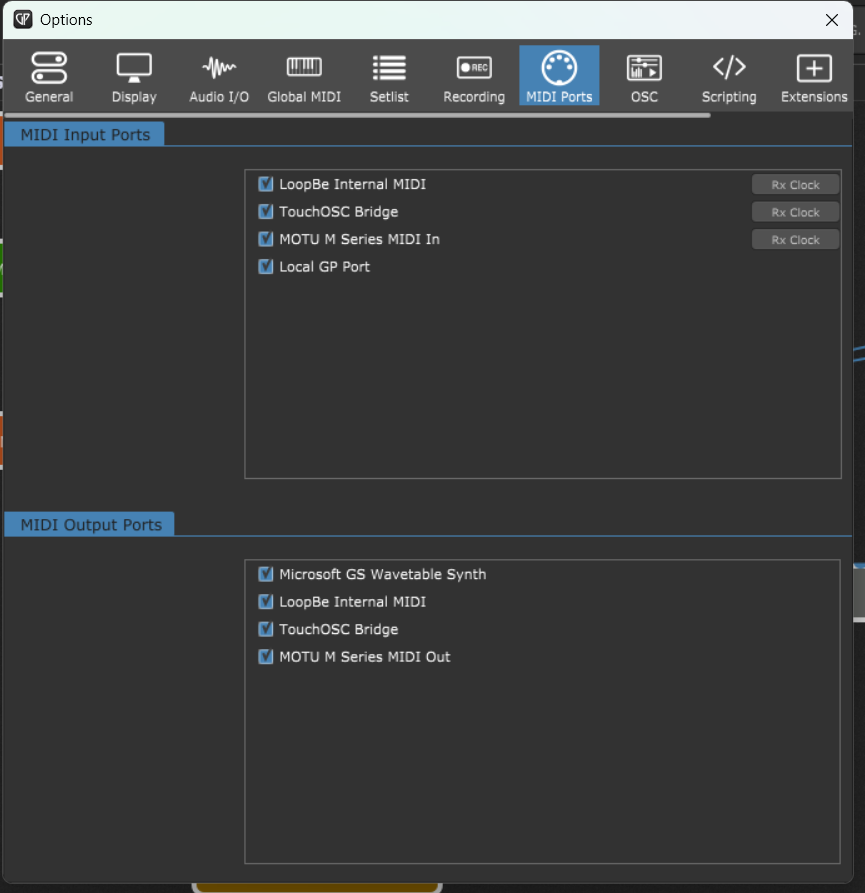
I’m using LoopBeMIDI virtual cable on Windows. It seems to only happen when I have multiple instances. I’m using one instance for keyboards. My second instance is running tracks with the light cues in it.
Why don’t you use Actions? On the Song Part Properties window you have the Actions button.
That is the preferred way.
You are currently using the MIDI Helper Tool. (“MIDI messages to send when this song part gets activated”)
This tool is becoming somewhat legacy now (now that Song Part Actions are in place).
I suggest that you try with Actions and clear the MIDI helper tool window.
Sorry for the delayed response, I had gigs all weekend and couldn’t experiment. I have tried using actions and it does the same thing. It only happens when I am sending the MIDI from a second instance, using setlist syncing. If I move through the songs directly on the second instance, it doesn’t happen.