Roli Airwave in Gig Performer not working. It works perfectly on the desktop running trough the Roli Airwave Player utilizing a Roli Seaboard M and a Roli Lightpad Block M in conjunction with the Roli Airwave. Each of the 3 controllers works without an issue. But in spite of having the Tobias Erichsen - loopMIDI engaged with a Roli Airwave Expression port assignment and the Roli Airwave Expression block utilized in Gig Performer, the Roli Airwave is not recognized at all. Does anyone have an idea why this might be happening? I also tried different types of midi blocks without any luck: MIDI In (ROLI Airwave Pedal), MIDI In (OMNI), MIDI In (ROLI Airwave Expression)
To connect and configure it:
- Direct USB Connection: Plug the Airwave into your Windows PC using the included USB-C cable. If you run into tracking recognition issues, try using a USB-A port with an adapter or a USB-C to USB-A cable. [1, 2]
- Virtual MIDI Setup: Because Airwave utilizes a dedicated MIDI device (“ROLI Airwave Expression”) to transmit Spatial Expression data, you will need to map it in Windows. ROLI recommends using the free utility loopMIDI to create a virtual port named exactly “ROLI Airwave Expression” so the software can properly track your hand movements. [1, 2, 3, 4, 5]
Tutorial
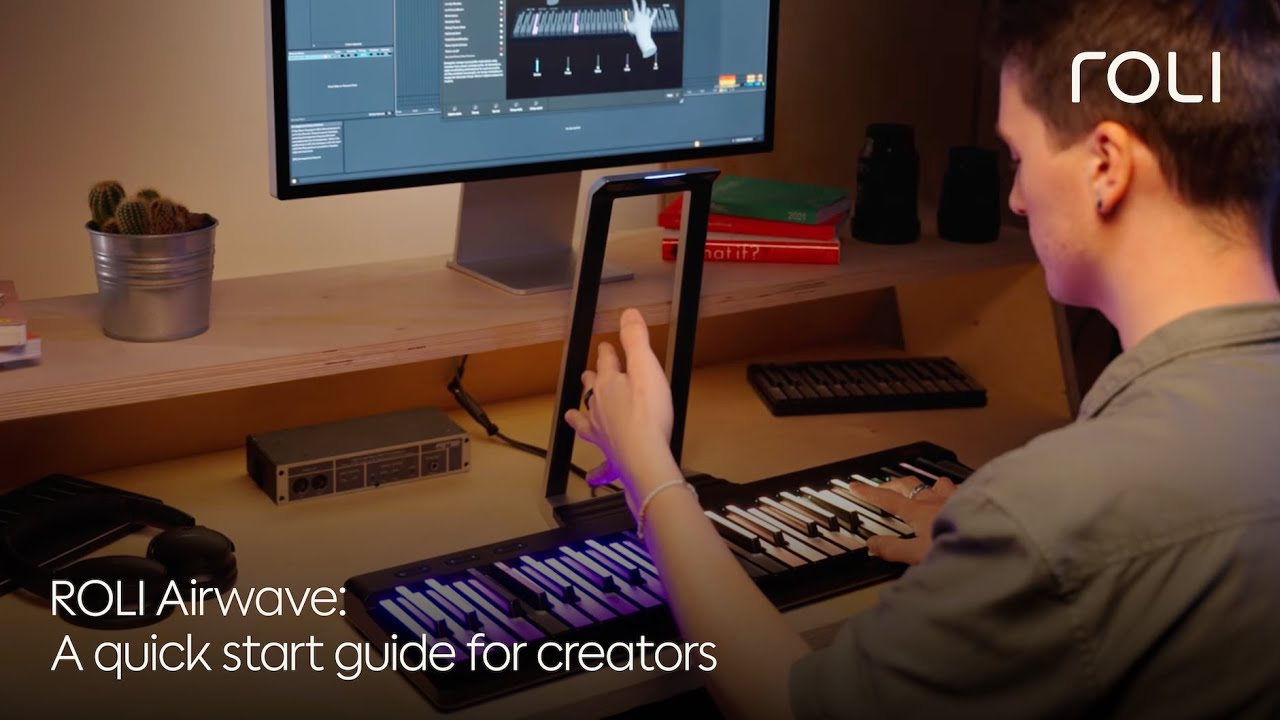
@apertout it can be a little finicky, but mine almost always works. There is a companion Roli Airwave Control app that has to be open for the driver to properly communicate with hosts like GP. If it’s not open, the midi blocks for Airwave won’t do anything.
Do you by any chance have it installed and open with GP? If not, give that a try.
The beginning of this one also covers Airwave Control app with other hosts.
Thank you all. My God. I think I have worked it out, but it was something silly that I just didn’t think about. The MIDI In block I should use is still confusing to me, as the loopMIDI Port, ROLI Airwave Expression, Seaborad Block, etc seem to do not much more than the basic MIDI In (Omni). But I just realized (silly me) that the generic MIDI In block has a tick on SysEx and Other CC Events. Now when I take the tick off ‘Other CC Events’ the Airwave now works. I will now have to figure out the best way to set my controllers up (which MIDI In block to use exactly), but it seems to be working now.
This might help others who will most probably end up with the same problem as I have in Gig Performer with the Airwave.
MIDI In (Lightpad Block), MIDI In (ROLI Airwave Expression), MIDI In (Seaboard Block) - all with the tick off ‘Other CC Events’ in the MIDI blocks, and all connected to the ROLI Airwave Player. Utilizing the Tobias Erichsen - loopMIDI free plugin with the a new port labeled ‘ROLI Airwave Expression’. That works.
Interesting – disabling other CC Events was a change we made when we released 5.2.2 a few weeks ago. The reason we did this was because in general one does not want arbitrary MIDI events that a controller may generate to be sent to arbitrary plugins because they will invariably be mismatched and unexpected behavior and confusion occur — e.g. you have some controller that sends out CC 73 when you move a slider and one plugin might respond to that by adjusting a filter and another might respond by turning the volume down or changing an oscillator frequency —literally arbitrary results.
In Gig Performer, the best practice is to use host automation to control plugin parameters via the widget system - that way it doesn’t really matter what messages your controller sends out and so other than a few well defined MIDI messages (CC7 for volume, CC1 for Mod Wheel, CC64 for sustain, etc) others are now just blocked by default.
I don’t know what is Airwave Expression but I assume it’s a plugin designed explicitly to work with the ROLI hardware and so there is a well defined mapping between what the hardware sends and how the plugin interprets it. But this is very much the exception.
Good to know. I have not had to change anything in the MIDI-in block, even on GP 5.2.2 with my Airwave. As long as the Airwave Control app is open and the driver is running, it generally works just like any other MIDI device.
I believe the 12 CC numbers from Airwave can be changed in the Roli Dashboard if the defaults have conflicts. I just map mine in Rig Manager and use widgets, which has worked without issue with all of the other VSTs I used it with.
That setting is only a default for newly created MIDI In blocks. If you already had something in an existing gigfile before 5.2.2 and other CC events were not blocked, they don’t become blocked.
Makes perfect sense (disabling CC Events for the reason you mention). But I did not take note of that, as I can see that that box was previously unchecked.
And thank you so much for the information.
And thank you PilotSSW. That is all very helpful information.
Thank you everybody for your feedback. I really appreciate it. What a great community.