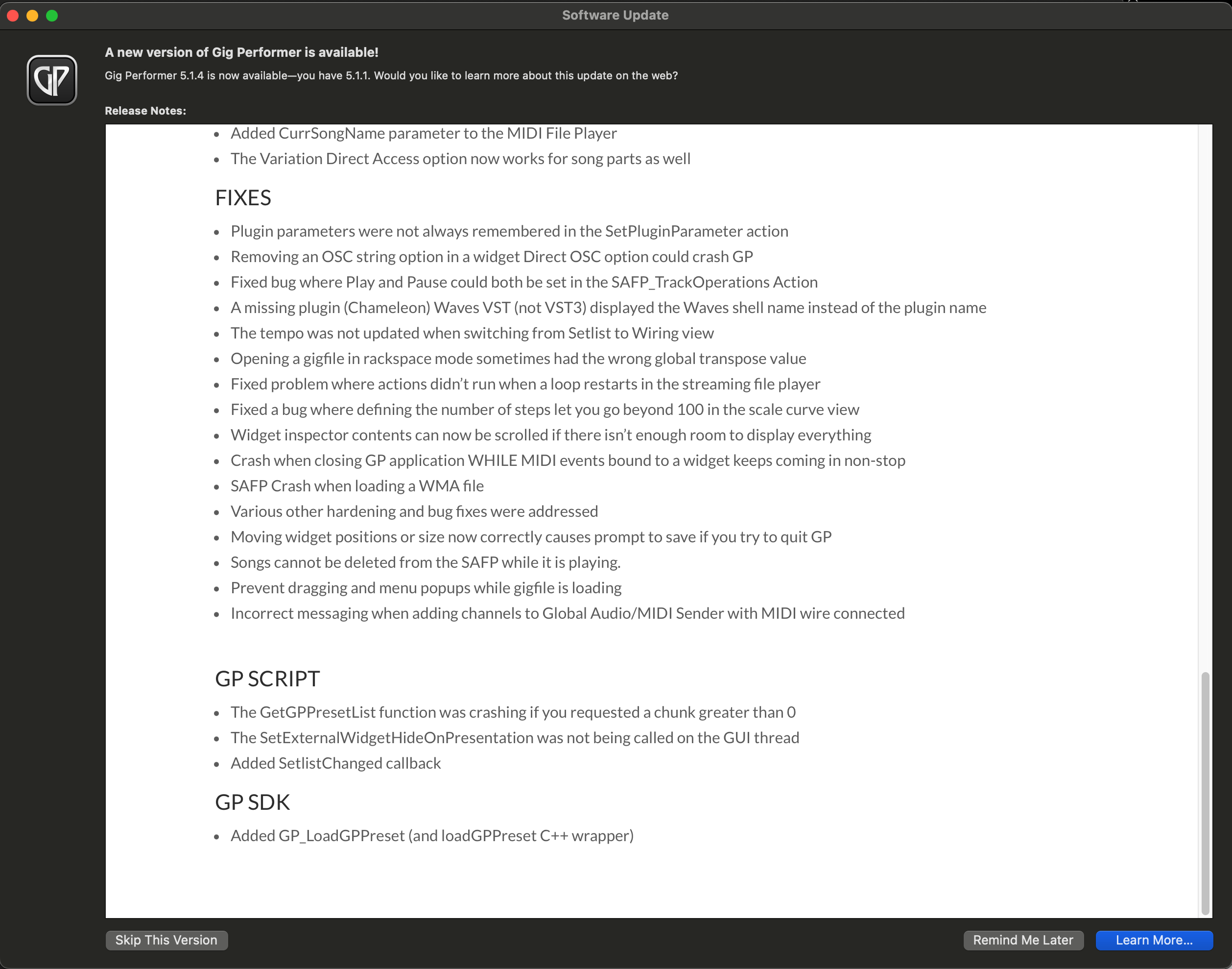
I just got the popup screen to update Gig Performer but there is no option to start the Update. I can only choose between “Skip This Version”, “Remind Me Later” and “Learn More”. I already tried triggering the update again from the General Tab in the Options, restarting the Gig Performer and the Mac.
Gig Performer 5.1.1
Mac Mini 2023 M2
macOS 14.7.6 (23H626)
Sorry my bad. The “Get update” button was the normal behaviour before (at least in my mind) so I thought it’s a bug of the installer. “Learn More” forwards to a webpage with the installer to download.