I have a use case that sometimes get me in trouble and wondering what would the best solution be.
Suppose I have a fader to set the volume of a plugin and use an expression pedal to e.g. fade in/out.
When I use this in a song, I want the expression pedal value to revert back to 100% when returning later to this song.
During the rehearsal, I change sometimes the volume of the fader for gain balancing reasons, and that value I want to ‘keep’ for the next time I use this song. Afaik, the best way is to use a snap shot for this. However, when I return to the song, both the fader and the expression pedal return to the current values. While I want the expression pedal to reset to 100% always (or in some songs to 0%).
Yes, I realized that … but I would prefer to have some values be ‘default’ always, ignoring the snapshot.
I assume I need to feature request for this? I would have thought it is a reasonably basic feature.
So, when the widgets have this default value and you take a snapshot, this default value will be retrieved next time you switch to this song part. What’s exactly your concern?
Widgets that I want to make a snapshot of, like volumes for gain balancing. I typically change this during rehearsal when I know the volume of other songs. Then it would take too much time going into the panel and set the edit the default values.
However in the case above I may have changed the expression pedals for fading. And those I want ALWAYS to revert to their original value, even if I made a snapshot or not.
Currently a snapshot seems to save all widgets. Maybe instead of the ‘Ignore snapshots’ property in my screenshot, a better name would be ‘Do not save in snapshot’.
And what if I forget, or if I have 2 pedals, and some other buttons (like leslie speed I want to start always at the same), or hammond overdrive that gradually in the songs gets more open? or maybe 10 other widgets in worst case?
I was also struggling with snapshots in setlists in the beginning. For me it worked out better to use dedicated variations of a rackspace for each song where I use it.
If I now do changes while rehearsal I push back these changes to the rackspace carefully.
For my global rackspace I created a (p)reset script
Yes that also could work, but I prefer to have my rackspaces isolated.
Besides that, it seems like a sort of bug, or at least a very misleading option (Also Reset on Rackspace Activation), since it does not always reset to the value which it should reset to (This Value).
I’ll echo the sentiment that some of the settings that make perfect sense from a rackspace perspective don’t seem so intuitive when thinking from a setlist perspective. As a fairly new user, I put that down to my own learning curve. My approach so far has been to limit the plugin controls/settings to rackspaces and variations, and use the setlist/song view for organising my gigs. Works for me, but I do wonder if I’m missing out on a better way if only I could get my head around snapshots.
Exactly, because some widgets should return to default and some not, even when using a snapshot.
That would work, but I like to change faders/knobs and to be stored all at the same time (with some exceptions).
Like in a rehearsal I may change drawbars, faders for volume, and makign a snapshot, but the expression pedals or leslie speed should always be fixed (and those may have changed during playing in the rehearsal).
Because I don’t know beforehand what I have changed per song. In most cases it will be the expression pedals and leslie speed (e.g. I want it from the start to be slow, and expression pedals may have been touched). Then I would for every song to remember what the initial positions was, and there could be songs that have even more ‘start’ defaults. Besides, it’s actually existing but not working trivially (Also Reset on Rackspace Activation) … it does … except when a snapshot has been made.
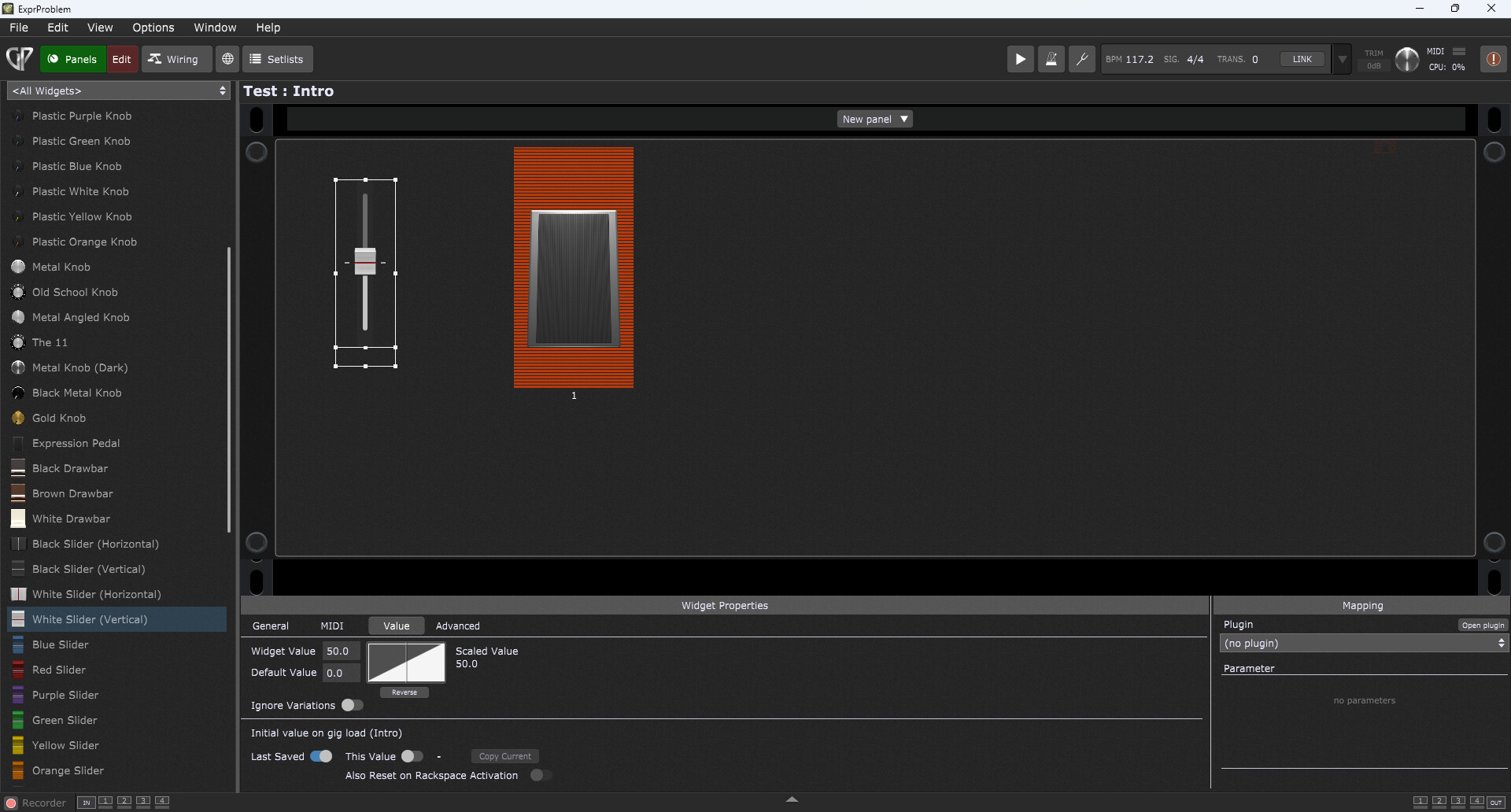
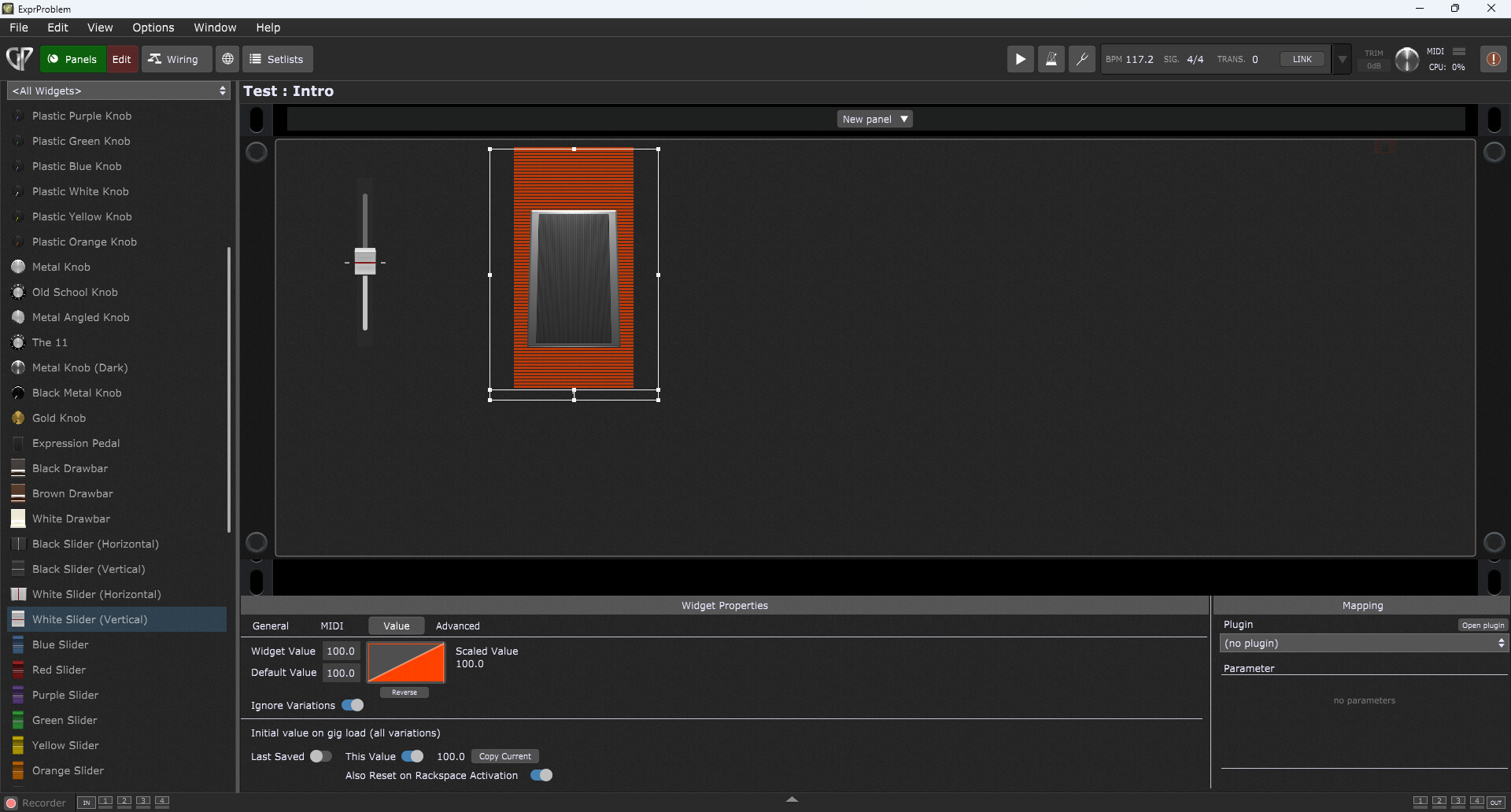
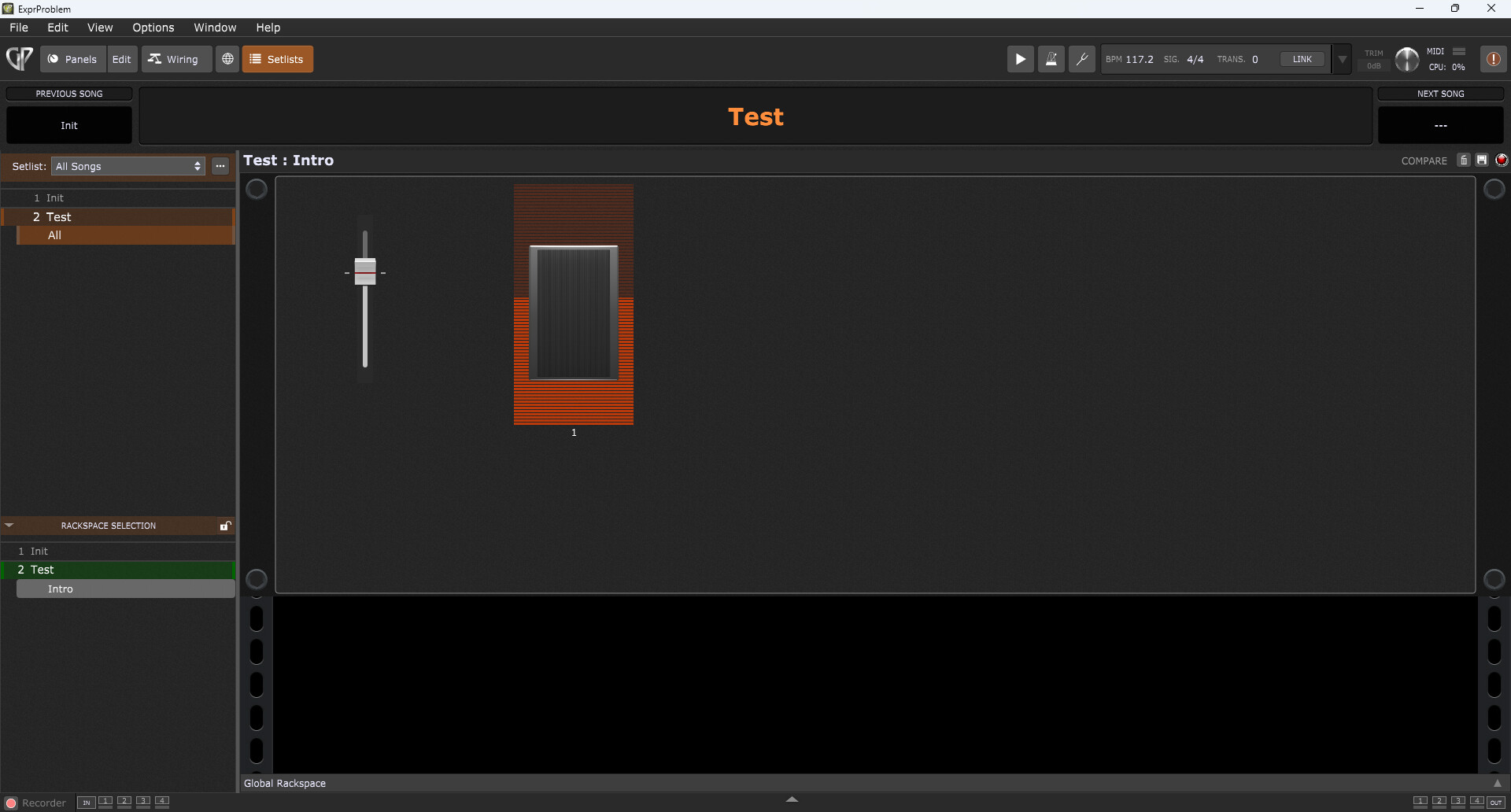
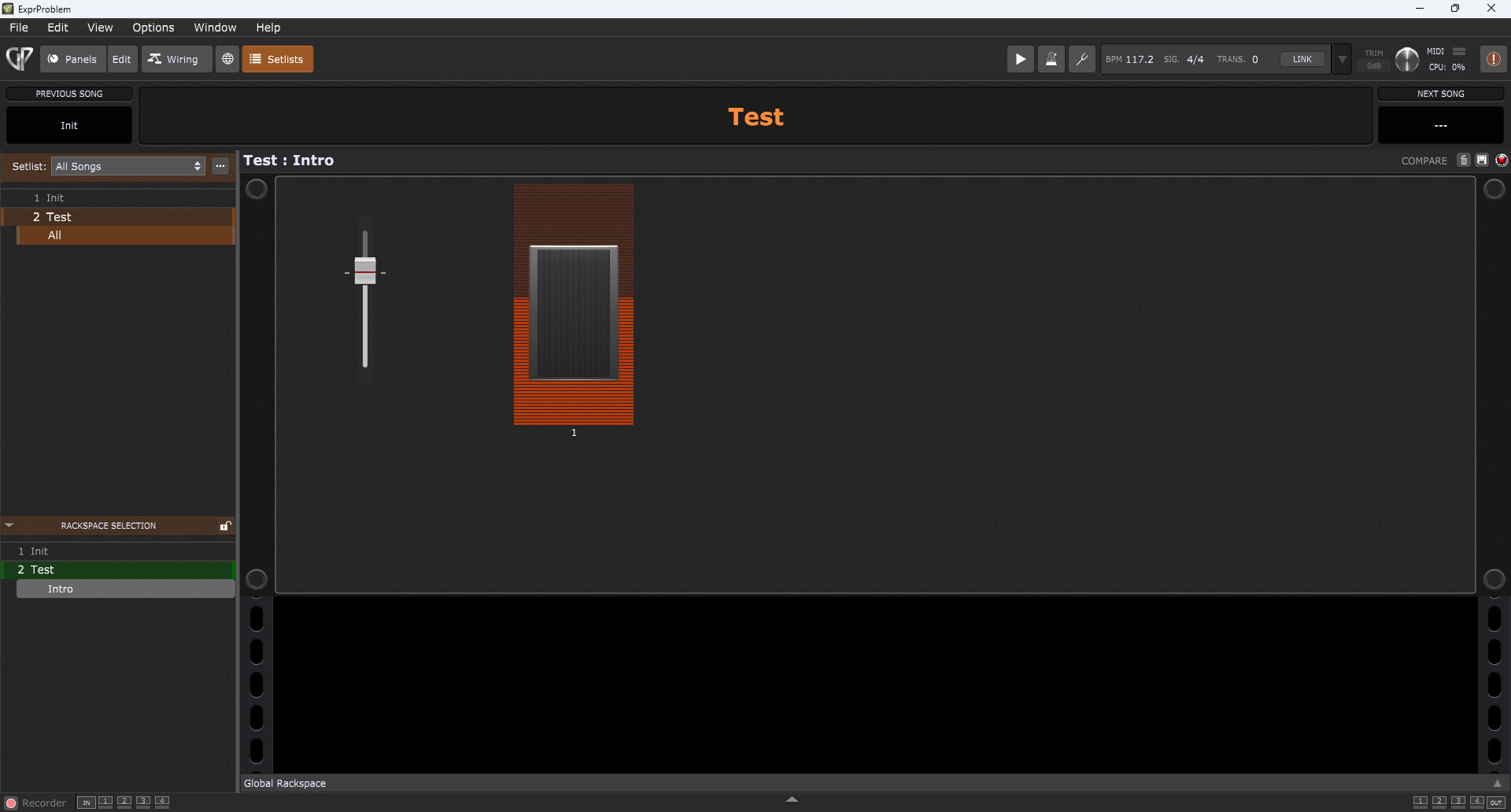
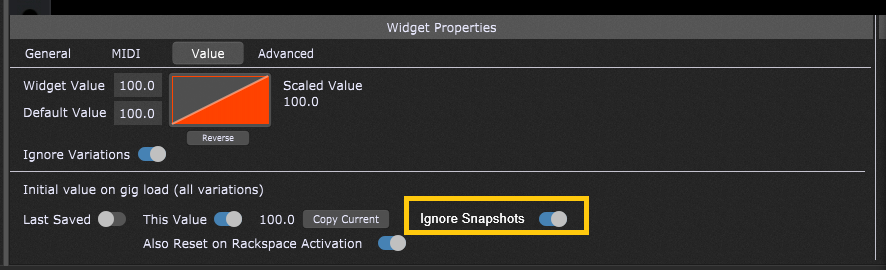
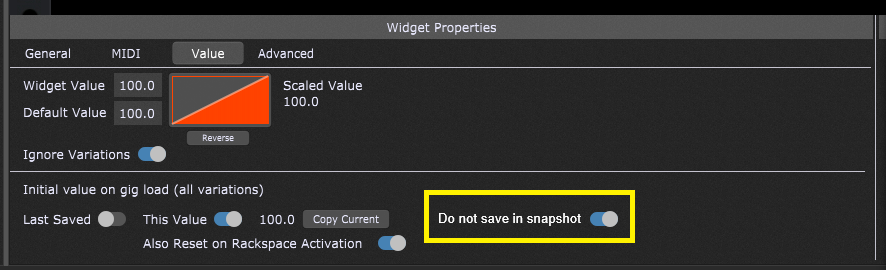
 And why scripting could be easier…