Your setup is (almost) right - it’s like David already mentioned:
In the moment you press the AT on your keyboard, it’s sending new AT-values to the plugin, so that the once set value from the widget takes no longer effect.
The only way to prevent this from happening, is to block the “Channel Pressure” in the Midi-In bock’s properties:
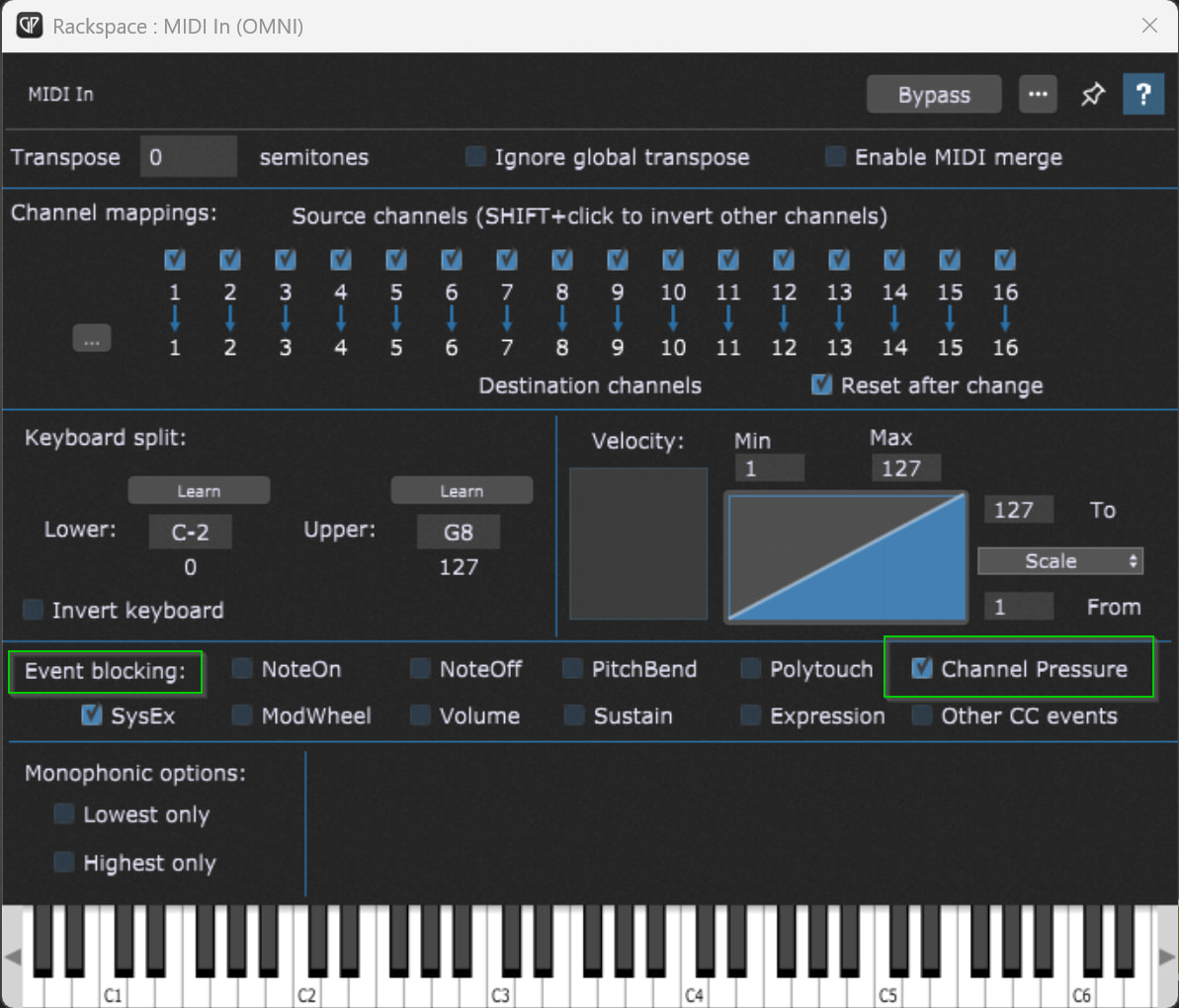
Maybe you’d have to use multiple Midi-In blocks, if you’d like to have the keyboard’s AT for some particular plugins…