I am trying to create a simple scriptlet and can not figure it out Can anyone please help? I get ideas from examples and AI but nothing works, seems the scriplets use different commands to scripts?. If you could please copy the code in the answer so I can see the syntax would help me try and understand. I just want a ‘reset’ button I can push that will send midi CC121 to Halion Sonic 7 vst. (on Channel 1) I can see how to do the button and if the code compile, will be able to connect to it but exactly how to make this work… I get compile errors. my last attempt:
var resetbutton : Parameter

var ouch : ControlChangeMessage = MakeControlChangeMessage (121,0)

on ParamiterValueChanged

SendNow (ouch)

End
 Can anyone please help? I get ideas from examples and AI but nothing works, seems the scriplets use different commands to scripts?. If you could please copy the code in the answer so I can see the syntax would help me try and understand. I just want a ‘reset’ button I can push that will send midi CC121 to Halion Sonic 7 vst. (on Channel 1) I can see how to do the button and if the code compile, will be able to connect to it but exactly how to make this work… I get compile errors. my last attempt: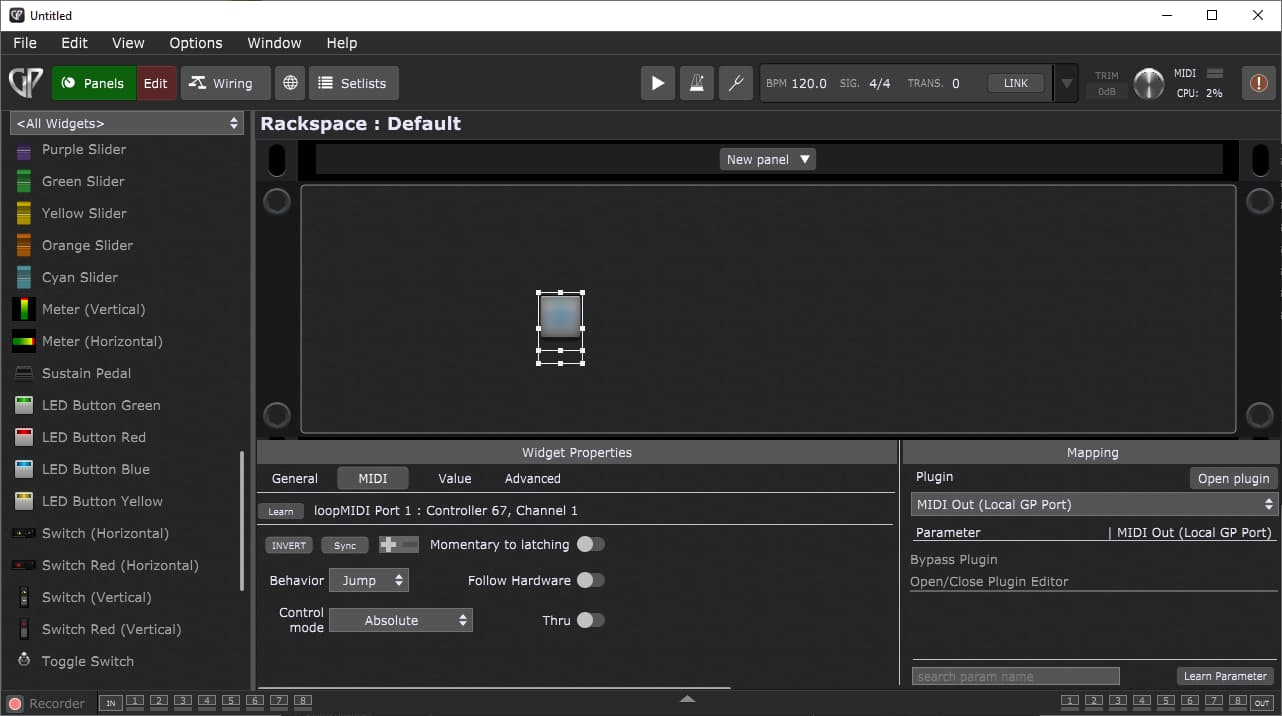
 Works now