Hi I’m using OSC to view Rackspace Name on an iPhone on onstage, works great.
However I’d like to be able to be able to either view the entire current setlist/songlist or at least ‘next song’.
I haven’t been able to find a way to do that. I’m using Bandhelper to achieve that now but would prefer to keep it all in GP/OSC for faster setup purposes and simplicity.
/GigPerformer/GetSetLists             Get the list of setlists

/GigPerformer/SelectSetList <int>     Select the given setlist by index (0-based)

/SetList/GetSongList                  Get the list of songs for the current setlist

/SetList/GetSongParts                 Get the list of parts for the current song (deprecated)

/Song/GetSongParts                    Get the list of parts for the current song
Thanks for the quick and informative response! I have a list like that but it didn’t have those items. Must be an older list?
Onward and upward. Much appreciated.
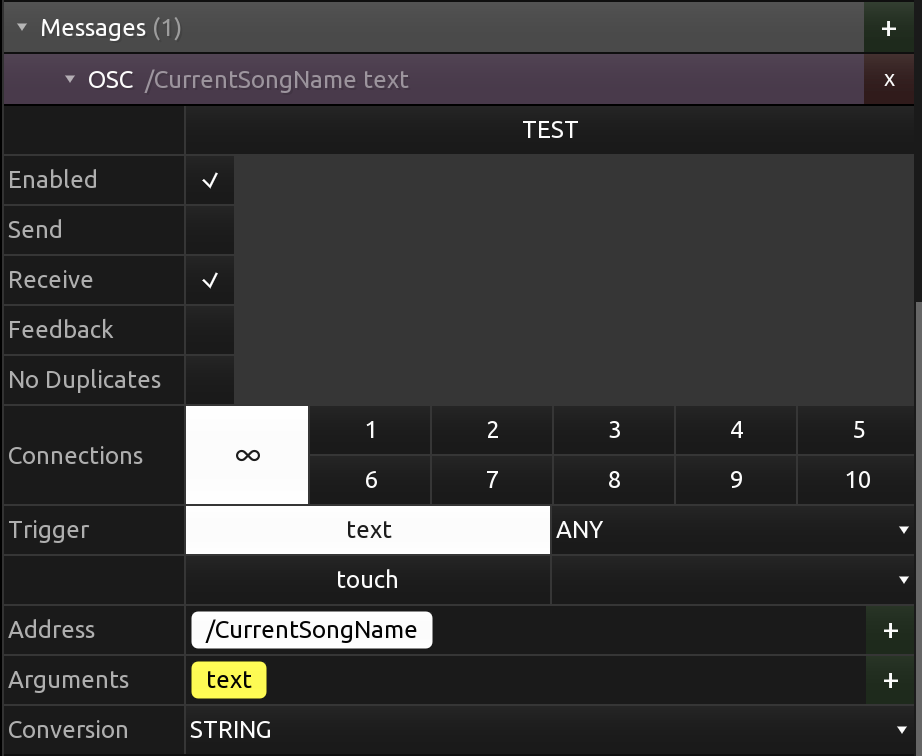
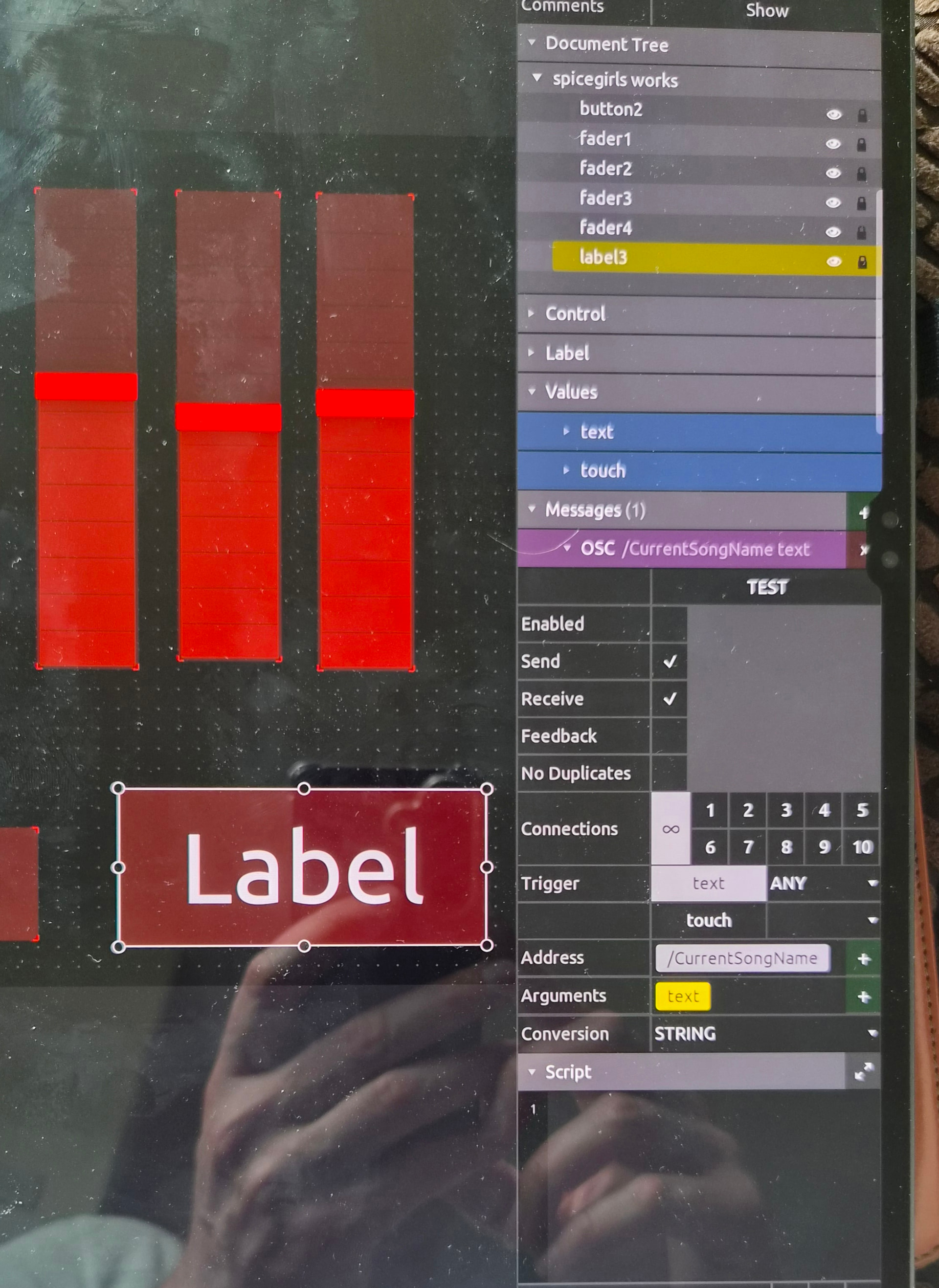
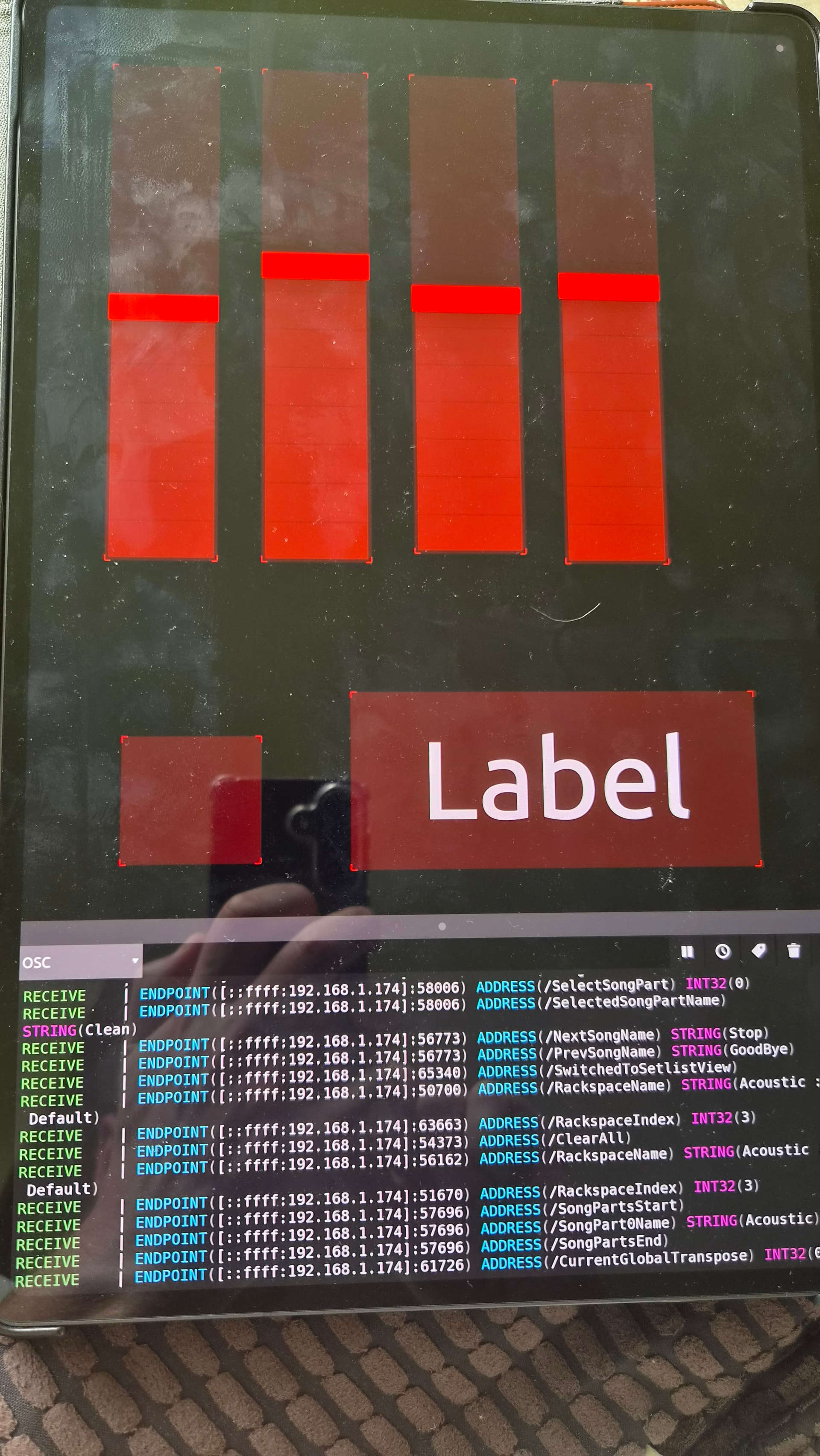
Okay, this is what I have. Unfortunately, it’s still not working. Where do I put the widget in GP? Sorry if I’m being slow. Still trying to get my head around all this.