Hello,
how can I select certain Songs within a setlist by Ableton. I wonder how to do because there is no PC receiving option in the songs of a setlist. I want to have the benefit of predictive loading in a setlist. Do I have to create dummy rackspaces for each song with only the PC Info inside?
Thanks in advance
Thomas
Like in rackspaces where at variation level the pc message to be received is defined, in song parts you define the pc message.
Are the program changes.of the rackspaces in the setlist still working? Or only the songpart pcs?
In SetList mode the pc settings of the rackspace are ignored
That’s then an issue for me because I only could step through the songparts. I mainly use
amp modelers and have e.g. one sound in 37 songs. Nevertheless I have in 20 to 30 Songs very specific sounds. So as a wish for future updates it would be very helpful to have fixed song specific PC commands for each song and the ability to trigger the rackspaces/variations inside the song with their unique pc commands
I do not understand:
Each Song Part can react on a different PC messages.
No need to trigger a rackspace variation as the the rackspace variation is referenced by a song part.
As Songs are composed of Song Parts, what is the issue?
So create your songs consisting of song parts and reference your rackspace variation in the song parts where you need that sound.
The problem is that I have to handle 37 different pc commands in Ableton for one and the same sound. Actually I use Ableton with Helix LT Hardware. E.g. I send PC 7 (MSB0, LSB0) and get always the same sound. Now I need. 37 different commands.
As info I use ableset as leading setlist app with lyrics support.
Basically I do not need the setlist view - beside predictive loading!!! Going back to rackspace view I have the problem of fix positions of rackspaces and when I have bigger distances between the needed rackspaces inside the song I have no effective predictive loading
.P.S.:..and I want to avoid copies of rackspaces due to maintenance effort
Ok, you have a number of songs but a much lower number of rackspaces, right?
Do you need predictive loading?
Are you using Session View or Arrangment View in Ableton Live?
I’m using exclusively Arrangment view. Right now I have around 30 different presets + 2-3 snapshots each on my Helix LT. I will mirror that configuration nearly 1:1 in Helix Native as a starting point in GP. But for sure there will be more rackspaces in the future to profit of advantages of other modeler and FX plugins. I’m experimenting with different plugins at home and faced quite heavy CPU loads even with my i9-PC (Win11, 32GB). I’m sure predictive loading in a range of 3 or 5 will be very helpful for save live performances.
As you are not using samplers - I assume - RAM should be no issue at all.
So why use predictive load?
Mainly I use modelers that’s right. But in some cases I need to trigger samplers with guitar or other Controllers. Battery, Kontakt and Arturia V I’m using here. Nevertheless I got that issues also with IR reverbs. I like to prepare the set even for more extensive keyboard use, even if I’m more guitarist. I play with backing tracks in a 4 piece band. I see lot of potential in GP and try to set up as efficient as possible. A big topic is also reducing setup time and weight of equipment at the gigs. Sorry for that confusion.
Did you try with predictive load not enabled?
I’m still at work in creating a final live Set. Until now I have no overload. But there will be many more rackspaces needed. Without predictive loading the PC would load as many as possible or only one?
All rackspaces in the gig file will be loaded when predictive load is not enabled.
But what is the issue with defining all the necessary PC messages in Ableton?
I think it’s much more time consuming and not very intuitive. Right now I have all main pc commands in mind respectively stored in the Ableton library. With setlist view each song has new commands, I need to work with Ableton and GP in parallel not to lose the overview while setup, I need an additional system to maintain with much more data. To identify a song with the pc command of the first songpart(dummy) and stepping through the parts could be an option but could be also critical when having much more than 2 different parts/sounds. If I have solved that problem the “GP-world” will be fine for me and I can go “live” with confidence. 
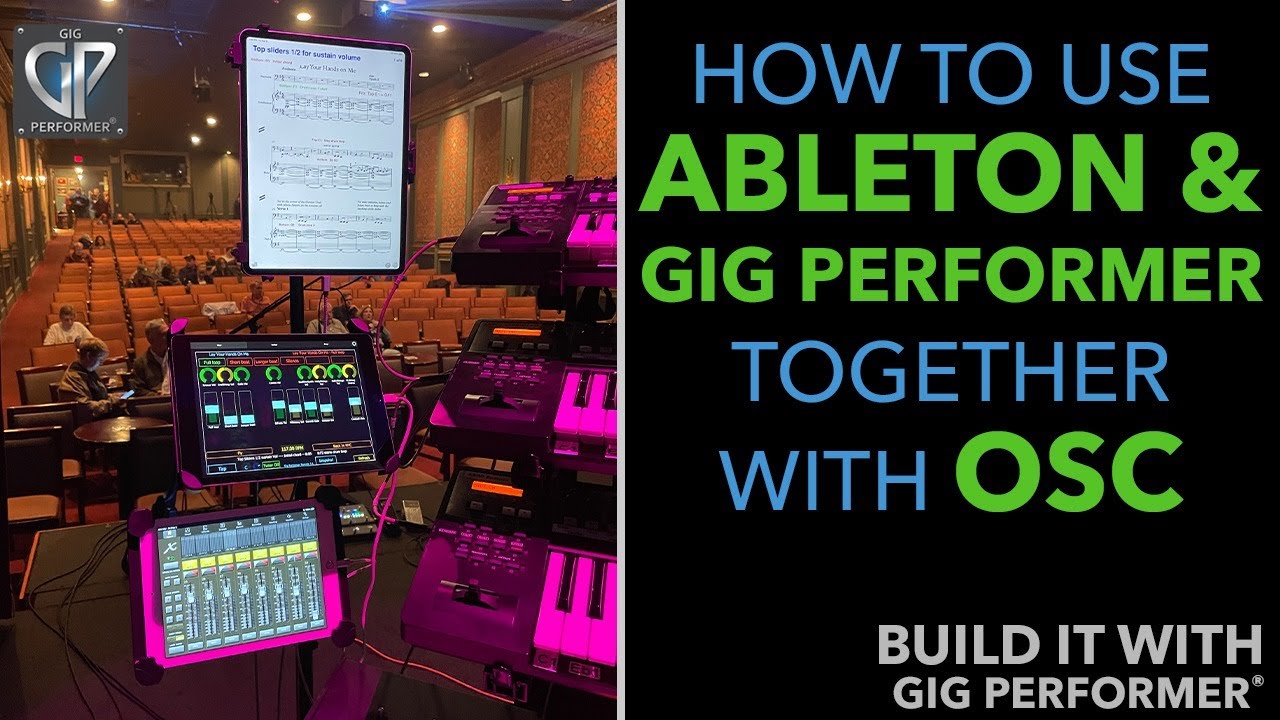
You could also do the other way - like I do
I select the song in Gig Performer
With OSC the correct scene in Ableton Live is selected
press Play in Gig Performer and in Ableton Live the scene is started.
With little scripting the desired Song part is selected at the bar:beat
Do you know this?