Hi all,
This will be my last post. I have given up trying to use GP!
Here is my ‘journey’:
-I started using it and within a week or so, the faders stopped moving in real time.
I spent many hours and made loads of ‘tweaks’, but I am not sure what specifically actually fixed this issue.
-Within a few days of this, I started getting pops and glitches in the audio. I used Christmas & Birthday money to buy a new USD Audio Interface as my previous one was really old (though worked fine with my DAW (Acoustica Mixcraft)). This didn’t fix things, so I worked through Npudar fantastic manual on making my laptop as ready as it could be for audio work (which is what I almost solely use it for). In the end though, what I had to do was go back a few versions of what I was working on to one that did work before the problems started (I have no idea what had changed in the later versions that started to cause the audio glitches etc.) and then make the changes that I had done since that version again (though this time the audio glitches were absent).
-A couple of days ago, for some unknown reason, the sustain pedal on my MIDI keyboard stopped working (the MIDI messages were showing as coming in (along with all the others on the MIDI monitor and everything else was working fine). Again, I wasted time trying a few things out and again, had to revert to the 10:30am version of the rack (even though my latest version was 2pm) where the sustain pedal was working and I then spent Thursday evening going with the earlier version making the changes again.
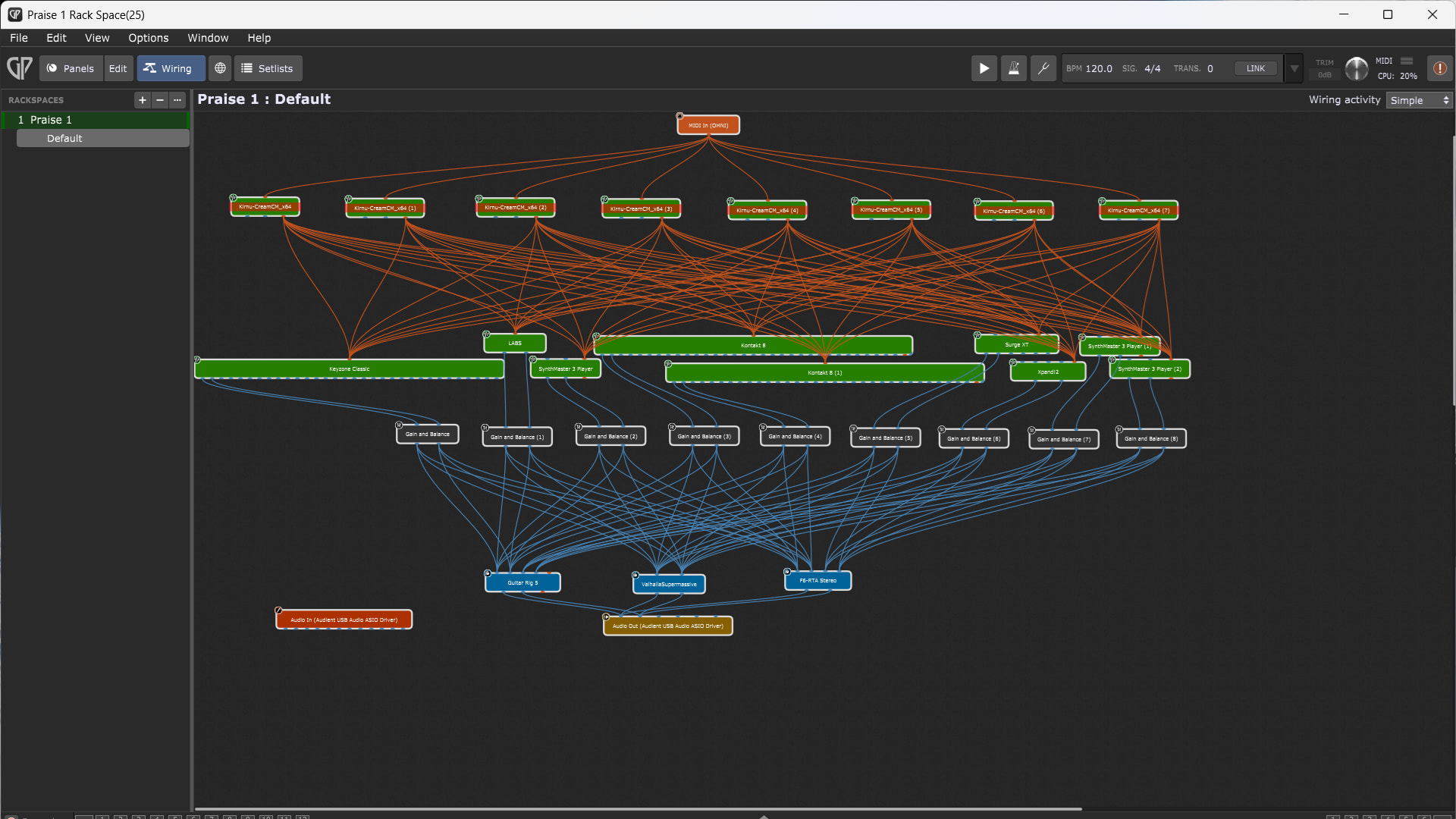
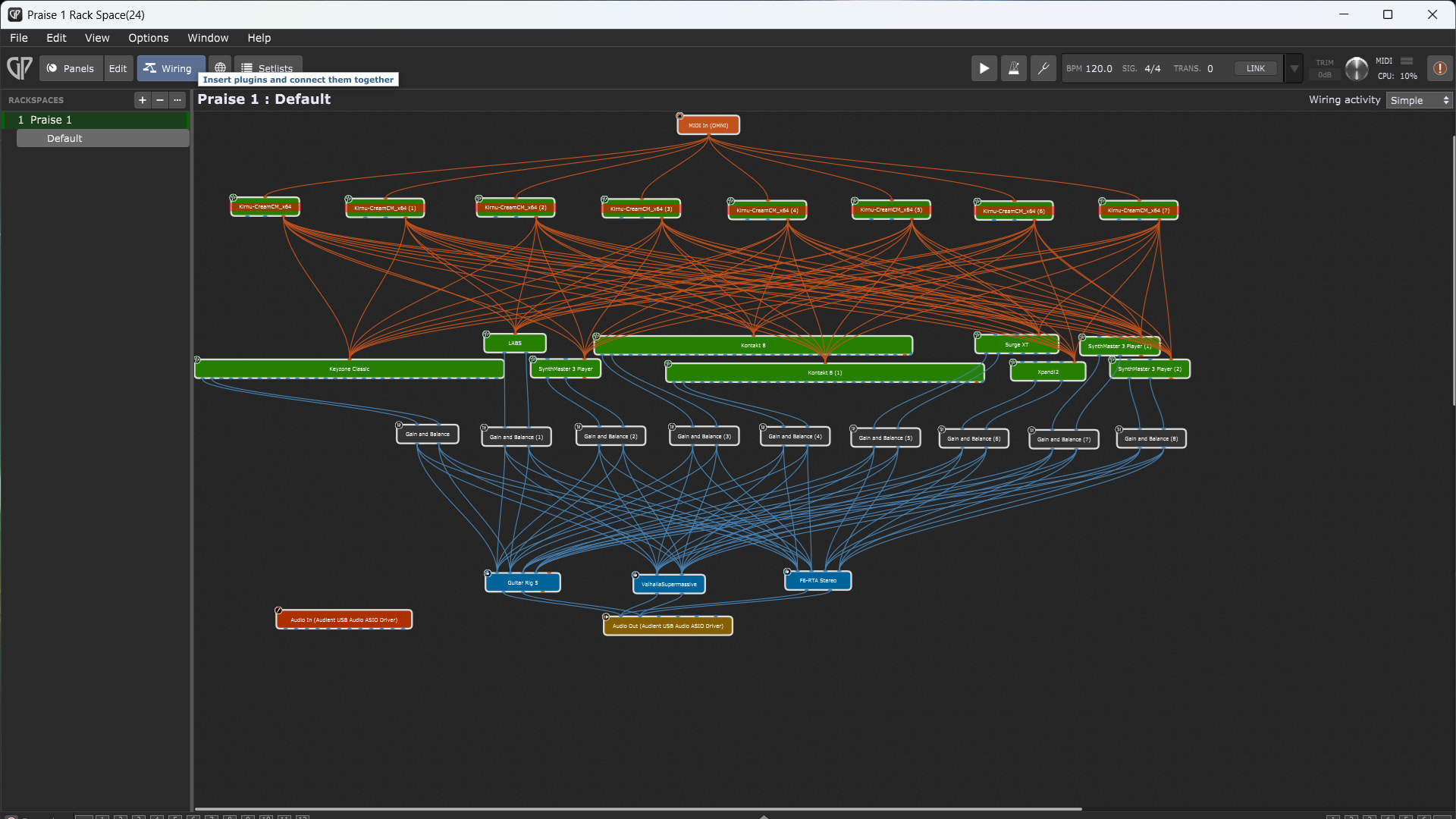
-yesterday (and into today) was the last straw. The audio glitches returned in the afternoon (high CPU usage etc.) when everything had been fine 30 mins, 1 hour, 2 hours before that. So, again, I reverted back to an earlier version where there were no glitches (even though all of the plugins were the same as all I had actually been doing for a few hours is going through loads of sounds & picking ones that I would like to use). As you can see from the two screenshots showing version 24 (which had no glitches) and version 25 (which did) I had made no plugin or wiring changes!
This software is inconsistent: things go wrong when I haven’t made any alterations to any plugins etc. Sometimes it works, sometimes it doesn’t: it should just work! I can’t afford to by an Apple laptop, but I don’t doubt for a second that if I did & purchased Mainstage - it would just work - FULL STOP!
I am also surpirsed that there is no technical support (only you wonderful guys (thanks also to Jeff, Frank and others who variously made suggestions)): I have been using Acoustica Mixcraft since version 4 (19 years ago) and have never had the problems with that in all those years that I have had with GP over these last weeks. Also, Acoustica’s tech support is fantastic: I get a reply within days (often the same day) and they stick with me & help me through / with the issues - which is what you should expect with a product that you have paid for.
You might reply that live software is different to DAWs, but I again say, it should just work - I shouldn’t be spending far more time trying to sort out issues with the software (that sometimes works & other times starts playing up). I decided to ask ChatGPT ‘Are there major issues / problems with Apple’s Mainstage, or is it a good product?’ I won’t copy all of what it said here (too much info), but the part that stuck out to me (which I have put in capital letters) is: ‘It’s mature, STABLE…’
I have wasted 30-40 hours faffing around with the problems that keep coming up & spent £280 (£180 on the new Audient iD14 & a further £100 buying a 1 TB external SSD to do a backup on before making loads of changes (on £20 short of all of my Christmas & Birthday money that I had wanted to save)). I will now use Mixcraft (which I know will work just fine and can be used as a live environment by arming each of the tracks (though is no where near as versatile as GP (though since GP doesn’t work properly & as it should, that makes Mixcraft the better - more reliable / trustworthy option)). Or perhaps I will save up & ‘bite the bullet’ and get a second hand MacBook.
I will now complain to Deskew technologies and see if I can get a refund (at least if I do, I know that they are a decent, honest bunch of music creation enthusiasts that can see I have tried and tried with their software). I add here that I have been using PC’s since they first came out (I built my first PC in the late 80s / early 90s) and GP is without doubt, the worst piece of software that I have ever purchased / used in over 35 years of using PCs)!
Finally, once again, THANK YOU to all of you for your suggestions / help & advice, and please DO NOT in any way take it personally (when I am sure that some of you are big fans of GP) regarding my comments above - if GP works for you, that is fantastic. Personally, I have spent as much time as I am going to on GP and find another - reliable/consistent/stable - alternative.
Steve.