I would like to use a rack space for different songs and song parts so that I don’t have to load an instrument multiple times unnecessarily.
Problem:
When I create a rack space for a song part in Song 1 with an instrument and insert text, and then want to use the same rack space for another song part in Song 2 to avoid loading the instrument twice, it copies the text from the song part of the first song. I can’t work with this because each song part needs an individual name, but I don’t want to load an accordion twice, for example, but use it in several songs and song parts.
Is there a solution here? When I make a Rackspace variation, the same thing happens :-/
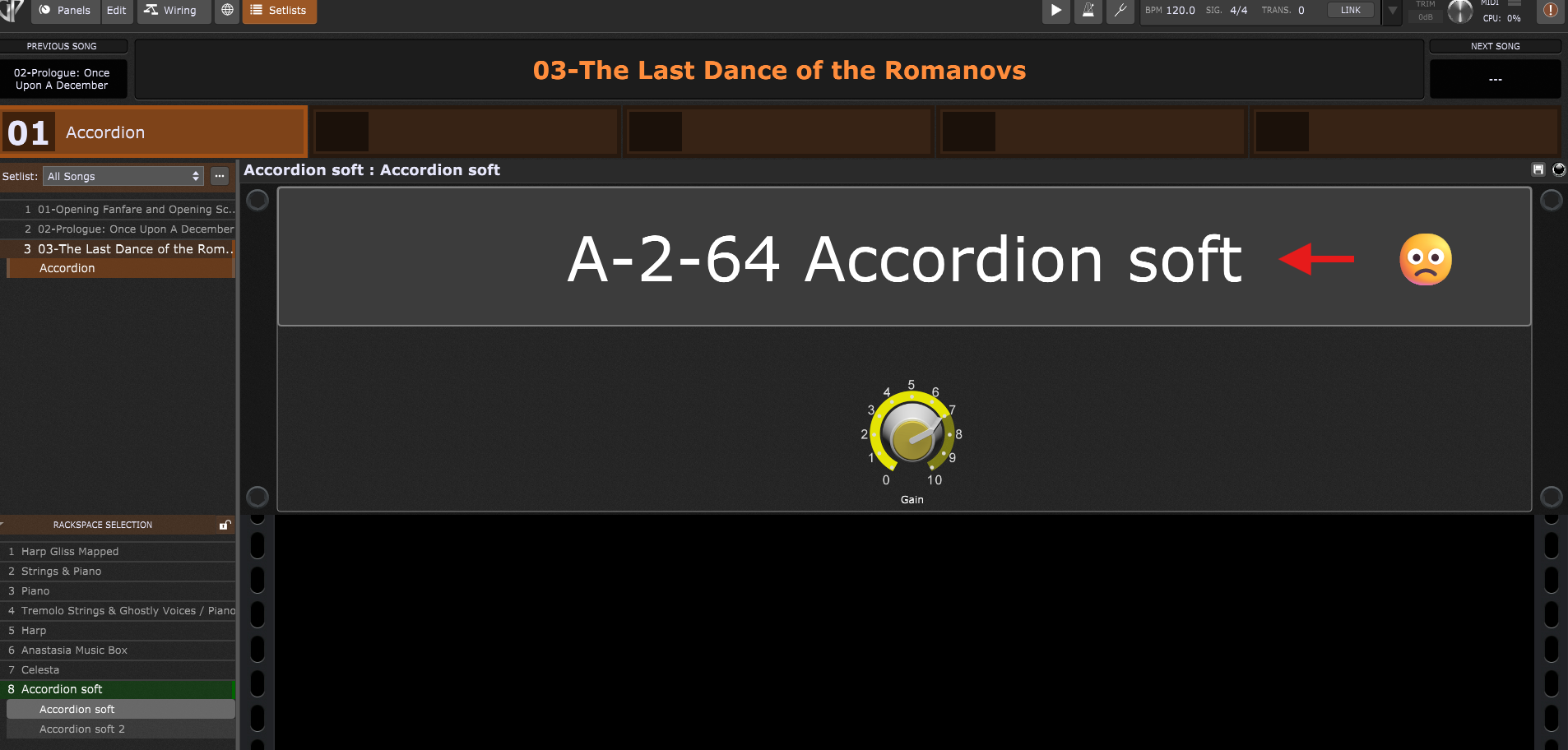
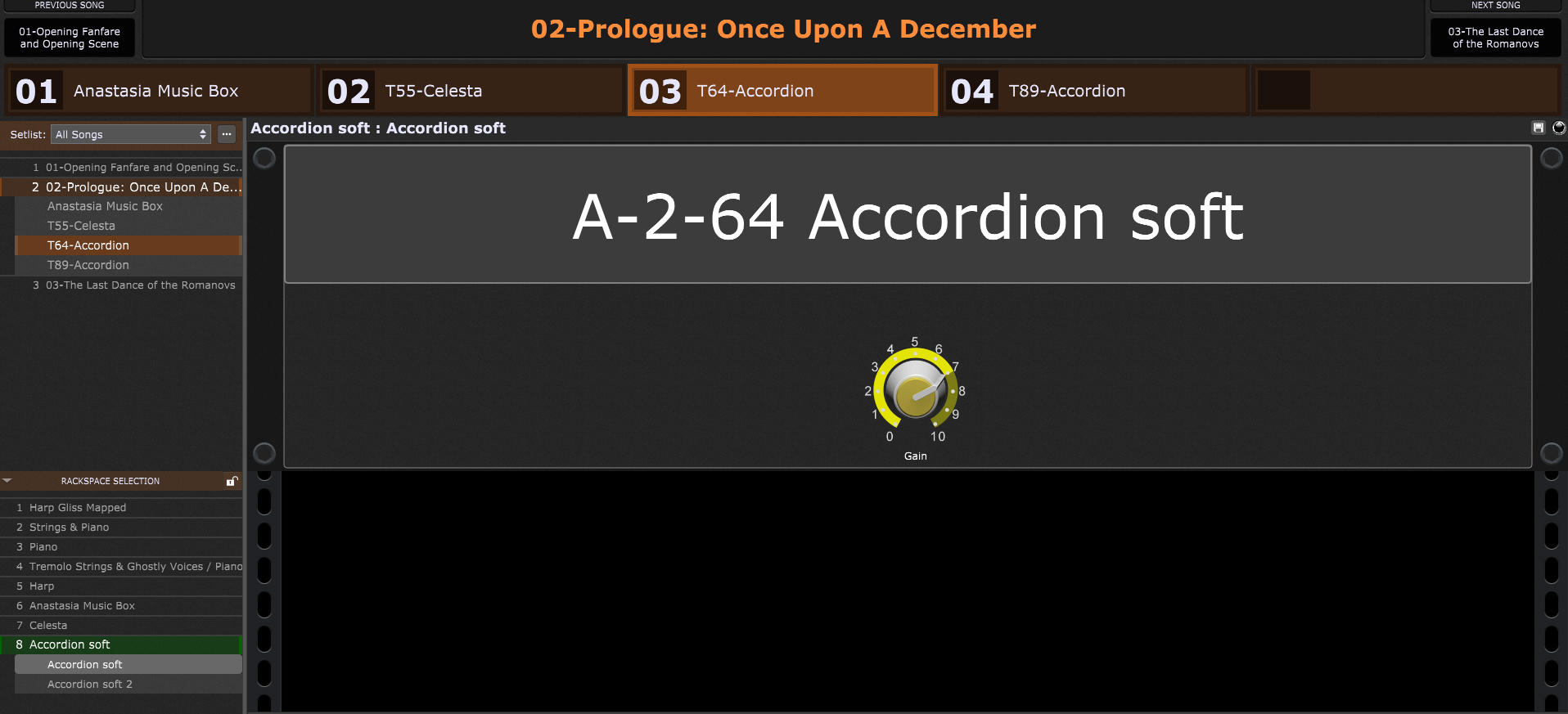
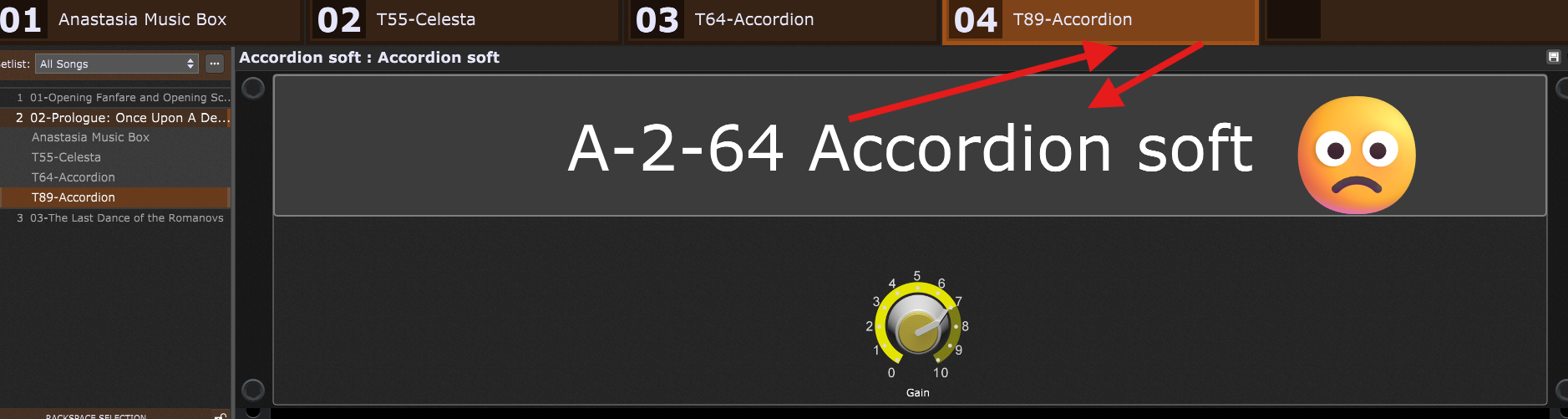
This, for example, is the accordion I created and use first in Song 2:
I need the same accordion at the beginning of song 3. That’s why the label has to be different there, but I don’t want to have to create the accordion again as extra rack space so that it isn’t loaded twice. However, it automatically takes the label from song 2, and when I change it in song 3, it also changes the label in song 2, so that it is then incorrect there again.I need the label in Song 3 to be: A-3-1-Accordion soft. It’s a musical production and I want to load as few VSTs as necessary.
Does anyone have any ideas for me without having to load the accordion separately for each song part? I will need it in a total of 7-8 song parts from different songs.
I must be missing something here. I re-use rackspaces in different song parts all the time. I feel pretty confident I’ve had no problem naming the song part whatever I wanted regardless of the name of the rackspace it is connected to.
As far as I can tell the names are totally independent of each other.
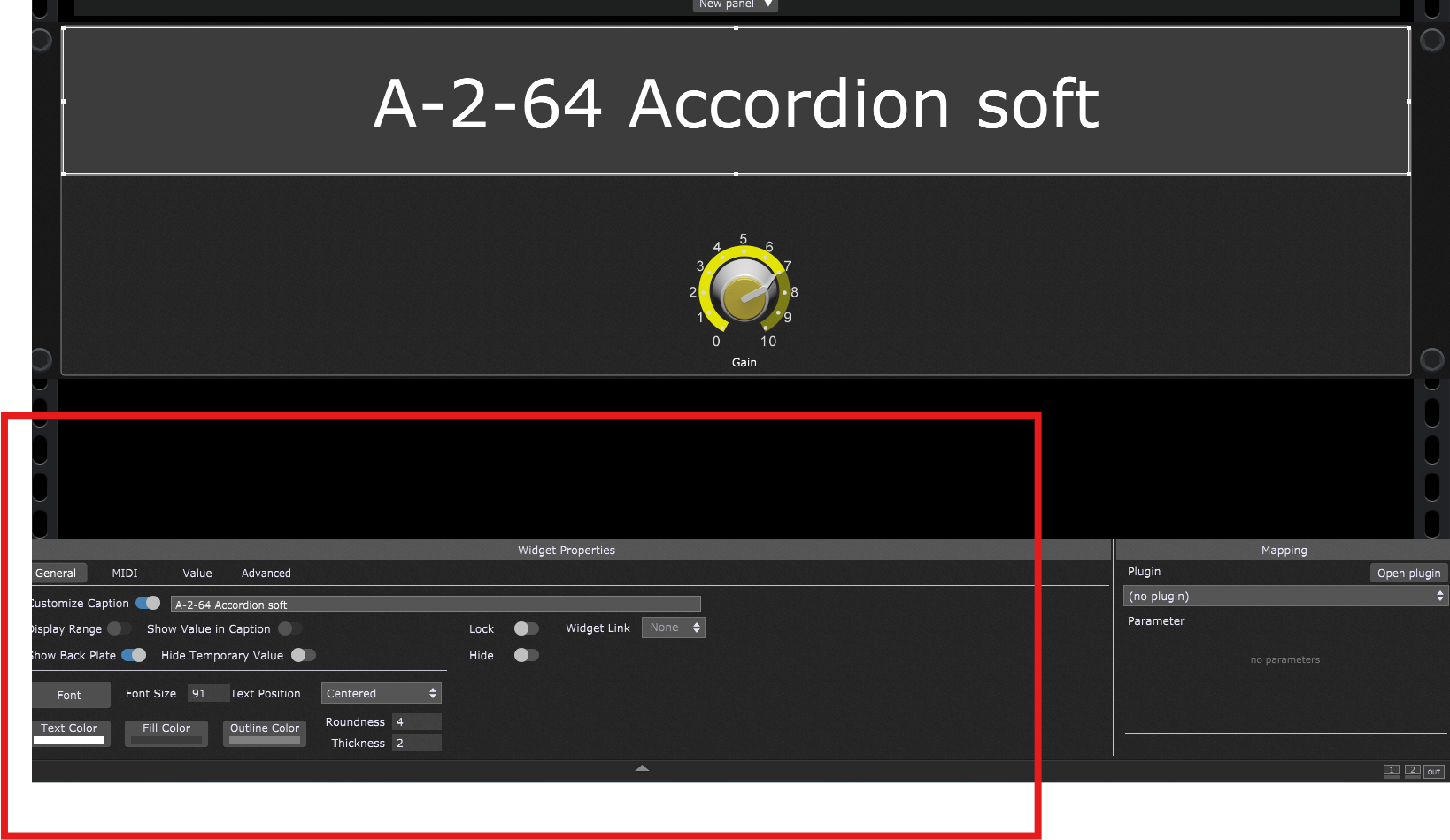
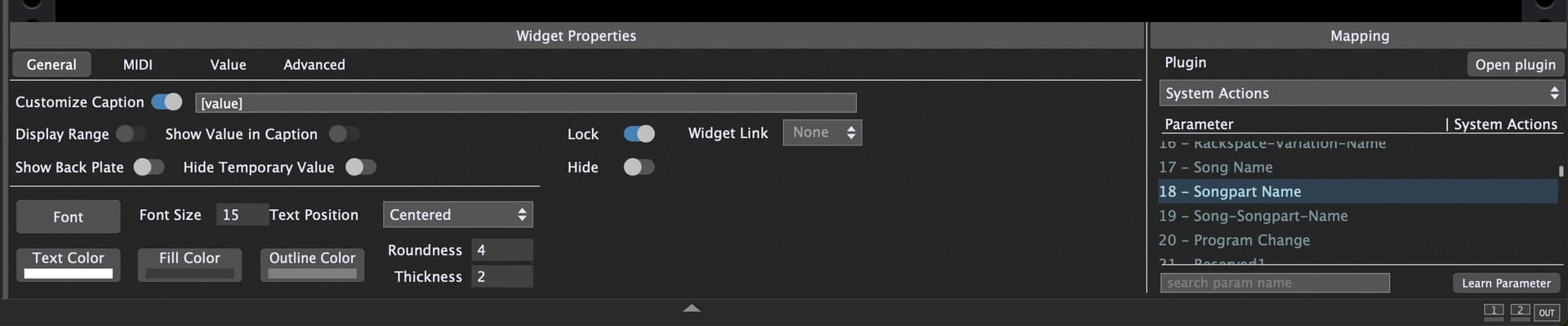
I created it as a “text label,” yes. But I want to be able to customize the text label even if I use Rackspace 5x in different song parts. It has to be different every time. The song parts are displayed above it later, but I want to have a large text so that I can see which instrument I have selected at any time.
Song part 03 of the second song in the set list is bar 64, so the text label is A-02-64.
But now I need the same rack space again in the next song part, and the text label has to be A-02-89-Accordion soft because it’s bar 89.
But the text label is inevitably the same as before, and when I change it, it changes it for both song parts