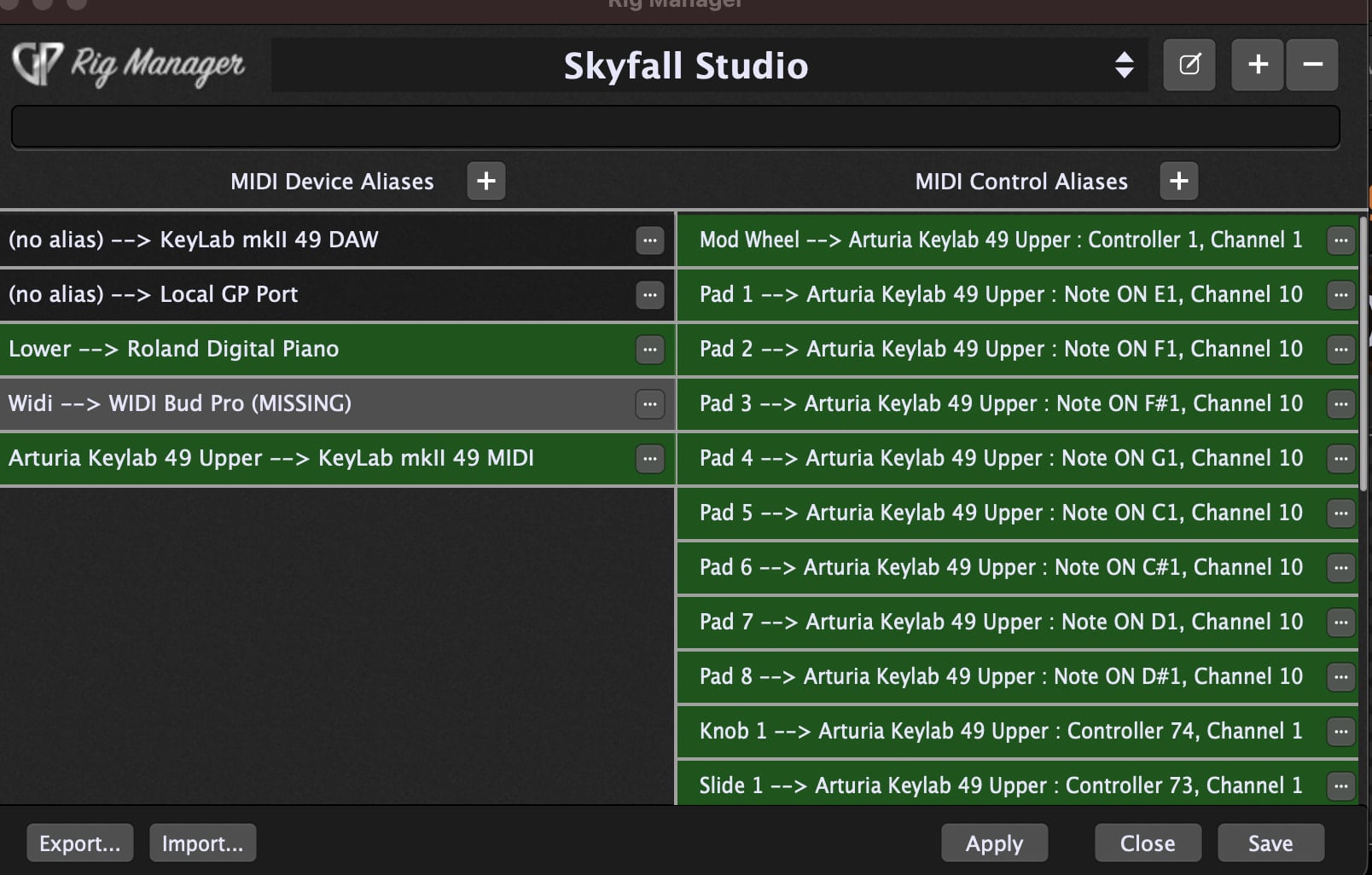
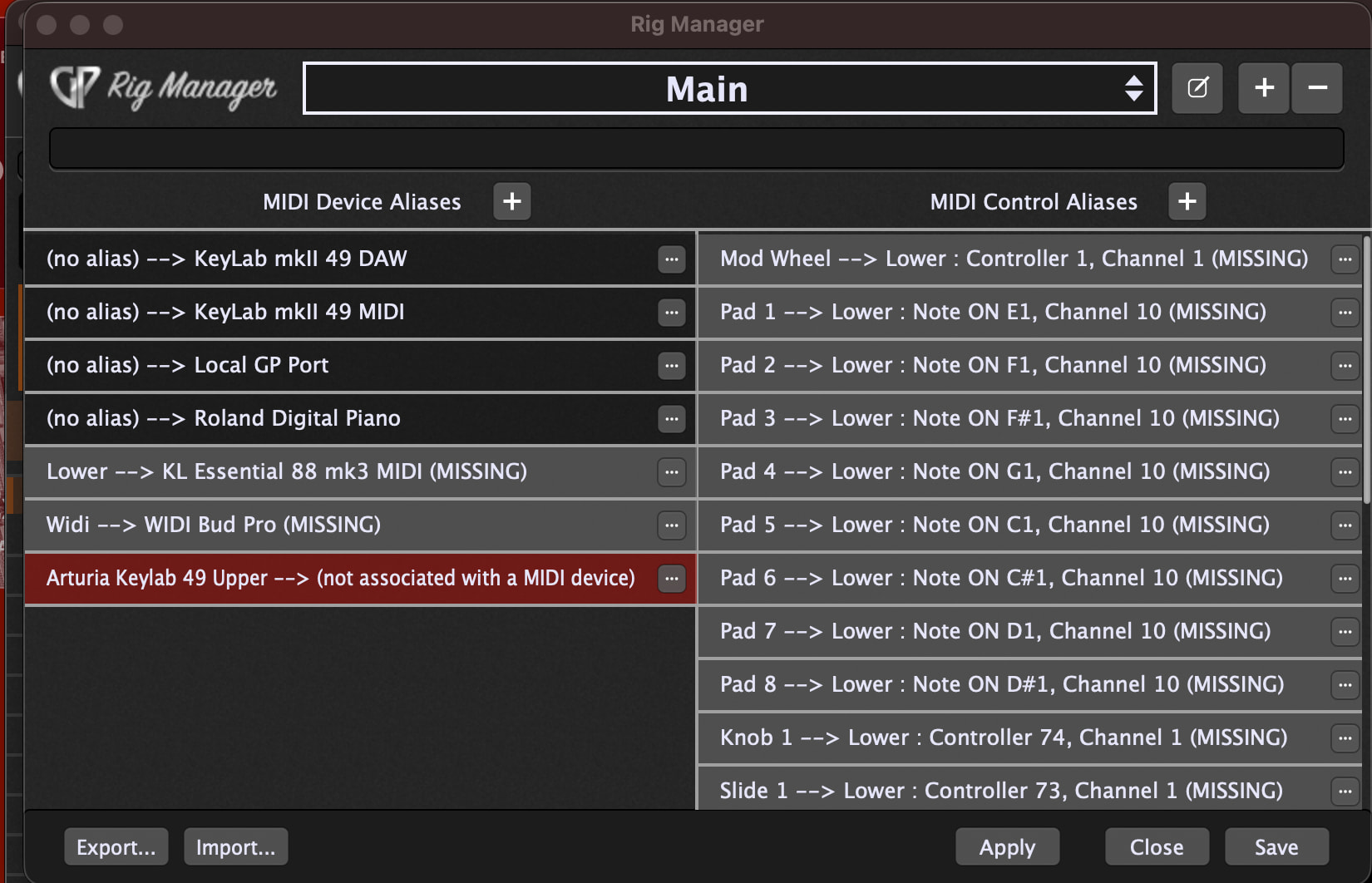
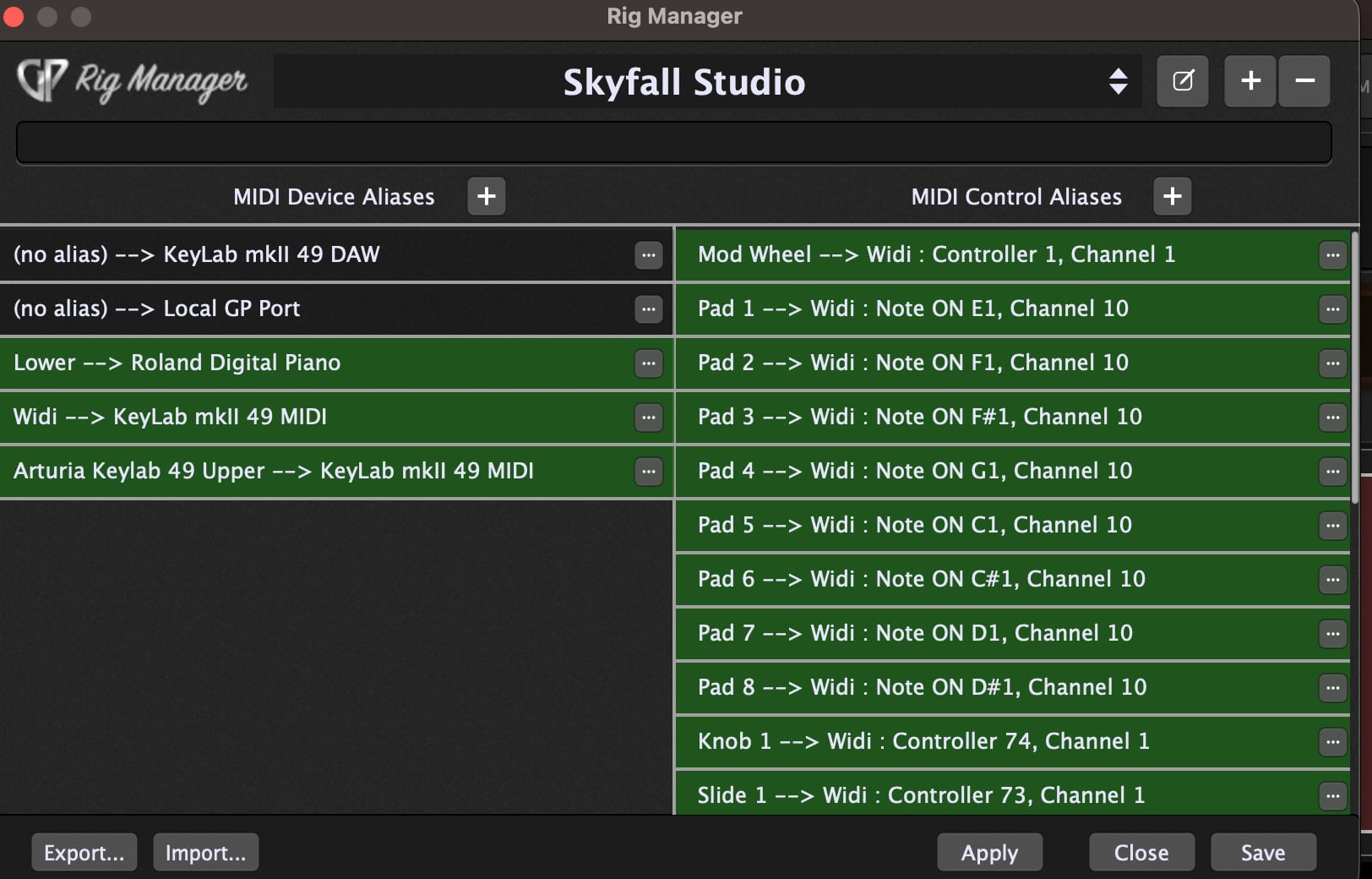
Im sure I’m missing something obvious (yes I read the manual and watched the YouTube video on rig manager) -
using my Arturia upper 49 key as the pads and pitch bend and mod wheels - as the controllers for my 88 key lower rig (the lower im using doesn’t have pads or controllers)
the pads are assigned as are the sliders and knobs - great
how do I
1 - Change the upper from what is normally a widi out to my keytar to the keys of the Arturia 49 for playing (its hardwired at this rig)
2 - the pitch bend and mod wheels aren’t working for the lower as I mapped - non responsive
I want to use the pitch and mod to control the bottom keyboard sounds (which are also VST - it’s just that the current rig doesn’t have those controls on it )
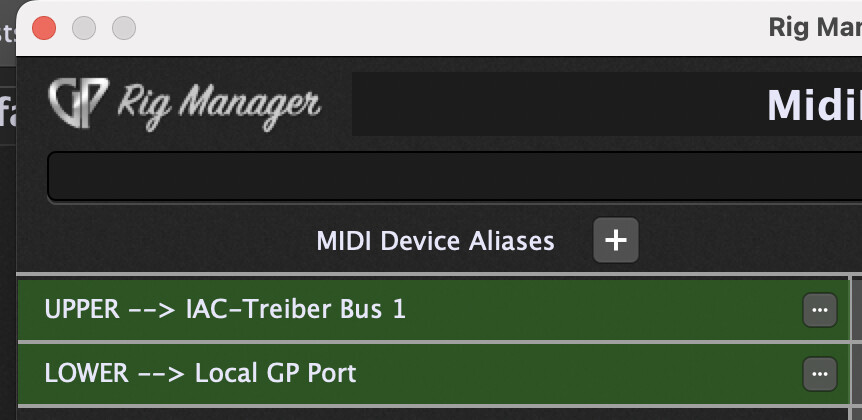
I can remap all the controls aliases to the new Arturia 49 key again - including the mod and pitch wheel
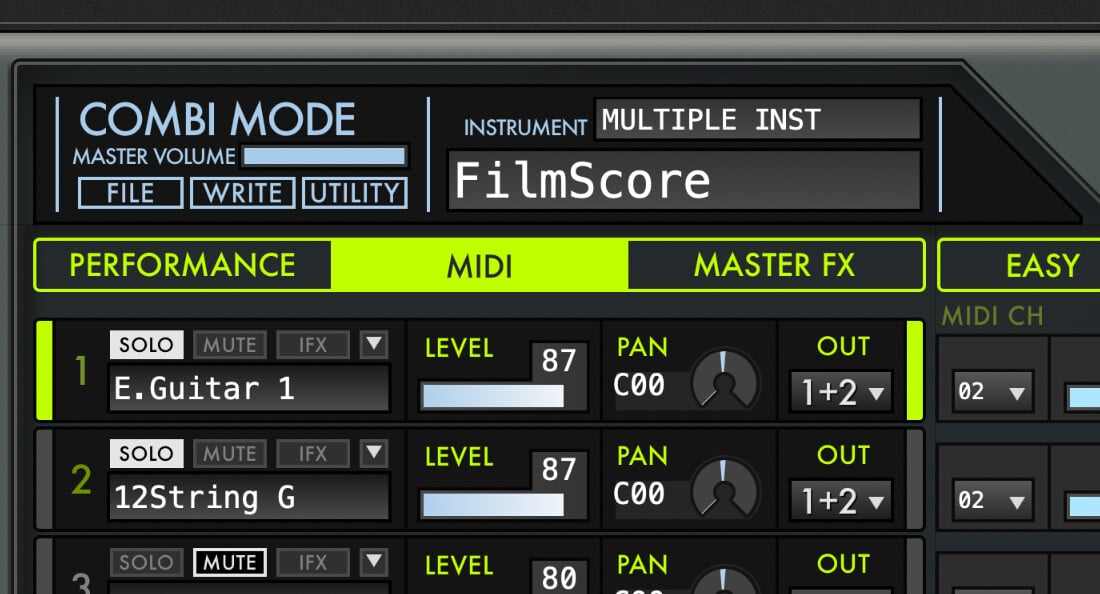
the other thing is the Arturia Korg m1 has specific midi channels - and I need it to seamless work with that instrument (I tried a set up and some of the VST work - but that one doesn’t output)
So (at least) one of your objectives is to use the mod wheel and pitch bend of the upper controller to affect plugins that are otherwise controlled (note on/note off/velocity/etc.) by the lower controller?
I would think you could create a second midi in block for the upper controller and connect it to any plugins controlled by the upper controller and in the midi in block, block all messages except pitch bend and mod wheel. (?) (But you’d have to do it in every rackspace for every plugin).(You could also use the Midi Filter plugin).
I guess where the scripting would help is to automatically do this without setting this up in every rackspace (?).(Like Paul said).
Not sure about Rig Manager (not my strong suit ;)).
Correct Jeff - wanted to take advantage of the wheels on the top which I don’t use with my performance set up (I use the keytar on my main set up) - and map them to the wheels which I do use on the 88 key bottom.
ts not mission critical now (the wheels) - and sounds like a project for me - as long as the pads and the sliders and knobs work - its enough for practice (that’s what this set up is for)
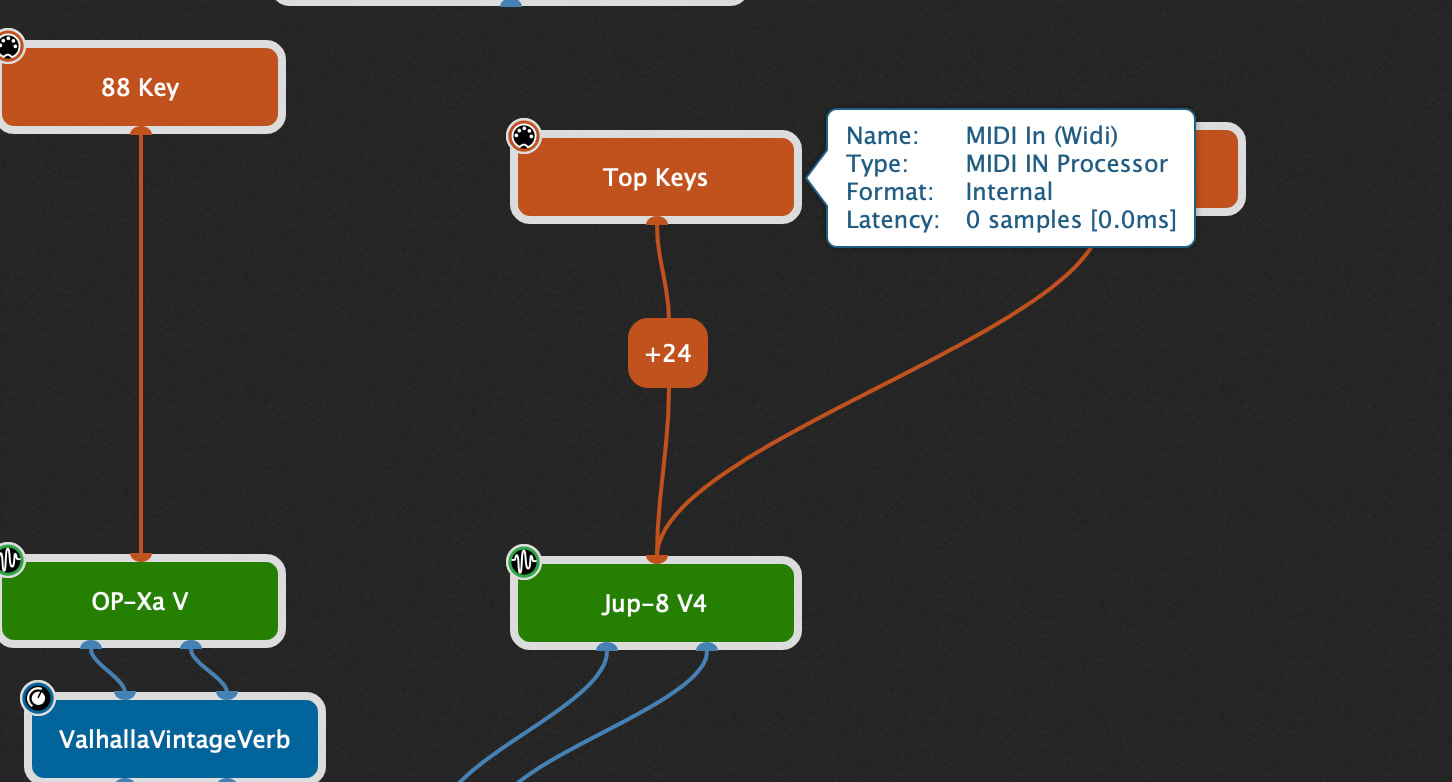
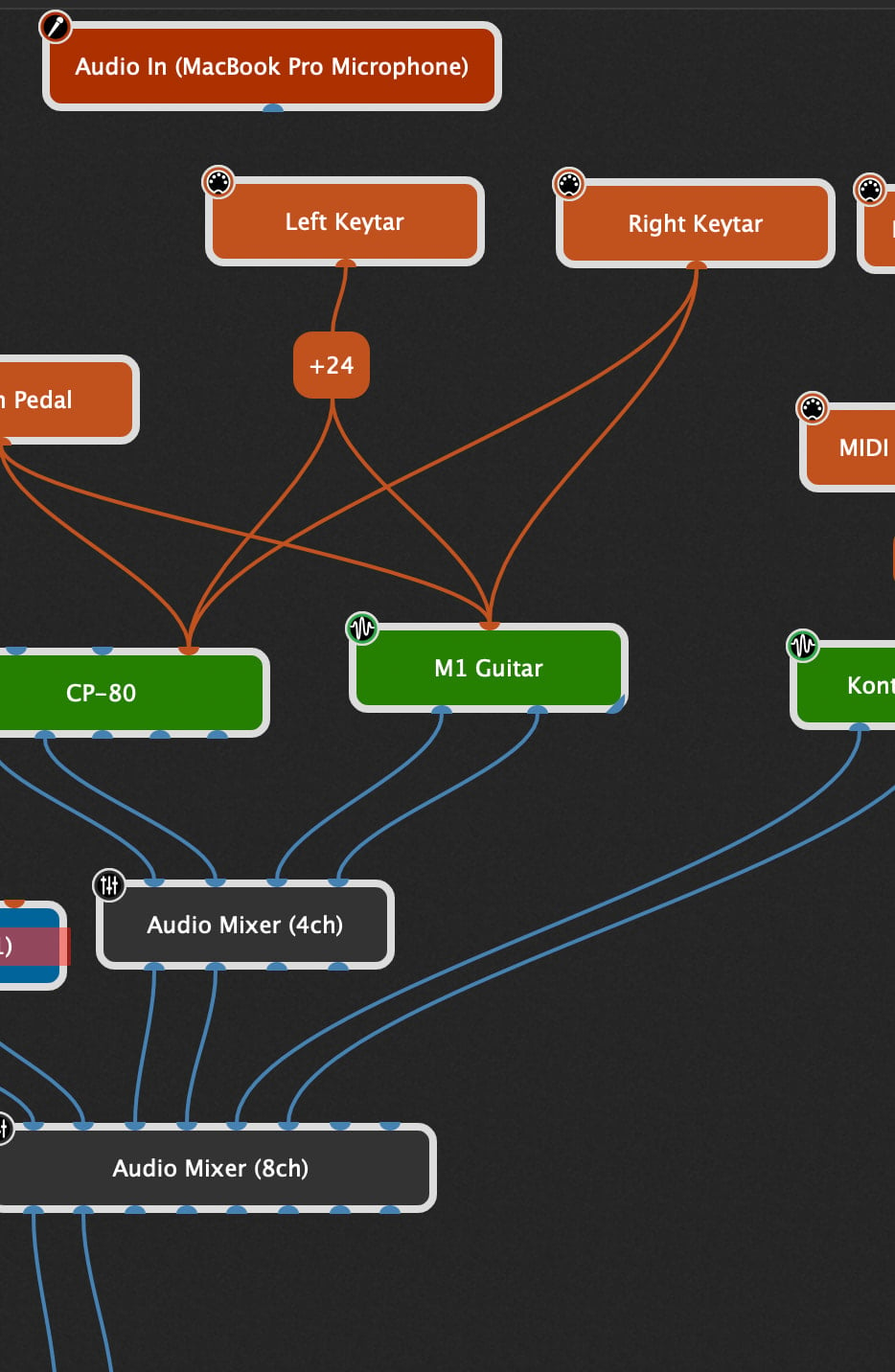
Here is the Current set up and while it seems like im getting the keys working properly - the Arturia Korg is not sending out sounds that normally work on the main set up - I think It may be the way the m1 assigns midi channels for sounds - I think there is an elegant way around that - when its widi assigned those are directed to channel 2 (as seen on the M1 VST) - once I set up the Arturia the sounds won’t come out unless I go into the VST and change the channel back to 1 - ?
I agree - I don’t want to have to change any rackspace - just make a rig change
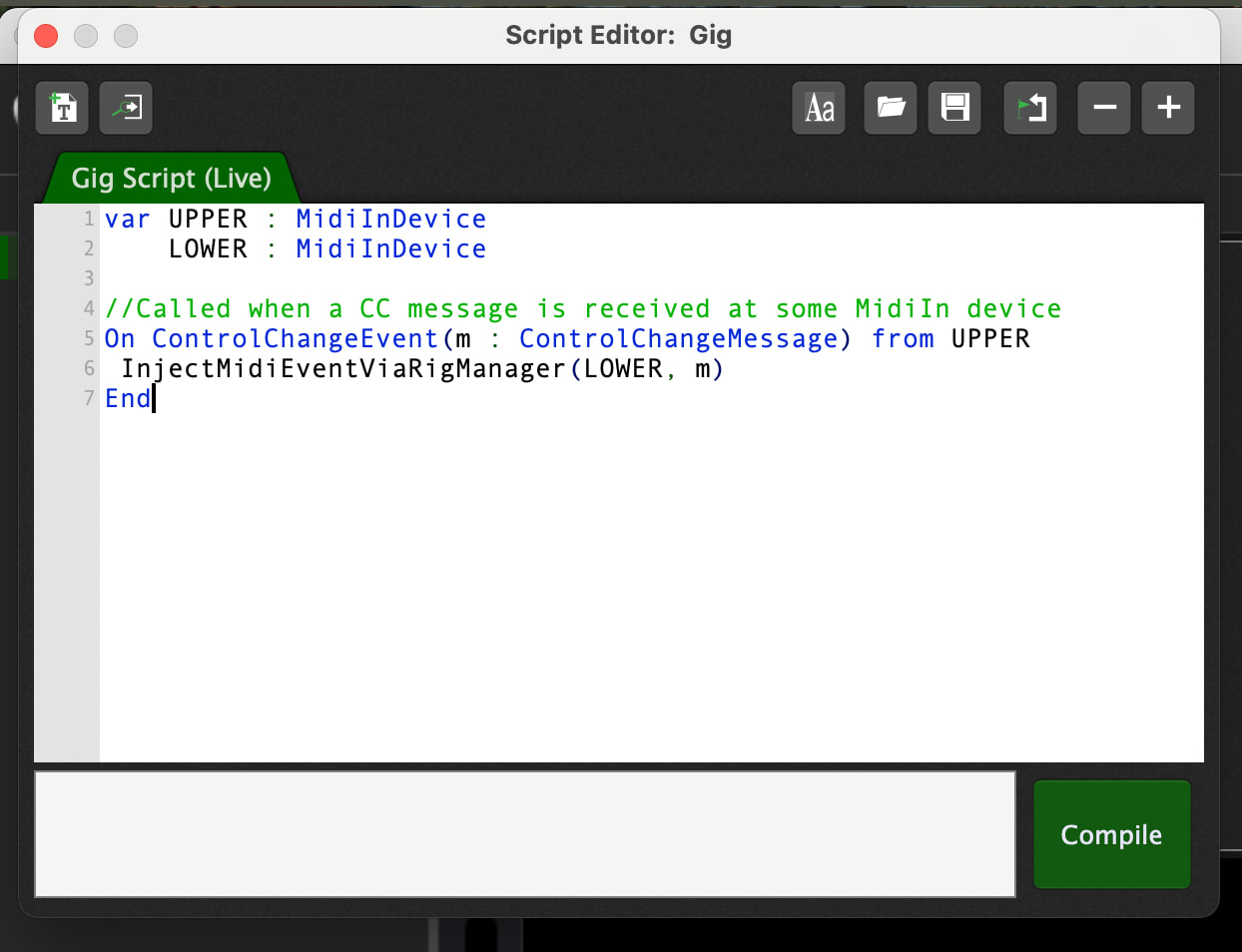
var UPPER : MidiInDevice
    LOWER : MidiInDevice

//Called when a CC message is received at some MidiIn device
On ControlChangeEvent(m : ControlChangeMessage) from UPPER
 InjectMidiEventViaRigManager(LOWER, m)
End