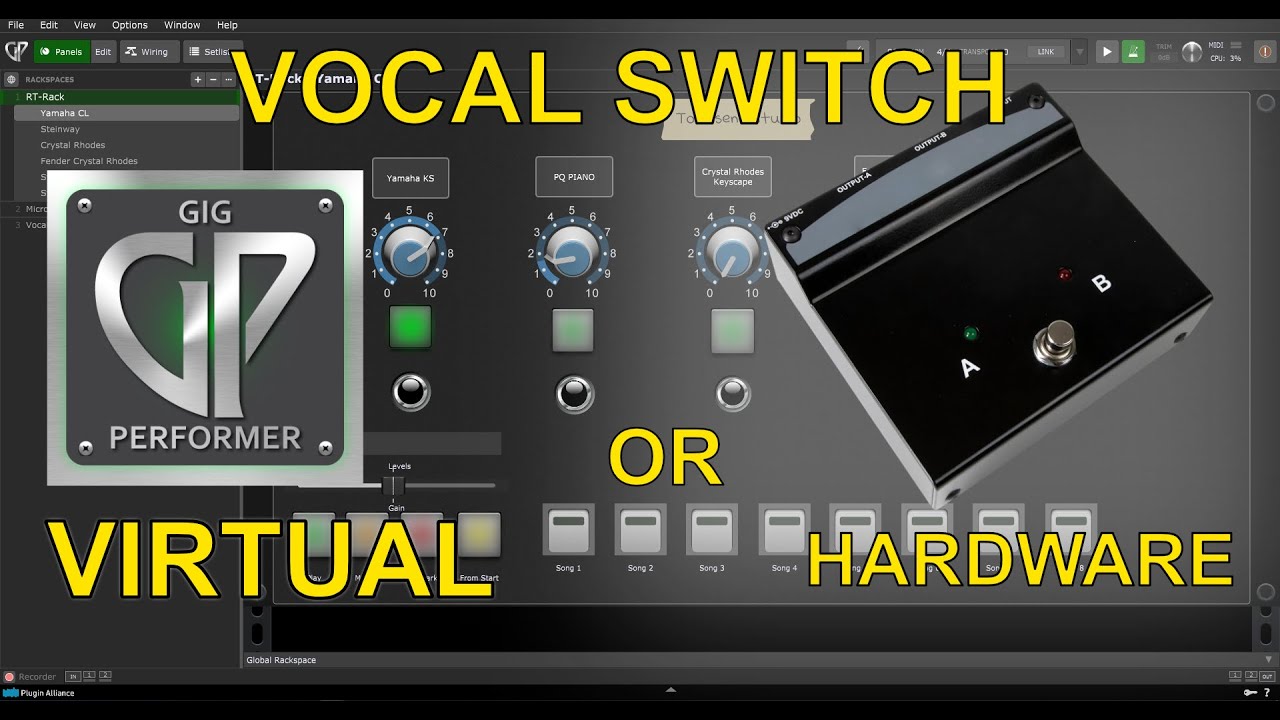
This video by Rory Townsend demonstrates how to use the software Gig Performer to replicate the functionality of a hardware microphone switcher, effectively saving performers from needing additional equipment.
Key takeaways from the demonstration:
-
The Concept: The creator explains the common need for a “talkback” feature in live environments (like churches), where a performer needs to switch their microphone signal between the front-of-house (audience) and the musicians’ in-ear monitors (0:28 - 1:05).
-
Gig Performer Implementation: Instead of buying hardware like a Radial Toggle, the video shows how to route audio inputs through two separate volume “nodes” in Gig Performer. These act as virtual switches (3:24 - 4:10).
-
MIDI Integration: By using a sustain pedal mapped to a MIDI widget in the software, the performer can easily flip between channels with a physical tap of their foot (4:40 - 5:20, 8:08 - 8:15).
-
Customization: The software allows users to create custom panels with color-coded buttons (Red for “Muted,” Green for “Active”) and text labels to clearly indicate which channel is live (6:15 - 7:40, 10:28 - 11:30).
–
Beyond Mic Switching:
Later in the video, the creator highlights the broader versatility of Gig Performer for live setups, including:
-
Virtual Instruments: Demonstrating how to host and layer plugins like Yamaha Keyscape, JV-1080 strings, and PianoTeq (12:08 - 12:45).
-
Signal Processing: Showing how all internal routing—including effects like saturation, compression, and gating—can be linked to the virtual instrument rack for a fully optimized live sound (13:10 - 13:35).