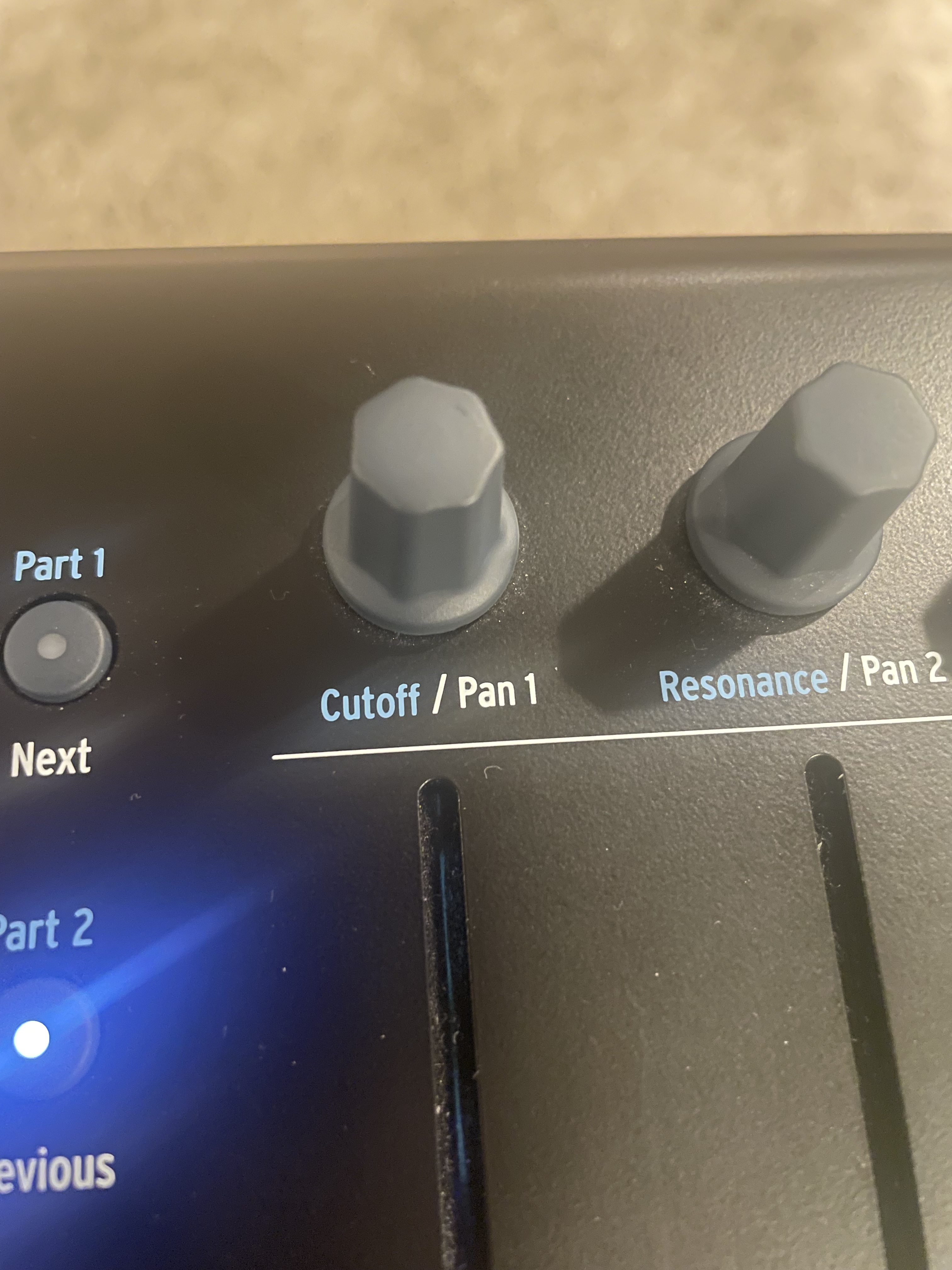
I want a hardware knob on my Arturia Keylab 61 to immediately respond to volume down. But it seems like it only will “unlock” if I turn up first then back down while in setlist mode. Is there some parameter I need to tweak?
The knobs on this unit are continuous (no stop at hi or low).
Instead of setting an Absolute value, if it’s an endless encoder you might be able to use one of the relative modes. You would need to configure your Arturia to send relative CC messages, and then configure the widget to use the same relative encoding. I don’t own an Arturia, so this is theoretical advice.
The benefit of this approach is the immediate control while also avoiding nasty jumps of parameter values … no wait for your widget to catch the current value before changing it. Most controllers are set to send Absolute values, so the downside is the extra configuration required.
I’m not having any luck just yet. Tried experimenting with Arturia midi control center to apply relative setting in accordance with GP settings (where sometimes that parameter is greyed out). Any Arturia users been down this journey?
So happy to report that I finally got this working! What was happening was the encoder knobs settings within rig manager, had defaulted to absolute which was overwriting my relative offset setting in the widget and Arturia definitions. Once I fixed all that everything is now working flawlessly. Thanks to this community!